Best Memory Cards for GoPro Mission 1 Pro ILS (V60/V90)
GoPro's official V30 minimum for the Mission 1 Pro ILS isn't enough for its 8K modes. Here's what to actually buy by resolution.

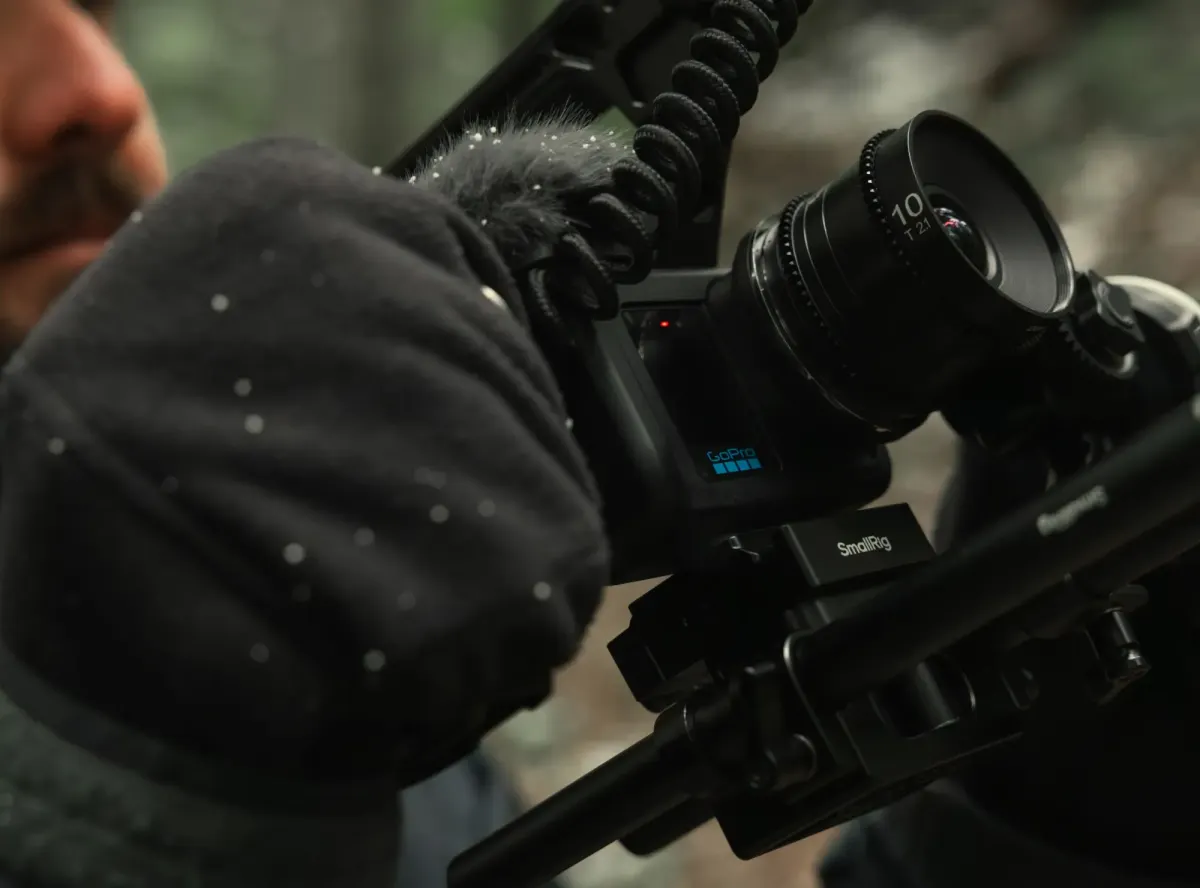
GoPro's official minimum spec for the Mission 1 Pro ILS is a V30 or UHS-3 (U3) rated microSD card. That number is real, and it's also just a floor, not a ceiling. Push the camera into its 8K recording modes, and V30 is often not enough to keep up without dropped frames or glitches.
What GoPro Actually Requires

The Mission 1 Pro ILS records to microSD only, capacities up to 1TB, the same card slot spec GoPro has used since the Hero 12. GoPro's official guidance states a V30 or UHS-3 card as the minimum, "especially if you are doing high resolutions or frame rates." That phrasing matters: GoPro itself is flagging that V30 is a starting point, not a guarantee, once you push into the camera's most demanding modes.
Where V30 Actually Falls Short
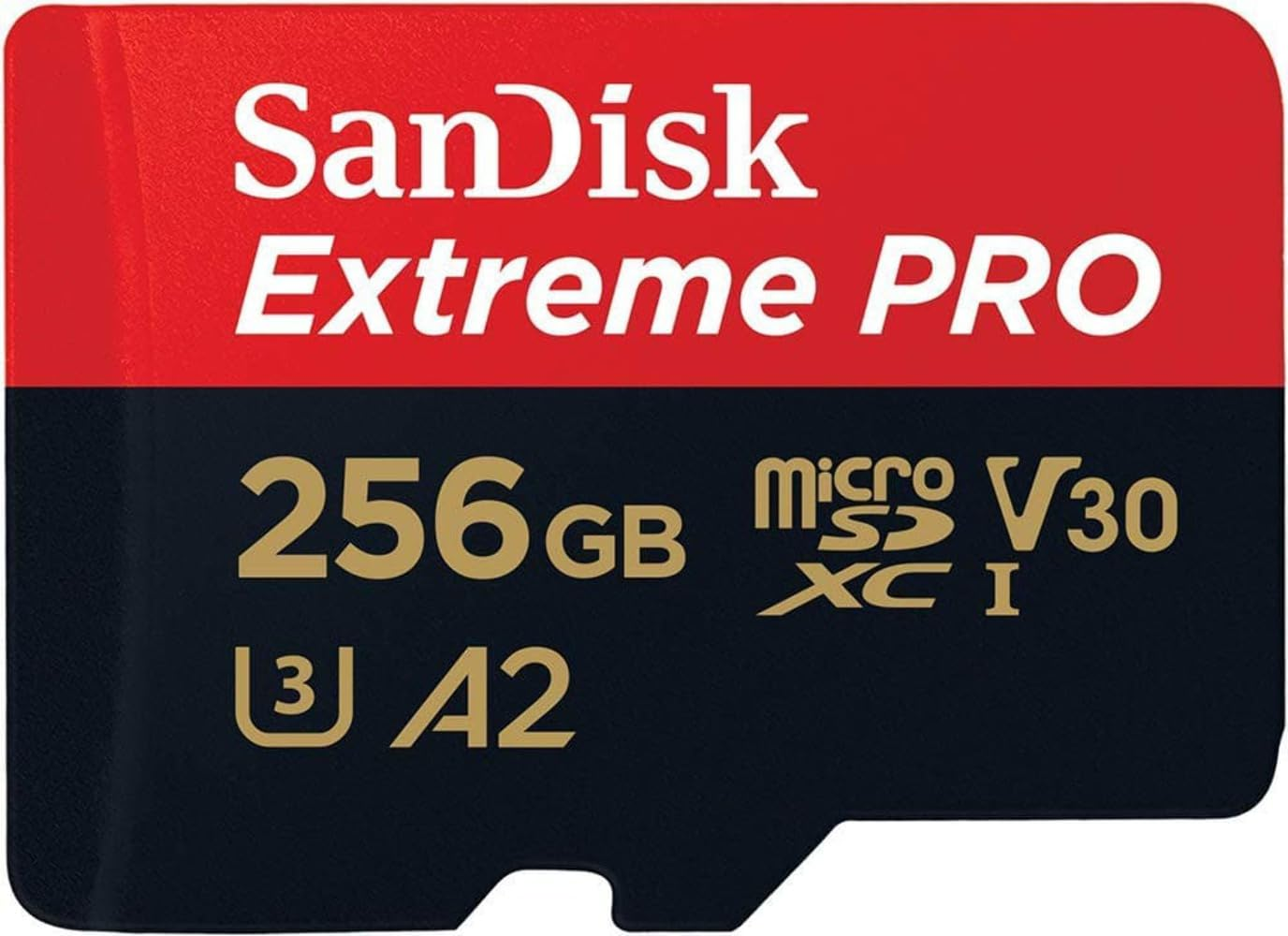
Independent testing backs this up directly. Newsshooter's hands-on review of the camera repeats GoPro's V30 minimum but notes it applies "especially" at high resolutions, and broader GoPro card guides go further: for 8K specifically, a V60 or V90 speed class is strongly recommended, since U3/V30's 30 MB/s minimum sustained write speed sits well below what sustained 8K recording actually demands. If you experience freezes, glitches, or dropped frames on this camera, a card that's too slow for your chosen resolution is one of the most common causes, and often the easiest fix.
What to Actually Buy, by Resolution
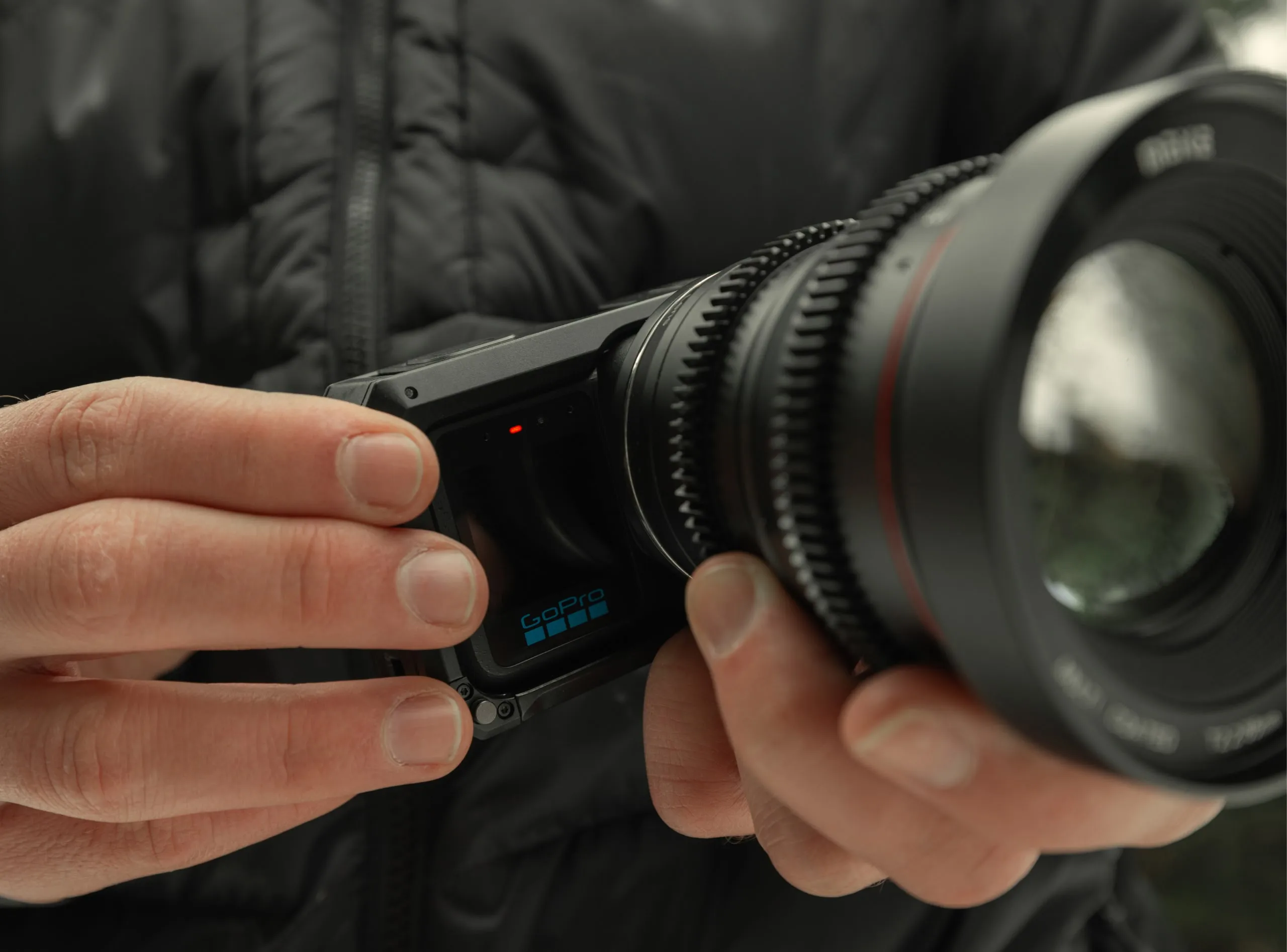
For standard 4K and lower resolutions, a solid V30-rated card handles the job without issue, and there's no reason to overspend here. The SanDisk Extreme Pro and Lexar Professional lines both show up repeatedly in hands-on GoPro card guides as reliable, well-tested options at this tier.
For the Mission 1 Pro ILS's 8K modes specifically, step up to a V60 or V90-rated card. The added sustained write headroom is what actually prevents dropped frames during long 8K takes, not just a marketing upgrade over V30.
Competitive Context
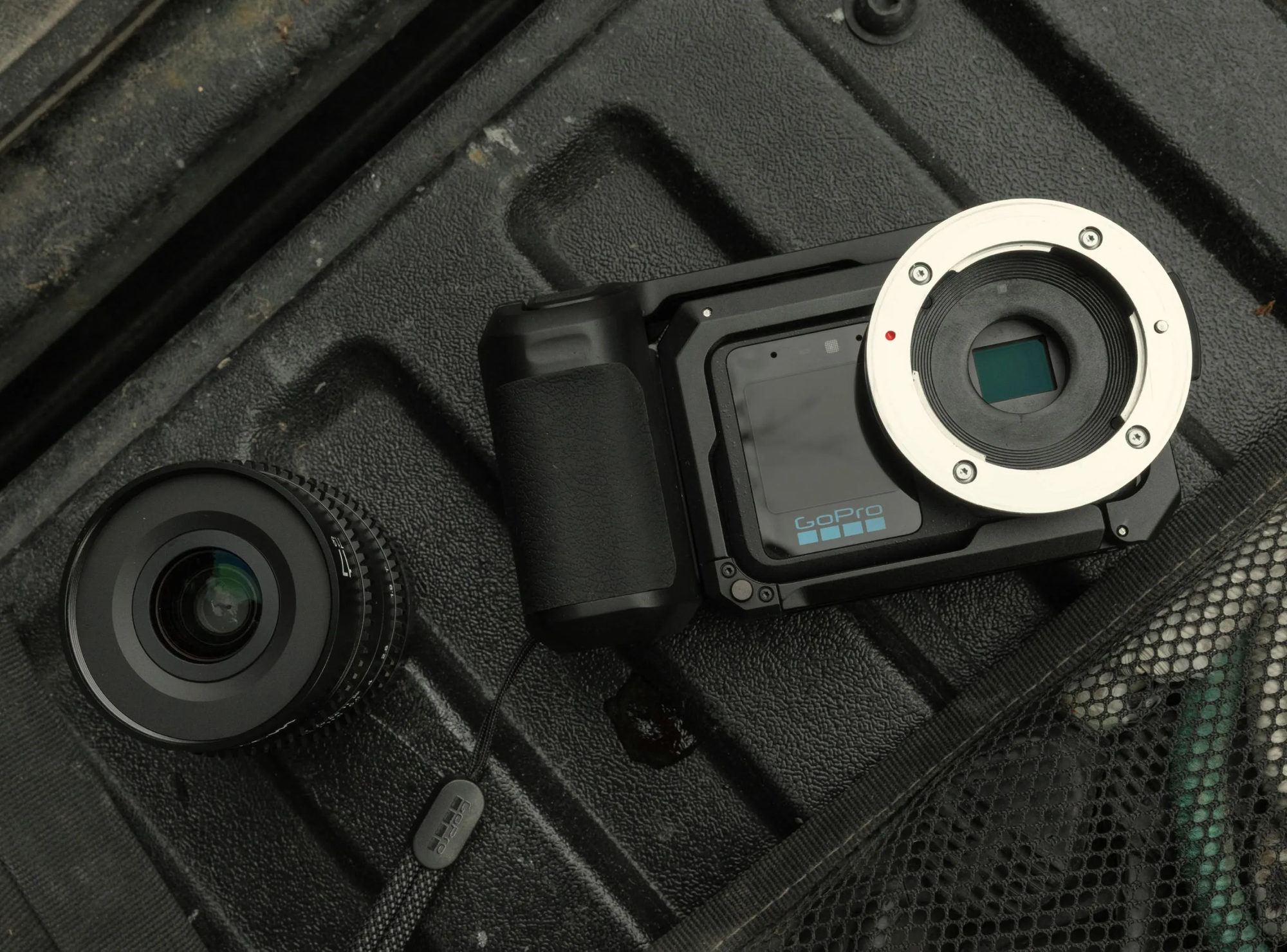
This same pattern shows up across GoPro's whole current lineup, not just the Mission 1 Pro ILS. GoPro's official minimum spec tends to represent the lowest bar a card can clear and still technically work, rather than the speed that guarantees trouble-free recording at the camera's top resolutions. That's a smaller-stakes version of the same lesson from Sony's FX5 and its VPG400 requirement: the manufacturer's stated minimum and the card that actually performs reliably aren't always the same thing.
The Signal in the Noise
Buying based on the official minimum spec alone is a reasonable bet if you're shooting standard 4K and lower. It becomes a real risk once you start pushing into a camera's highest-end modes, where GoPro's own language and independent testing agree that the floor and the right card aren't the same purchase.
Have you run into dropped frames or recording failures on a GoPro before tracing it back to card speed, and did bumping up the rating actually fix it?
Specs & Pricing
- Card type: microSD only, up to 1TB capacity
- Official minimum: V30 or UHS-3 (U3), 30 MB/s minimum sustained write
- Recommended for 8K modes: V60 or V90 speed class
- Reliable V30-tier picks for standard 4K: SanDisk Extreme Pro, Lexar Professional microSDXC (both widely used in GoPro card testing)
- V90-tier picks for 8K: SanDisk Extreme Pro V90-rated variants, ProGrade Digital V60/V90 SD options adapted via microSD-to-SD readers where applicable