Struggling to Prompt Seedance 2.5? This Free Claude Skill Might Help
A new Claude Skill, trained on ByteDance's official prompt guides, writes properly formatted Seedance 2.5 prompts automatically. Here's how it works.


Seedance 2.5's biggest upgrades, 30-second single-shot clips, up to 50 multimodal references, timestamp-based staging, aren't much use if you don't know the specific syntax needed to actually invoke them. A new Claude Skill built by developer Matthieu (who works at ElevenLabs) aims to close that gap, turning a rough creative idea into a properly formatted Seedance 2.5 prompt automatically.
What a Claude Skill Actually Is

A Claude Skill is a packaged set of instructions and reference material that teaches Claude how to handle a specific, repeatable task correctly, in this case, writing prompts that follow Seedance 2.5's actual documented syntax rather than a generic description of what you want to see. Once installed, invoking it inside any Claude conversation applies that specialized knowledge automatically.
What This Specific Skill Covers
Built a Claude Skill that writes optimized prompts for Seedance 2.5
— Matthieu (@matt_elevenlabs) August 5, 2026
Trained on the official ByteDance prompt/user guides, covering:
- Core prompt formula (subject/scene/style/camera/audio)
- Multi-reference mapping (@Image/@Video/@Audio)
- Long-video staging with timestamp… pic.twitter.com/NiiT6q71mg
According to its creator, the skill was trained directly on ByteDance's official Seedance 2.5 prompt and user guides, not just general knowledge about the model.
That covers the core prompt formula (structuring a prompt around subject, scene, style, camera, and audio), multi-reference mapping syntax for tagging image, video, and audio references directly in a prompt (@Image, @Video, @Audio), long-video staging with timestamp control for blocking out specific moments within a longer generation (0-3s, 3-7s, and so on), video editing, extension, and seamless transition syntax, and keyframe, storyboard, and blockout workflows at both coarse and fine levels of detail.
That's a meaningfully deeper feature set than a generic "improve my prompt" tool. Seedance 2.5's more advanced capabilities, particularly timestamp staging and multi-reference tagging, have their own specific formatting requirements that aren't intuitive to guess at without reading ByteDance's documentation directly, which is exactly the friction this skill is built to remove.
How to Actually Use It
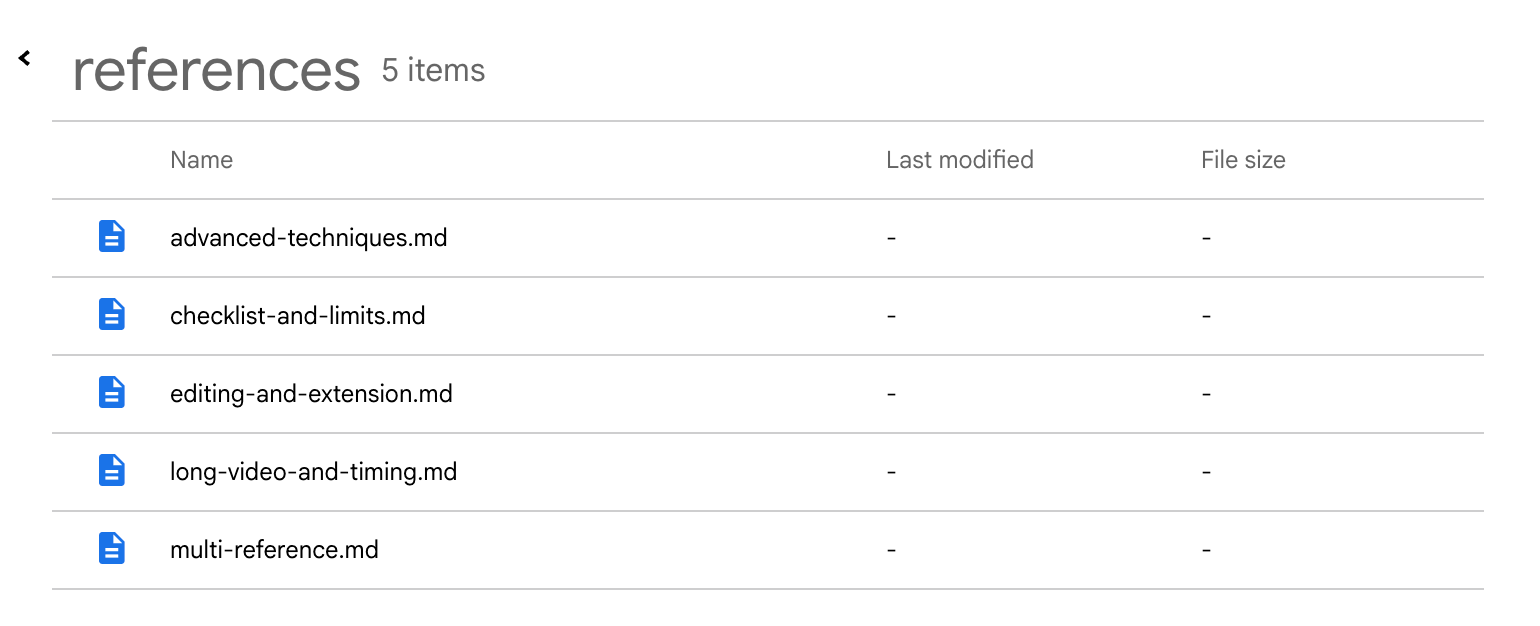
The setup is straightforward: download the .skill file, then in Claude go to Settings → Capabilities and upload it. Once installed, typing /seedance-prompt-optimizer in any Claude conversation activates it.
Worth Knowing
This is an independent, community-built tool, not an official release from Anthropic or ByteDance, and it's currently distributed through a Google Drive link rather than a more typical open-source repository (one reply to the original post specifically asked why it wasn't hosted on GitHub instead).
That's not disqualifying, but it's worth the same baseline caution as any small, independently distributed tool: review what a skill file actually instructs before installing it, and treat it as a genuinely useful starting point rather than a guaranteed-correct output every time.
The Signal in the Noise
Prompt syntax friction is a real, recurring problem across every AI video model with advanced reference or staging features, not just Seedance 2.5, and tools like this represent a small but genuinely useful category: community-built translation layers between official technical documentation and usable, correctly formatted prompts.
Worth testing directly against a real Seedance 2.5 project before relying on it for anything time-sensitive, but the underlying idea, packaging a model's actual documented syntax into something Claude can apply automatically, is a legitimately smart use of the tool.