Evoto Brings Portrait Retouching to Video, Directly Inside DaVinci Resolve
Evoto 8.0 brings frame-consistent portrait retouching to video, running natively inside DaVinci Resolve, plus intelligent culling and mobile tethering.

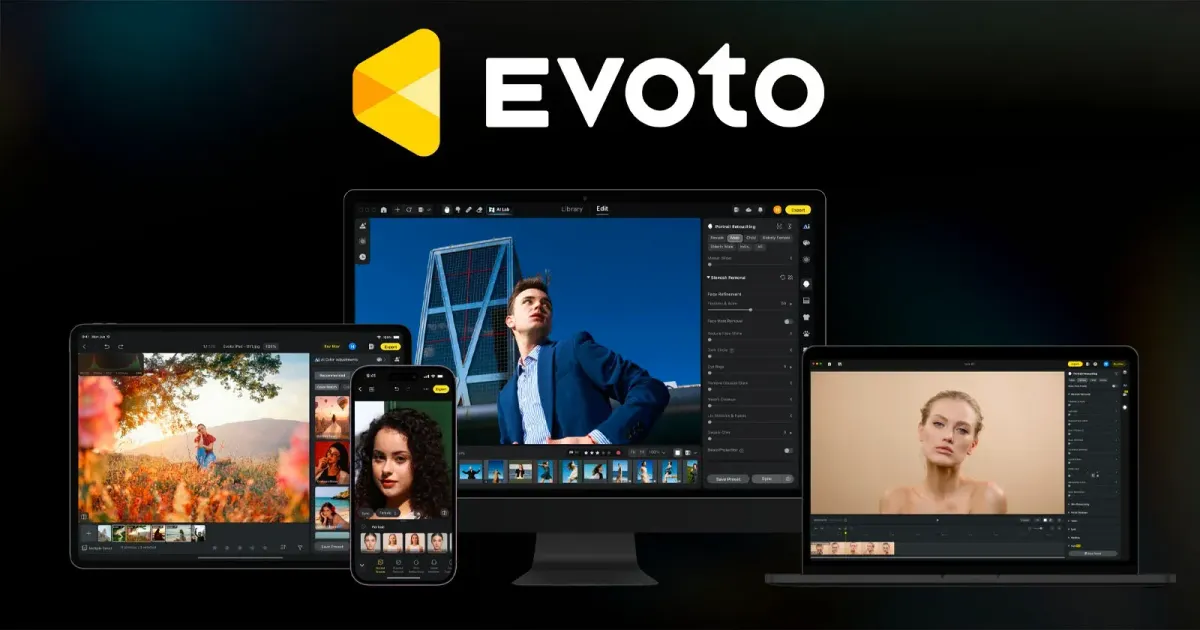
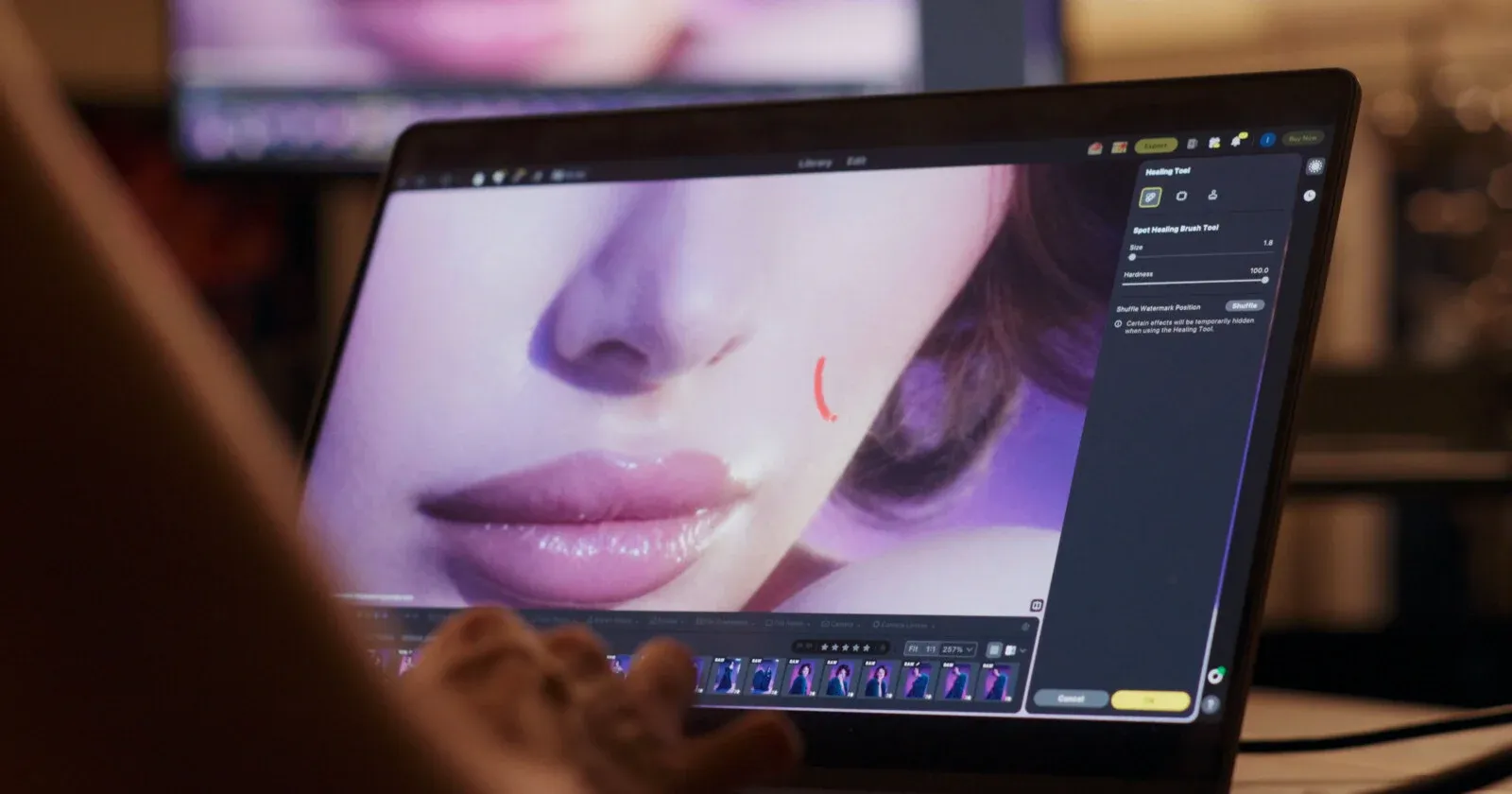
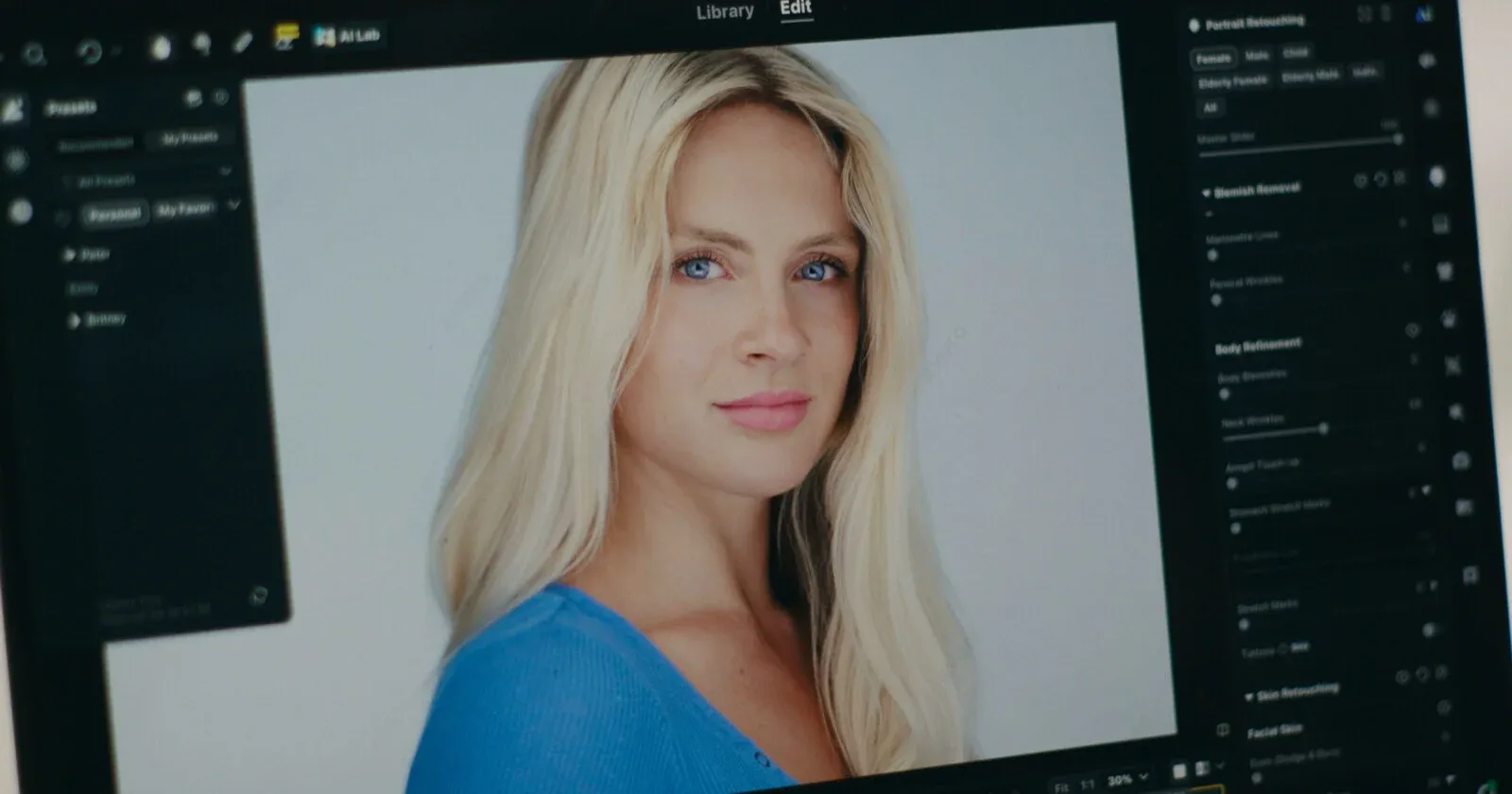
Evoto released version 8.0 today, and the standout addition is genuinely new territory for the company: portrait retouching that works on moving video, not just stills, running directly inside DaVinci Resolve without needing to leave the timeline.
Why This Is Harder Than Photo Retouching
Evoto's own framing makes the technical challenge clear: "Unlike a single image, a video clip consists of hundreds of individual frames. A 30-second clip could contain more than 700 separate frames. Retouching a face consistently as the person moves and the light shifts becomes possible with Evoto Video." Applying a retouch to one photo is a solved problem across the industry; applying it consistently across hundreds of frames as lighting, angle, and expression all shift is a meaningfully different technical challenge, and the company is calling this the most significant capability in the update.
The feature works natively inside DaVinci Resolve 19 or later, meaning editors don't need to round-trip footage out to a separate app and back. That's directly relevant to the broader push toward AI-assisted tools living inside the actual editing timeline rather than requiring a separate application step, something BRC has tracked closely with DaVinci Resolve's own native AI assistant integration.
What Else Ships in Evoto Video
Beyond core retouching, the update adds several targeted tools: Hair Shine, which tracks individual strands dynamically as they move rather than applying a static effect; a teeth whitening tool designed for "conservative" results that reduce yellow tones without stripping natural ivory coloring; Facial Fullness, which restores volume to faces flattened by wide focal lengths or harsh lighting while maintaining that correction as a subject moves; and Color Match, which uses a single reference still to align color grading across an entire clip, useful for matching footage shot across different cameras or locations.
A Notable Company Pivot Worth Mentioning
This update also reflects something worth acknowledging directly: Evoto backtracked hard after a disastrous AI Headshot Generator launch earlier this year, and has since realigned around tools that support a working photographer's actual process rather than generative shortcuts.
PetaPixel's own coverage credits the company for reading public reaction and adjusting course, rather than doubling down on an unpopular move the way many companies do. The framing throughout Evoto Video leans specifically toward workflow optimization and consistency, not generative novelty.
Beyond Video: Culling, Tethering, and a Marketplace
The update spans more than the video feature. Story-Based Culling organizes a shoot's frames into chapters a photographer defines, leaving genuinely ambiguous frames unassigned rather than forcing them into the wrong category, aimed at wedding and event work specifically.
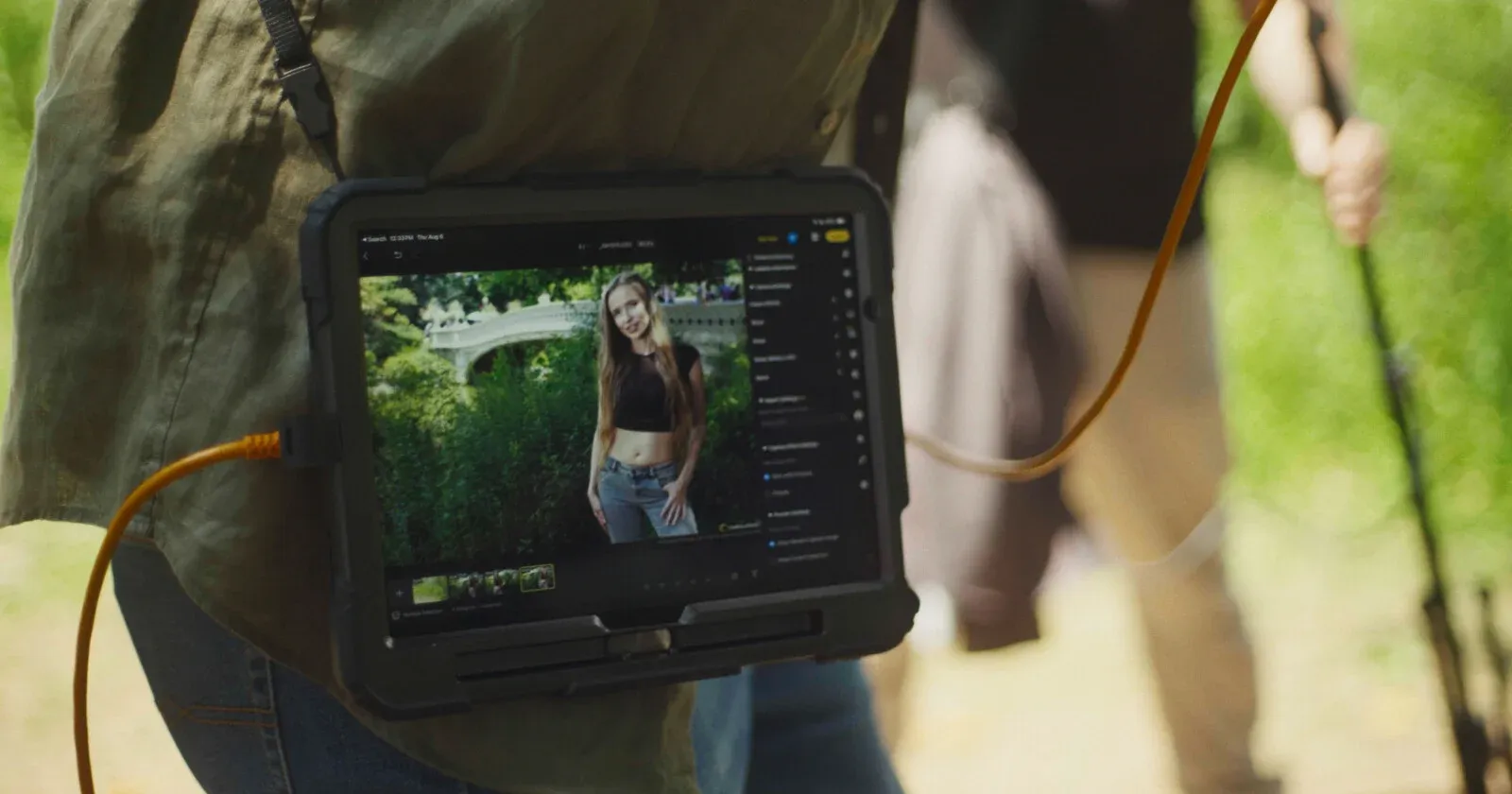
Mobile tethering now lets photographers shoot tethered directly to a phone or tablet, with the mobile app gaining color controls, Motion Blur, and Relight. A new in-app Asset Hub marketplace lets creators sell presets, AI Looks, and backdrops directly, with sellers keeping 60% of net sales and zero listing fees.
Pricing and Availability
Evoto 8.0 is free to download today, running on Evoto's existing credit-based system rather than a flat subscription. Under that model, editing itself is free, and one credit is spent only when exporting a finished result; annual plans range from roughly 800 credits ($80/year) up through 24,000 credits (around $1,205/year), with unused credits rolling over on renewal.
The Signal in the Noise
Frame-consistent video retouching, running natively inside an editor most working videographers and hybrid shooters already use, is a real, practical capability rather than a novelty feature.
Combined with a company that's already shown it will course-correct rather than push an unpopular AI feature through anyway, this is worth genuine consideration for anyone doing portrait or event work that crosses between stills and video on the same shoot.
Would native, frame-consistent portrait retouching inside your existing editor change how you approach hybrid photo-and-video shoots, or does this feel like a niche capability for most of your work?
Specs & Pricing
- Release: Evoto 8.0, spanning Evoto Desktop, Evoto Mobile, and Evoto Video
- Key video features: frame-consistent portrait retouching, Hair Shine, conservative teeth whitening, Facial Fullness, Color Match
- Integration: works natively inside DaVinci Resolve 19 or later
- Also new: Story-Based Culling, mobile tethering, in-app Asset Hub marketplace
- Marketplace pricing: presets $8–$30, AI Looks $49–$199, backdrops/skies $2–$8; creators keep 60% of net sales, no listing fees
- App cost: free to download; credit-based export system (roughly $80/year for 800 credits up to ~$1,205/year for 24,000 credits, unused credits roll over)