Seedream 5.5 Can Now Split an Image Into Editable PNG Layers on fal: What It Returns and What It Costs
Seedream 5.5 on fal can split one image into a base plus separate PNG layers. Here is what the layerize endpoint returns and what it costs.

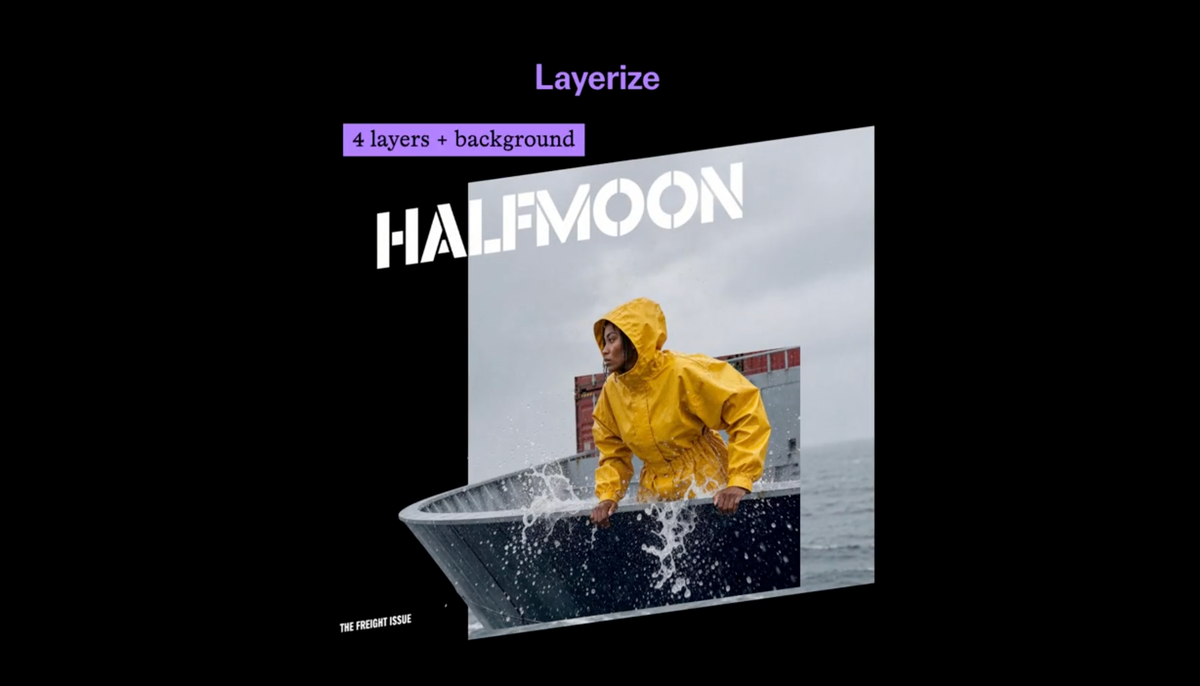
Seedream 5.5 is now live on fal, and the platform’s layerize endpoint can split one image into a base plus separate PNG layers.
fal announced the release on Nov 12, listing multi-turn editing, in-image text editing and layer separation as the headline features.
ByteDance released Seedream 5.5 on Nov 9. Our launch coverage covered transparent output and the 100-round editing claim. Layers and pricing were not part of it.
What the Layerize Endpoint Does
Seedream 5.5 is now live on fal.
— fal (@fal) November 12, 2026
Generate, edit, and transform images with powerful new creative capabilities:
- Refine images through multi-turn editing
- Edit text directly within images
- Separate images into editable layers pic.twitter.com/n14mm60u2j
According to fal’s model page, layerize splits an image into a base image and separately editable PNG layers. Each layer keeps its position and stacking order.
You upload an image and write a prompt describing the elements to separate. The prompt can also include naming and preservation instructions, such as keeping the original positions and stacking order over a clean base.
The output is a base image plus one PNG per separated element. fal’s example returned six layers: a background and five objects.
Each layer includes:
- A URL, file name and file size
- A z_index for stacking order
- A bounding box in absolute and normalized coordinates
- A name and a description
- Optional text recognition
The endpoint ID is bytedance/seedream/v5.5/layerize. fal lists it as available for commercial use.
Inputs and Formats
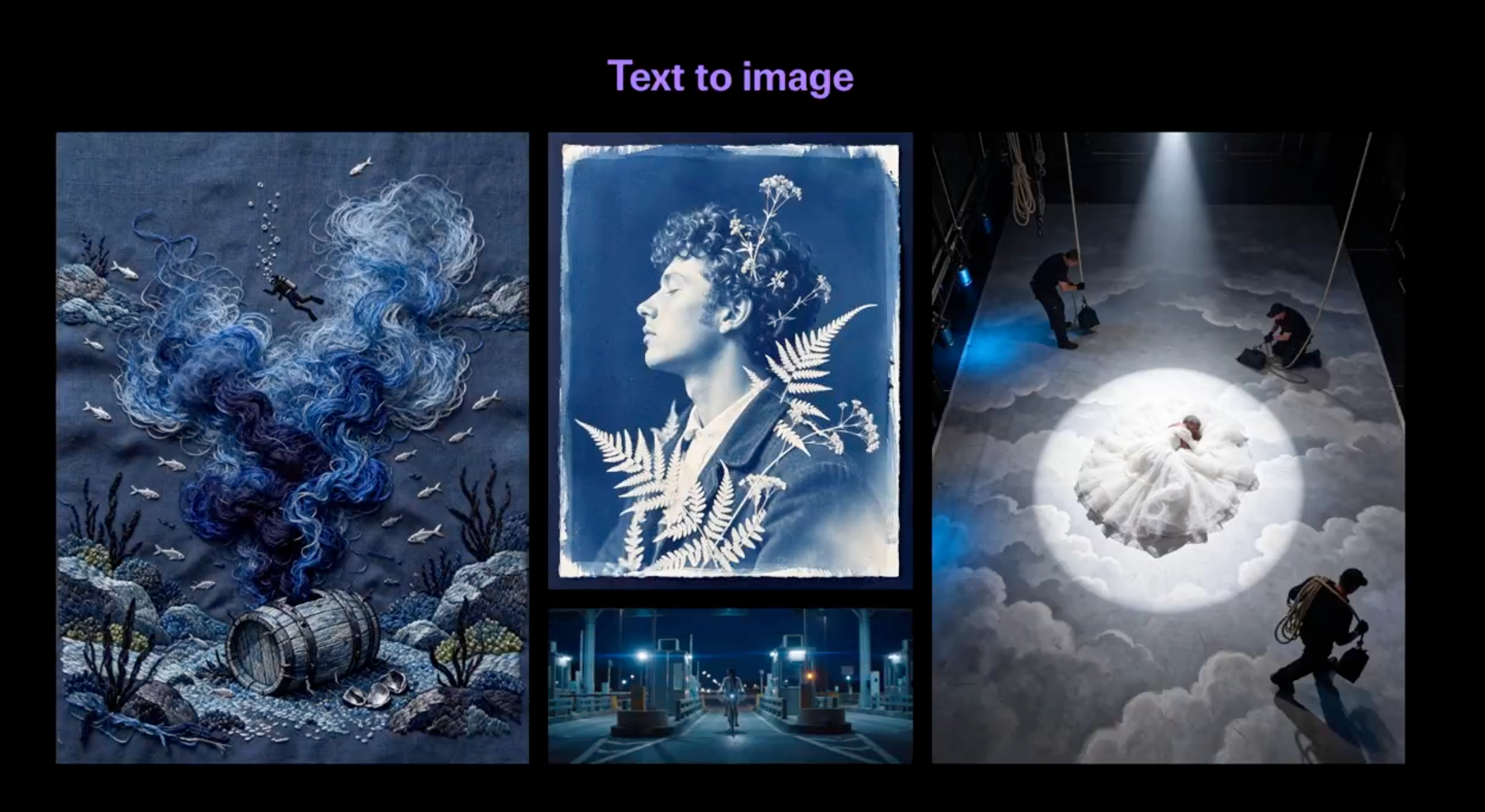
The input image can be a jpg, jpeg, png, webp, gif, avif, heic or heif. You can upload it, paste it or pass a URL.
fal’s page doesn’t state a maximum image size, a maximum layer count or rate limits. Running the model requires signing in to fal.
Pricing
fal charges $0.012 per input image, once per request. Output images are billed per image, and the base image counts as one.
| Output resolution | Price per output image |
|---|---|
| 1K or 1.5K | $0.03 |
| 2K | $0.0405 |
Auto resolution is $0.03 up to 2,610,000 pixels and $0.0405 above that, based on the base image.
fal’s own example is a base plus two layers, which costs $0.102 at 1.5K or $0.1335 at 2K.
By the same math, fal’s six-layer example would cost about $0.192 at 1K or 1.5K and about $0.255 at 2K. Those totals are my calculation, not fal’s figures.
Where It Could Fit in Production
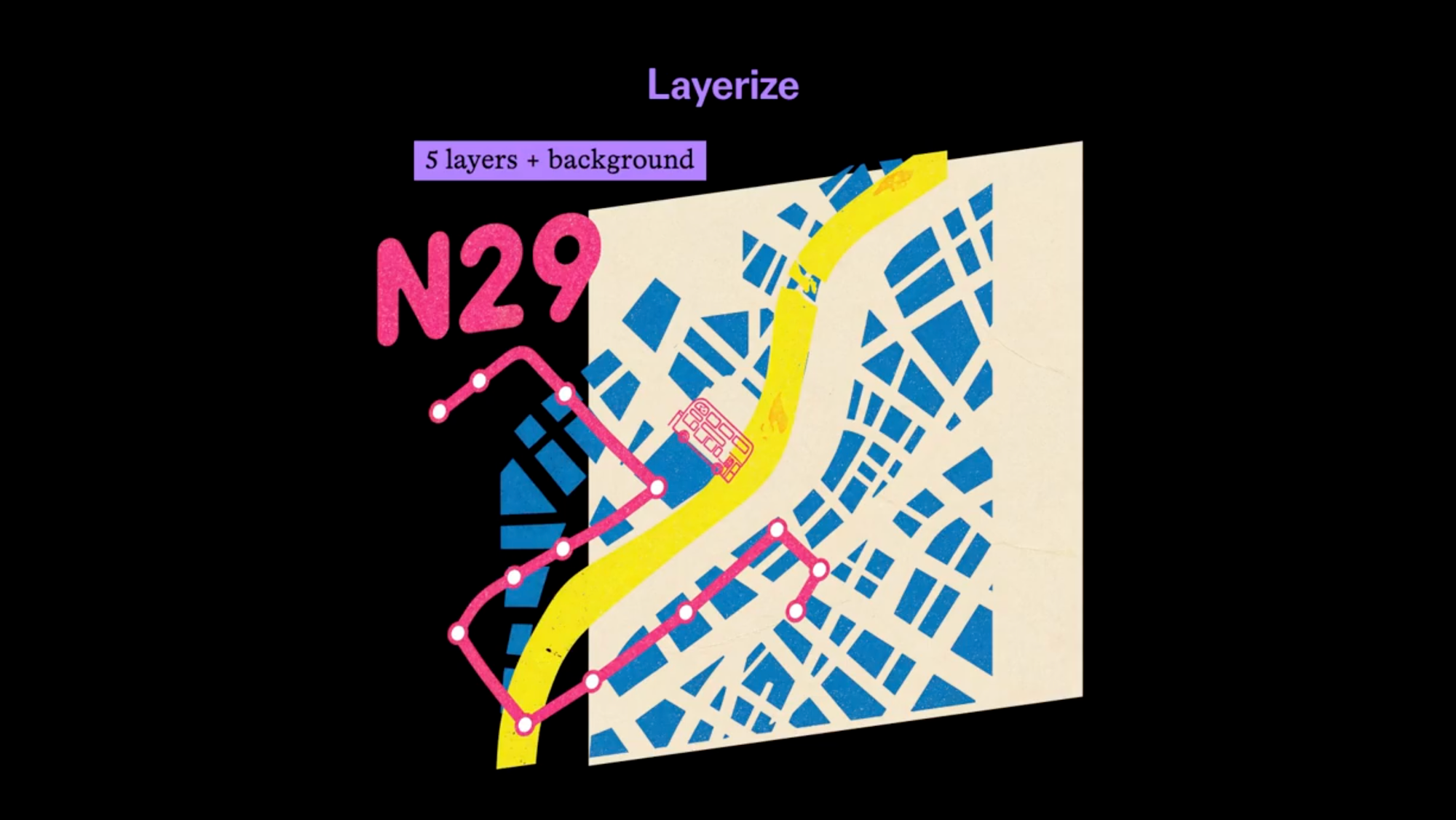
Layered outputs matter when you need to move or restyle one element without regenerating the whole image.
Possible uses include title cards, posters, thumbnails and concept frames, where separate layers could be moved into a compositing or motion tool. That is an inference from the output format, not something fal or ByteDance has demonstrated.
Competitive Context
Seedream 5.5 already generates transparent images with an alpha channel, which reduces cutout work. Layerize addresses a different step, which is separating an image that already exists.
I haven’t verified how other image models handle layer separation, so this article doesn’t compare them.
For other recent image models, see our coverage of Nano Banana 2.1 and ChatGPT Images 2.5.
The Signal in the Noise
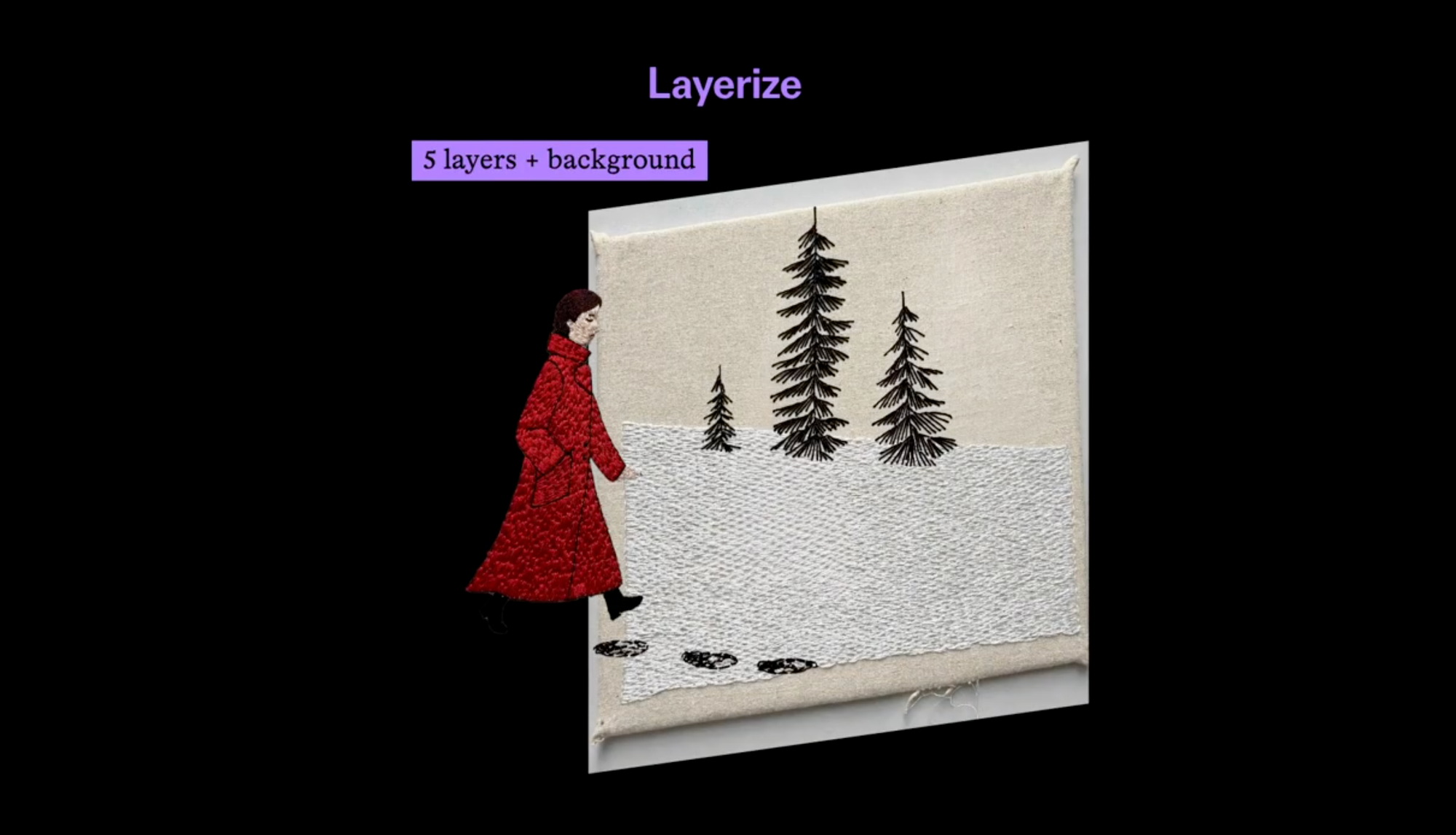
fal’s page shows one example. There is no published evidence of how well layerize handles complex scenes, overlapping elements or fine edges.
The announcement comes from fal. I haven’t seen ByteDance describe layerize, so its capabilities rest on fal’s description.
The benchmark and editing claims in ByteDance’s Nov 9 launch come from the company itself, as covered in our earlier article.
Specs & Pricing
- Endpoint: bytedance/seedream/v5.5/layerize on fal
- Input: one image (jpg, jpeg, png, webp, gif, avif, heic or heif) plus a prompt
- Output: a base image plus one PNG per element, with z_index, bounding box, name, description and optional text recognition
- Price: $0.012 per input image, plus $0.03 per output image at 1K or 1.5K and $0.0405 at 2K
- Licensing: listed as available for commercial use
fal also lists Text to Image and Edit endpoints. I couldn’t open those pages, so their pricing is not covered here.
Would you use layer separation in your image or title workflow, or do you still prefer to build layers yourself?