Adobe’s Creative Agent Is Now in Premiere, After Effects and Frame.io: What the AI Assistant Can Do
Adobe’s Creative Agent now powers beta AI Assistants in Premiere, After Effects and Frame.io, with sequence-wide effects, masked-subject tracking and color tools in Premiere.

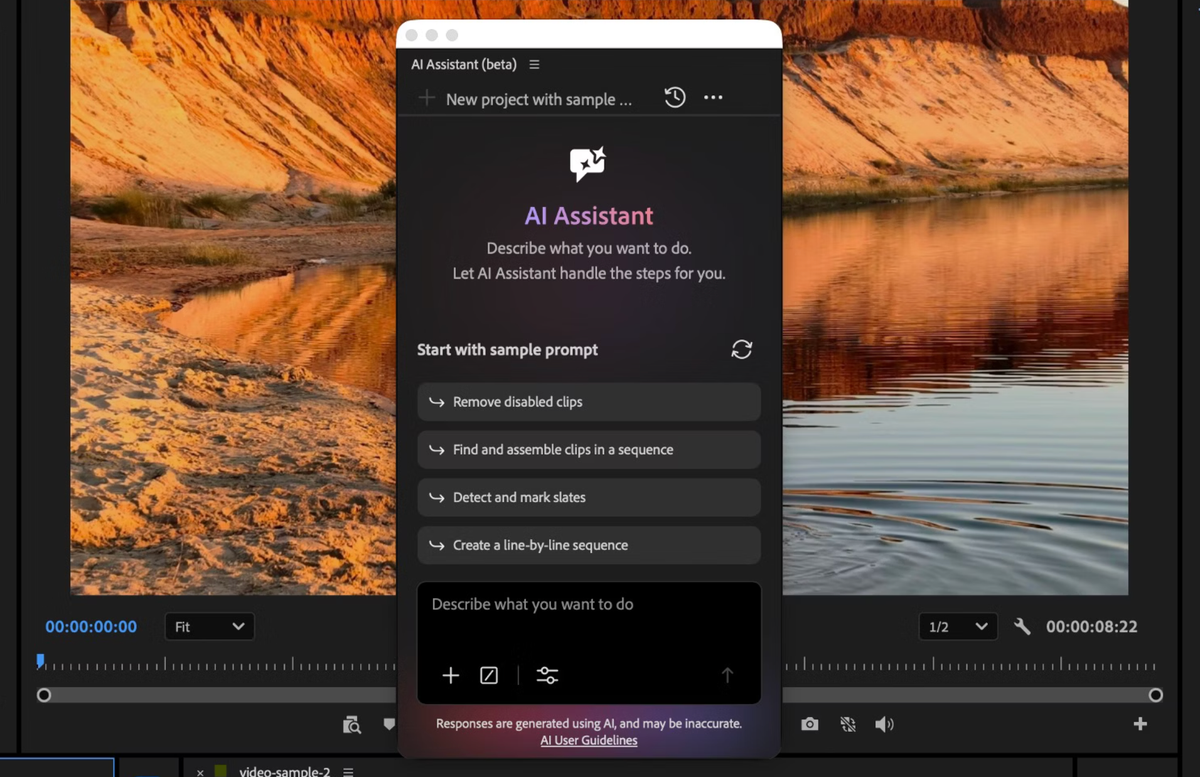
At Adobe MAX on Tuesday, Adobe said its Creative Agent now powers AI Assistants in beta across Premiere, After Effects, Illustrator, InDesign and Frame.io. In Premiere, the agent can now apply effects across every clip in a sequence and track masked subjects through a frame. It can also adjust color and exposure across an entire sequence at once.
The assistants first arrived in public beta in June. Photoshop’s version runs in the Photoshop beta app.
What Adobe Announced at MAX
Adobe says the Creative Agent orchestrates multi-step workflows so editors can delegate tasks and refine the results by hand. The new Premiere abilities are the sequence-wide effects, masked-subject tracking and color and exposure adjustments, per Adobe’s Creative Cloud release.
Adobe’s Firefly assistant gets more control features. Plan Mode lets you review, edit and approve the agent’s plan before it starts. A model selector lets you pick a model or leave it on auto. You can also save formats, colors, brand guidelines, characters and products once and reuse them.
What the AI Assistant Does in Premiere
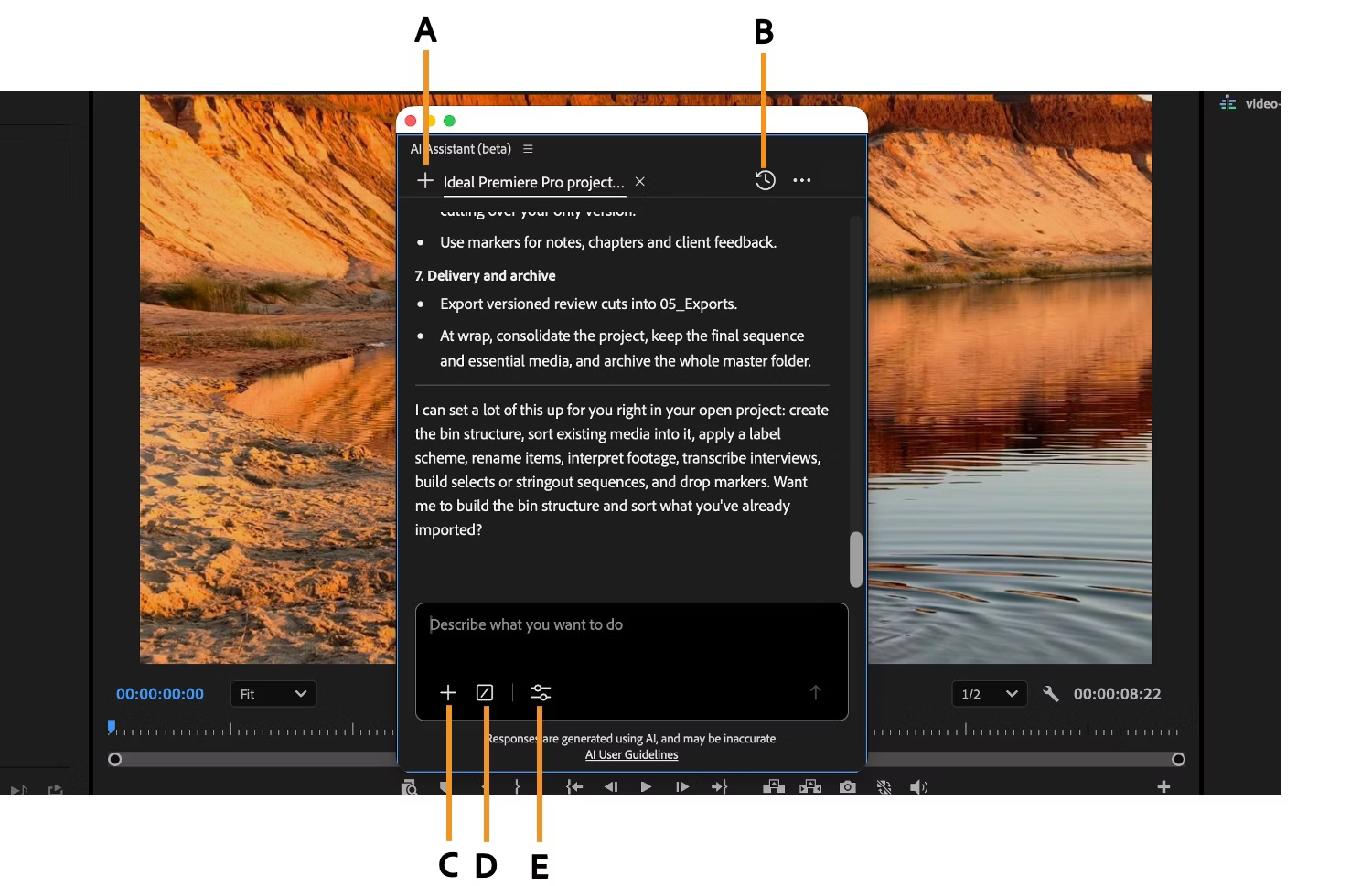
Open it from Window > Assistant, per Adobe’s help pages. ProVideo Coalition quotes Adobe on its scope: “If you can do it in the Project panel or Timeline, AI Assistant can help.” Examples include reorganizing media, syncing multicam angles into a sync map and renaming clips. Adobe’s community team also lists building bins, generating transcripts, creating stringouts and assembling rough cuts.
Every action goes into the undo and history stack. Adobe’s community post says there are two permission modes, Always ask and Auto approve. ProVideo Coalition notes that chat input goes to the cloud.
Adobe says complimentary daily usage is available for a limited time, and it hasn’t said what usage will cost afterward.
After Effects and Frame.io
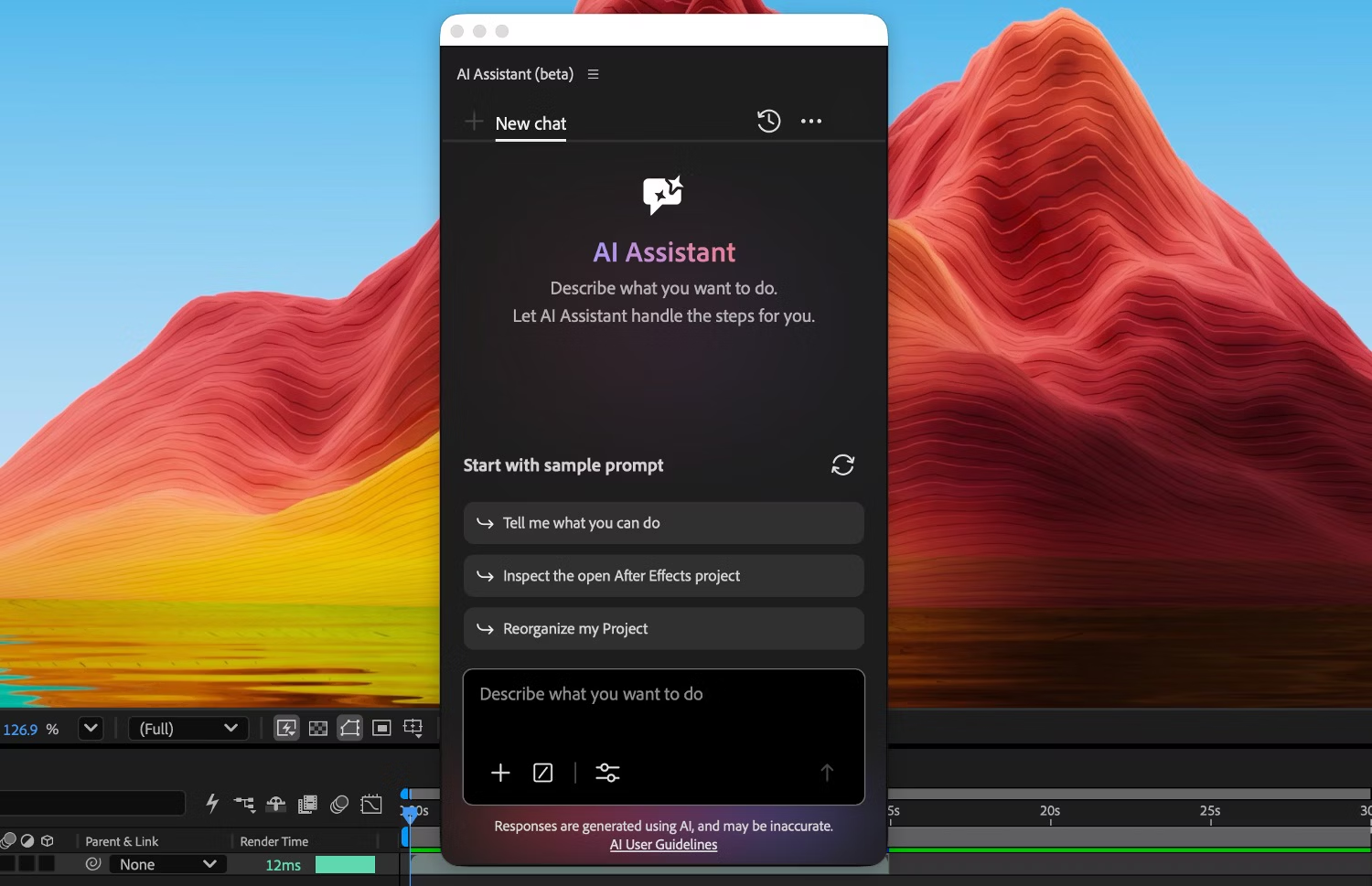
The After Effects assistant entered public beta in September. Adobe says it works across an entire project, not just the open composition. It can reorganize projects with thousands of layers, repair technical issues and write expressions without code.
In Frame.io, Adobe says the assistant organizes shoot assets, surfaces feedback across revisions and generates B-roll inside the project, per RedShark News.
Always-On Agents Are Next

Adobe is previewing always-on agents that handle recurring work in the background, even when you step away. Adobe’s example for a multi-week video project is organizing incoming footage, removing duplicate clips and flagging camera shake or audio issues for your review.
Always-on agents arrive in beta in early 2027. Adobe says it will work with the creative community to shape the first pre-defined agents.
Competitive Context
Adobe’s other agent route is MCP, which lets agents you already use work in Premiere and After Effects project files. Adobe’s local MCP integrations are due in private beta in early 2027.
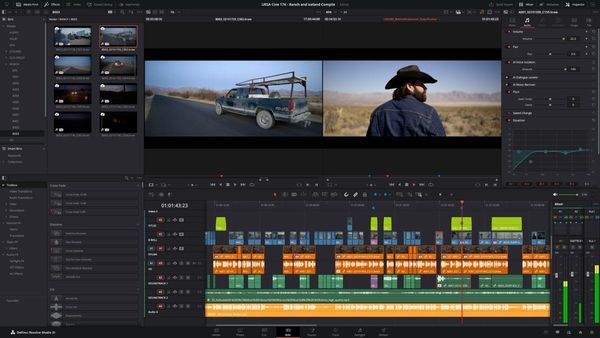
Blackmagic took the outside-agent route first. DaVinci Resolve Studio has a built-in MCP server, covered in DaVinci Resolve Can Now Take Direct Orders From Claude and ChatGPT. Studio 21.2 also improved its AI assistant’s color and Fusion abilities, as covered in Resolve 21.2 Adds MacBook Pro Touchscreen Support and Up to 5x Faster Effects on M5 Chips.
The Signal in the Noise
The useful jobs are the repetitive ones: organizing, renaming, building bins and applying settings across a sequence. Adobe’s own research points the same way. Its Creators’ Toolkit report found that an overwhelming majority of creators say it is essential to keep final creative decisions in their hands.
It’s still a beta. Adobe’s community team advised in June to test on duplicates before client work, and said versioning and cut-downs weren’t available yet. Those details may have changed since, so check Adobe’s current notes.
Would you let an assistant build your bins and rough cut, or keep it to renaming and organizing?
Resources & Reads
- Adobe: Creative Cloud into agentic workflows (press release)
- Adobe: Firefly expands as the AI creative studio (press release)
- Adobe: AI Assistant in After Effects and Premiere updates
- Adobe Community: what editors should know since NAB
- ProVideo Coalition: Premiere AI Assistant
- RedShark News: Adobe’s Creative Agent across Creative Cloud