DaVinci Resolve 21.2 Adds MacBook Pro Touchscreen Support and Up to 5x Faster Effects on M5 Chips
Blackmagic’s free DaVinci Resolve 21.2 adds touch support for Apple’s new MacBook Pro, claims up to 5x faster effects rendering on M5 Pro and M5 Max, and supports Gen 6 LUTs.

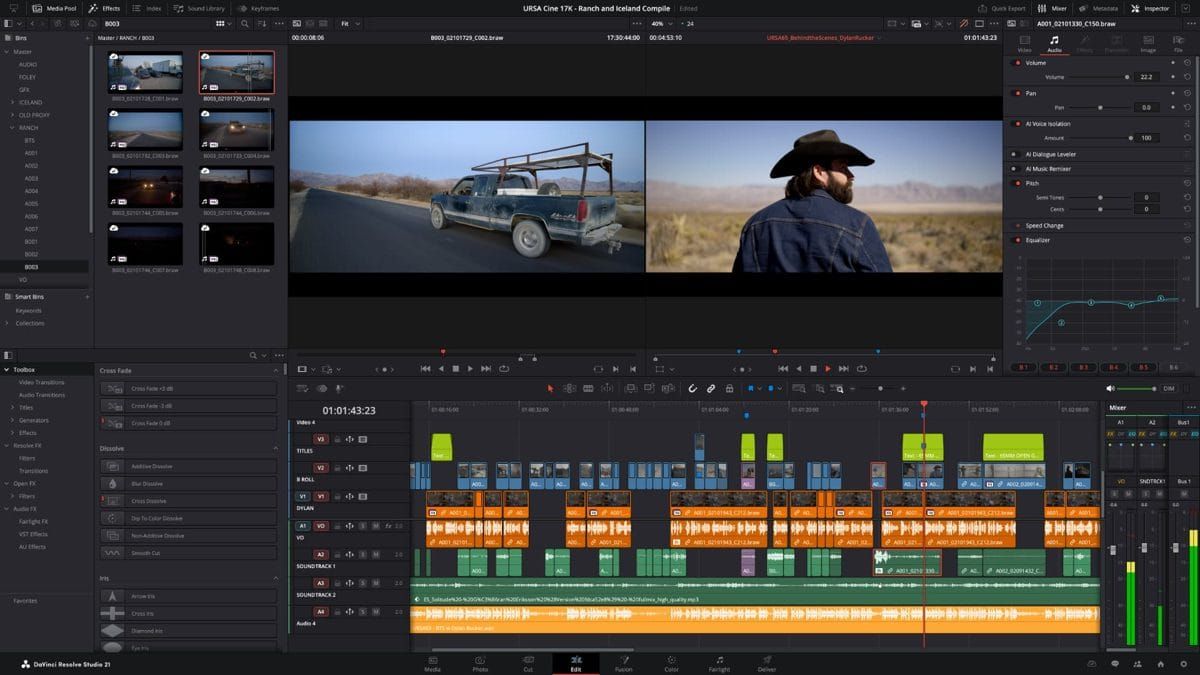
Blackmagic Design released DaVinci Resolve 21.2 on November 4 as a free update for the free edition, Studio and Fusion Studio. The headline change is touchscreen support for Apple’s new MacBook Pro with PROLED XDR display. Blackmagic also claims up to 5x faster effects rendering on M5 Pro and M5 Max chips.
The update adds support for Blackmagic’s Generation 6 color science LUTs and film looks. Studio also gets ResolveFX False Color support for Gen 5 and Gen 6.
Resolve 21.2 is available now for macOS, Windows, Windows for Arm and Linux.
Touch Support for the New MacBook Pro
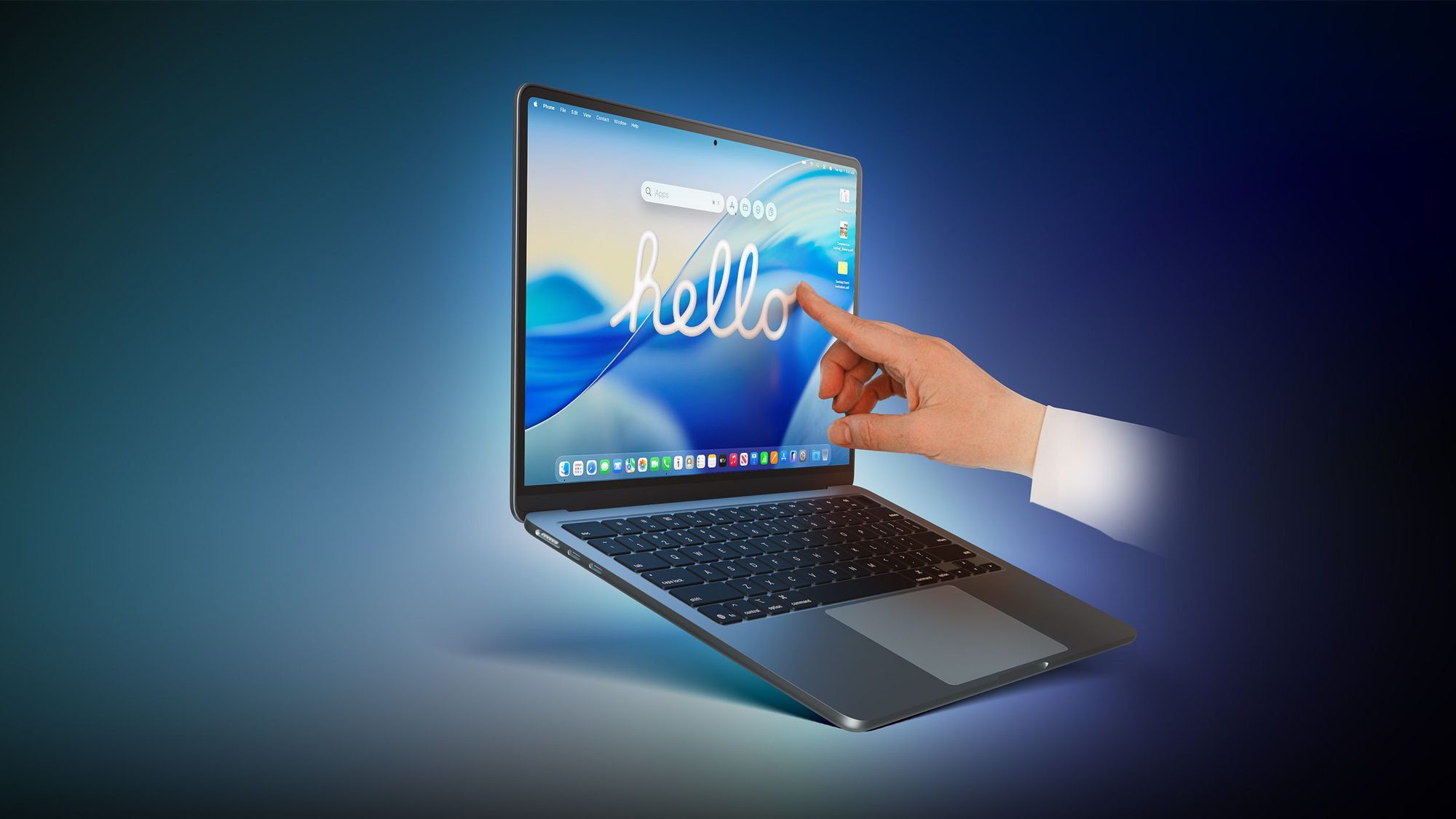
Apple announced the MacBook Pro with PROLED XDR display on October 28. CineD describes it as the first Mac with a touch screen, using a tandem OLED panel with 2,000 nits of peak HDR brightness. PetaPixel reported the laptop arrived November 6, two days after Resolve 21.2 shipped.
CineD reports that Apple named DaVinci Resolve among the third-party apps getting touch support later this year. It also notes the release notes do not say which pages or controls react to touch, or whether Resolve goes beyond macOS translating touches into clicks.
Up to 5x Faster Effects Rendering on M5 Pro and M5 Max
Blackmagic says Resolve 21.2 renders effects up to 5x faster on M5 Pro and M5 Max chips, the same chips used in the PROLED XDR models. CineD notes Blackmagic does not say which effects or formats speed up, or what the baseline is. The claim appears in the download description rather than the readme.
Gen 6 LUTs, Editing Changes and Studio Updates
Blackmagic introduced Gen 6 color science to its software in September with Blackmagic RAW 6.0, according to CineD. Resolve 21.2 now accepts the matching LUTs and film looks in both editions.
Editing changes include source timecode on extracted audio files, multicam clips that open as source clips in source timelines, and a command that converts an in-out range to a compound clip in place. Support for EXIF metadata in PNG files is also new. RedShark counts more than 25 fixes, covering MXF audio on network drives, AAF imports, OGraf templates and ACES 2.0 artifacts on Windows and Linux.
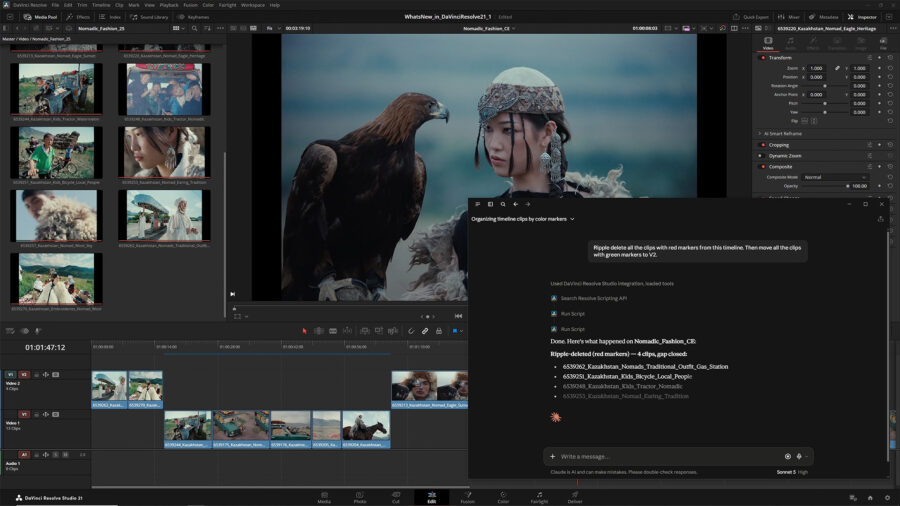
Studio adds improved AI assistant color and Fusion capabilities. Assistants can now download extras for advanced features and export frames or thumbnail grids. The update also includes scripting API improvements.
Competitive Context
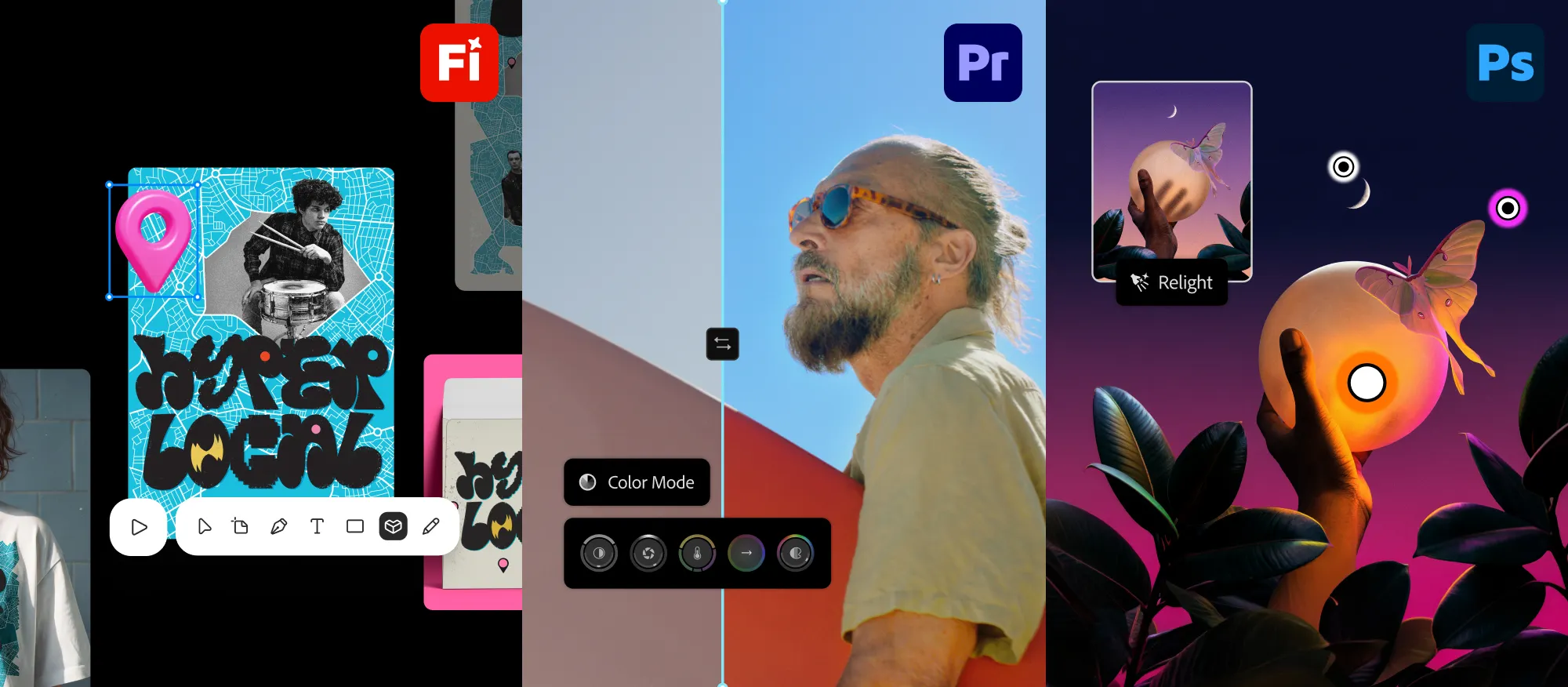
Adobe said Tuesday that Color Mode in Premiere is generally available. Adobe’s color tool began its public beta in April.
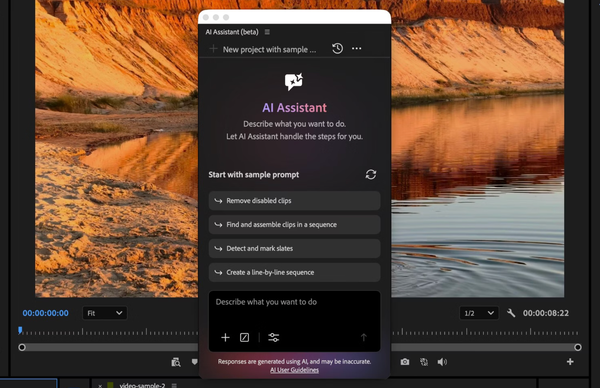
Blackmagic’s AI direction is also visible in Studio. Resolve 21.1 added a built-in MCP server in September, according to YMCinema, and Studio 21.2 extends its AI assistant tools.
The Signal in the Noise
Touch support only matters for owners of the new MacBook Pro. If you have one, test which gestures Resolve understands on a copy of your own project, since the scope is unclear.
The 5x figure is a manufacturer claim with no stated baseline, and it covers M5 Pro and M5 Max only. The Gen 6 LUTs are aimed at Blackmagic camera owners. Everyone else gets the editing changes and fixes in a free update.
Digital Production reportedly found that projects saved in 21.2 can’t be opened in Resolve 20.3.2, so keep a copy before you upgrade a long-running project.
Specs & Pricing
- DaVinci Resolve: Free
- DaVinci Resolve Studio: $295 list price; $236 (20% off) through November 20
- Platforms: macOS, Windows, Windows for Arm and Linux
Would touch controls change how you grade or edit on a laptop, or does a keyboard and control panel still win?
Resources & Reads
- Newsshooter: Blackmagic Design DaVinci Resolve 21.2
- CineD: DaVinci Resolve 21.2 released
- RedShark: DaVinci Resolve 21.2 new features and fixes
- Blackmagic Design: DaVinci Resolve and Fusion downloads
- PetaPixel: DaVinci Resolve supports Apple’s new touchscreen Mac
- YMCinema: DaVinci Resolve 21.1 uses MCP to let AI assistants control the edit