Adobe Opens Premiere and After Effects to Third-Party AI Agents Through Local MCP Integrations
Adobe previewed local MCP integrations at MAX that let third-party AI agents edit Premiere and After Effects project files, with private beta set for early 2027.

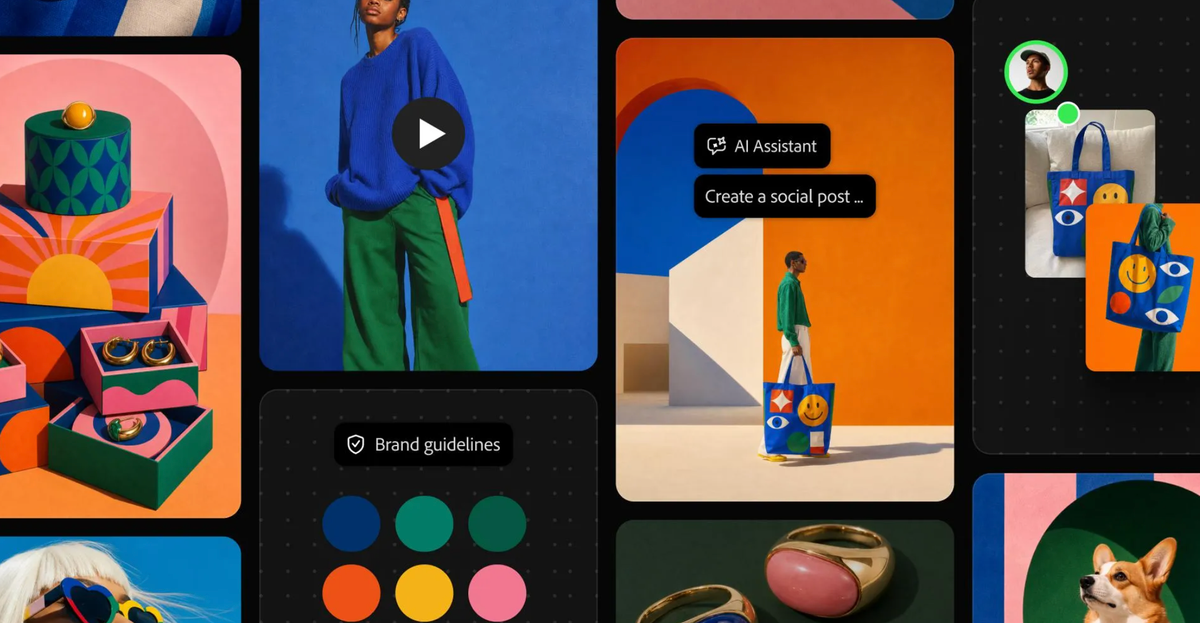
At Adobe MAX on Tuesday, Adobe previewed local MCP integrations for Premiere, After Effects, Photoshop and Illustrator. They let third-party AI agents edit native project files on your computer. Layers, sequences and compositions stay editable, and Adobe says the integrations arrive in private beta in early 2027.
MCP, the Model Context Protocol, is an open standard that gives AI assistants a common way to connect to outside software. Adobe’s version lets people keep using the agent they already work with, and that agent calls on the Adobe app when a task needs it.
How the Local Integrations Work
Adobe says the agent makes changes directly in native project files on the user’s computer. Layers, vectors, bins and sequences remain editable. Users can step in at any moment to refine the work by hand.
Adobe’s example spans several apps. If the agent is also connected to Google Drive or Slack, it can pull a brief from Google Docs, work in Adobe’s tools and share the result in Slack.
Adobe’s blog also describes repeat work. You remove a logo from campaign assets once, then ask the agent to cascade the change across the rest of the campaign.
Adobe’s Own Agent Reaches Premiere Too
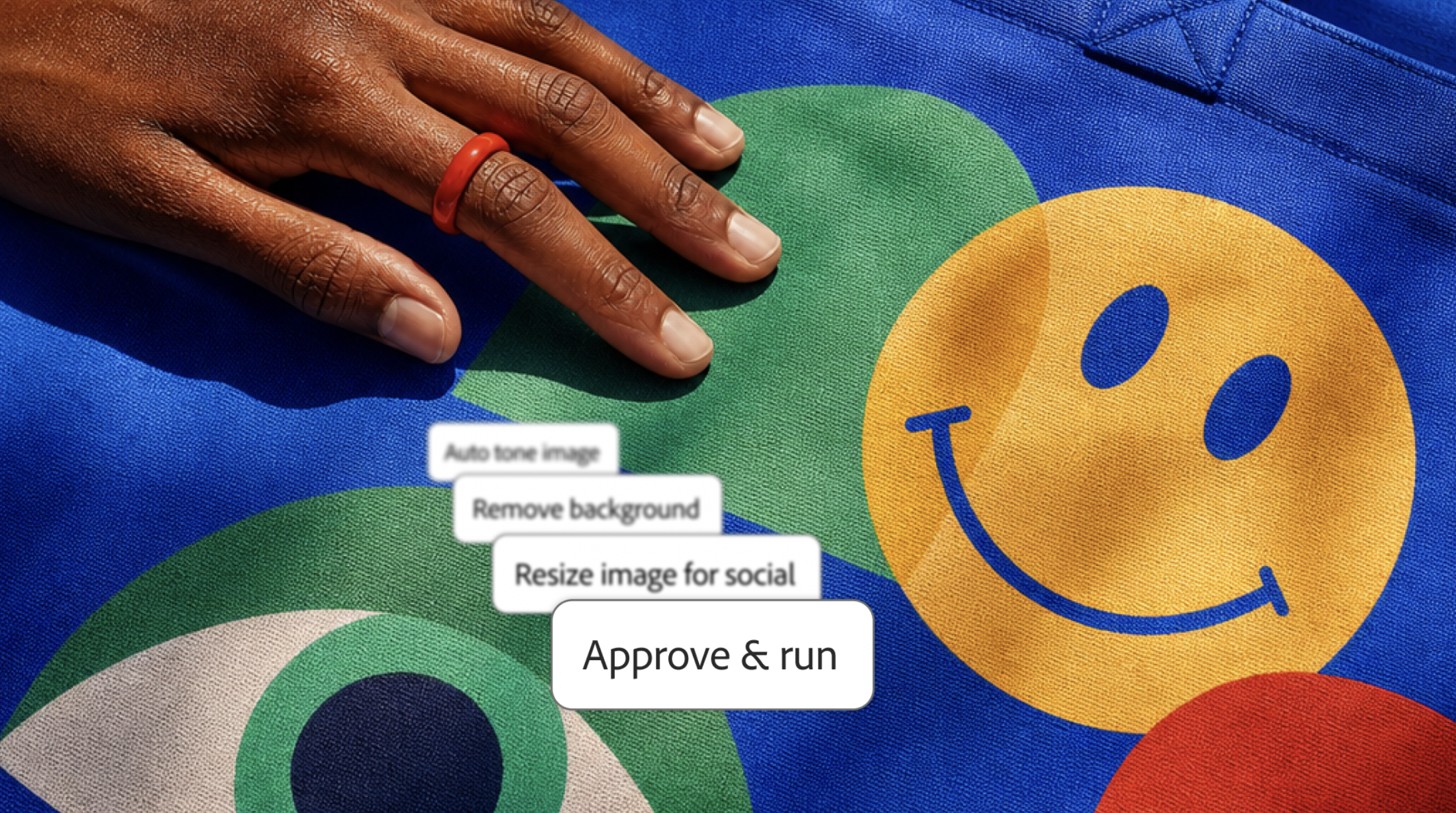
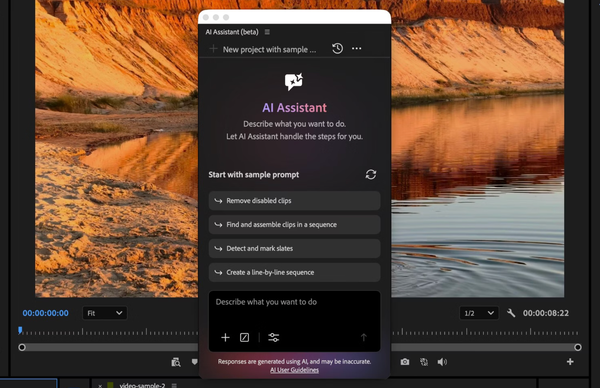
Adobe is also bringing its own Creative Agent into Premiere, After Effects and Frame.io as an AI Assistant in beta. In Premiere, Adobe says the agent can apply effects across every clip in a sequence and track masked subjects through a frame. It can also adjust color and exposure across an entire sequence at once.
The MCP route is for people who prefer a different assistant. Adobe says it also has connectors with Anthropic and OpenAI.
Competitive Context
Adobe’s earlier connector took a different route. It launched in Claude in April with more than 50 tools across Photoshop, Premiere, Firefly and Express, according to RedShark News. The new integrations differ in where they run, since Adobe says they work locally in native project files.
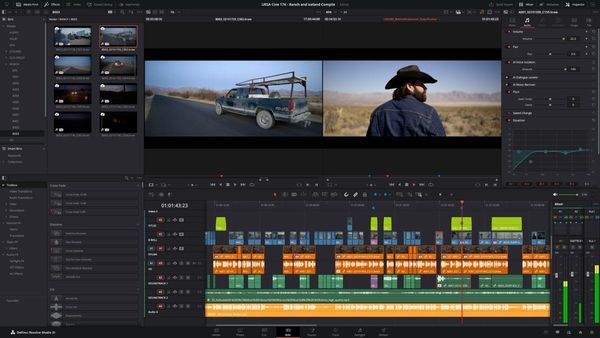
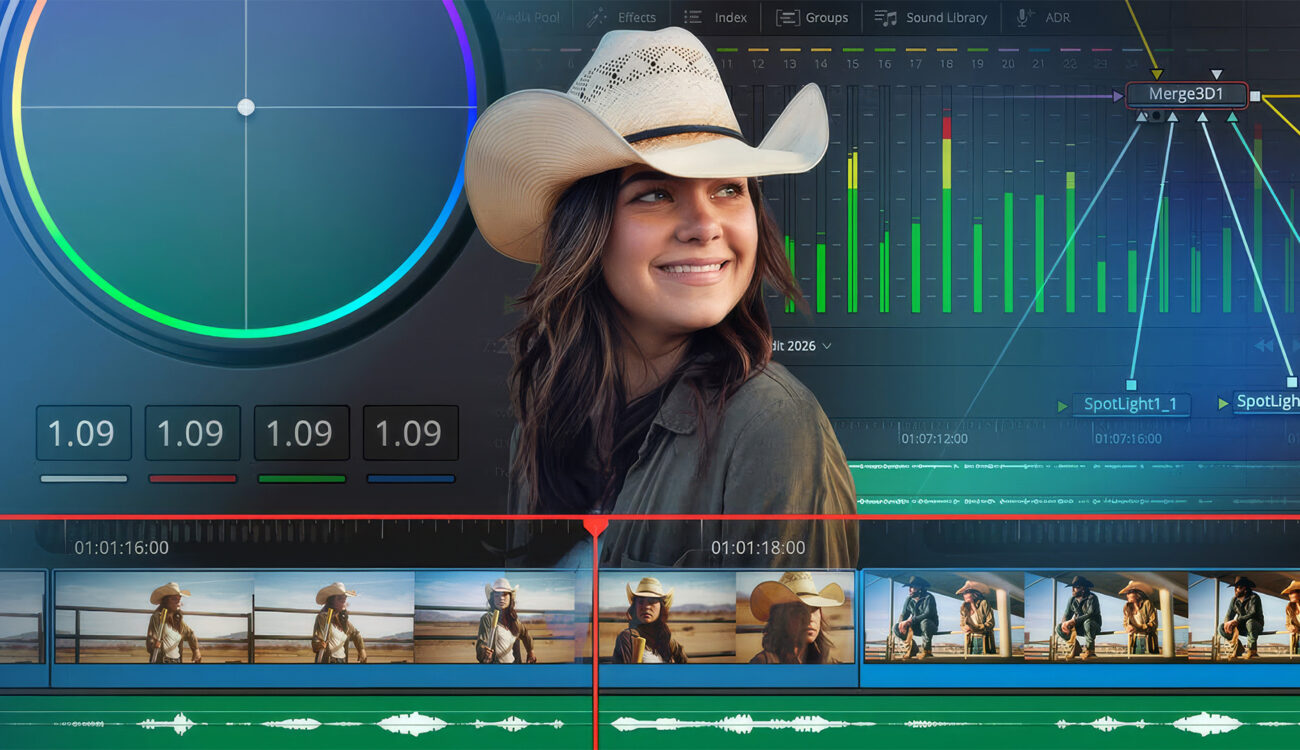
Blackmagic moved first on a local editor bridge. DaVinci Resolve Studio 21.1 includes a built-in MCP server, and its setup menu detects Claude Desktop, Claude Code, Codex in ChatGPT, Google Antigravity and Grok, according to YMCinema’s reading of the manual. The manual warns that scripts an assistant creates have the same disk and network access as the assistant itself.
Premiere users already had community-built MCP bridges. ChatCut’s roundup of video-editing MCP servers found community bridges for Premiere, not an official Adobe server.
The Signal in the Noise
The pitch is repetitive work: renaming, cascading a fix across a set of files and prep tasks. Blackmagic’s own Resolve examples follow the same pattern, such as renaming clips on V1 or rendering several deliverables from one prompt.
What works today is narrower. Resolve Studio’s MCP bridge is available now, and Adobe’s own AI Assistant is in beta in Premiere. Adobe’s MCP integrations are a preview, and the company has not said which agents the private beta will support. Adobe has a sign-up page for updates.
Would you let a third-party AI agent edit your Premiere project file, or does an assistant’s disk access rule that out?
Resources & Reads
- Adobe: Creative Cloud into agentic workflows (press release)
- Adobe blog: new ways to create across Creative Cloud and Firefly
- YMCinema: DaVinci Resolve 21.1 uses MCP to let AI assistants control the edit
- RedShark News: Anthropic’s creative connectors for Adobe, Blender and Autodesk
- ChatCut: best video editing MCP servers in 2026
- Adobe MAX 2026 preview: dates, keynotes and Sneaks