Digital Film Emulation: Is Software the Most Cost-Effective Way to Get the Analog Look?
Shooting on 35mm costs $800 for 11 minutes — before lab development. Here's how film emulation software like Dehancer compares, what it actually does, and what you need to know before using it.

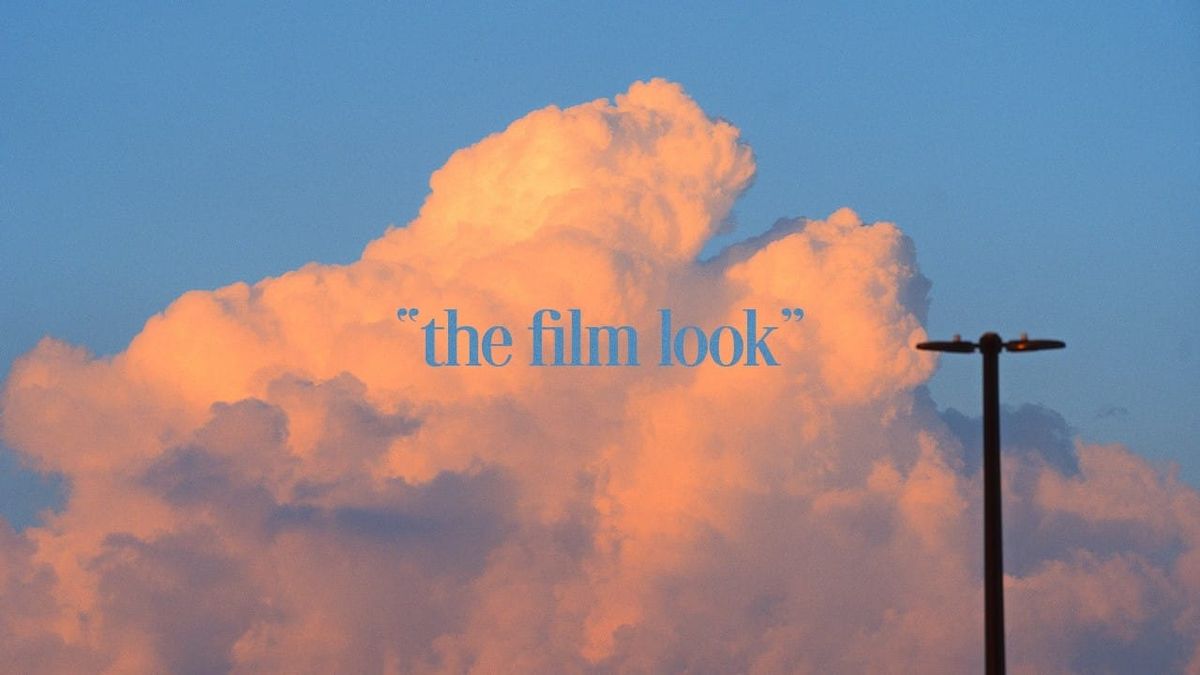
Shooting on genuine 35mm film costs roughly $800 for 11 minutes of footage — and that doesn't include lab development. For most independent filmmakers and content creators, that math doesn't work. Film emulation plugins like Dehancer exist precisely to bridge that gap, and a recent video from creator Sleepy Charlie — 1.1 million views in under a year — has become one of the more watched introductions to how that works in practice.
What the Video Covers
In under three minutes, Sleepy Charlie breaks down why physical film is cost-prohibitive for most creators, what Dehancer actually does inside DaVinci Resolve, and — crucially — what you need to do before applying any emulation plugin to get results that actually look like film.
The key insight that separates this from most "film look" tutorials: emulation tools are not a one-click fix.
"There is one crucial thing you need to know: make your own adjustments before you put it into Dehancer. It's not a silver bullet that you can just slap onto a single node and be done for the day." — Sleepy Charlie, 2:14
Baseline exposure, contrast, and color balance work needs to happen first. The plugin builds on a properly prepared image — it doesn't rescue a badly exposed one.
What Dehancer Actually Offers
Dehancer is a film emulation plugin for DaVinci Resolve, Premiere, and other NLEs. It includes specific film stock profiles (including Kodak Portra 400), halation, gate weave, bloom, and film border overlays — the physical characteristics of real film that digital sensors don't produce naturally.
Pricing:
- Video plugin: $449 lifetime license
- Photo plugin: $199 lifetime license
- Discount code from Sleepy Charlie: sleepycharlie (10% off via dehancer.com)
For creators producing consistently across multiple projects, the lifetime license math works out quickly against the cost of actual film stock.
The Honest Caveat
The video operates primarily as a sponsored endorsement for Dehancer — that context is worth knowing. It also skips over foundational color theory, treating the plugin as the primary vehicle for the final look rather than one tool in a broader grading workflow. Creators without any color grading background will get usable results, but understanding why you're making pre-plugin adjustments will get you further faster.
Who This Is For
Beginner-to-intermediate digital filmmakers, videographers, and hybrid photographers who want accurate analog color grading without the cost or complexity of physical film. If you've been curious about Dehancer but haven't pulled the trigger, this is a practical three-minute case for it.
Watch the video: How to get the "Film look" as a beginner — Sleepy Charlie
Resources & Reads
- Sleepy Charlie — YouTube Channel — 215K subscribers; accessible filmmaking and editing tutorials aimed at beginners and intermediates
- Dehancer Film Plugin — official product page; video and photo versions, full stock library listed here
- DaVinci Resolve — Free Download — the NLE used in the video; free version supports Dehancer integration
The Signal in the Noise
Film emulation has matured to the point where the gap between software and actual film stock is genuinely narrow for most production contexts. The $449 lifetime Dehancer license is a real investment, but measured against $800 for 11 minutes of 35mm stock — before development — the math is straightforward. If you're chasing the analog aesthetic on a digital budget, this video is a reasonable three-minute starting point. Just go in knowing it's a sponsored introduction, not a complete color grading education.