Should Filmmakers Lease Their Next Mac? Apple's New Upgrade Program, Explained
Apple's new Klarna-backed leasing program covers Mac, iPhone, iPad, and Apple Watch. Here's what it actually costs, and what to watch for if you're leasing gear you shoot or edit on.

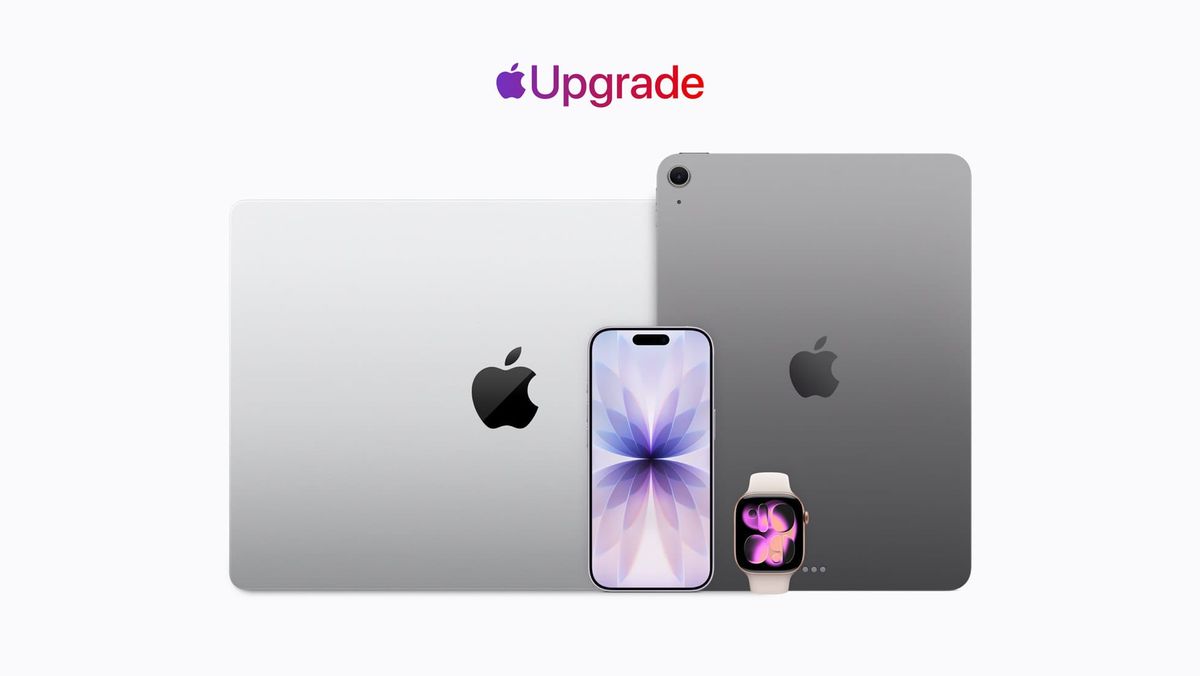
Apple launched Apple Upgrade in the US, a Klarna-backed leasing program covering iPhone, iPad, Mac, and Apple Watch. It replaces the iPhone Upgrade Program and iPhone Payments, and it's worth a look for anyone shooting on an iPhone or editing on a Mac.
The pitch is simple: lower monthly payments than buying outright or financing at 0%, with the option to upgrade to a new device every lease cycle, pay off the balance to keep it, or return it and walk away.
How the Pricing Actually Breaks Down
Apple has officially launched the "Apple Upgrade" program:
— Aaron (@aaronp613) July 28, 2026
"Introducing Apple Upgrade, a new way to always have the Apple products you love. Lease a new iPhone, iPad, Mac, or Apple Watch with pocket-friendly payments and terms that work for you. Then easily upgrade to something… pic.twitter.com/i7m5QJJrVd
Leases run 12 or 24 months for iPhone and Apple Watch, and 24 or 36 months for Mac and iPad. Confirmed starting prices are $17.99/month for iPhone, $11.99/month for Apple Watch and iPad, and $24.99/month for Mac.
For anyone budgeting a Mac purchase around editing work, the real comparison is lease cost versus buying outright or financing at 0% over 12 months:
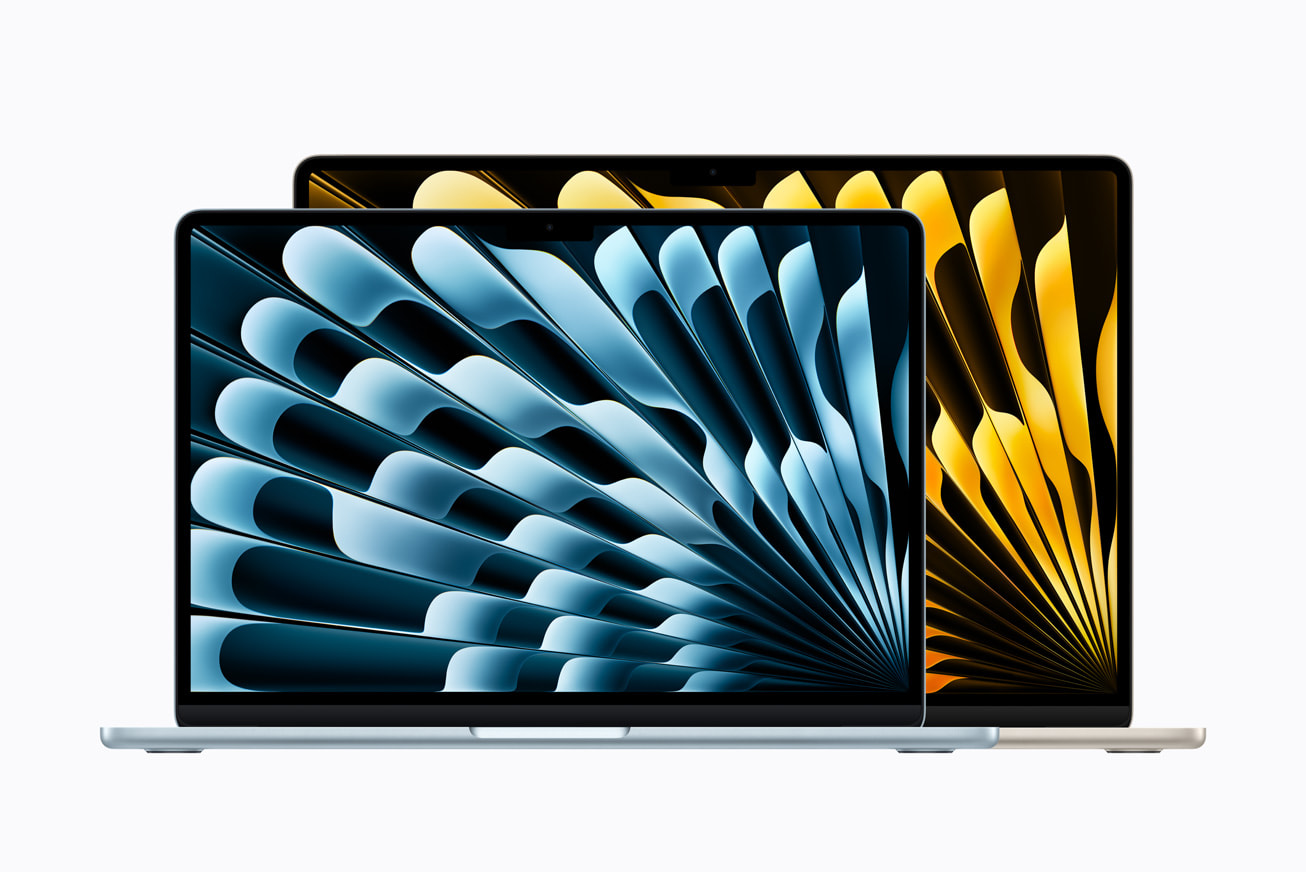
- MacBook Air: $1,299 outright, $108.25/month over 12 months at 0%, or $24.99/month leased over 36 months ($899.64 total)
- MacBook Pro: $1,999 outright, $166.58/month at 0%, or $38.99/month leased ($1,403.64 total)
- iMac: $1,499 outright, $124.91/month at 0%, or $28.99/month leased ($1,043.64 total)
- Mac Studio: $2,499 outright, $208.25/month at 0%, or $48.99/month leased ($1,763.64 total)
The Mac mini and MacBook Neo aren't part of the program yet. iPhone leases also require a carrier plan through AT&T, Verizon, or T-Mobile — prepaid and MVNO plans like Mint or Visible don't qualify.
What This Means for Shooting on iPhone or Editing on a Mac
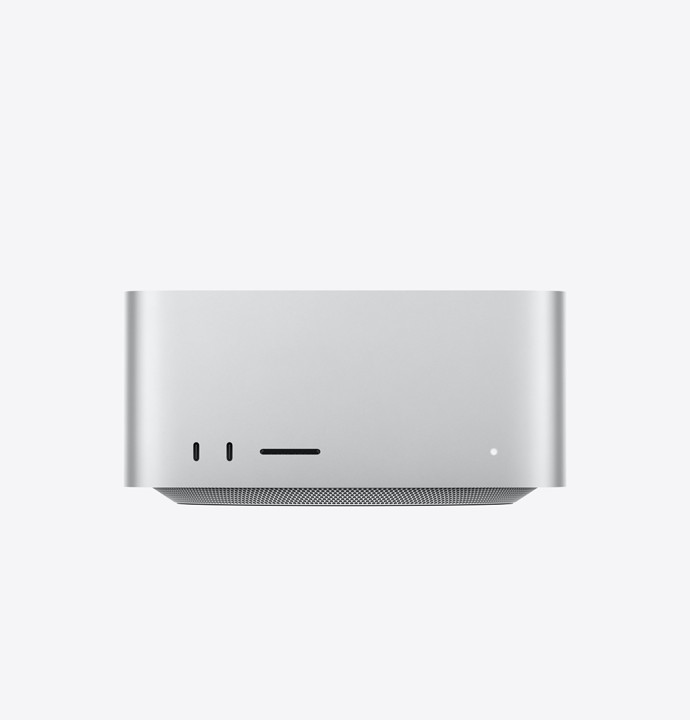
The practical case for filmmakers: if you're shooting on an iPhone for social content, b-roll, or a lightweight production, or editing on a Mac as your daily driver, Apple Upgrade lowers the entry cost significantly compared to buying outright. A Mac Studio at $48.99/month is a very different budgeting conversation than $2,499 up front, especially for a solo operator or freelancer managing cash flow project to project.
The tradeoff is ownership. You don't own the device at the end of the term unless you pay the difference between what you've paid and the device's retail price — a balloon payment. Apple's own data on M-series Macs suggests the three-year replacement cycle has stretched out considerably, since these machines tend to stay capable well past the typical lease term. That makes the balloon payment option look reasonable in a lot of cases: paying a few hundred dollars extra at the end of a lease to keep a machine that's still doing real work.
If you're the kind of filmmaker who upgrades gear on a predictable cycle anyway — new Mac every three years, new iPhone every two — this isn't a huge behavioral change from what you're likely already doing through carrier financing or Apple's existing installment options. It mostly changes the math and adds a formal upgrade path.
The Part Worth Being Wary Of
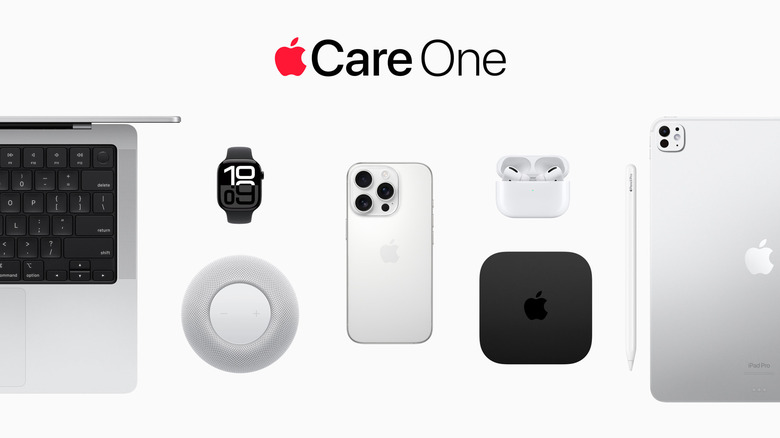
AppleCare isn't included in the lease price, but it's effectively required. Once a lease is signed, the device depreciates along a set curve, and if something happens to it — dropped, stolen, damaged — the lessee is on the hook for the difference in value. That makes AppleCare a de facto non-negotiable add-on, which raises the real monthly cost above the advertised starting price.
There's also a detail worth flagging directly: reporting from 9to5Mac found code in the iOS 27 beta suggesting leased iPhones could be restricted to a limited set of apps — App Store, Health, Phone, Clock, Wallet, Passwords, Settings — if a lease falls out of good standing. A related Partner Finance Lock tied to Find My would prevent a restricted device from being erased, resold, or stripped for parts while payments are outstanding. None of this is confirmed for final release, and there's no word yet on whether it extends to iPad or Mac, but it's the kind of detail that matters if you're leasing a device you depend on for client work.
Competitive Context
Apple Upgrade puts Apple financing in more direct competition with carrier installment plans, and Samsung has reportedly been exploring a similar leasing scheme of its own. The launch also follows a run of Apple price increases tied to a global memory and storage chip shortage — framing this as much as a sales-volume play as a customer convenience.
The Signal in the Noise
For a working filmmaker or videographer, Apple Upgrade is a legitimate way to lower the up-front cost of gear that's core to the job — especially a Mac used daily for editing. It's not a trap by default. But it does turn hardware ownership into an ongoing subscription-shaped decision, and the restricted-mode reporting is a real reason to read the fine print before committing a production machine to a multi-year lease with a third-party lender.
If you're leasing a Mac, budget for AppleCare from day one, and go in expecting the balloon payment option to be the likely outcome if the machine is still doing its job at the end of the term.
Specs & Pricing
- iPhone lease: from $17.99/month (12 or 24-month terms); requires AT&T, Verizon, or T-Mobile plan
- Apple Watch lease: from $11.99/month (12 or 24-month terms)
- iPad lease: from $11.99/month (24 or 36-month terms)
- Mac lease: from $24.99/month (24 or 36-month terms)
- AppleCare+: not included, sold separately
- Excluded devices: iPhone 16, iPhone 16 Plus, Apple Watch SE, iPad (A16), Studio Display, Mac mini, MacBook Neo
- Excluded programs: EDU discounts, refurbished units, Employee Purchase Plan, business/government/military purchase programs



