How to Set Sourcing Rules for Claude So Every Image in Your Edit Is Licensed
Claude can find images and footage for your edits, but that doesn’t mean you can use them. Here’s how to set sourcing rules so every file is licensed and credited.


AI agents like Claude can now search for images, footage, and audio and drop them into your edits. That’s a big time saver for explainers, social videos, and documentaries that need real photos of real places, objects, and events.
But an AI agent finding a file doesn’t mean you have the right to use it. The fix is to give Claude clear sourcing rules: where to look, which licenses are allowed, and how to record credit for every file.
What Claude Does Without Rules

Claude doesn’t have a library of images built into its knowledge. When it finds media, it uses whatever tools it’s connected to in that setup, such as web search, an image search tool, or direct access to outside APIs in Claude Code.
Without instructions, Claude may pull from general search results, where most images are copyrighted. It can also check licenses when asked, but it won’t apply a consistent standard unless you set one.
That’s why sourcing rules matter. They don’t add knowledge; they make Claude’s choices consistent, traceable, and limited to material you can actually use.
Search Results Aren’t Licenses
The most common mistake is treating anything Claude can find as fair game. Most images in general web and image search results are copyrighted, and using them in published or commercial videos can lead to takedowns, claims, or worse.
The safest sources are ones where every file comes with clear license information.
Good Sources to Point Claude Toward
Wikimedia Commons
hosts millions of images, video clips, and audio files, and each file page lists its license and creator. It has a free public API that Claude can search, and it’s especially strong for photos of real places, landmarks, objects, and historical events.
Quality varies. Commons highlights curated “Quality images” and “Featured pictures,” and its still photography is often stronger than its video, much of which is lower resolution.
The Internet Archive offers public domain films, especially the Prelinger collection of mid-century ephemeral films. Rights vary widely by collection, as covered in Before You Let Claude Pull Music From the Internet Archive, Read This.
U.S. government sources like NASA generally release their imagery into the public domain. There are exceptions: NASA’s logos and insignia are restricted, commercial uses can’t imply NASA endorsement, and some images on NASA sites are owned by partners or third parties.
Free stock sites like Pexels offer free downloads under their own licenses. Pexels doesn’t require attribution, but it has limits, including no selling unaltered copies and no implying that people or brands shown endorse a product.
Paid stock libraries remain the safest choice for commercial and client work, since rights are cleared up front.
Know the License Types
Public domain files can be used freely, though credit is still good practice.
CC BY files can be used, including commercially, as long as you credit the creator in the way the license requires.
CC BY-SA adds a “share alike” requirement. If you modify the work, your new version may need to carry the same license, which can complicate commercial projects.
Licenses aren’t the only issue. Wikimedia’s own reuse guidance notes that personality rights, trademarks, and privacy rights can apply separately from copyright. Commercial use of a recognizable person’s image, for example, may need their consent.
Wikimedia also doesn’t guarantee that license information is correct, so it’s worth verifying important files yourself.
A Sourcing Rules Template for Claude

Add rules like these to a Claude project’s instructions, a CLAUDE.md file in Claude Code, or a custom skill so they apply to every edit:
Media sourcing rules:For photos or clips of specific places, objects, or events, search Wikimedia Commons first, then NASA and other U.S. government sources.Only use files marked public domain or CC BY. Skip CC BY-SA, non-commercial, and unlicensed files unless I approve them.Never use images from general web or image search results.Avoid files with recognizable people, logos, or trademarks in commercial projects unless I approve them.For every file used, log the title, creator, source URL, and license in a credits file.Flag anything with unclear or missing license information instead of using it.Show me every selected file before it goes into the final edit.
Adjust the rules for each project. A personal explainer might allow more than a client ad.
Keep a Human in the Loop
Even with good rules, review every file Claude selects. Check for quality, accuracy, recognizable people, and anything that could be out of context or misleading.
Credit files properly in your description or end credits, following each license’s requirements. And if a free archive becomes a regular part of your workflow, consider donating to support it.
Competitive Context
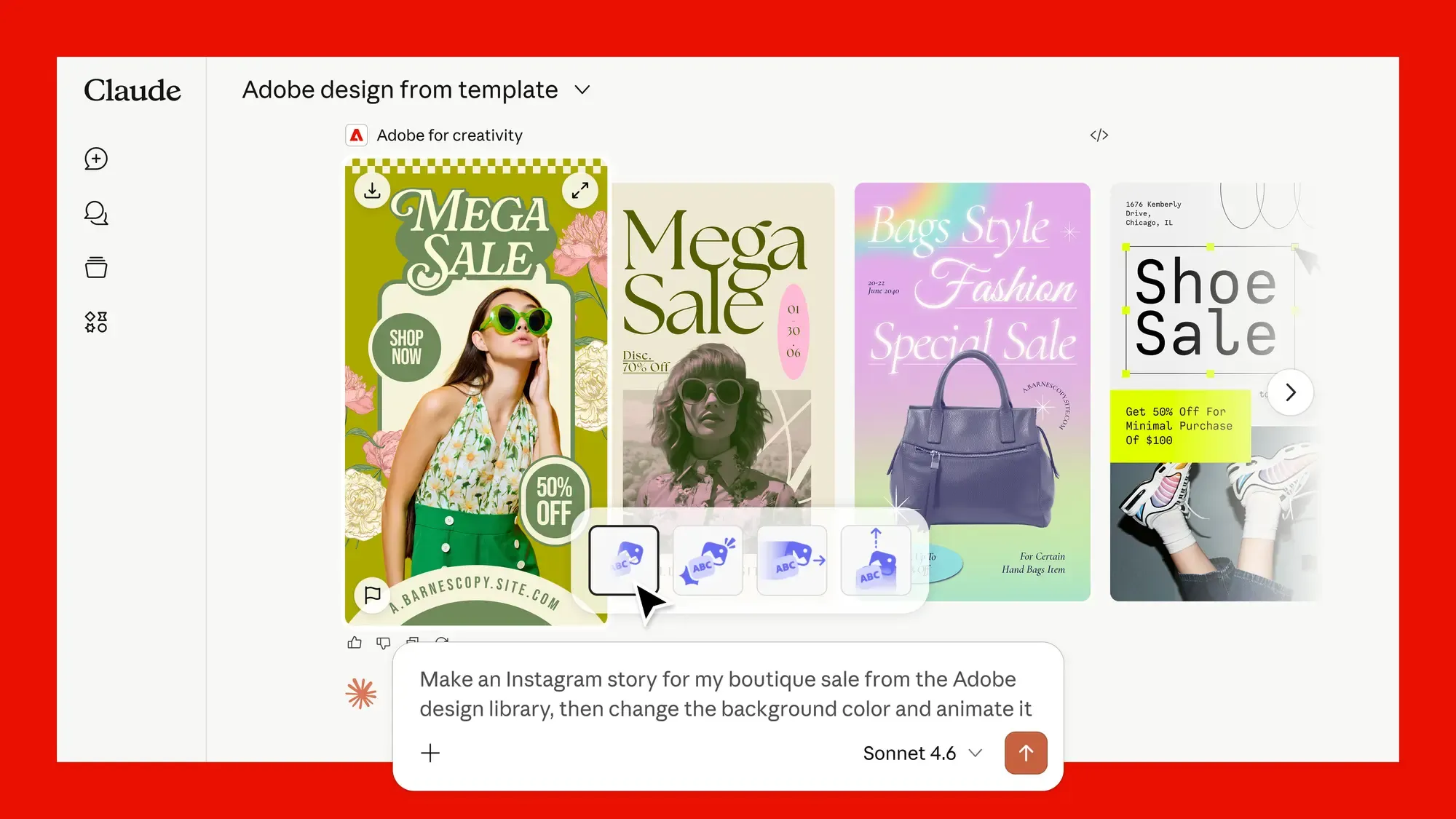
Claude is increasingly connected to editing tools, from DaVinci Resolve’s built-in MCP connection to community tools for Premiere Pro, covered in How to Connect Claude to DaVinci Resolve and Can Claude Edit in Premiere Pro?. As agents take on more of the edit, sourcing rules become as important as editing instructions.
The Signal in the Noise
Letting Claude source media can save hours, but only if every file is something you’re allowed to use. Point it toward sources with clear licenses, limit it to the license types your project can support, and have it keep a credits log as it works.
The rules take a few minutes to set up and apply to every project after that.
How do you handle sourcing when AI tools pull media into your edits? Share your rules in the comments.
The Details
- Best sources for real places and objects: Wikimedia Commons, U.S. government sources like NASA
- Archival footage: Internet Archive public domain collections (check each item)
- Free stock: Pexels and similar sites, with their own license limits
- Commercial and client work: Paid stock libraries
- Safest licenses: Public domain, CC BY (with credit)
- Use caution: CC BY-SA, non-commercial licenses, recognizable people, logos
- Avoid: General web and image search results