Can Claude Edit in Premiere Pro? How to Connect It, and What It Can Actually Do
Adobe’s official Claude connector includes Premiere but can’t edit your timeline. A free community MCP server can. Here’s how to set it up and what to ask it.

Yes, Claude can edit in Premiere Pro, but it depends on how you connect it. Adobe’s official Claude connector includes Premiere but doesn’t reach your desktop timeline, while a free, community-built MCP server does.
Here’s what each option does, how to set up timeline editing step by step, and what to expect once Claude has its hands on a sequence.
Two Ways to Connect Claude and Premiere
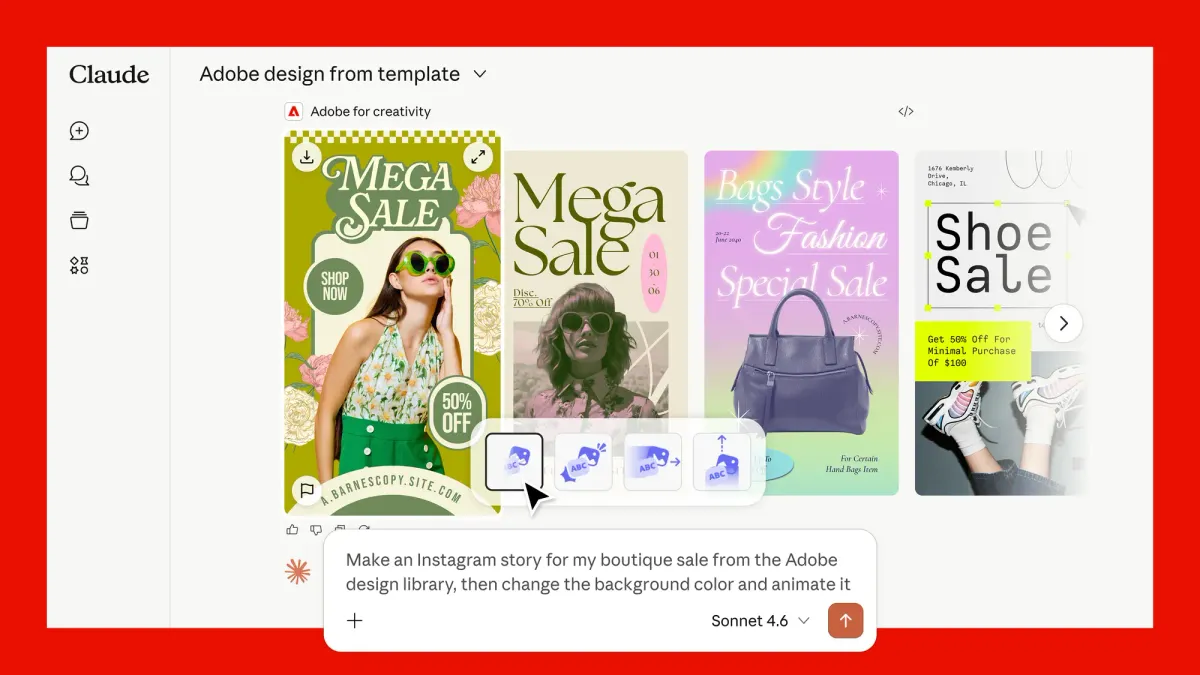
Adobe and Anthropic launched the Adobe for Creativity connector in Claude on April 28. It draws on Photoshop, Lightroom, Illustrator, Firefly, Premiere, Express, InDesign, and Adobe Stock, with more than 50 tools in total.
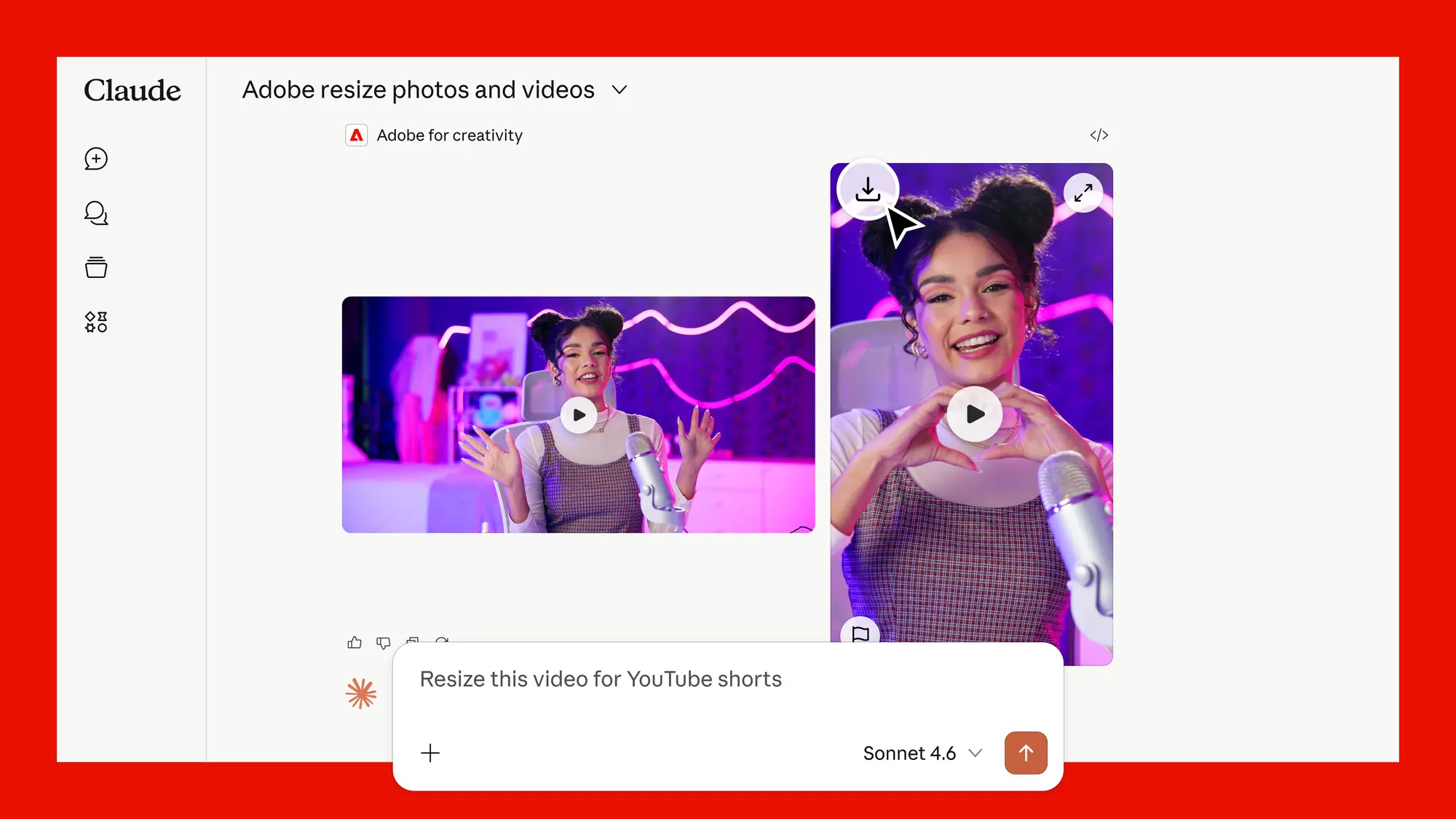
For video, Adobe’s own example is reformatting a clip. In Adobe’s words, “Upload a horizontal clip and ask to reformat it for YouTube Shorts, Instagram Reels, or any platform.”
What it doesn’t do is open your Premiere Pro project and edit the timeline. For that, you need premiere-pro-mcp, an independent open-source server that connects Claude to the desktop app on your computer.
Option 1: Adobe’s Official Connector
The official connector is the quickest way to start. Install it from adobe.com/go/adobe-for-creativity-claude, and it shows up in Claude’s connector directory.
About 40 tools work as a guest with no Adobe account. Signing in with a free or paid Adobe account unlocks more tools, Creative Cloud storage, and higher usage limits.
It’s useful for quick social cutdowns, resizes, and asset work. It won’t touch your timeline, your Lumetri grades, or your audio mix.
Option 2: Connect Claude to Your Premiere Timeline
premiere-pro-mcp runs locally and works with Premiere Pro 2020 through 2026 on Mac and Windows. It’s free, MIT licensed, and not affiliated with Adobe or Anthropic.
The Claude Desktop route doesn’t require Node.js or the command line. Here’s the setup from the project’s guide:
- Download both files. From the project’s latest GitHub release, grab the Claude bundle (.mcpb) and the Premiere connector (MCPBridgeCEP.zxp).
- Install the Claude bundle. In the Claude desktop app, go to Settings > Extensions > Advanced settings > Install Extension, select the .mcpb file, and restart Claude.
- Install the Premiere connector. Open the .zxp file with a ZXP installer such as aescripts’ free ZXP Installer.
- Restart both apps. Fully quit and reopen Claude and Premiere. Open a copy of a project, not your only version, and select a sequence.
- Open the panel. In Premiere, go to Window > Extensions > MCP for Adobe Premiere Pro, and keep the panel open while you work.
- Test the connection. In a new Claude chat, send: “Safely check my Premiere connection with verify_premiere_connection. Make no changes.”
If you prefer the command line, there’s an npm install route that needs Node.js 20.19 or newer. Managed Claude workspaces may block custom extensions, so check with your admin if the install option is missing.
What You Can Ask It to Do
The server exposes 369 tools covering project and sequence info, media imports, timeline edits, effects, Lumetri color, keyframes, LUTs, and exports through Adobe Media Encoder. Start with read-only requests so you can see how Claude interprets your project.
- Project info: “What’s my current project and active sequence? Don’t make changes.”
- Organizing: “Import the clips in my B-roll folder and put them in a new bin.”
- Editing: “Add the B-roll clips to V2 and apply a cross dissolve between each.”
- Color: “Apply my show LUT to every clip on V1.”
- Exporting: “Export this sequence as an H.264 for YouTube through Media Encoder.”
Bigger changes go through a preview step first. Claude shows the plan, and the edit only runs after it’s confirmed.
Limits to Know Before You Start
Speed and direction changes aren’t available through the server, and some effects, like Essential Sound’s Amplify, can’t be removed through Premiere’s scripting API. The project also notes that some Premiere 26.x builds silently ignore certain edits, and the tools report those as errors instead of false successes.
Several similarly named Premiere MCP packages exist. The project recommends confirming you’re installing from the official repository before setup.
Competitive Context
DaVinci Resolve took the native route. Resolve Studio 21.1 added a built-in MCP server under File > Setup AI Assistants, covered in How to Connect Claude to DaVinci Resolve (No Coding Required).
Premiere has no built-in equivalent yet, so the community server fills that gap. FilmCraft, the free AI-built Premiere alternative released this month, ships with an MCP server for agent control from day one.
The Signal in the Noise
For most editors, the official Adobe connector is a nice extra for social versions and asset work. Real timeline work in Premiere needs the community server.
The setup takes about 15 minutes, and the read-only test prompt makes it safe to try. Keep the first jobs small and tedious, like organizing bins, applying LUTs, or batch exports, and work on a duplicate project until you trust the results.
Adobe MAX runs October 28–30, so a native Premiere option could be announced soon.
The Details
- Official connector: Adobe for Creativity, free guest tier, Adobe account unlocks more
- Timeline control: premiere-pro-mcp, free and open source (MIT)
- Premiere versions: 2020–2026
- Platforms: macOS and Windows
- Tools: 369 core tools
- Claude setup: .mcpb extension in the desktop Claude app, plus a .zxp Premiere connector
What’s the first editing task you’d hand to Claude in Premiere? Share it in the comments.