This Free, Open-Source Mac App Lets Claude Code Edit Your Talking-Head Videos
Takes is a free, open-source Mac app with a voice-following teleprompter and no timeline. Claude Code cuts your talking-head videos on your own Claude plan.

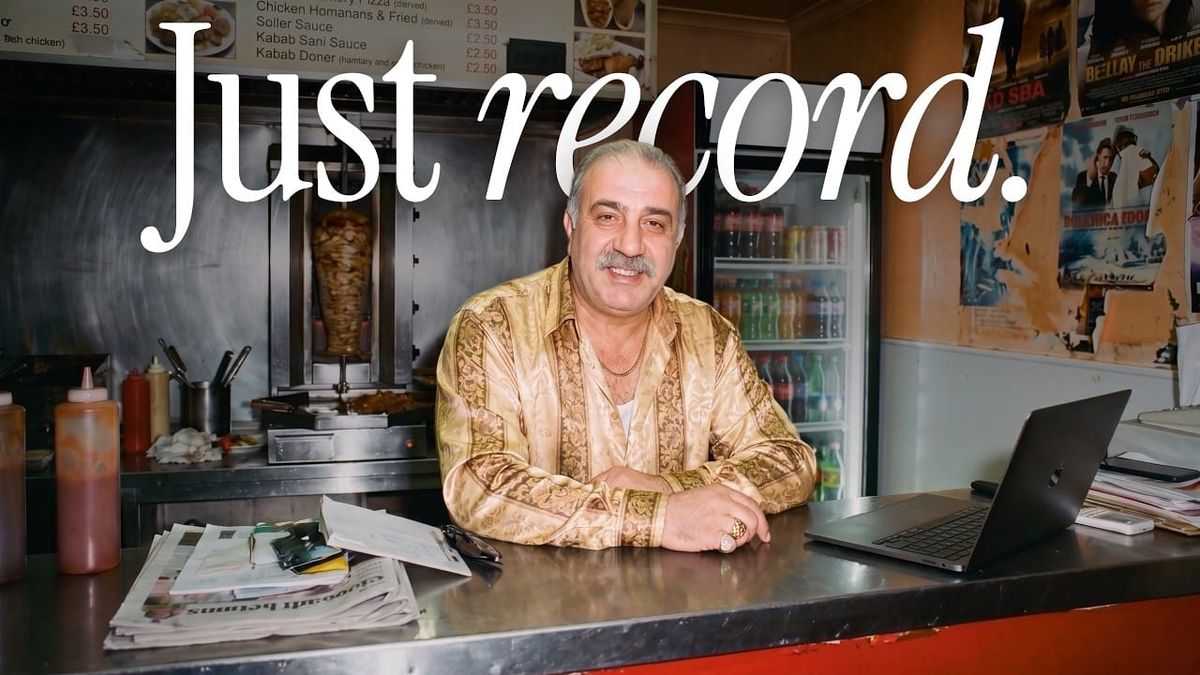
Takes is a new free Mac app for recording and editing talking-head videos, and it doesn’t have a timeline. You record with a teleprompter that follows your voice, then Claude Code cuts the take on your own Claude plan.
The app was built by developer Marvin Aziz and released under the MIT license. It launched on Product Hunt on October 13.
How Takes Works
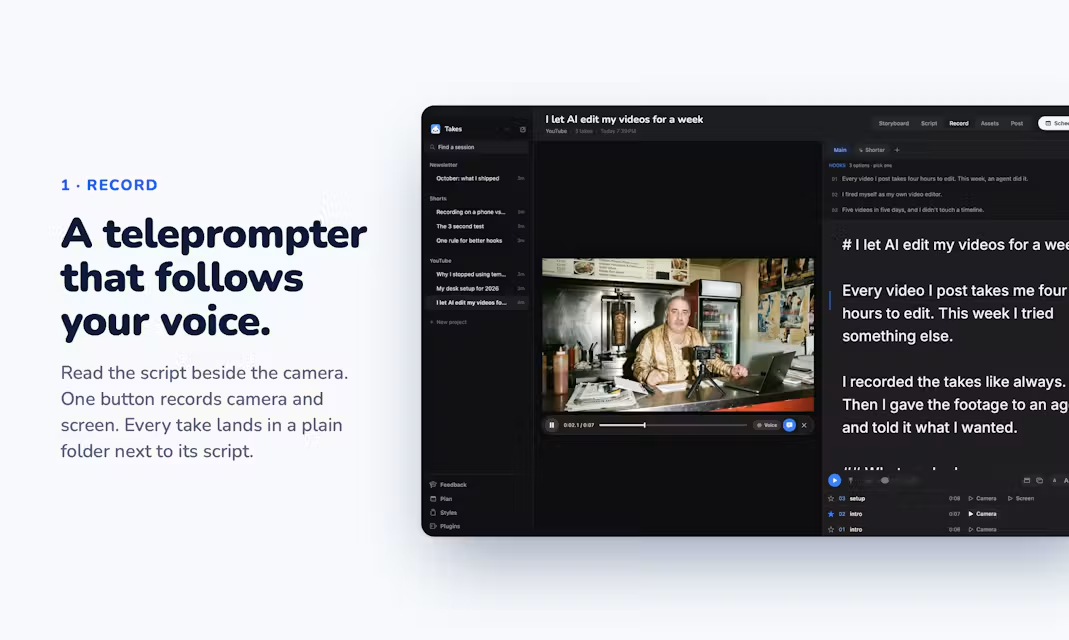
Recording is one button. Takes captures your camera and screen as two synced files, and the teleprompter scrolls along as you speak instead of at a fixed speed.
You can star the takes you want to keep. Everything is saved as plain folders in your Movies folder, so the footage isn’t locked inside the app.
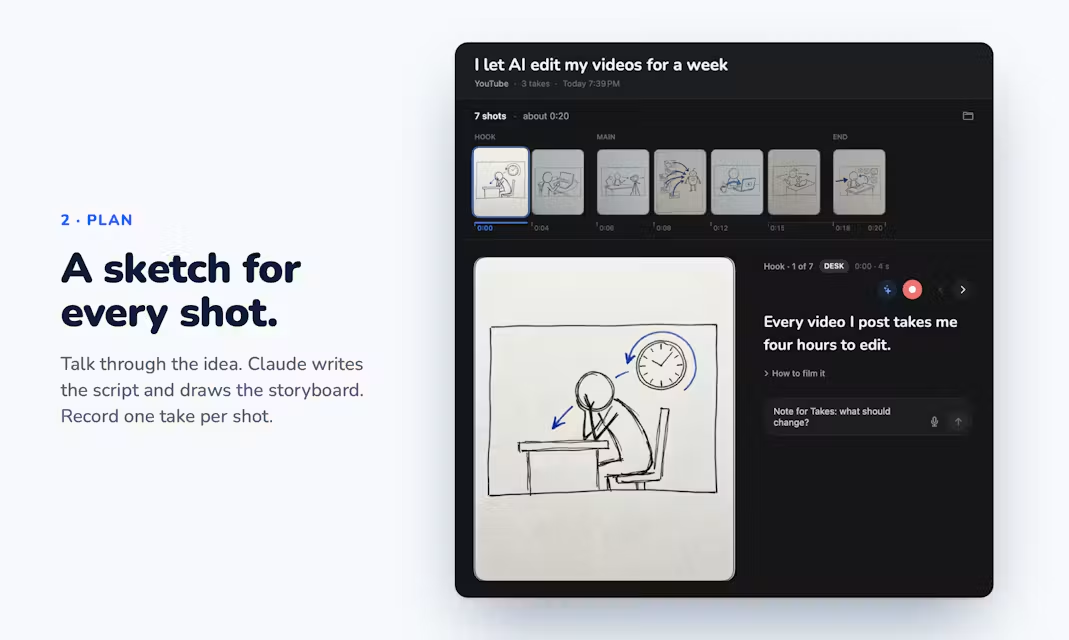
Before recording, Claude can write a script and sketch each shot as a storyboard, with Gemini as an optional add-on for the sketches.
Editing Without a Timeline
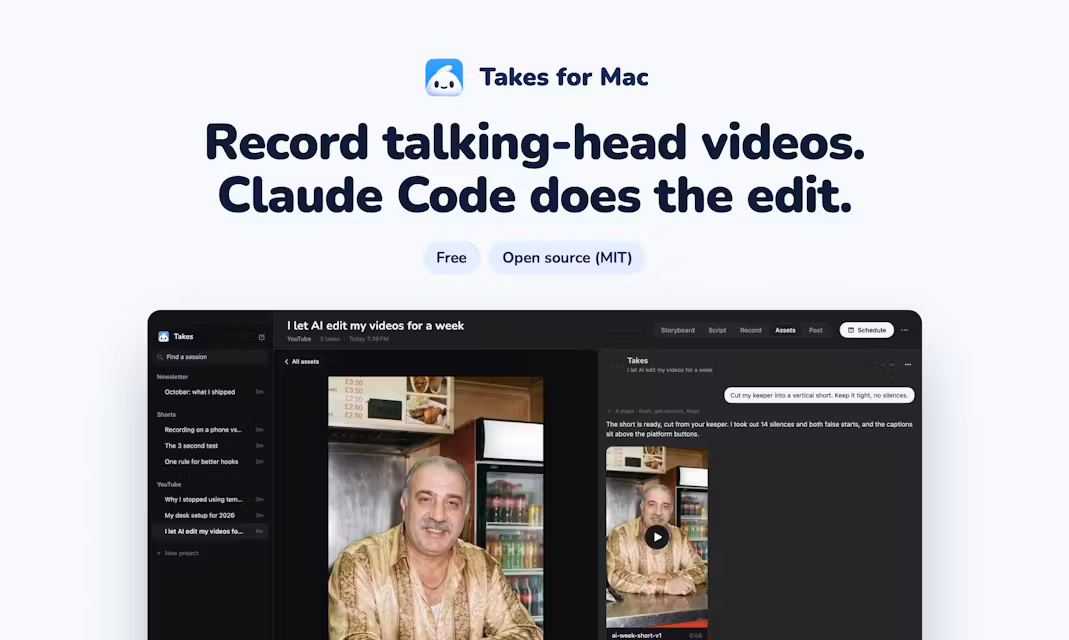
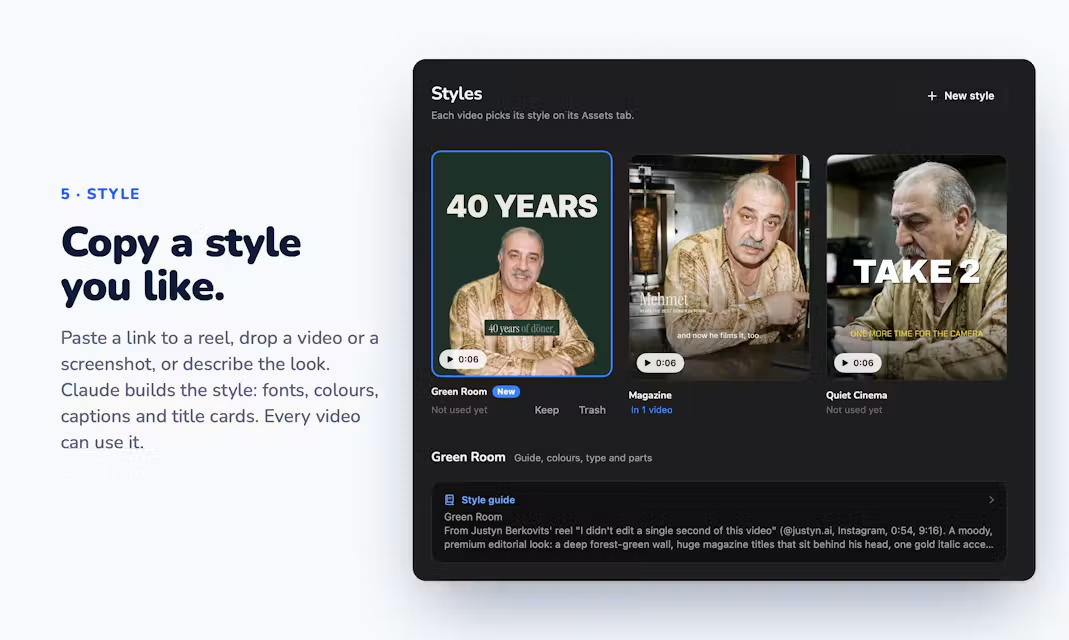
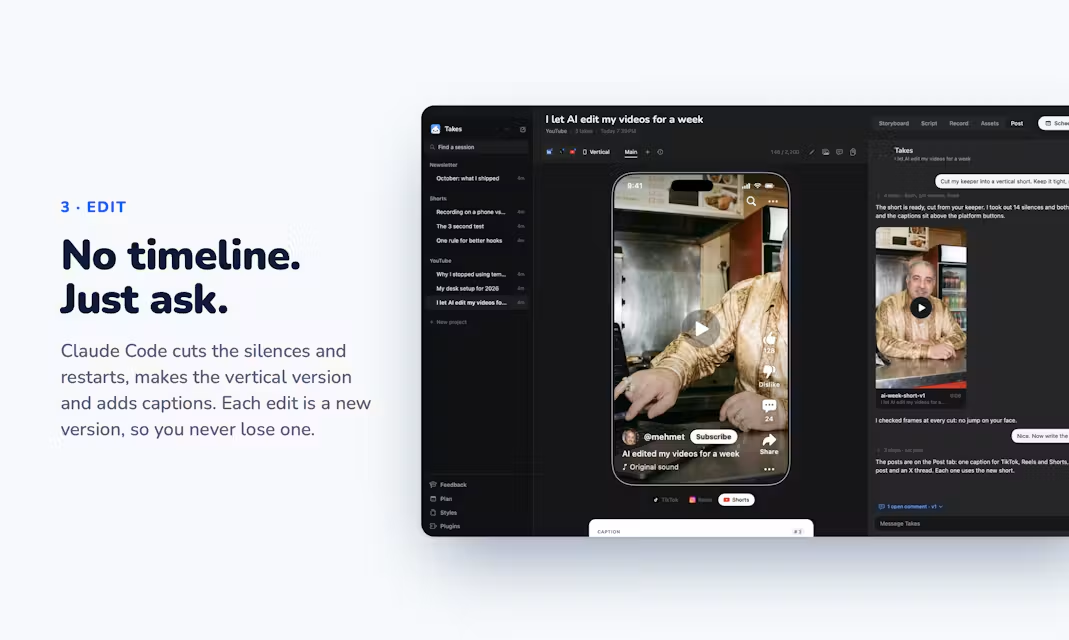
Instead of tracks and keyframes, Takes hands the edit to Claude Code. It cuts the take, makes a vertical version for short-form platforms, and drafts posts.
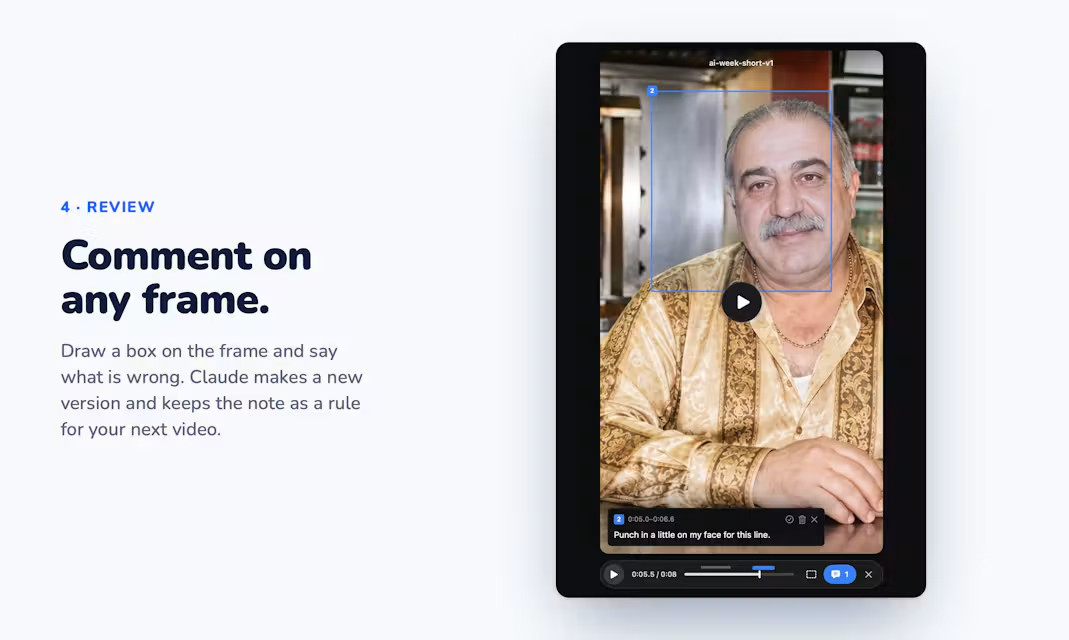
To make changes, you leave a comment on a specific frame, and Takes creates a new version of the edit. The app turns those notes into rules it remembers for future edits.
It also previews posts as they’ll appear on LinkedIn, X, YouTube, and Shorts, and can schedule them.
Under the Hood
Takes installs two Claude skills, one for storyboarding and one for video editing, and runs a takes MCP server that gives AI agents access to your video library. For background on MCP, see What Is MCP (Model Context Protocol)?.
Besides Claude Code, the chat panel can run on OpenAI’s Codex or pi. The MCP server also works with Cursor, Gemini CLI, and Claude Desktop.
There’s no account and no usage data collection, and videos stay on your Mac. An iPhone companion app connects over Tailscale, with no server run by the project.
What You Need
Takes requires a Mac with Apple Silicon running macOS 15 or later, plus your own Claude plan. The app is free, but the editing uses your Claude plan’s usage.
There are a few early rough edges. The app isn’t notarized yet, so you’ll need to approve it once in System Settings. The iPhone app currently requires installing through Xcode, and with a free Apple ID it has to be reinstalled every seven days.
The project is shared “as is” and doesn’t accept pull requests, though forks are welcome.
Competitive Context
Takes joins a growing list of AI agent video editors. Manus, fal, and others have launched tools that edit raw footage from a prompt, covered in Here’s Another AI Agent Video Editor.
The bigger editing apps are moving the same direction through MCP. DaVinci Resolve Studio 21.1 added a built-in connection, covered in How to Connect Claude to DaVinci Resolve, and community servers bring Claude to Premiere Pro’s timeline, covered in Can Claude Edit in Premiere Pro?.
Takes is narrower than those. It focuses on one type of video, talking heads with optional screen recording, and builds the whole workflow around it.
The Signal in the Noise
For creators who record tutorials, explainers, or LinkedIn videos, Takes covers the full loop in one app: script, record, cut, reformat, and post. Being free and open source makes it easy to try if you already pay for Claude.
It’s an early indie project, and the setup steps show it. If you edit talking-head videos in Premiere or Resolve today, it’s worth testing on a few short pieces before handing it anything client-facing.
Would you let Claude Code cut your talking-head videos, or does that edit still need a human on the timeline? Share your take in the comments.
Resources & Reads