Where FLUX 3 Image Fits Between Storyboards and AI Video Keyframes
FLUX 3 Image places elements with bounding boxes, takes up to ten references, and outputs 4K. Here is where it fits between a storyboard and AI video keyframes, and what it costs.

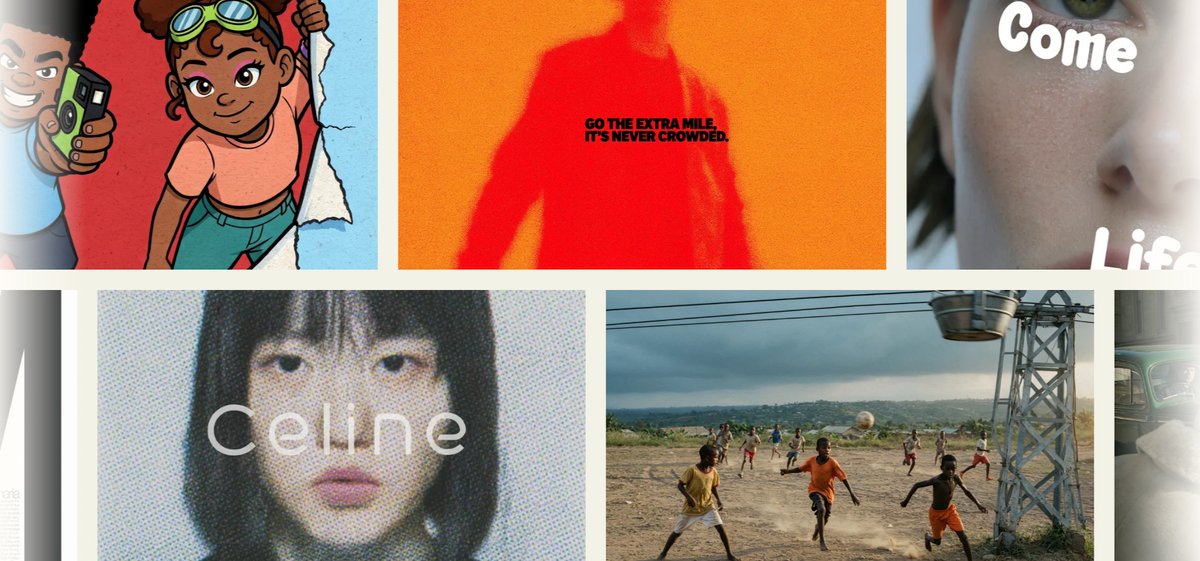
Black Forest Labs released FLUX 3 Image on October 1. It generates and edits from one endpoint. It places elements with bounding boxes and takes up to ten references.
For filmmakers, the useful question is where that fits. It sits between a storyboard sketch and the keyframe images you feed an AI video model.
What It Adds to Shot Planning
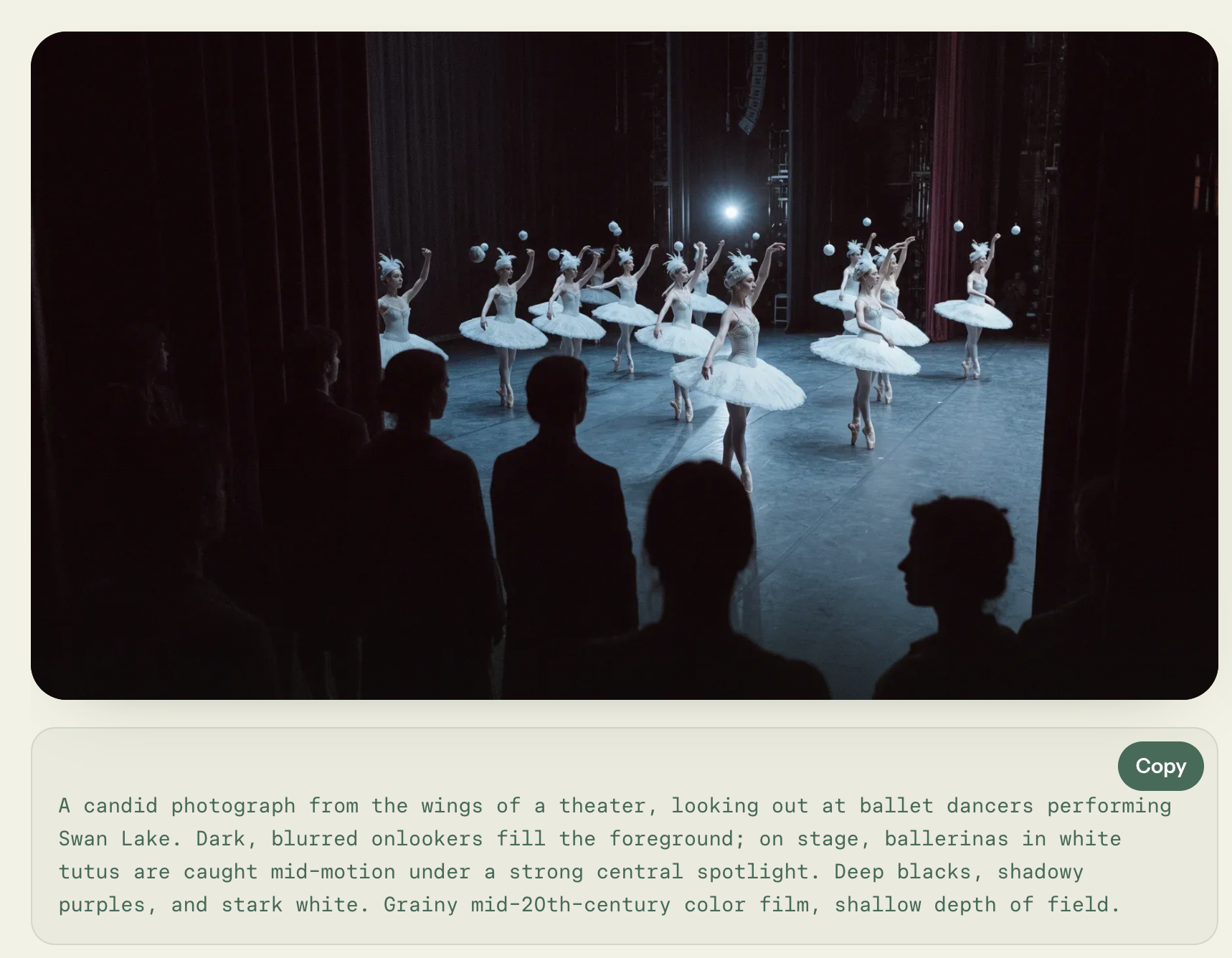
You place each element with a bounding box written at the end of the prompt. Boxes use [top, left, bottom, right] coordinates on a 0 to 1000 grid. It works like blocking a frame, with a position for each subject and prop.
The same boxes drive edits. BFL's docs say you can recolor, move, replace, or remove one element while the rest stays unchanged. Kingy AI quotes BFL's tutorial as saying untouched pixels usually stay identical, so check each result.
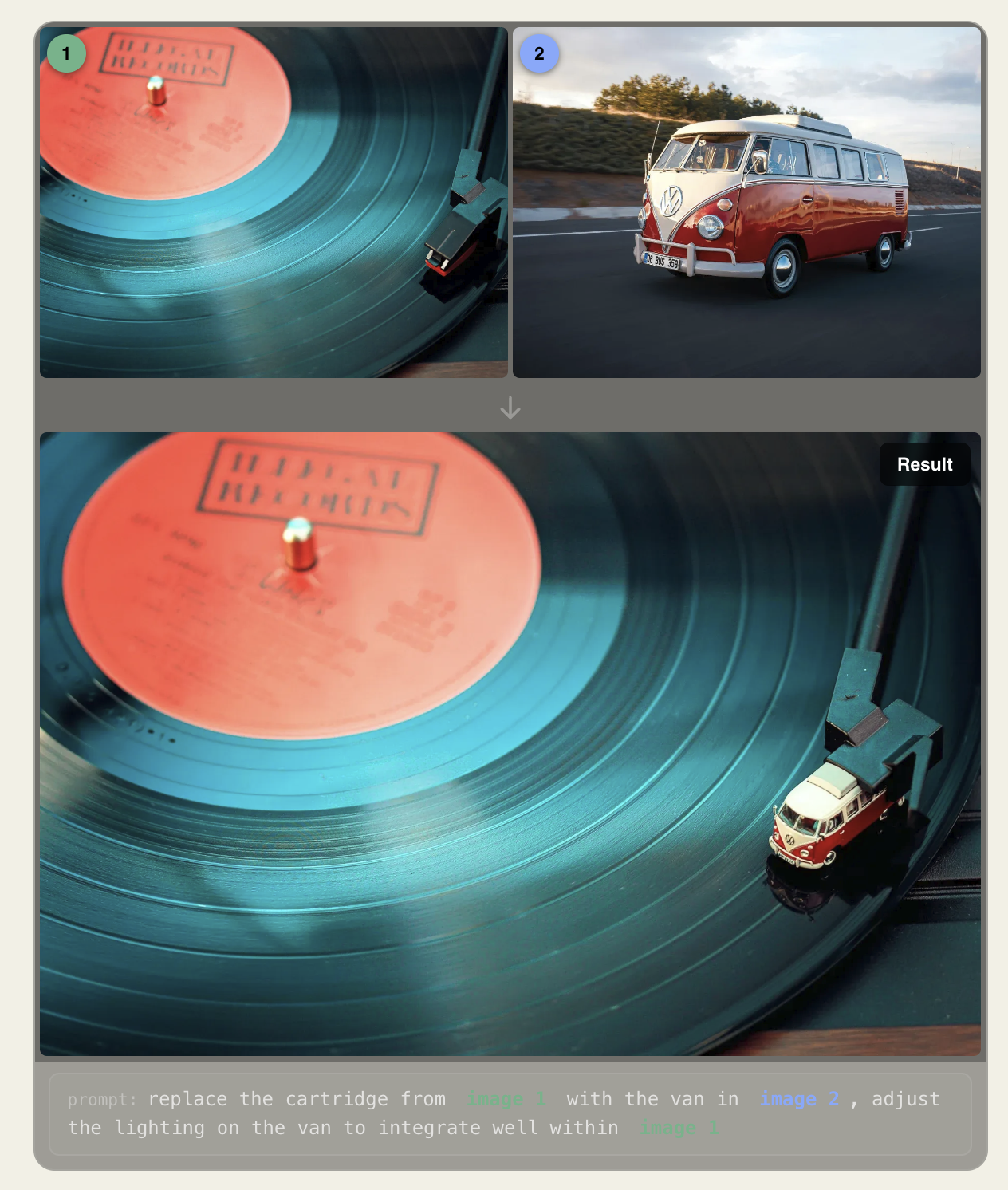
References work the same way. You can send one to ten images, each from 256 x 256 pixels up to 16 megapixels. BFL's example uses one image for the scene and a second for the object to place in it.
Output runs from 768 pixels square up to 4K. Aspect ratios run from 21:9 to 9:21, or auto, which follows the first reference. The widest preset is about 2.33:1, so a true 2.39:1 frame needs a slight crop.
How It Connects to Video Keyframes
Video models are moving toward image-led control. Kling announced Kling 4.0 with up to ten keyframes, and its full launch is set for October. BFL's FLUX 3 Video docs describe up to ten images to storyboard a clip, and label that model a preview.
Kling 3.0 already supported start and end frames. BRC explained what keyframes are in AI video in an earlier piece.
That makes a still-image model the middle step. A storyboard sketch sets the idea, and an image model builds the keyframe with controlled layout and references. The video model then fills in the motion between keyframes.
Competitive Context
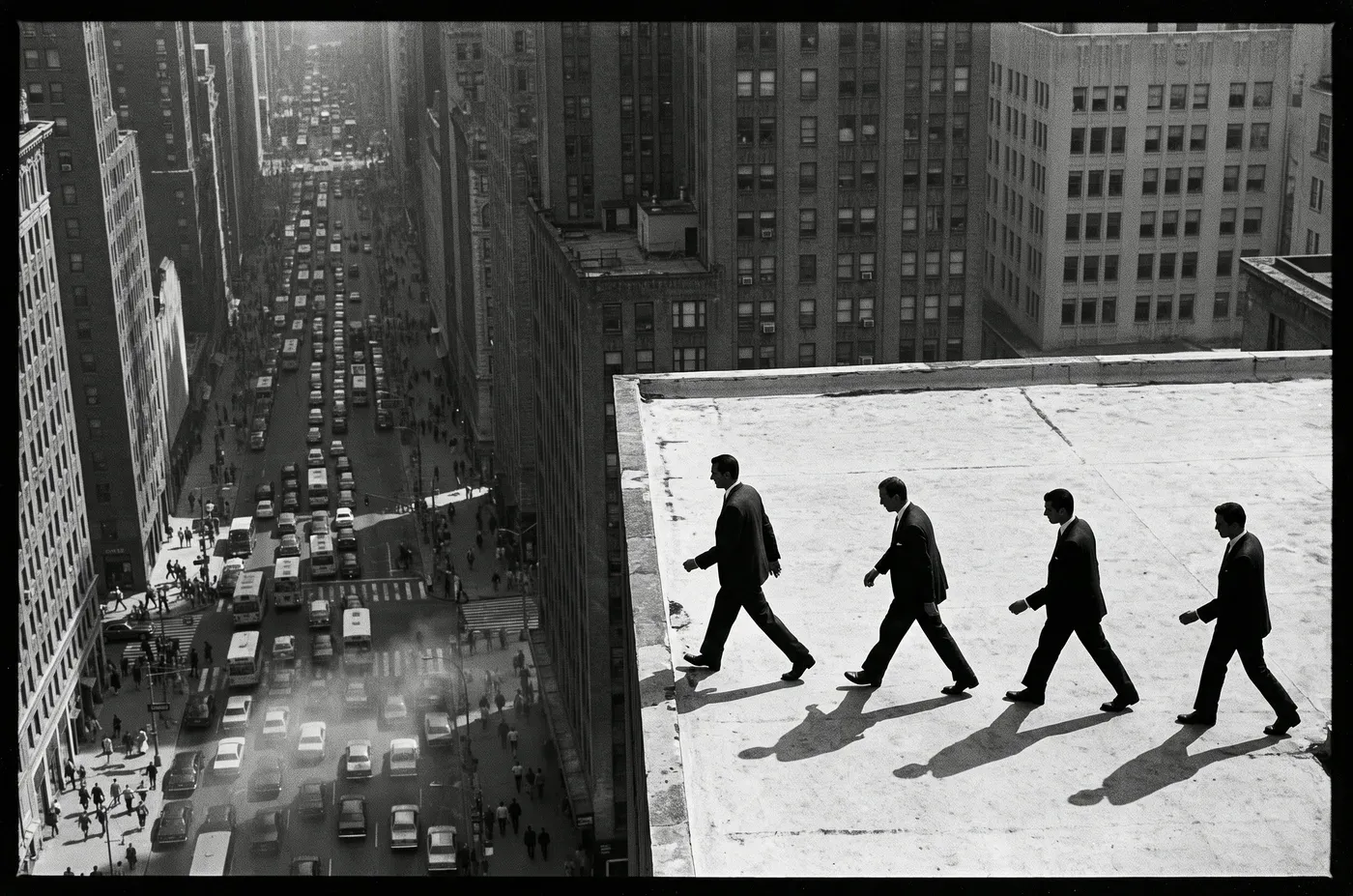
FLUX 3 Image is not the only image model with strong reference and edit tools. fal lists Nano Banana 2 with up to 14 reference images and native 4K. GPT Image 2.5 takes up to 16 references per edit, and Seedream 5.0 Pro takes up to 10.
FLUX 3's difference is explicit coordinates. Seedream 5.0 Pro also takes point, lasso, and box selection for edits. The gap is narrower than the layout feature suggests.
Price separates them at 4K. FLUX 3 Image lists at $0.607 per image on BFL's API. fal's measured table puts GPT Image 2.5 at 4K for $0.1002 at high quality and $0.0260 at medium.
Ideogram announced an editing-focused version 4.5, also set to ship as open weights soon, per The Decoder.
The Signal in the Noise
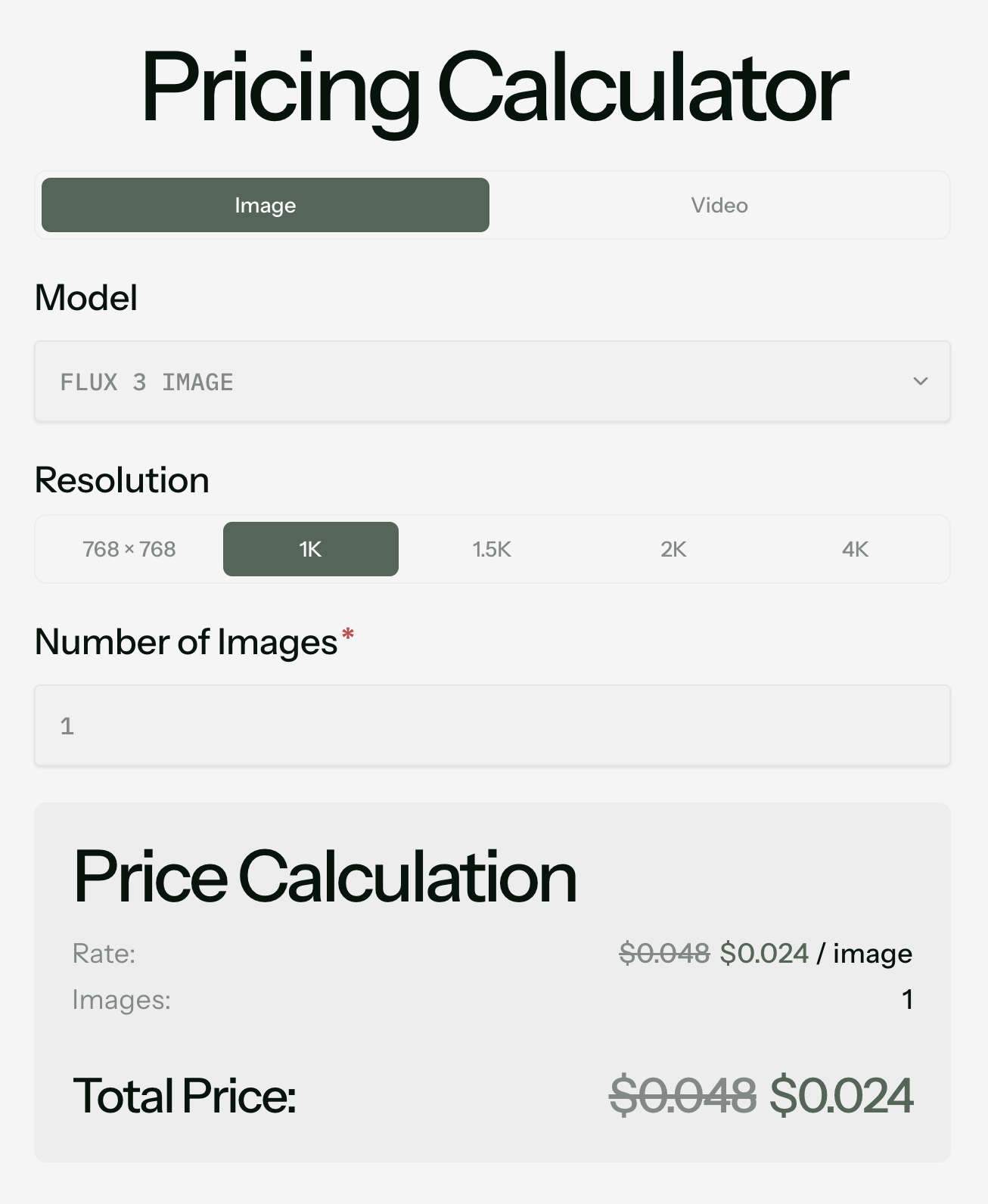
For storyboards, FLUX 3 Image is cheap enough to use freely. At BFL's list prices, a 24-frame board costs about $1.15 at 1K and $2.40 at 2K. The same board at 4K costs about $14.57, before retakes.
BFL's launch discount cuts those prices in half through October 8. fal lists a 1K image at $0.024 during the promotion. The price doubles afterward.
The caveats matter for continuity. BFL's edit-preservation claim has no independent testing yet. The docs also list a grounding setting that defaults to on, which runs web and image search before generating.
BFL says open weights will arrive in the coming weeks, and commercial weights are licensed by negotiation. The video tools it pairs with are still rolling out. Use FLUX 3 Image to block frames and build keyframe candidates at 1K or 2K, and save 4K for frames you have already approved.
Would you build your keyframes in an image model first, or let the video model start from text?
Specs & Pricing
- Release: October 1, 2026 through BFL's API and playground. It is also live on fal and OpenRouter.
- Endpoint:
POST /v1/flux-3-imagehandles generation and editing. fal splits it into text-to-image and edit endpoints. - References: 1 to 10 images, 256 x 256 pixels to 16 megapixels each
- Layout: bounding boxes as [top, left, bottom, right] on a 0 to 1000 grid
- Resolution: 768 square, 1K (default), 1.5K, 2K, and 4K
- Aspect ratio: 21:9 to 9:21, or auto
- Other settings: grounding defaults to on, and safety tolerance defaults to 2 on a 0 to 4 scale
- BFL API list price per image: $0.041 at 768 square, $0.048 at 1K, $0.07 at 1.5K, $0.10 at 2K, and $0.607 at 4K
- Launch pricing: 50% off through October 8. fal lists images from $0.0205 and 1K at $0.024 during the promotion.
- Weights: commercial weights by negotiated license. Open weights promised in the coming weeks and not yet available.
- Comparison on fal: GPT Image 2.5 at 4K is $0.1002 at high quality and $0.0260 at medium. Seedream 5.0 Pro starts from $0.0675. Exact pricing is available on BFL's and fal's websites.