Google Made Its Omni Video Model Free in Vids, With Real Editing Controls
Google Vids now offers free AI video generation with Gemini Omni 1.1, plus scene extension, exact clip timing, and 1080p output.

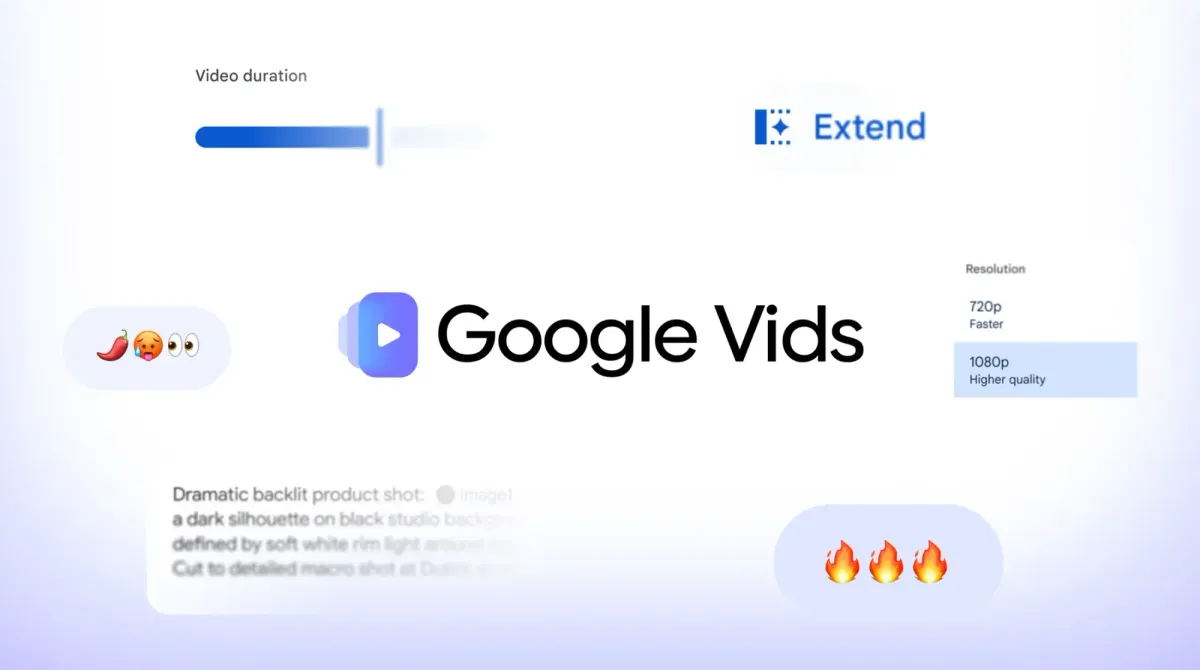
Google opened up AI video generation in Google Vids to anyone with a Google account, at no cost, powered by its Gemini Omni 1.1 Flash model. The update also adds three creative controls that move Vids closer to an editing tool than a one-shot generator: scene extension, exact clip durations, and 1080p output.
What Actually Changed
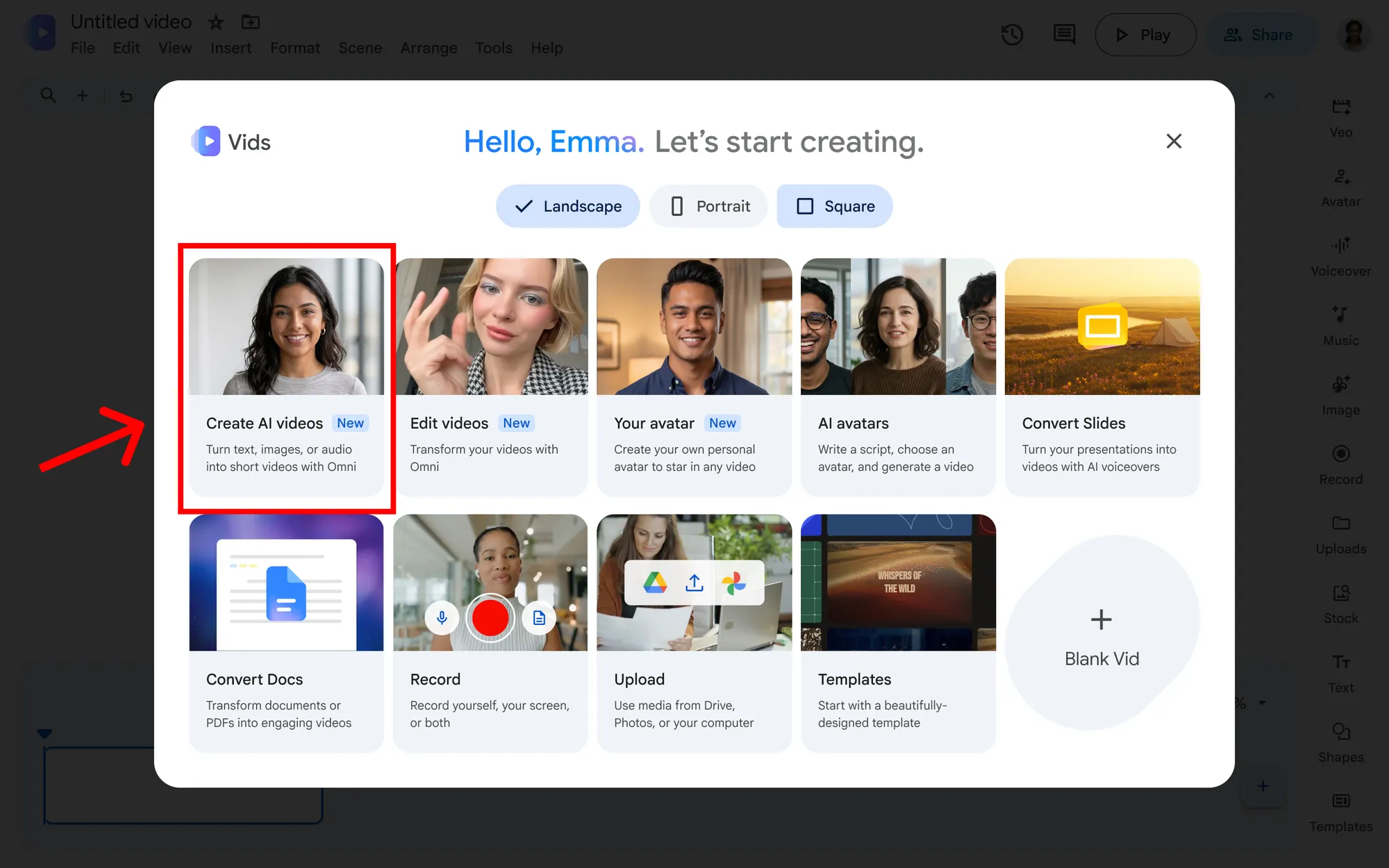
Until now, AI generation in Vids sat behind Workspace and paid Google AI plans. Now anyone with a personal Google or Workspace account can open vids.new on desktop, choose "Create AI videos," and start generating scenes with Omni 1.1.
Google frames the update around direction rather than prompting. The three new controls reflect that.
The Three New Controls
Extend scenes. Lengthen a generated clip while keeping characters, lighting, environment, and visual style consistent. Instead of generating a new clip and hoping it matches, you continue the one you already have.
Set exact durations. Choose the precise length of a generated clip, down to the second, so it lines up with your voiceover or your cut. That's a genuinely editorial feature, built around timing a scene to a story rather than taking whatever length the model returns.
Generate in HD. Create new scenes in full 1080p, or upscale existing AI clips so they blend with the rest of your timeline.
Voiceover Is Coming Next
Google says Gemini 3.8 Flash-Lite TTS, one of the two new Gemini text-to-speech models released today, is coming soon to Vids. It will turn a typed script into narration across 100+ languages.
Put together with exact clip durations, that points toward a workflow where script, voiceover, and generated visuals are timed to each other inside a single browser tool.
What "Free" Actually Means
Google doesn't publish how much free generation each account gets. It does say personal Google AI plans unlock more access, and that Workspace Business and Enterprise plans include expanded generation pools with admin controls.
So "at no cost" is best read as a real, usable free tier with a cap, not unlimited generation. Access is desktop-only for now.
Every clip generated with Omni 1.1 in Vids also carries an imperceptible SynthID watermark, so viewers can verify it was made with AI.
Who Google Is Targeting
Google's own examples lean toward small businesses, product launches, marketing teams, and community organizers, not filmmakers. That's the honest framing: Vids is a browser-based tool for fast, templated video, not a replacement for a real editing suite.
Still, the controls themselves are useful beyond that audience. Timing clips to a voiceover and extending shots with consistent lighting are the same problems filmmakers hit when using AI for temp shots, animatics, or pitch materials.
Competitive Context
Free access puts real pressure on paid AI video tools, most of which gate generation behind credits or subscriptions from the first clip. Google can afford to give away a capped tier because Vids feeds its Workspace business, where paid plans unlock the real volume.
For anyone who hasn't tried a major AI video model yet, this is one of the lowest-friction ways to do it: a browser, a Google account, and no credit card.
The Signal in the Noise
The notable shift isn't just that it's free. It's that Google is building editing logic, duration, continuity, and resolution, around the generation step, rather than treating each clip as a standalone result.
That's the direction the more serious AI video tools have been moving too. Seeing it arrive in a free, mainstream product suggests that "direct, don't just prompt" is becoming the baseline expectation rather than a premium feature.
Would a free tool with exact clip timing and scene extension change how you'd rough out temp shots or pitch videos, or does a capped free tier make it more of an experiment than a real part of your workflow?
Specs & Pricing
- Tool: Google Vids, powered by Gemini Omni 1.1 Flash
- Access: free for anyone with a Google or Workspace account; desktop only, via vids.new
- New controls: scene extension with consistent characters and lighting, exact clip durations, 1080p generation and upscaling
- Coming soon: Gemini 3.8 Flash-Lite TTS voiceover in 100+ languages
- Watermarking: SynthID embedded in every generated clip
- Free tier limits: not published; Google AI plans and Workspace Business/Enterprise include larger generation pools
- Also included: ready-to-use video templates