How to Start Your Own Video Podcast Using AI... You Know, If You Want to Try It
You can genuinely make a two-host AI video podcast in minutes now. Here's how it actually works, and how to do it without it looking fake or sloppy.

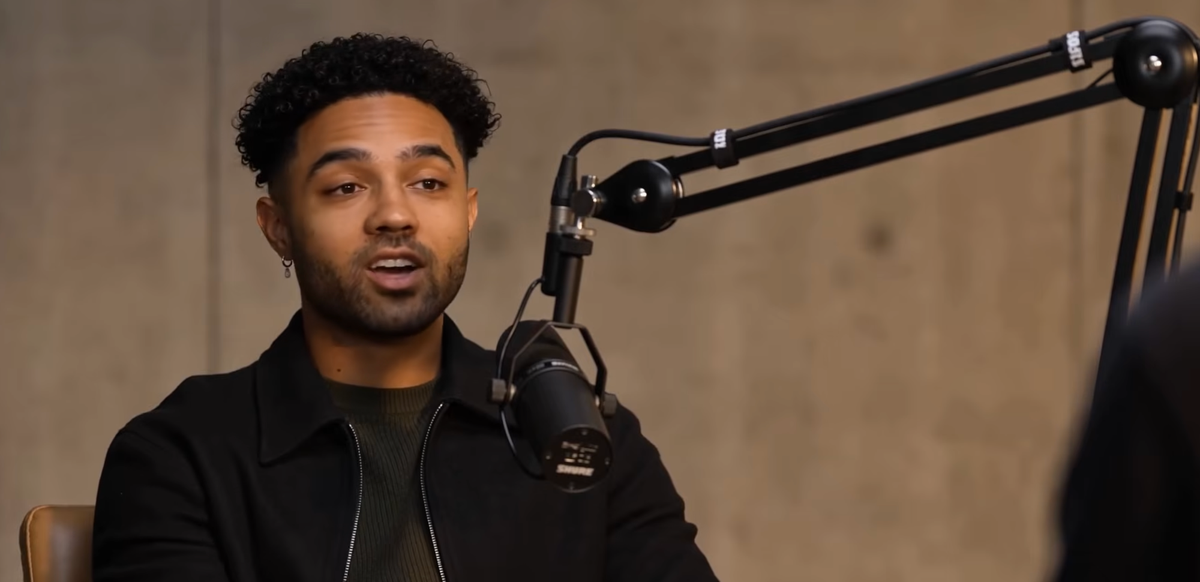
Let's just say it plainly: it is genuinely strange that this is possible right now. Two people, having a real conversation, on camera, in a studio, with cutaways and B-roll, and neither of them exists. No mic, no lighting rig, no editor, no scheduling two guests' calendars. Just a document or a link, and a few minutes.
That's not a hypothetical anymore. It's a tool you can open right now. Whether or not you should is a fair question, and worth sitting with for a second before we get into how.
What You're Actually Making
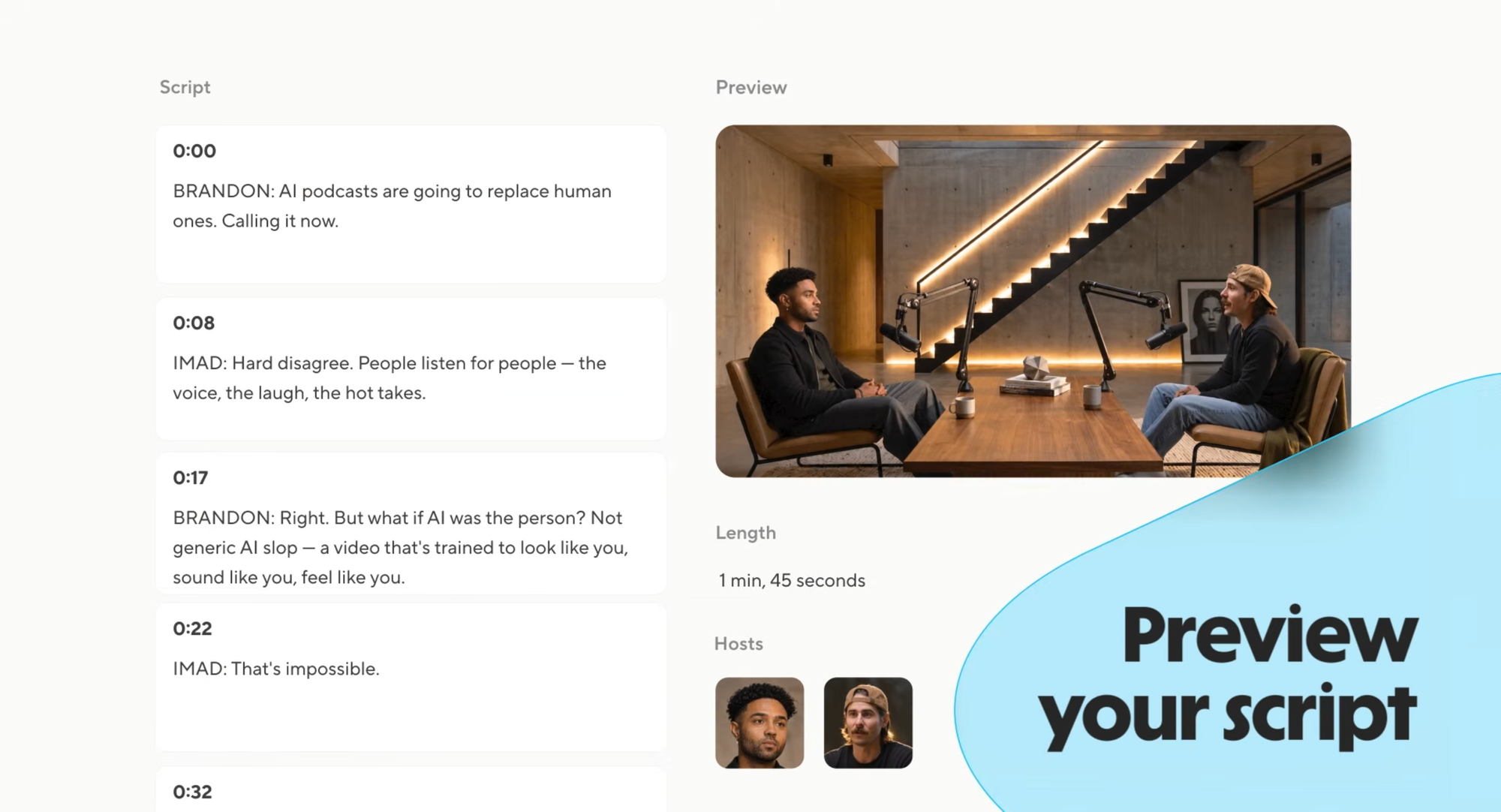
Tools like HeyGen's Video Podcast take a source, a PDF, an article, a written idea, and turn it into a two-host conversation. The AI writes the dialogue, assigns each host a voice and a role, and renders a full video with studio scenes, camera cuts, and supporting footage. What comes out the other end doesn't look like a slideshow with text-to-speech over it. It looks like two people talking, because that's specifically what it's built to simulate.
This is worth being honest about upfront: the tool is genuinely good at making something that looks real. Whether it's good enough to actually pass as real, without an audience feeling like something's slightly off, is the whole ballgame.
The Actual Steps
Here's the mechanical part, which is almost anticlimactic given what it produces.
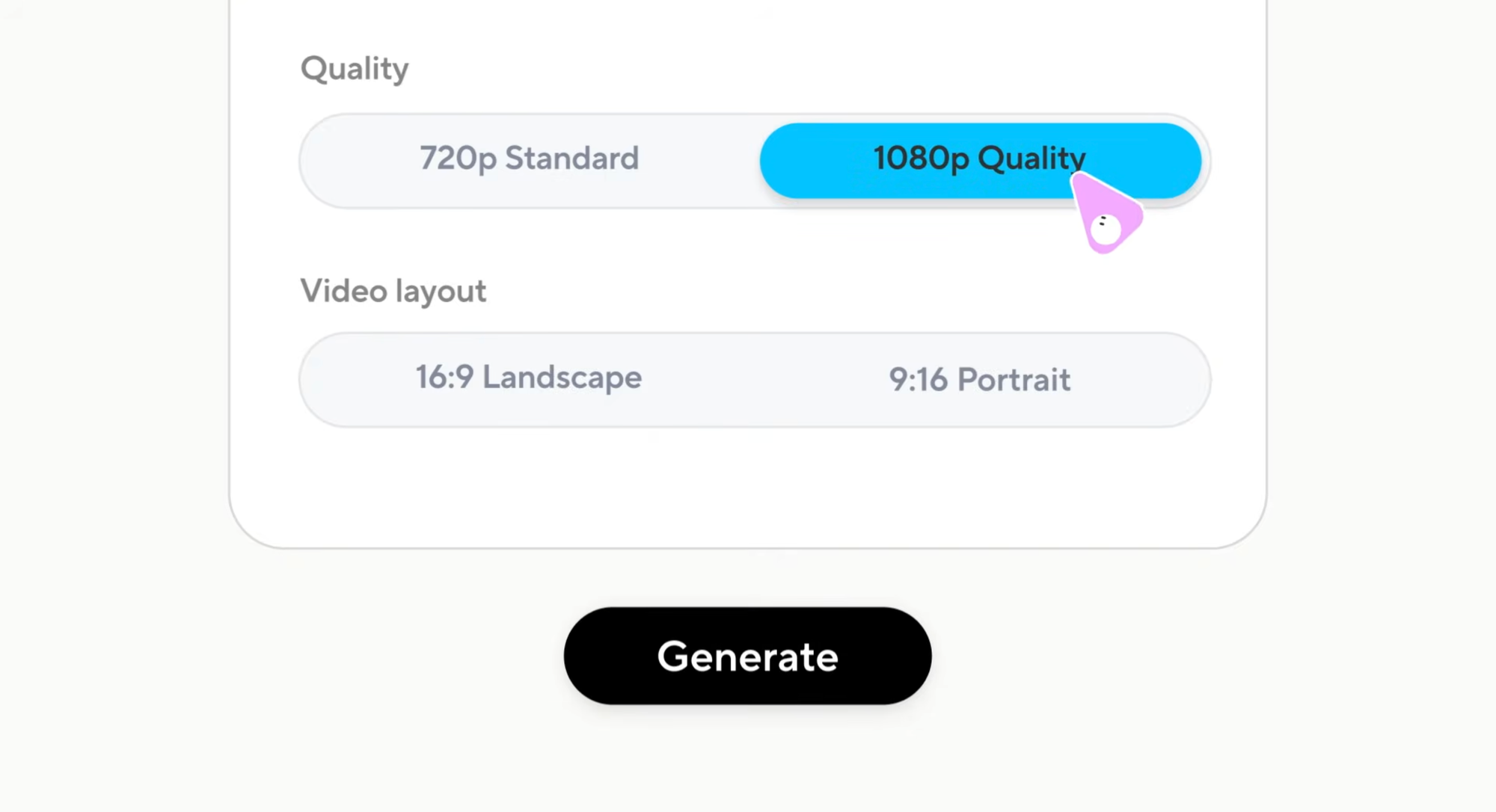
Open the Video Podcast tool inside HeyGen's Apps section. Drop in a link to an article, or upload a PDF, whatever you want the conversation to be about. Pick two avatars to play your hosts. Choose your aspect ratio (horizontal for YouTube, vertical for Reels or Shorts), decide on runtime, and toggle captions on or off. Hit submit.
That's it. A few minutes later, you have two AI hosts discussing your source material in a studio-style setting, cutting between camera angles like an actual produced show.
How to Not Make It Look Sloppy
This is the part that actually matters, because the gap between "impressive tech demo" and "content people trust" is entirely in the details most people skip.
Don't use the default stock avatars for anything you want people to trust. Generic, off-the-shelf avatar faces read as generic, off-the-shelf avatar faces, especially once someone's seen a few dozen AI videos and started pattern-matching. If credibility matters at all, build a custom avatar from your own photos and short video clips rather than picking a stranger's face from a library.
Feed it a genuinely well-written source, not a rough draft. The AI is writing dialogue based on what you give it. A messy, disorganized PDF produces a messy, disorganized conversation, just delivered more confidently than it deserves. Clean up your source material like you'd clean up an interview outline before actually running the interview.
Watch the preview before you trust the final render. Every guide on using this tool says the same thing for a reason: generate a preview first, and actually watch how each avatar delivers its lines before committing to a full render. Awkward pacing and mismatched emphasis are the tell that gives away synthetic content fastest, and they're fixable before final output, not after.
Be honest about what it is. This is less a production tip and more a credibility one. An AI-hosted show that's transparent about being AI-hosted reads as a legitimate content format. An AI-hosted show trying to pass as two real people having an unscripted conversation reads as deception the moment anyone figures it out, and people do figure it out.
What This Is Actually Good For
The realistic use case isn't replacing an actual podcast with real chemistry and unscripted tangents. It's the content that was never going to get that treatment anyway: turning a long research report into a digestible discussion format, converting internal training material into something more watchable than a slide deck, or repackaging existing written content into video for platforms where video performs better than text.
It's also a genuinely useful prototyping tool. If you're considering starting a real podcast and want to test whether a topic or format actually works as a conversation before booking a studio and a co-host, this is a fast, nearly free way to find out.
The Signal in the Noise
The honest takeaway is that this tool is impressive and slightly unsettling in roughly equal measure, and both reactions are correct. It's a real production capability that didn't exist eighteen months ago. It's also exactly the kind of thing that erodes trust fast if used carelessly or dishonestly.
If you're going to try it, try it for the content it's actually suited for, put real effort into the source material and avatar quality, and don't pretend it's something it isn't. That's really the whole discipline.