Is macOS 27 Safe for Premiere Pro and DaVinci Resolve? What to Check Before You Update
Adobe confirms Premiere Pro 26.5 works on macOS 27, and editors report Resolve and Final Cut running normally. Here’s what to check before you update.

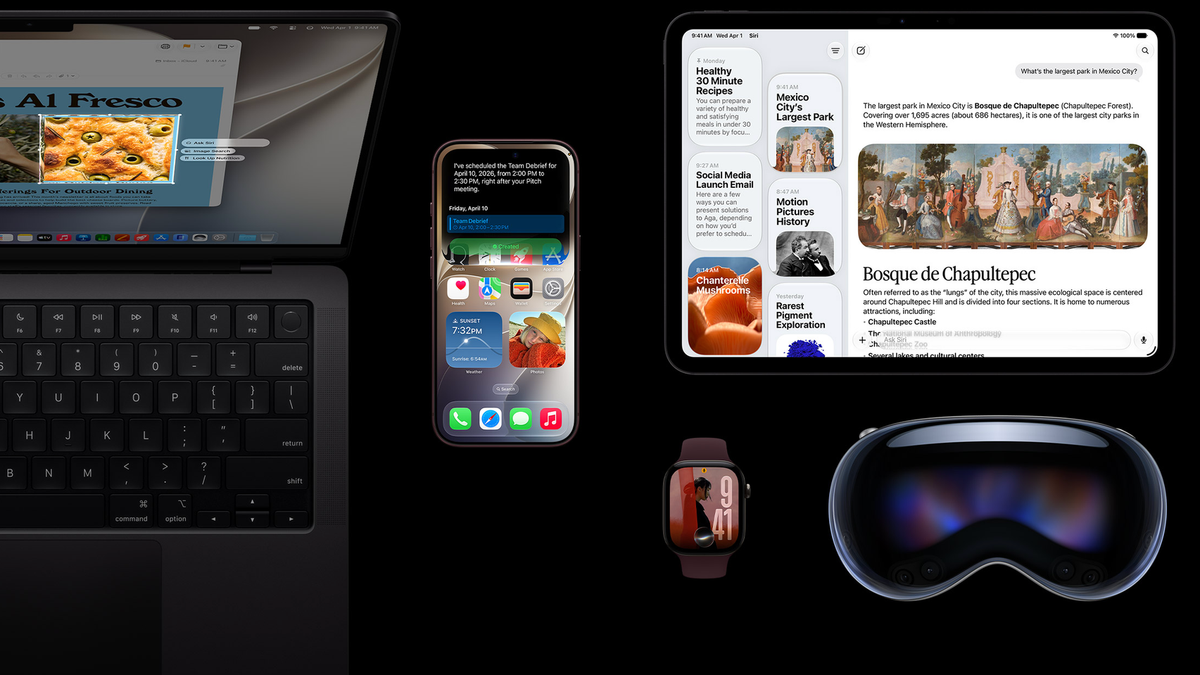
Apple released macOS 27 Golden Gate on September 14, and the major editing apps have mostly caught up. Adobe has confirmed Premiere Pro and After Effects work on it, and editors report DaVinci Resolve and Final Cut Pro running normally.
Whether you should update today depends on your Mac, your plugins, and whether you’re mid-project. Here’s where each app stands and what to check first.
What Adobe Says About macOS 27
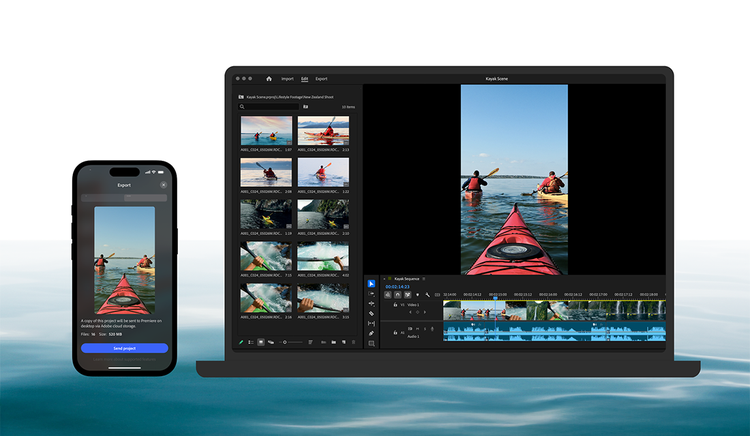
Adobe’s compatibility page, last updated October 1, lists its video apps as confirmed for macOS 27 starting with version 26.5. That covers Premiere Pro, After Effects, Media Encoder, and Audition, with no known issues listed for any of them.
If you’re on an older version, update your Adobe apps before you update macOS. Adobe is still testing some of its other apps and says it will update the list as testing finishes.
One thing to watch for is the next point release. On Adobe’s community forums, users have reported Premiere Pro and After Effects crashing on the macOS 27.2 developer beta when importing media or dragging audio to the timeline.
That’s a beta, not the public release. It’s still a good reason to wait a few days after macOS 27.2 arrives before installing it on an editing machine.
Where DaVinci Resolve Stands
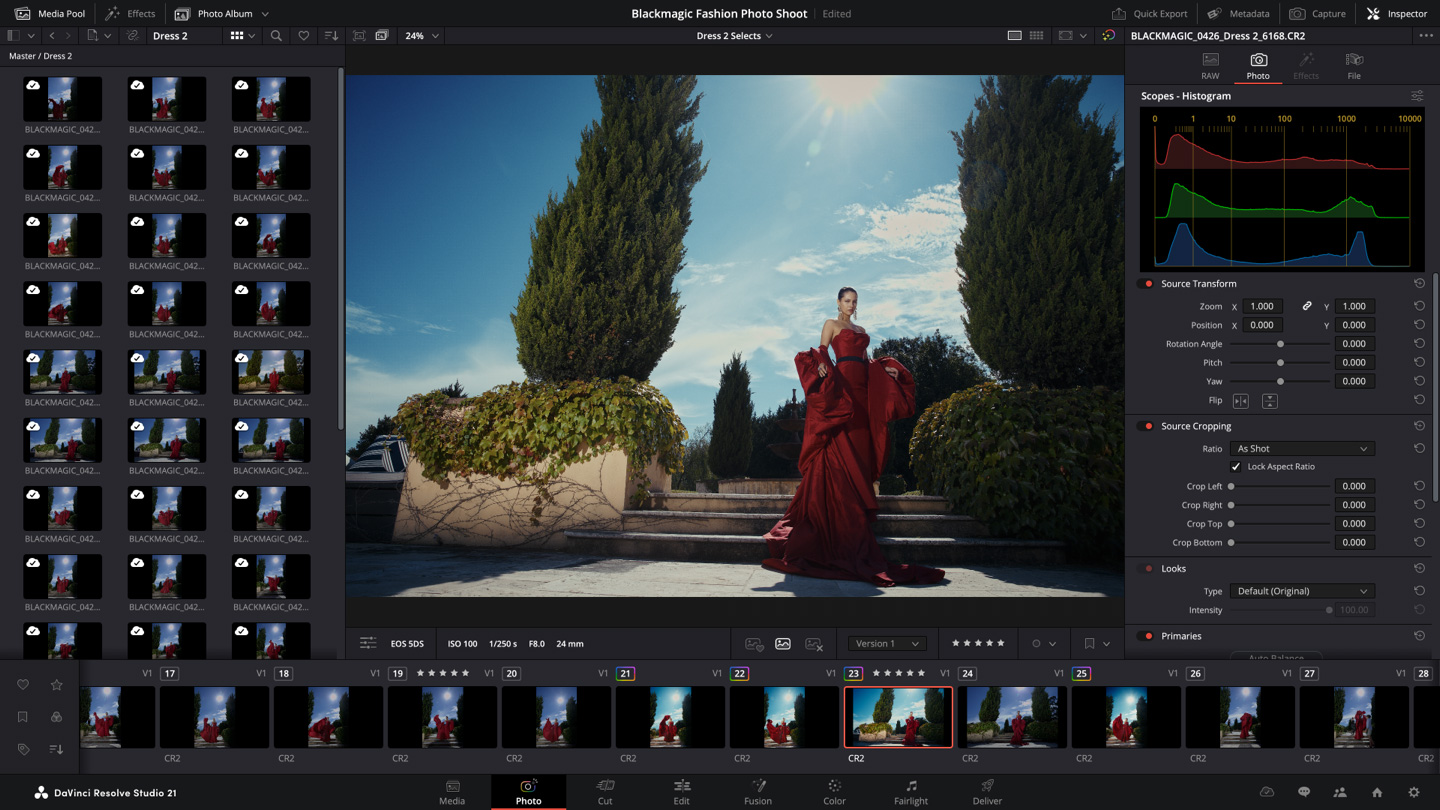
Blackmagic Design lists macOS 15.0 or later as the requirement for DaVinci Resolve 21.1 and Resolve Studio 21.1. Users in MacRumors’ macOS 27 compatibility thread report Resolve working on Golden Gate.
Make sure you’re on Resolve 21.1 before updating. The update is free for existing Studio owners, and new Studio licenses are $295.
OFX plugins are the bigger question with Resolve. Film emulation, noise reduction, and color tools from third-party developers can lag behind a major macOS release, so check each developer’s support page first.
Final Cut Pro and Other Apps
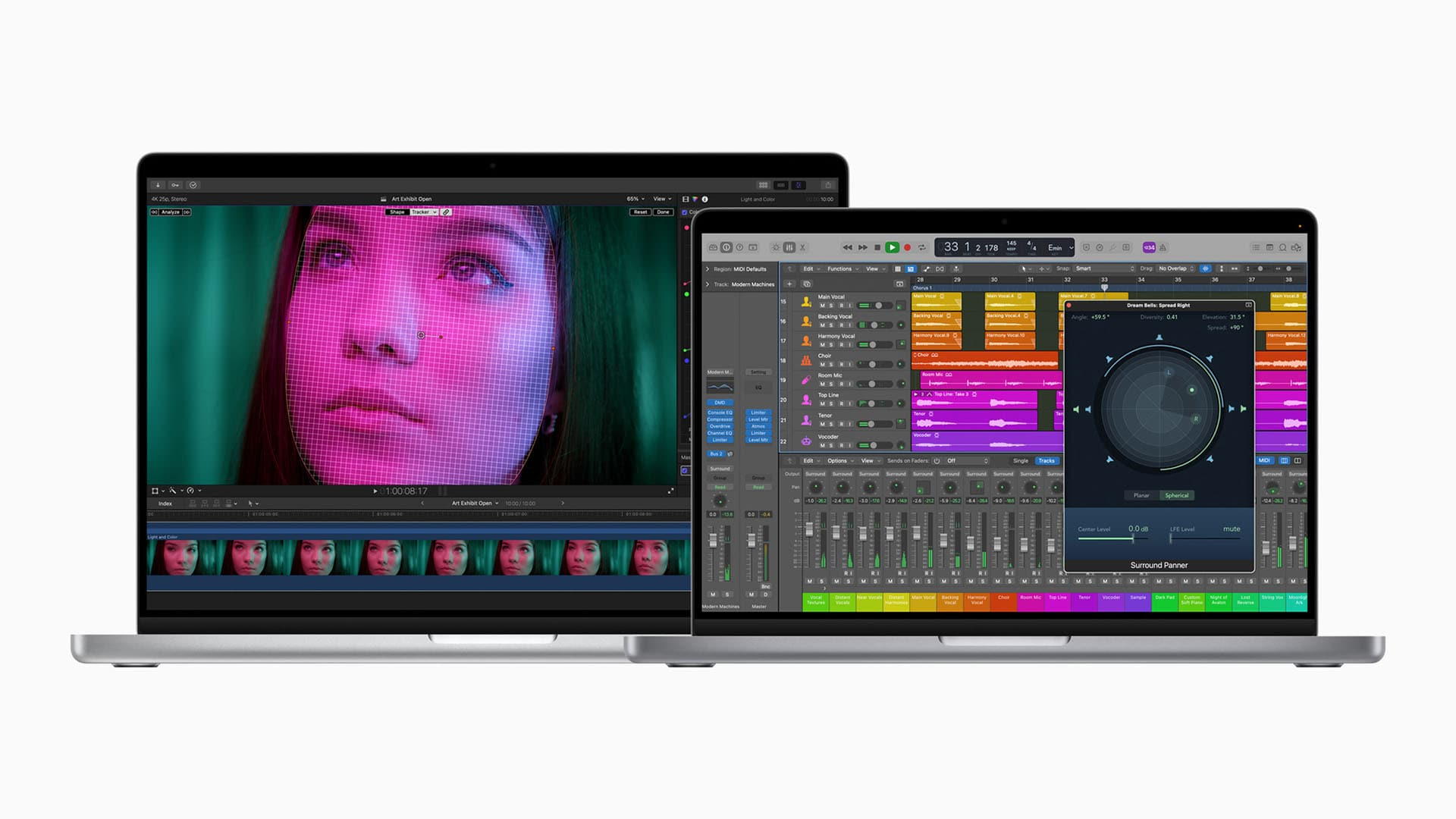
Apple lists macOS 15.6 or later as the requirement for Final Cut Pro. Users in the same MacRumors thread report Final Cut and Compressor working on macOS 27.
Camera utilities and companion apps are more hit or miss. Fujifilm, for example, says its PC AutoSave app for Mac won’t launch on macOS 27, and a fix is scheduled for November 2026.
If your workflow depends on a camera maker’s raw converter, transfer tool, or webcam utility, check that company’s compatibility notices before you update.
Your Mac Has to Be Apple Silicon
macOS 27 drops Intel Macs entirely. Only Apple Silicon models are supported, including the 2020-and-later MacBook Air, MacBook Pro, and Mac mini, plus 2021-and-later iMacs, 2022-and-later Mac Studios, and the 2023 Mac Pro.
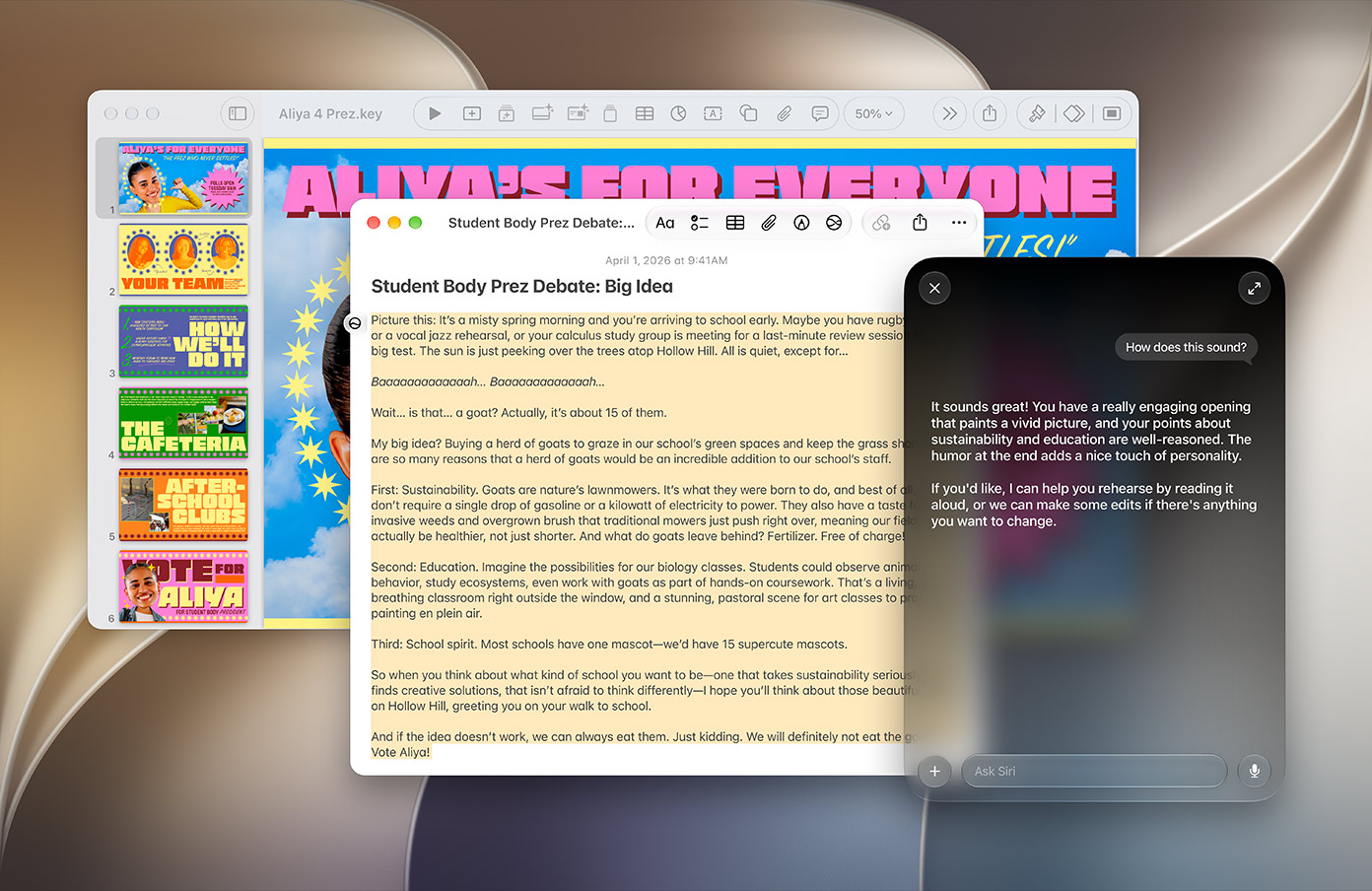
macOS 27 is also the last version that will include Rosetta 2, which lets Apple Silicon Macs run apps built for Intel. Older Intel-only plugins and utilities still work this year, but next year’s macOS won’t run them.
If any of your tools still rely on Rosetta, this is the year to find replacements.
What to Check Before You Update
- App versions: Update Premiere Pro, After Effects, and Media Encoder to 26.5 or later, and Resolve to 21.1.
- Plugins: Check every OFX, AE, and Premiere plugin you use, especially paid color, noise reduction, and transition packs.
- Rosetta tools: Note any Intel-only apps or plugins and look for Apple Silicon versions.
- Camera software: Check raw converters, transfer apps, and tethering tools from your camera maker.
- Hardware drivers: Confirm drivers for capture cards, control surfaces, and RAID or storage devices.
- Backups: Run a full Time Machine or clone backup before you install.
- Timing: Don’t update in the middle of a project with a deadline. Finish, archive, then update.
Adobe also recommends testing the update on a second Mac first if you have one. That’s especially useful if you rely on a lot of third-party plugins.
Competitive Context
All three major editing apps are in good shape on macOS 27. Adobe has published the most formal confirmation, with a version-specific compatibility table.
Blackmagic lists a minimum macOS version rather than a confirmed list, and Apple’s Final Cut Pro requirement sits well below macOS 27. On Windows, the equivalent question comes up with major Windows feature updates and GPU driver releases, which affect editors more often than OS versions do.
The Signal in the Noise
For most editors on Apple Silicon with current app versions, macOS 27 is safe to install. The risk is in plugins, older utilities, and point releases like 27.2.
If you can’t confirm your plugins are compatible, waiting costs you nothing. If you’re on an Intel Mac, macOS 26 is where your machine stops, and that matters more than this update.
The Details
- macOS 27 Golden Gate release: September 14, 2026
- Supported Macs: Apple Silicon only
- Rosetta 2: Included for the last time in macOS 27
- Premiere Pro, After Effects, Media Encoder, Audition: Confirmed by Adobe at version 26.5 and later
- DaVinci Resolve 21.1: Requires macOS 15.0 or later; free for Studio owners, $295 for new Studio licenses
- Final Cut Pro: Requires macOS 15.6 or later
Have you updated your editing Mac to macOS 27 yet? Share any plugin or app issues you’ve run into in the comments.