Runway's Aleph 2.0 Outpaints Video to Any Aspect Ratio
Runway's Aleph 2.0 model can synthesize new visual data onto the edges of existing footage to reframe a single master shot across any aspect ratio — from 16:9 widescreen to 9:16 vertical.

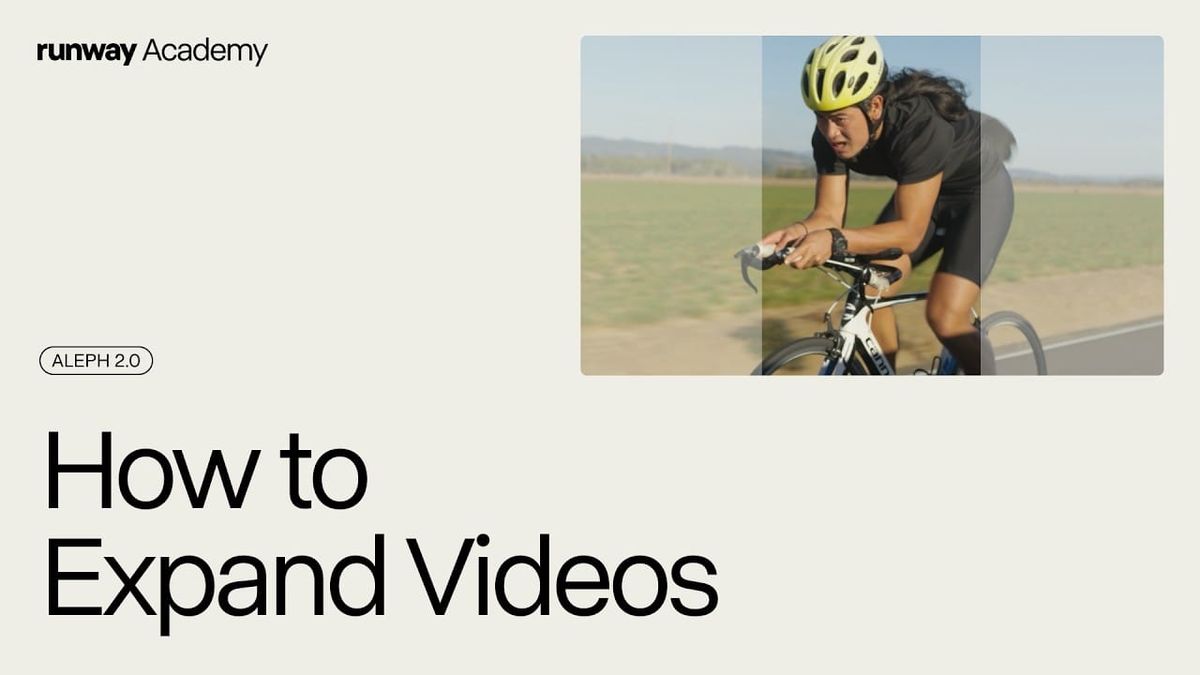
Runway published a new Academy tutorial in June 2026 showing filmmakers and content creators how to use the Aleph 2.0 model inside Edit Studio to expand video across multiple aspect ratios without cropping, letterboxing, or reshooting.
Featured Video
What Aleph 2.0 Does in Edit Studio
Aleph 2.0 analyzes existing footage and synthesizes new visual data along the frame edges to fill whatever aspect ratio the user selects.
Supported output ratios include 16:9, 4:3, 1:1, 3:4, and 9:16 — covering the standard delivery formats for broadcast, social, and streaming platforms.
As Runway Academy describes it: "Aleph 2.0 expands the scene to fit the new aspect ratio so your video looks like it was filmed that way from the start."
The model runs without a text prompt by default, reading lighting, motion, and context clues inside the existing footage to determine what should appear in the newly synthesized borders.
Users can override that behavior by adding a text prompt or uploading a reference image to direct what the extended frame contains.
The tutorial walks through a keyframe selection step that is central to getting clean results.
Users select a single mid-clip frame — ideally one that best represents the geometry, subjects, and lighting of the scene — as the structural baseline before the full video render begins.
For footage where subjects enter frame late or move dramatically during the clip, Runway recommends carefully choosing a keyframe that avoids cutoff compositions, which can produce artifacts in the expanded borders.
Alternative frame modeling options are accessible in the user dashboard for footage with complex input geometry that struggles on default settings.
Competitive Context
The most direct manual alternative to this workflow is generative outpainting in Adobe After Effects or Photoshop's Generative Fill — both of which require frame-by-frame or clip-level manual intervention and do not automatically maintain motion continuity across an expanded video border.
In the generative AI space, Aleph 2.0 occupies a different position than text-to-video tools like OpenAI Sora or Luma Dream Machine.
Those tools generate footage from scratch based on a text description. Aleph 2.0 locks down user-submitted footage as the anchor and extends it — which means the output is constrained by what actually exists in the original clip rather than invented by the model.
That constraint is the point. For production workflows where the original footage must remain intact and recognizable, a footage-anchored outpainting approach is more practical than a generative one.
The Signal in the Noise
The cross-platform delivery problem this addresses is real and persistent. Shooting a single horizontal master and reformatting it for Instagram Reels, TikTok, and YouTube Shorts typically means either losing critical frame content or paying for additional setups.
Aleph 2.0's approach — synthesizing the missing frame data rather than cropping into what exists — is a more useful solution for single-camera or run-and-gun productions than anything currently available in standard NLE export pipelines.
The keyframe workflow does add a manual decision step, and results on footage with fast or erratic motion will depend heavily on how well that keyframe is chosen.
For controlled shoots — interviews, narrative setups, product footage — the quality floor is likely high enough to replace manual rework in most social delivery contexts.
Specs & Pricing
Exact pricing is available on Runway's website. Aleph 2.0 is accessible through Runway's Edit Studio as part of the platform's subscription tiers.