Runway Brings Its AI Models Directly Into the DaVinci Resolve Timeline
Runway's AI tools are now available inside DaVinci Resolve, letting editors generate, edit, and upscale footage without leaving the timeline.

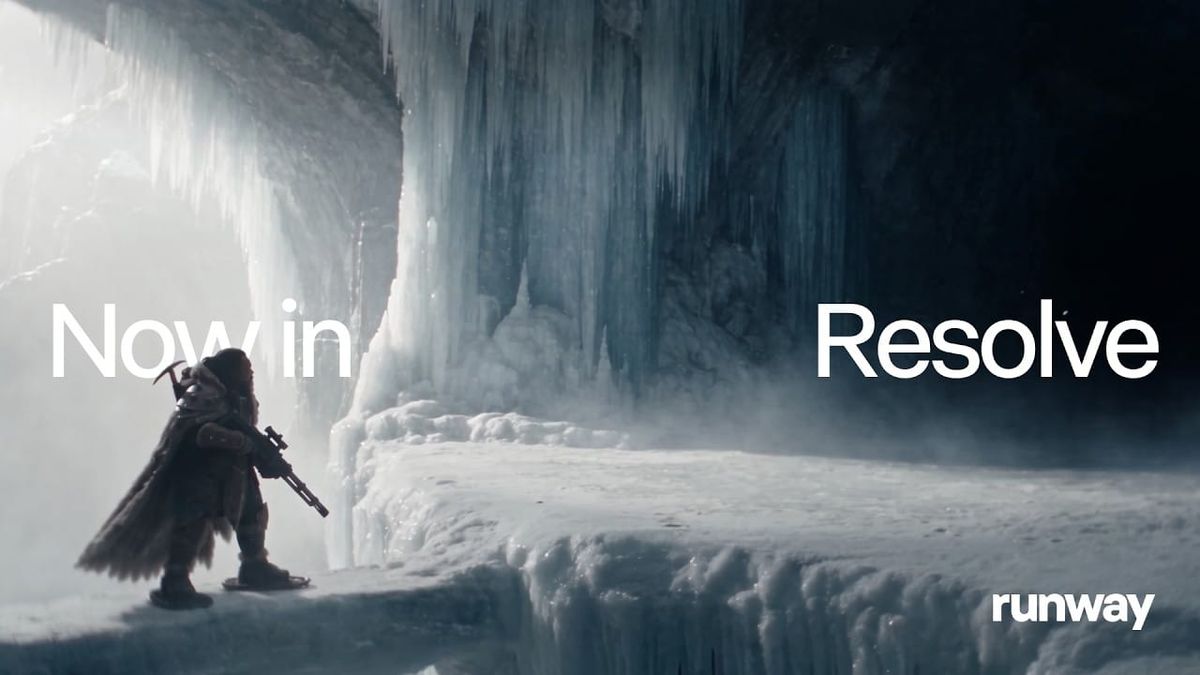
Runway announced today that its AI tools are now available inside DaVinci Resolve. The company says editors can generate, edit, and upscale footage directly on the timeline, without exporting clips or leaving their project.
Until now, Runway's official plugin supported only Adobe Premiere Pro and After Effects. Resolve users who wanted Runway in their workflow had to bounce between apps or rely on third-party workarounds.
What Runway Announced
Runway's announcement is brief. It says Resolve users can "access the world's best models directly inside your timeline to generate, edit and upscale without leaving your project."
As of publication, Runway's plugins page still describes only the Adobe version. Resolve-specific details, including system requirements, whether it needs Resolve Studio, and exactly which models are included, haven't been posted yet.
What the Adobe Version Offers
The existing Adobe plugin is the best guide to what Resolve users can likely expect, though Runway hasn't confirmed the two are identical.
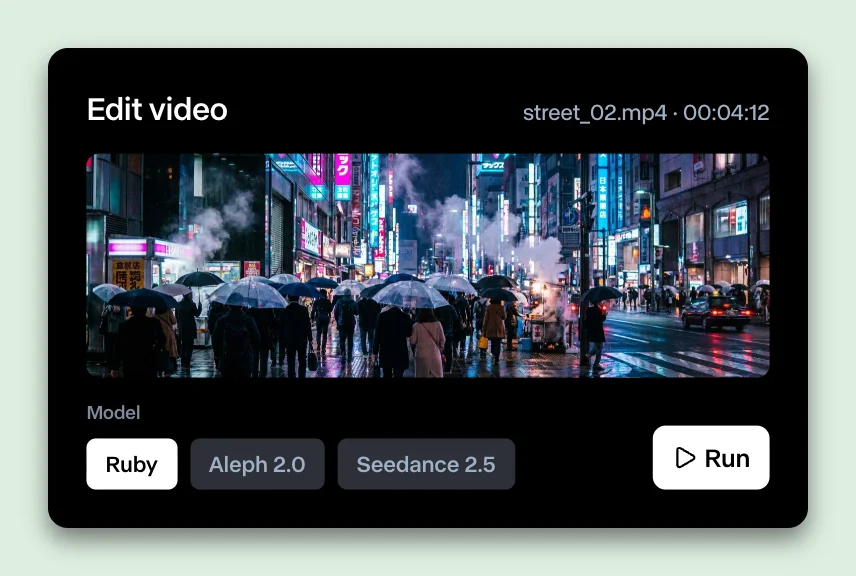
In Premiere Pro and After Effects, the plugin is a free panel that runs on your existing Runway credits. It can generate video with Gen-4.5, Seedance 2.5, Kling 3.0 Pro, and Veo 3.1, and still images with Gen-4 Image, Nano Banana, and GPT Image 2. Results land at the playhead like any other clip.
It also re-renders existing timeline clips with Aleph 2.0, Runway's video-to-video editing model. It can convert footage to HDR using Runway Ruby, upscale footage for delivery, and isolate a subject by prompt rather than masking by hand.
Anything you've generated on Runway's web app is also one click away from your timeline, with a workspace switcher that controls which credits a generation uses.
Why This Matters for Resolve Editors
Resolve has become one of the most widely used editing and color platforms, especially among independent filmmakers drawn to its free version. Leaving Resolve out of Runway's plugin support meant a large share of working editors had to export clips to the web, generate there, and bring results back in.
A native plugin removes that round trip. For editors using AI to fill a missing shot, extend a clip, or build temp VFX, keeping the whole process inside the timeline saves real time.
Part of a Bigger Shift Inside Resolve
This lands two weeks after Blackmagic Design released DaVinci Resolve 21.1, which added a native MCP server that lets AI assistants like Claude and ChatGPT Codex execute editing commands directly inside Resolve Studio.
Together, the two updates point the same direction. AI tools are moving inside the editing software itself, rather than sitting beside it as separate apps you export to and import from.
Competitive Context
Runway isn't the first way to reach generative models from inside Resolve. Third-party plugins like DavinciClaude's GenAI already route models including Veo, Kling, and Runway through fal, for a one-time license plus pay-as-you-go generation costs.
What Runway brings is an official, first-party integration, with direct access to its own tools like Aleph and Ruby, plus the library and credits users already have in their Runway accounts.
The Signal in the Noise
Supporting Resolve is a notable move for Runway. Adobe has been the default home for creative plugins for years, and expanding beyond it acknowledges how much of the editing audience now lives in Blackmagic's ecosystem.
The practical value will come down to the details Runway hasn't posted yet: whether it works in the free version of Resolve, how closely it matches the Adobe feature set, and how smoothly results fit into Resolve's color workflow.
Would a native Runway panel change how often you reach for AI in your Resolve projects, or is exporting to the web not much of a hurdle for you?
The Details
- Announcement: Runway plugin for DaVinci Resolve, September 23, 2026
- Runway's stated capabilities: generate, edit, and upscale footage inside the Resolve timeline
- Not yet confirmed: Resolve version requirements, Studio vs. free compatibility, exact model list, download availability
- Adobe plugin (for reference): free download; runs on existing Runway credits
- Adobe plugin video models: Gen-4.5, Seedance 2.5, Kling 3.0 Pro, Veo 3.1
- Adobe plugin image models: Gen-4 Image, Nano Banana, GPT Image 2
- Adobe plugin tools: Aleph 2.0 video-to-video, Runway Ruby HDR conversion, upscaling, prompt-based subject isolation
- Access: runway.com/plugins