Understanding Frame Rates — What They Are and When to Use Them
Frame rate is one of the first technical decisions you make on any video project — and one of the most consequential. Here's what it means and when to use each option.

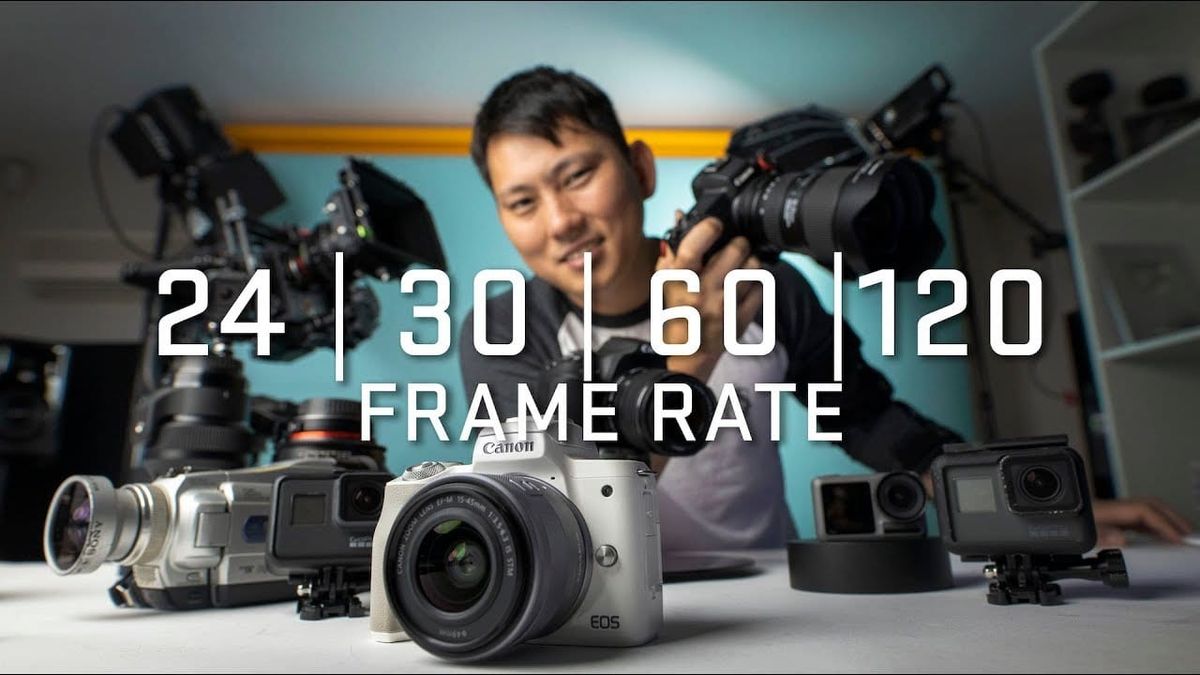
Frame rate is one of the first technical decisions you make on any video project — and one of the most consequential. Get it wrong and your footage can look unnaturally smooth, jittery, or simply out of place for its intended platform. Get it right and it disappears entirely, which is exactly what good technical craft is supposed to do.
Here's what frame rate actually means, why it matters, and how to choose the right one for what you're making.
What Frame Rate Actually Means
A video is a sequence of still images displayed fast enough that the human eye perceives motion. Frame rate is how many of those images are captured and displayed per second — measured in frames per second, or fps.
Higher frame rates mean more images per second, which means smoother motion. Lower frame rates mean fewer images, which introduces more motion blur between frames and creates the look we associate with film.
The frame rate you shoot at doesn't have to match the frame rate you deliver in — which opens up creative possibilities, particularly for slow motion.
24fps — The Cinematic Standard
24fps is the frame rate of cinema. It's been the standard since the early days of synchronized sound, and it persists today because it produces a specific quality of motion blur that the human eye has come to associate with storytelling on a screen.
If you're making a narrative film, a documentary, or any content where you want the image to feel like cinema rather than television or video, 24fps is your default. It's not technically superior — it's culturally established.
Most digital cameras offer 23.976fps rather than exactly 24fps. For practical purposes they're identical.
30fps — Broadcast and Web
30fps produces slightly smoother motion than 24fps. It's the standard for broadcast television in North America, and it's become common for web video and social content where the slightly crisper look feels appropriate.
News, sports highlights, corporate videos, and YouTube content frequently shoot at 30fps. It doesn't carry the same cinematic weight as 24fps, but for content that isn't trying to feel like a film that's not a problem.
60fps and Higher — Slow Motion and Action
60fps and above is primarily used for two purposes: capturing action that needs to be slowed down in post, and shooting content where maximum motion clarity is the goal.
If you shoot at 60fps and play the footage back at 24fps you get 2.5x slow motion. Shoot at 120fps and you get 5x slow motion at 24fps playback. The higher the capture frame rate relative to the playback frame rate, the slower and smoother the slow-motion effect.
High frame rates are also used in gaming content, sports broadcasts, and some VR applications where motion clarity matters more than the cinematic look.
The 180-Degree Shutter Rule
Frame rate and shutter speed are linked. The 180-degree shutter rule states that your shutter speed should be approximately double your frame rate for natural-looking motion blur.
Shooting at 24fps means a shutter speed of around 1/48 or 1/50. Shooting at 30fps means 1/60. Shooting at 60fps means 1/120.
Deviating from this rule creates noticeable artifacts. Too fast a shutter speed produces a stroboscopic, stuttery look. Too slow creates excessive motion blur that smears the image.
In bright conditions, achieving the correct shutter speed often requires neutral density filters to reduce the amount of light entering the lens without changing the aperture.
Matching Frame Rate to Platform
Different platforms have different expectations and technical requirements.
Cinema and streaming platforms expect 24fps for narrative content. Broadcast television in North America runs at 29.97fps. YouTube accepts virtually any frame rate but displays content at the rate it was uploaded. Instagram Reels and TikTok prefer 30fps or 60fps for smooth mobile playback.
Always check the delivery specifications for your intended platform before you shoot. Changing frame rates in post is possible but introduces complications — it's always cleaner to capture at the right rate from the start.