What is Camera to Cloud?
Camera to Cloud moves footage from set to a cloud platform automatically as it's recorded — no card pulls, no drive transfers, no waiting. Here's how it works and when it's worth using.

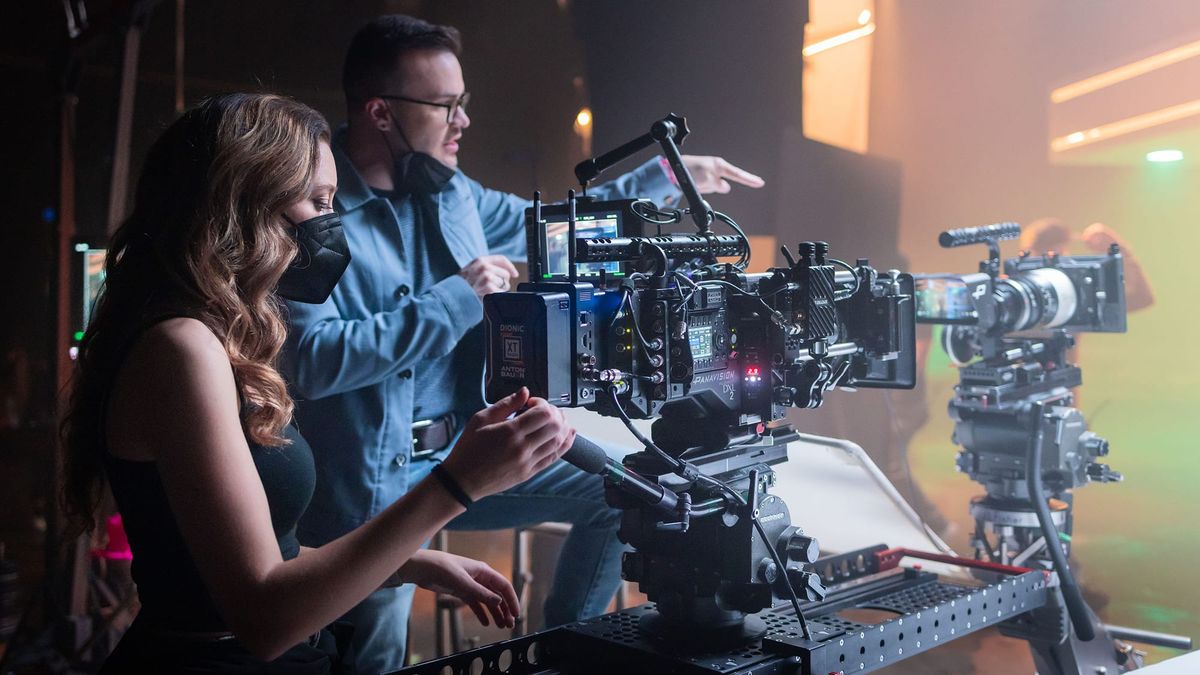
Camera to Cloud is a workflow that moves footage from a camera directly to a cloud platform as it's recorded — eliminating the manual file transfer process that has defined production workflows for decades. Instead of pulling cards, copying files to drives, and physically or digitally moving media to post, footage appears in the cloud in near real-time during the shoot.
For productions with remote editors, distributed teams, or fast turnaround requirements, it changes the relationship between production and post fundamentally.
How It Works
When a camera or connected device captures footage, proxy files — lower-resolution versions of the original — are generated and uploaded to a cloud platform automatically. The original high-resolution files remain on the camera's media card as the master recording. The proxies travel.
An editor on the other side of the world can begin building a rough cut while the camera is still rolling. A producer can review dailies on their phone from another city. A client can leave time-coded comments on footage hours before the production wraps.
Featured Video
Frame.io — The Industry Standard Platform
Frame.io is the dominant platform for Camera to Cloud workflows. It integrates natively with Adobe Premiere Pro and DaVinci Resolve, handles organized project structures that mirror production folder systems, and supports time-coded commenting that keeps feedback tied to specific frames.
Frame.io Camera to Cloud is built into a growing number of cameras natively — Sony, Canon, and Nikon all have models that connect directly. For cameras without native support, hardware devices like the Atomos Sumo and Teradek Cube sit between the camera and the cloud, handling proxy generation and upload independently.
What C2C Doesn't Replace
Camera to Cloud handles proxy delivery and remote collaboration. It doesn't replace your data management workflow on set.
Original high-resolution files still need to be backed up properly — typically to two separate drives at minimum, verified against the camera original before cards are cleared. The DIT or data manager's job doesn't go away with C2C. The stakes for original media are the same; the delivery of working copies to post just becomes automatic.
Is It Worth Setting Up?
Camera to Cloud adds value in proportion to the distance and time between production and post. For a solo shooter editing their own footage in the same room, the overhead isn't worth it. For a production with a remote editor, a supervising producer who needs to review dailies, or a fast-turnaround deadline that requires an assembly cut the morning after shooting, it's worth every minute of setup.
The infrastructure requirements — compatible camera or device, reliable high-speed internet on set, a Frame.io account — are the real barriers. On a controlled set or studio environment they're manageable. In the field or in challenging locations they can be prohibitive.