Affinity 3.3's Free RAW Engine Is a Real Option for Productions Without a Photoshop Budget
Affinity 3.3 adds batch RAW processing to Canva's free design app, a real Photoshop alternative for indie productions handling their own stills work.

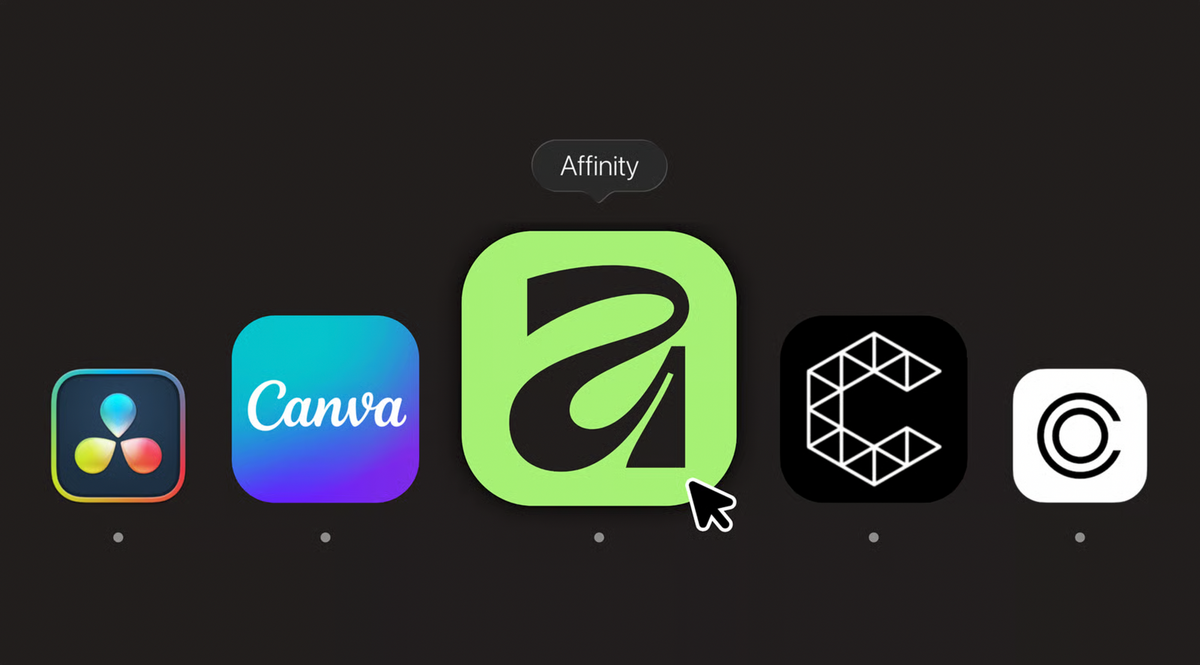
Canva released Affinity 3.3 today as part of a broader launch called ProSuite, and buried inside a release aimed mostly at photographers is a genuinely useful upgrade for indie film productions: Affinity remains completely free, no subscription required, and its RAW photo engine just got substantially more capable.
The Batch Processing Gap Just Closed
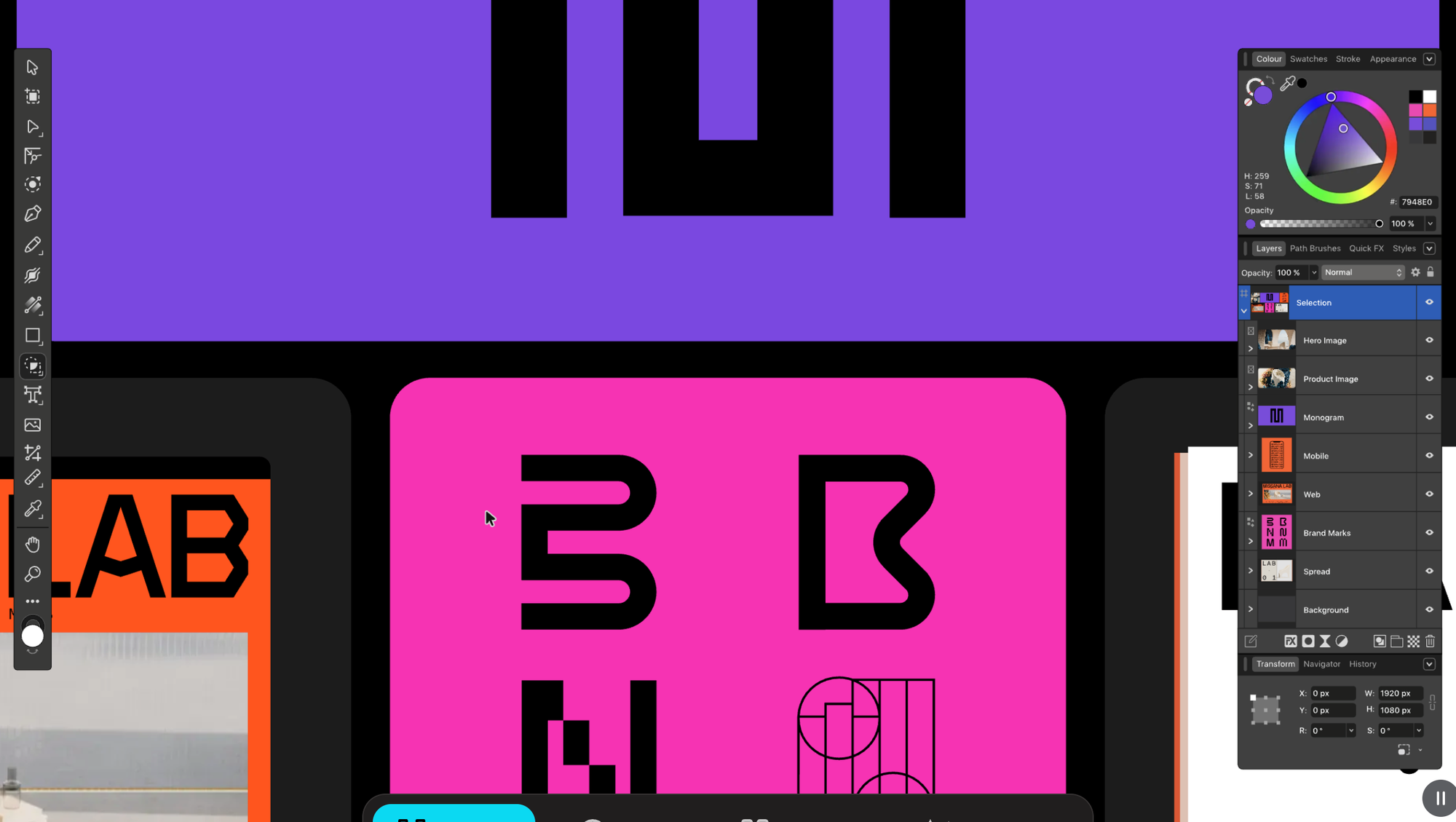
Until this release, Affinity could only develop one RAW photo at a time, a real limitation for anyone handling the volume of images a typical shoot day produces. Affinity 3.3 adds batch RAW import, letting you apply a consistent photo style across an entire folder of images at once. For unit stills photographers, BTS shooters, or a director handling their own promotional photography, that's the difference between processing a day's shoot in one pass versus opening each frame individually.
The underlying RAW development engine also improved directly: better exposure, shadow, and highlight handling, more natural tones and colors, and hue-preserving Curves that keep colors predictable even when you push tonal ranges brighter or darker. New smart tools specifically target mixed-lighting situations and motion blur correction, two problems that show up constantly in real production stills, not studio-controlled shoots.
Why "Free" Actually Matters Here
Affinity remains genuinely free: every tool in its Pixel, Vector, and Layout studios is fully accessible, with no payment required and no feature-limited trial. Some AI-powered features route through Canva's premium subscription ($18/month or $144/year for Pro), but the core RAW processing and editing toolset covered here isn't gated behind that.
For a production without a Photoshop subscription budget, whether that's a self-funded short, a small commercial shoot, or a documentary crew, this closes a real gap. Poster mockups, key art, BTS photo galleries, and press stills all typically route through Photoshop by default, mostly out of habit rather than necessity. Affinity 3.3's improvements make the free alternative meaningfully more viable for that exact work.
Two Features Worth Knowing About Specifically
Affinity now includes a free connection to Claude, letting users direct editing tasks through natural language rather than manual menu navigation, Canva's own examples include batch file processing and preparing print-ready data. That's a genuinely different workflow than clicking through a UI, and it fits the same pattern BRC has covered elsewhere: AI assistants moving from generating content to actually executing production tasks.
Affinity also added AI-powered scene decomposition, which takes an edited image and breaks it back down into separate, editable layers. That's conceptually similar to Higgsfield's Layers tool, covered here previously, applied inside a general-purpose, free design app rather than a dedicated AI image platform.
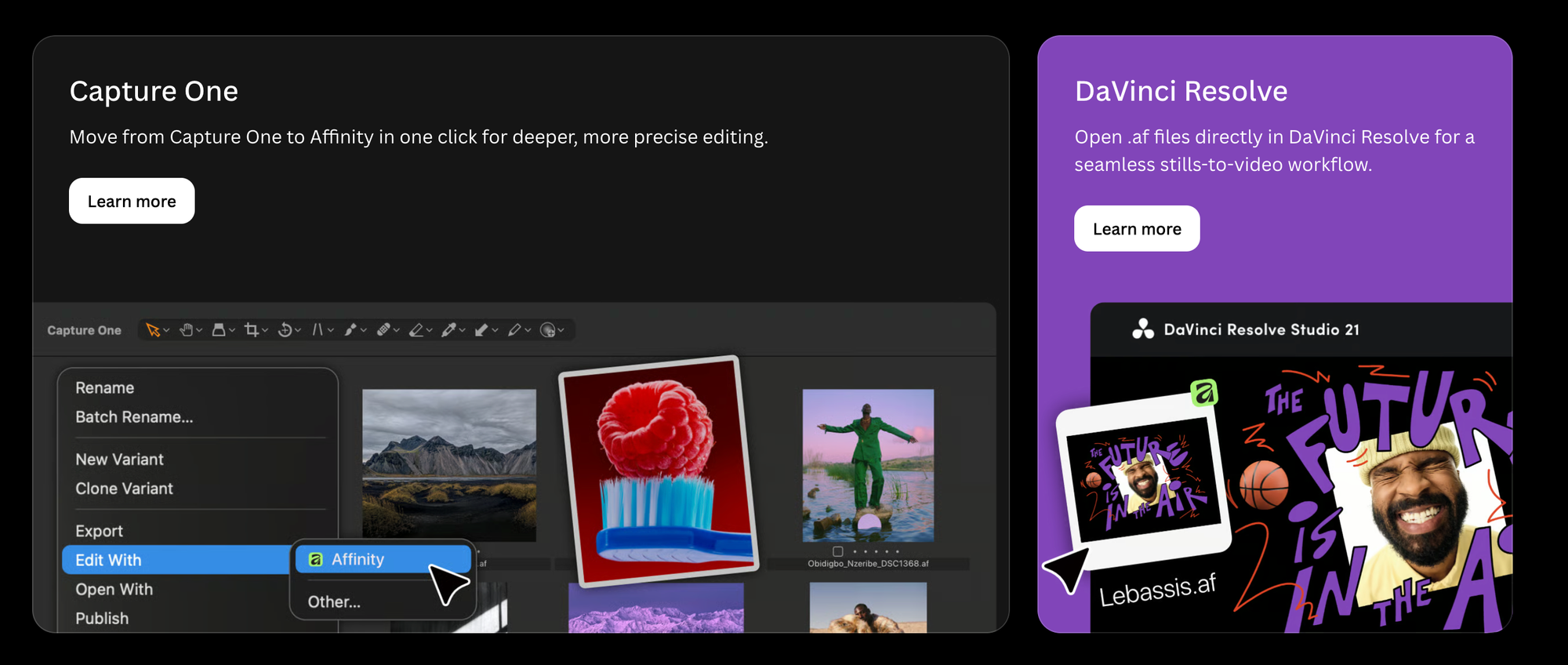
Affinity's existing DaVinci Resolve integration, added in an earlier update, also remains relevant here: Affinity files import directly into Resolve as title cards and annotations, with edits syncing in real time between the two apps. Combined with 3.3's stronger RAW and batch tools, that gives a small crew a genuinely connected stills-to-edit pipeline without buying into Adobe's ecosystem at all.
Competitive Context
Photoshop remains the default for a reason, deep third-party plugin support, industry-standard file compatibility, and workflows most working photographers already know.
Affinity's pitch has always been capability without the subscription, and 3.3's specific improvements target the areas, batch RAW processing, tonal accuracy, mixed-lighting correction, that matter most for a production shooting real-world conditions rather than a controlled studio environment.
The Signal in the Noise
None of this makes Affinity a video tool, it isn't one, but a meaningful share of what an indie production needs Photoshop for is actually stills work: key art, BTS galleries, poster mockups, press kits. A free tool that just closed a real batch-processing gap and added a genuine AI-assisted workflow is worth a serious look for any production watching its software budget closely.
Would a genuinely free RAW workflow with this level of capability change whether your next production budgets for a Photoshop subscription at all?
Specs & Pricing
- Release: Affinity 3.3, part of Canva's broader ProSuite launch, September 15, 2026
- Core app: completely free, all Pixel/Vector/Layout studio tools included, no subscription required
- New in 3.3: batch RAW import and style application, improved RAW exposure/shadow/highlight handling, hue-preserving Curves, separate saturation/hue curves, new smart tools for mixed-lighting and motion-blur correction, new Blend Tool for vector work, scripting for automating repetitive tasks
- AI features: free natural-language editing via Claude integration; AI scene decomposition (breaks an image into editable layers); some advanced AI features require Canva Pro ($18/month or $144/year)
- Existing integration: DaVinci Resolve (live-syncing title cards and annotations)
- Platforms: macOS and Windows