Apple's Biggest Final Cut Pro Update Yet Adds AI Captions, Edit Detection, and Auto Mask
Apple's biggest Final Cut Pro update adds Generate Captions, Edit Detection, and Auto Mask — three on-device AI tools that address some of the editor's most-requested features. Free for existing subscribers.

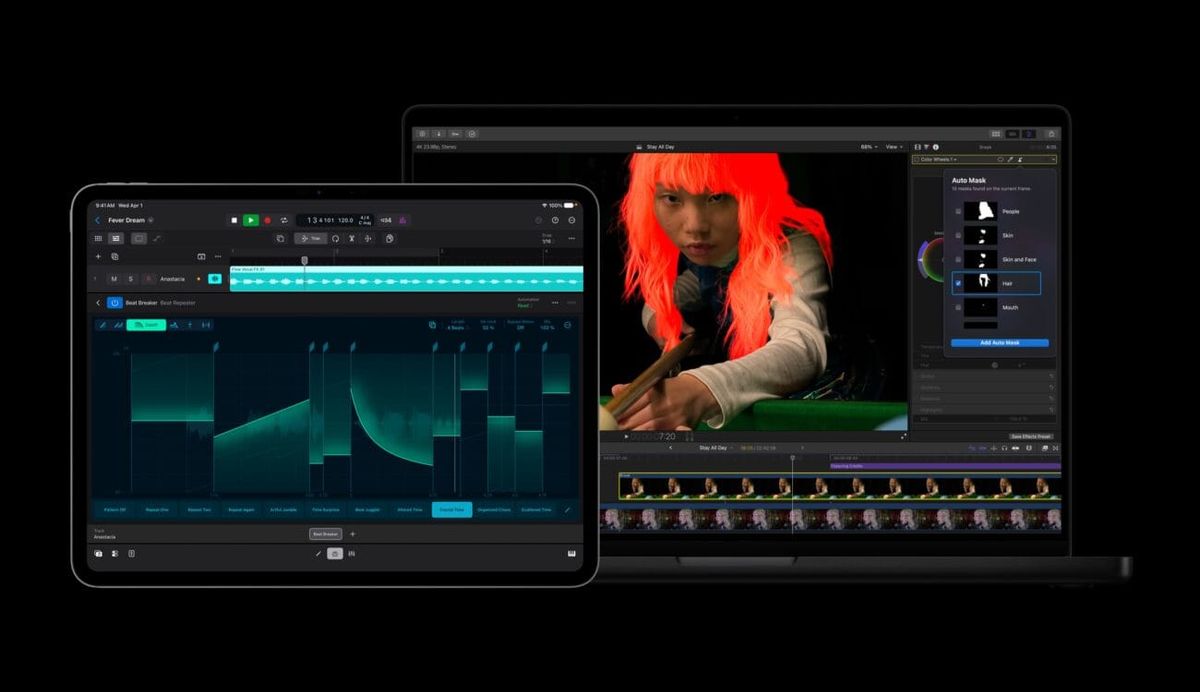
Apple just shipped the largest update to Final Cut Pro since the Creator Studio bundle launched in January, and it's exactly the kind of release that makes the subscription case easier to argue. Final Cut Pro 12.3 adds Generate Captions, Edit Detection, and Auto Mask — three genuinely useful tools built on on-device AI — alongside tighter integration with Pixelmator Pro across the entire Creator Studio suite.
This is a free update for existing Creator Studio subscribers and standalone Final Cut Pro owners, available now.
Generate Captions: the most-requested feature, finally here
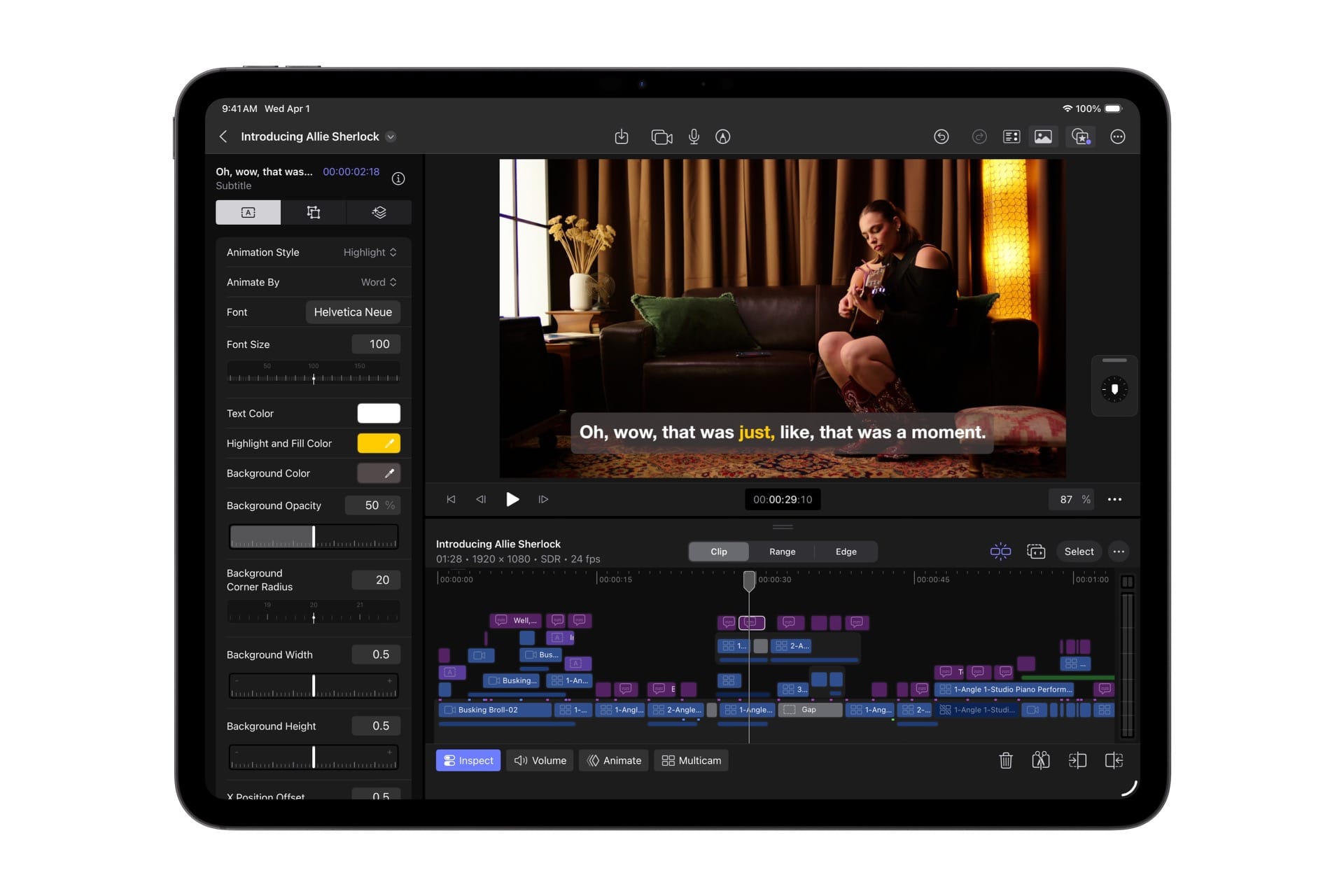
Apple calls Generate Captions one of the most-requested features for Final Cut Pro, and it's easy to see why it took this long — captioning has historically meant third-party tools, manual transcription, or exporting to a separate workflow. The new tool analyzes spoken audio using on-device AI and places subtitles directly into the timeline, with controls for font, color, position, and animation style.
Two caveats worth being upfront about: Generate Captions requires a Mac with Apple silicon, and currently supports US English only. If you're not on Apple silicon or you're captioning non-English content, this doesn't apply yet.
Edit Detection: the one that helps with flattened exports
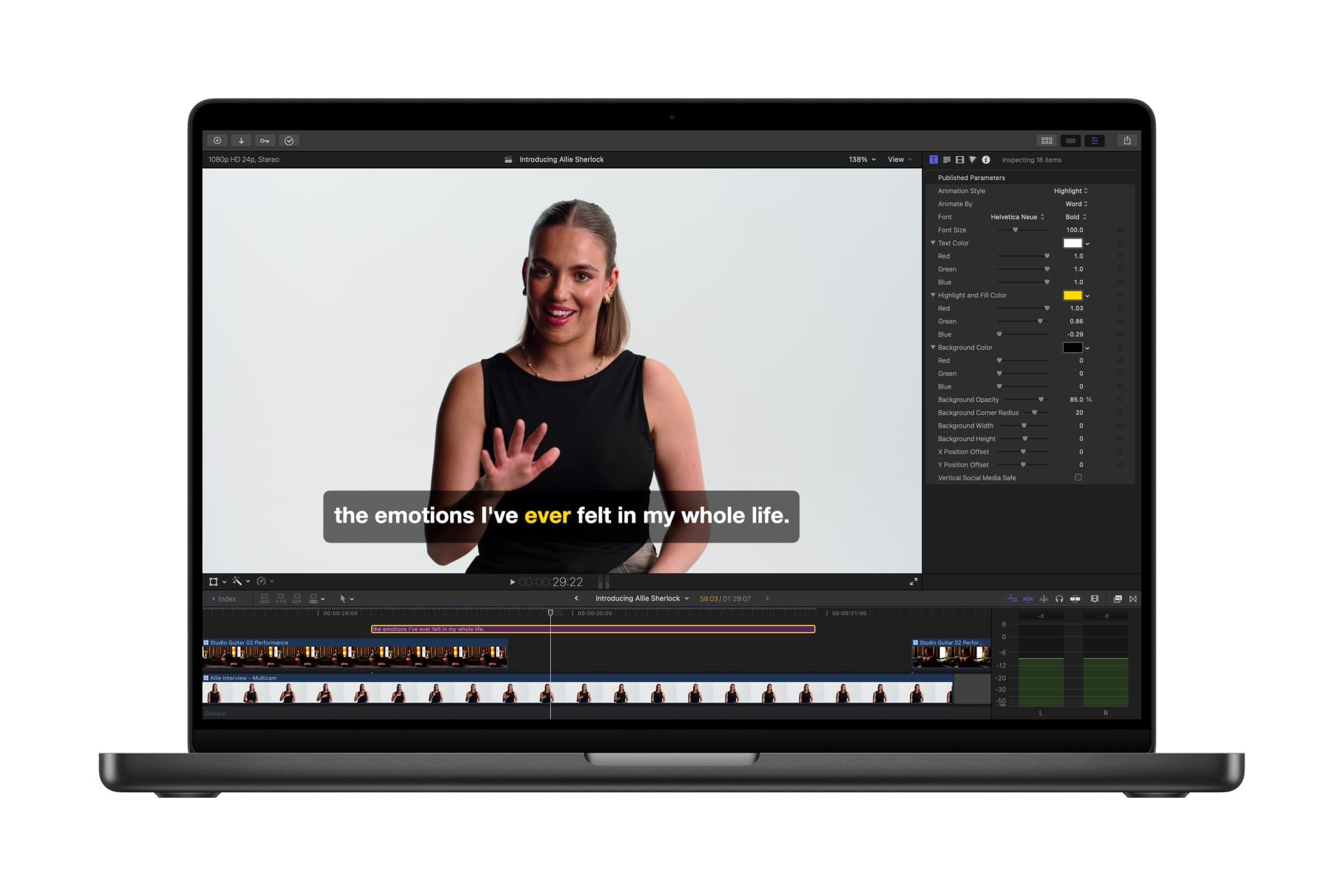
Edit Detection solves a specific, annoying problem anyone who's done post-production work will recognize immediately: you're handed a rendered, flattened export with no project file and told to make changes.
Previously that meant manually re-identifying every edit point. Edit Detection analyzes rendered video and automatically splits it back into separate clips on the timeline — making it possible to refine an existing cut or cut down a highlight clip without rebuilding the edit from scratch.
Auto Mask: AI masking without manual tracking (Mac only)
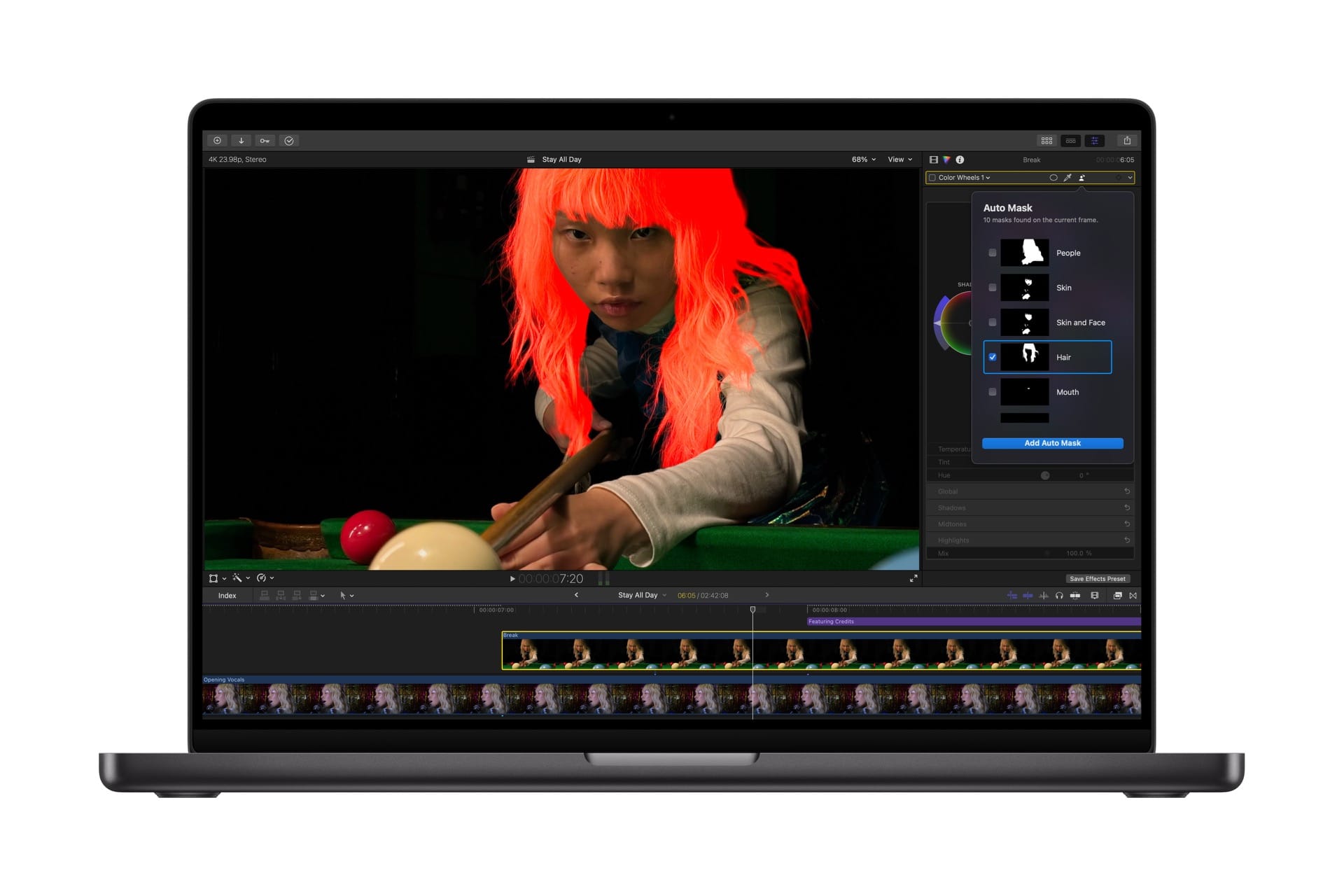
Auto Mask is the Mac-exclusive addition that will be most useful for color grading and effects work. On-device AI recognizes subjects — skin, hair, sky, foliage, clothing — and isolates them automatically without any manual tracking needed. Hovering over a clip shows a live preview of what's been detected, and you can pair the mask directly with any color correction or effect.
Apple positions Auto Mask as complementary to the existing Magnetic Mask rather than a replacement: Magnetic Mask gives complete control over exactly what to identify and track; Auto Mask does the heavy lifting automatically for recognized subjects.
The Pixelmator Pro integration is the sleeper addition
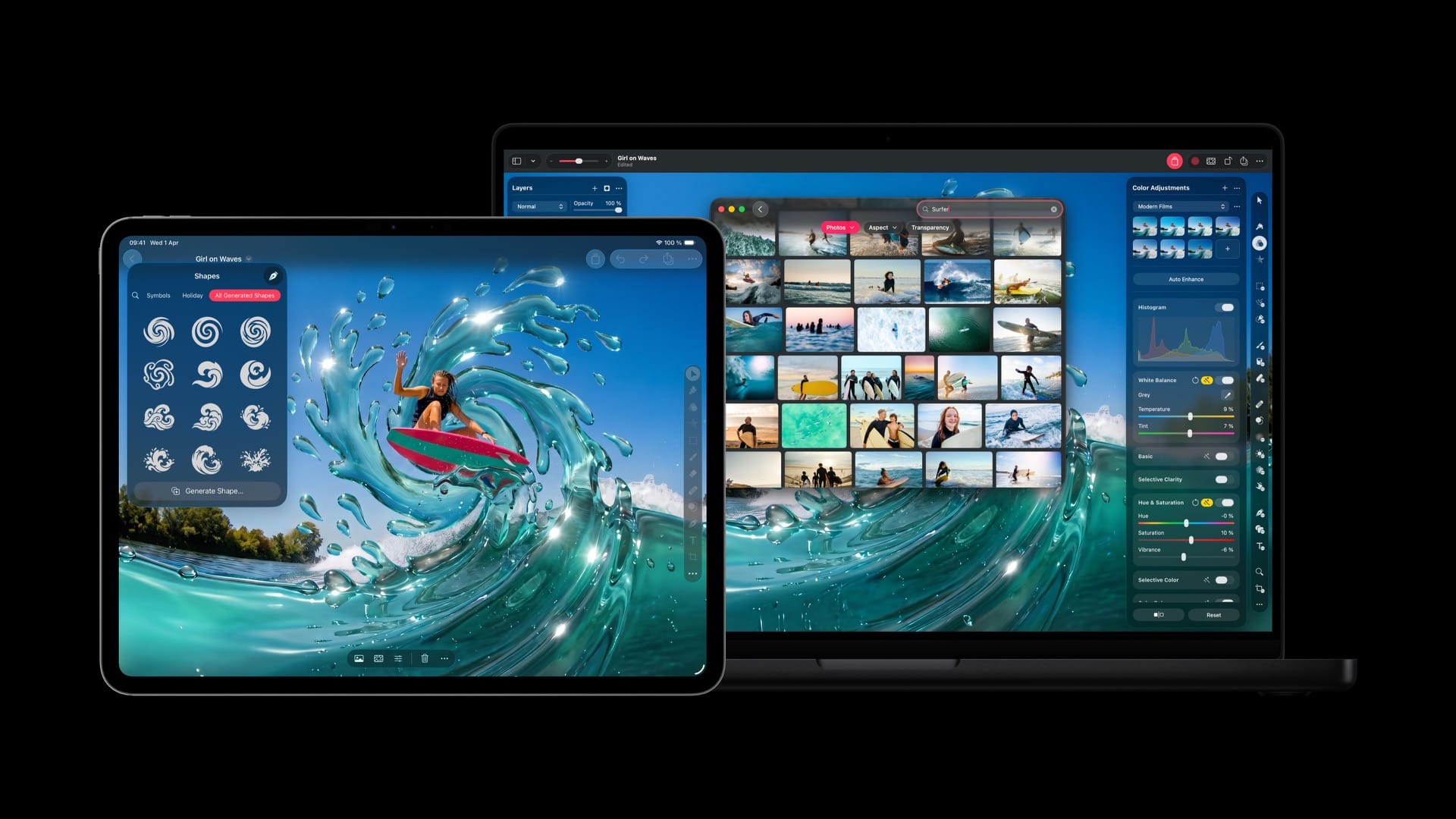
Less discussed but genuinely useful: Final Cut Pro can now send a single frame directly to Pixelmator Pro for thumbnail creation or social media graphics, then bring it back into the timeline.
The same tight integration extends across Keynote, Pages, and Numbers — any inserted image can be opened directly in Pixelmator Pro, edited, and automatically saved back. It's the kind of cross-app workflow that makes the Creator Studio bundle feel like an actual ecosystem rather than a collection of separately-priced apps bundled together.
What else got updated
Match Color on Mac has been "reimagined" — select a reference frame and Final Cut Pro now analyzes clips to produce more accurate, natural color matches across different cameras and lighting conditions. Advanced Trimming allows fine-tuning incoming and outgoing frames one at a time.
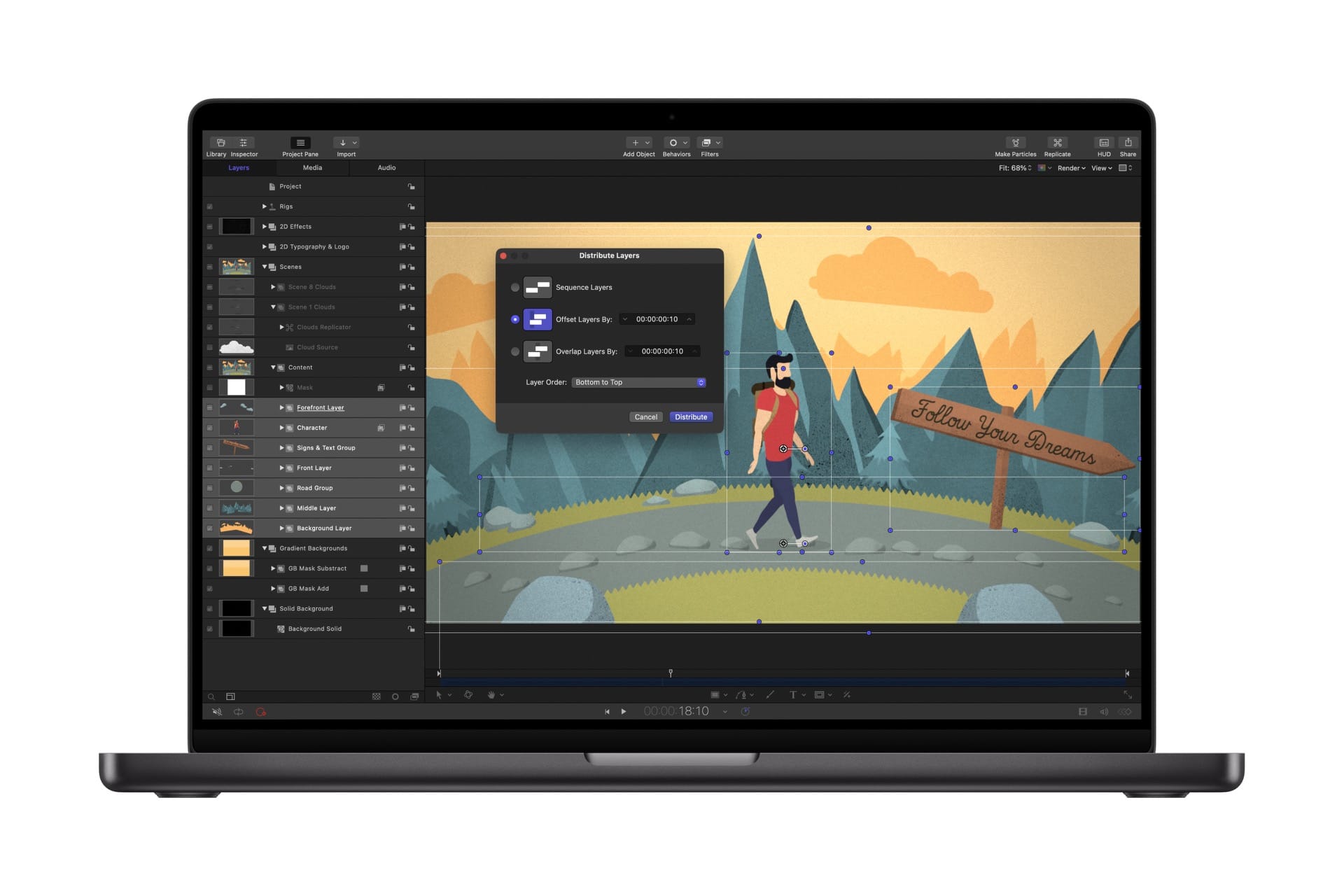
Motion adds native support for crisp vector graphics at any resolution plus Distribute Layers for faster complex animation setup. Compressor gets an Immersive Metadata Viewer, 180-degree Apple Projected Media Profile support for Apple Vision Pro, and an Anaglyph View for stereoscopic video preview.
Final Cut Camera (the free capture app for iPhone and iPad) gains Clean HDMI Out for sending signal to external monitors and recorders, expanded ProRes support including ProRes LT, and the ability to disable digital zoom.
Pricing
- Apple Creator Studio subscription: $12.99/month (includes Final Cut Pro, Logic Pro, Pixelmator Pro, and more)
- Final Cut Pro standalone: $299.99 (one-time purchase)
- Logic Pro standalone: $199.99
- Pixelmator Pro standalone: $49.99
- Motion standalone: $49.99
- Compressor standalone: $49.99



