Autodesk Wants to Fix AI Filmmaking's Biggest Problem: You Can't Actually Direct It
Autodesk's Flow Studio update takes a different approach to AI filmmaking: build the scene in real 3D first, then let AI handle generation. Here's how it works.


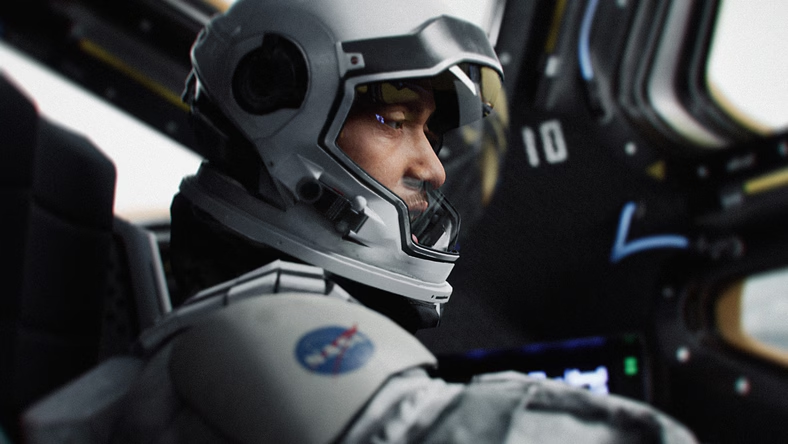
Every AI video model covered on this beat, Seedance, Veo, Kling, Wan3.0, shares the same underlying limitation: you're describing what you want in words or reference images and hoping the model interprets your intent correctly. Autodesk's approach to AI filmmaking, a major expansion of its Flow Studio platform announced this week, starts from a different premise entirely: build the scene in real 3D first, then let AI handle the final visual generation.
The Actual Problem This Solves
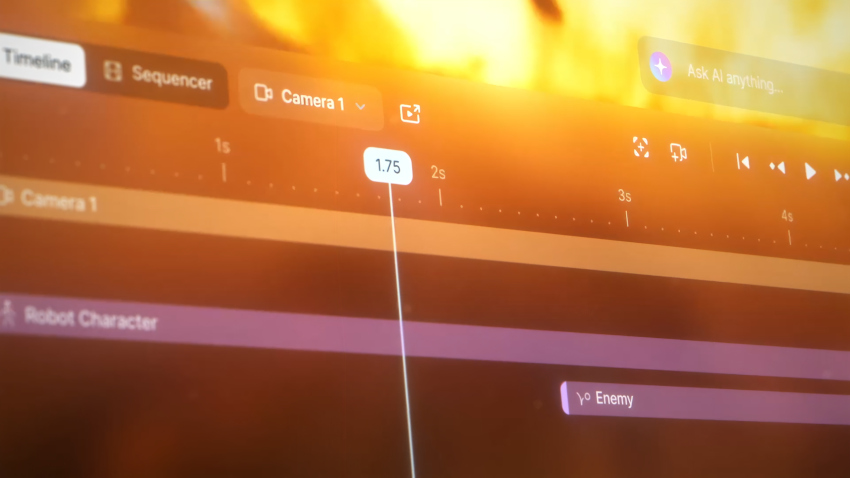
Producing one impressive AI-generated frame or short clip is a solved problem at this point. Directing a repeatable shot, with consistent performance, timing, and camera movement across an entire production, is not, and that gap is exactly where most AI filmmaking workflows currently break down. Autodesk's framing is direct about this: rather than describing every detail of blocking, camera movement, and composition through a 2D prompt or reference image, creators can now establish those decisions directly in a 3D environment, the same fundamental approach traditional animation and VFX pipelines have used for decades.
What Flow Studio's New Tools Actually Do
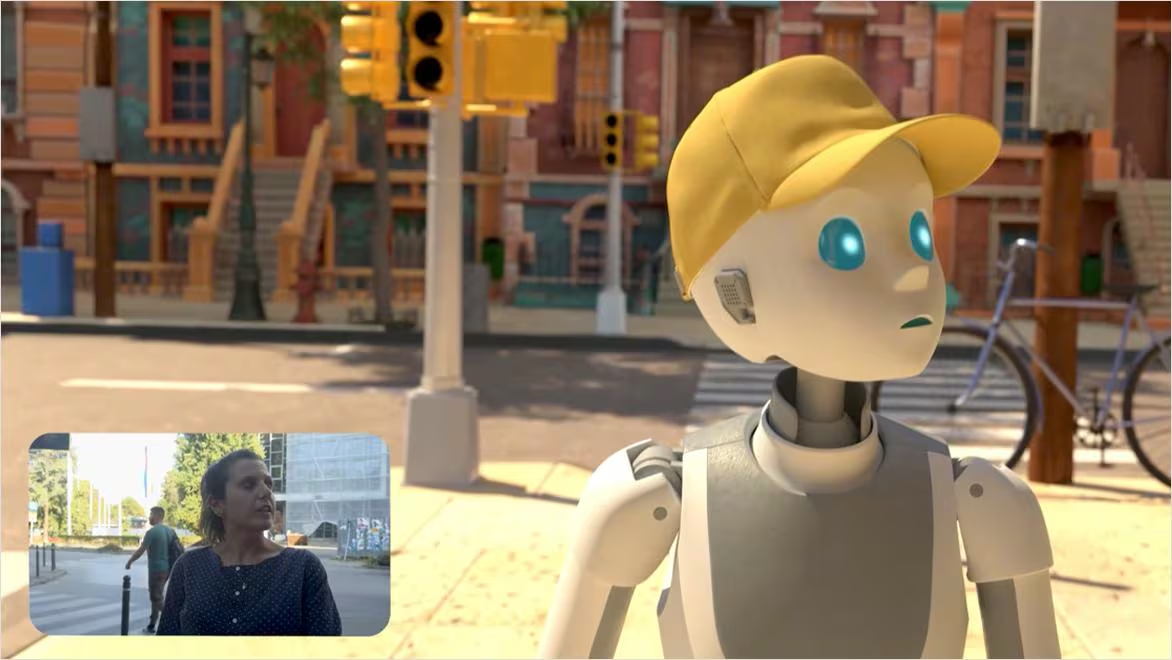
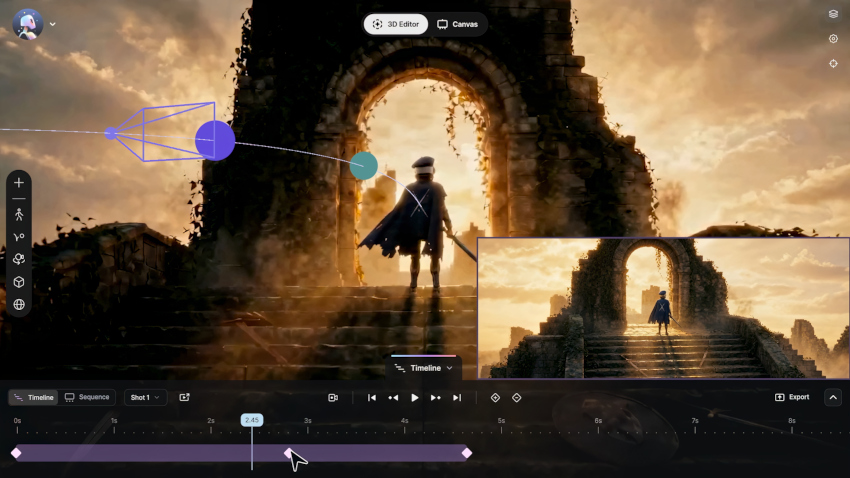
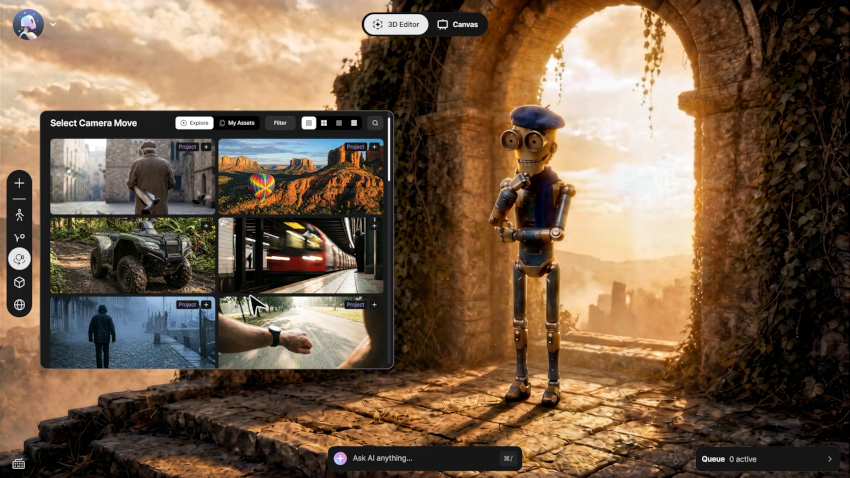
The update centers on two connected pieces. 3D Editor brings characters, environments, animation, camera tracks, and AI motion capture data into one connected 3D workspace, giving creators direct control over composition, camera movement, and scene setup before any final visual generation happens. That workspace can also pull in AI-generated environments from external tools like World Labs' Marble, combining Autodesk's own asset and character tools with generated world-building from elsewhere in the AI filmmaking ecosystem.
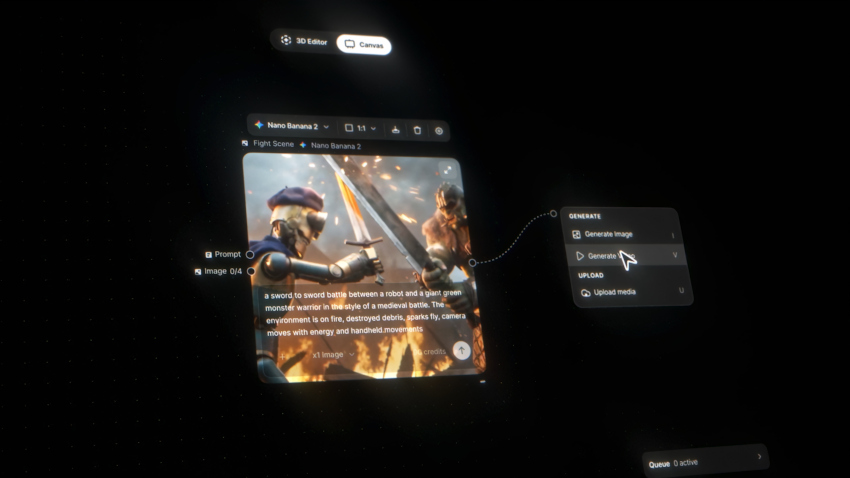
Canvas is the second half: a node-based 2D environment where creators generate, iterate, and refine the actual visual output using image and video models, once the 3D structure is established. Autodesk's stated design goal is flexibility rather than forcing every shot through the same pipeline: stay in 2D when speed matters more than precision, move into 3D when a shot genuinely needs deliberate camera or blocking decisions.
Why Autodesk's Specific Background Matters Here
This update isn't emerging from an AI-native startup, it's coming from the company behind Maya, 3ds Max, and Arnold, tools that have anchored professional 3D production across film, television, and games for decades. That's a genuinely different starting philosophy than most AI video companies bring to the table: rather than treating generative AI as a replacement for traditional scene construction, Autodesk is positioning it as a rendering and refinement layer sitting on top of production-proven 3D direction.
The distinction is worth taking seriously. A director establishes the scene, blocks the shot, and sets the camera in a structured 3D space, and AI handles generation and visual refinement from that foundation, rather than AI attempting to infer all of those decisions from a text description alone.
What's Actually Available Now vs. What's Coming Later
Worth being precise about the current release versus stated future direction. 3D Editor + Canvas is the shipping feature set. Autodesk has separately described, as potential future capabilities rather than current features, expanded Maya and other DCC (digital content creation) tool integrations, additional asset import options, AI-assisted scene construction, and agent-driven directing workflows. Those remain roadmap items, not announced functionality, worth tracking rather than assuming are already built.
Who This Is Actually For
For independent filmmakers and smaller production teams specifically, this offers something the pure-generation platforms don't: a way to experiment with AI-generated visuals while retaining actual, deliberate creative control over blocking and camera work, rather than accepting whatever a prompt happens to produce. That's a meaningfully different value proposition than raw generation speed or output quality, the axis most AI video platforms compete on.
Competitive Context

This adds a genuinely distinct entrant to the model-vs-wrapper landscape covered on this beat previously: Autodesk isn't building a new frontier generation model, and it isn't purely reselling access to existing ones either. It's applying a production-grade 3D pipeline as structured input to whichever generation models a project uses, positioning Flow Studio as connective infrastructure between traditional 3D craft and generative output rather than a competitor to Seedance or Veo directly.
The Signal in the Noise
The most interesting part of this announcement genuinely isn't a new generation model, it's the emphasis on directability itself, camera movement, blocking, composition, and performance are the actual filmmaking decisions that separate a produced shot from an impressive but disconnected AI clip. Whether Flow Studio's specific execution holds up in real production use remains to be seen, and the more ambitious future capabilities Autodesk has floated are still just that, floated. But the underlying bet, that AI filmmaking's next real advance is about structured control rather than raw generation quality, is a genuinely credible read on where the actual gap in this category sits right now.
Would a 3D-first workflow like this fit how you actually want to direct AI-generated shots, or does it add more friction than a good prompt would? Curious where you land, drop it in the comments.