Could Your Color Grades Look Bad Because You're Actually Doing Everything in the Wrong Order?
Colorist Waqas Qazi breaks down why most beginner color grades fail: it's not taste, it's the order of operations. Here's the professional node tree workflow.

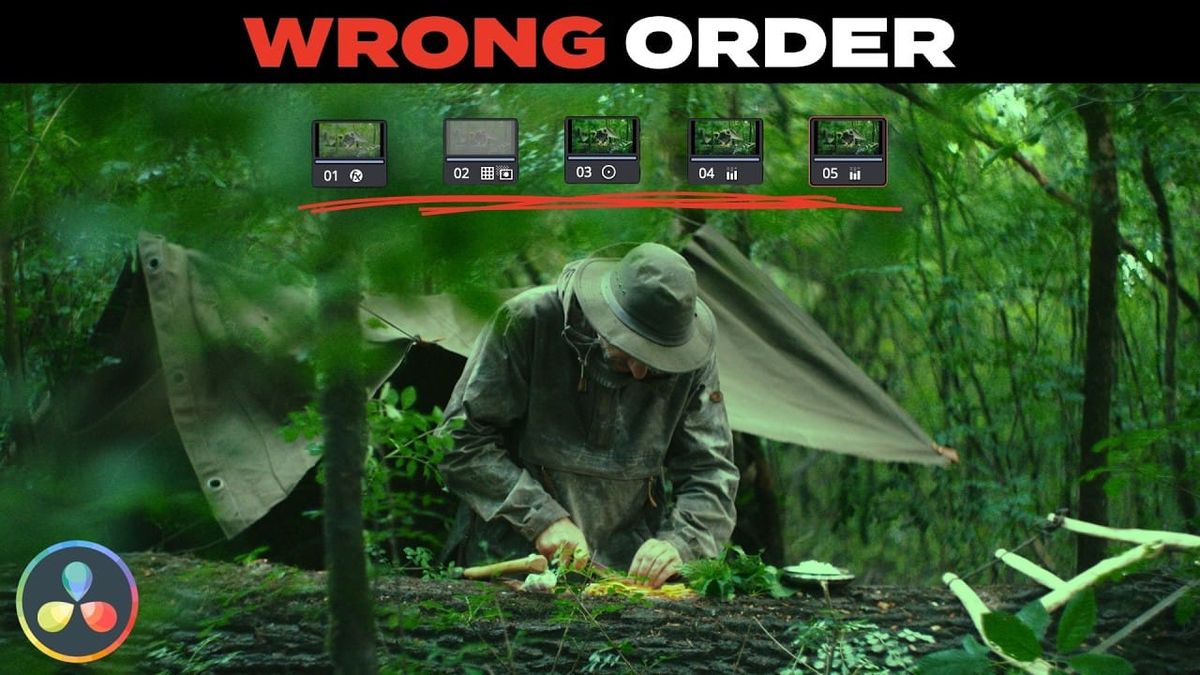
If your color grades keep coming out inconsistent — or you find yourself constantly tweaking individual clips to make them match — the problem usually isn't your eye for color. It's your workflow.
That's the core argument from colorist Waqas Qazi (Universal Studios, Prime Video, Adidas) in the video above, which breaks down what separates beginner color grading from professional color grading. The short version: most beginners grade reactively, slapping a LUT onto raw, uncorrected footage and then fighting with it clip by clip. Pros grade proactively, following a fixed order of operations that fixes the foundation first — so the "look" stage at the end actually works.
As Qazi puts it: "If your grades look bad it's not because you don't have taste it's mostly because you're putting things in the wrong order."
The professional node tree, step by step
Qazi lays out a standardized sequence that's worth adopting wholesale if you don't already have a repeatable process:
- Normalize — Color Space Transform, to get every clip onto the same baseline regardless of camera or gamma curve
- Balance — fix exposure and white balance using objective data (false color, scopes) rather than eyeballing it
- Adjust — contrast and saturation
- Selective/Correction — targeted fixes to specific colors or regions
- Look Development — the creative grade/LUT goes on last, once everything underneath it is already solid
The order matters because each step assumes the one before it is already correct. Skip the normalize-and-balance steps, and you're applying a creative look to footage that's still inconsistent — which is exactly why a LUT that looked great on one shot falls apart on the next.
Why working in a wide color space matters
Qazi also recommends grading in a wider color space like DaVinci Wide Gamut rather than the camera's native space, since it preserves more dynamic range to work with before you start making creative decisions. Combined with "Ripple Node Changes" — which lets you apply a correction across multiple clips at once instead of redoing it shot by shot — this is what makes a full project gradeable in a reasonable amount of time instead of becoming a slog of one-off fixes.
The line that probably stings the most, if you've been skipping the boring steps: "If your LUT has to rescue your grade your foundation is broken."
The bigger point: this is what you're actually being paid for
Qazi frames this less as a technical tip and more as a professional mindset shift. The value of a working colorist isn't knowing which slider does what — it's the judgment to make confident decisions quickly, because the technical foundation is already handled. As he says: "Nobody is hiring you to know where the saturation knob is; they're hiring you because you can make decisions on the fly."
That's the real argument for fixing your order of operations: it's not just about better-looking footage, it's about being fast and consistent enough to actually do this as a job.
Key Specs:
- Workflow order: Normalize → Balance → Adjust → Selective/Correction → Look Development
- Recommended color space: DaVinci Wide Gamut
- Key technique: Ripple Node Changes (apply adjustments across multiple clips at once)
- Tool mentioned: Rapid Grade (custom LUT/grading toolset)
- Objective reference tools: false color, scopes



