DaVinci Resolve 21.0.3 Is a Small Update With One Fix That BURANO Shooters Have Been Waiting For
DaVinci Resolve 21.0.3 is a free maintenance update with one fix that matters specifically for BURANO shooters — plus configurable keyframe ease actions and interlaced workflow improvements. Here's what's in it.

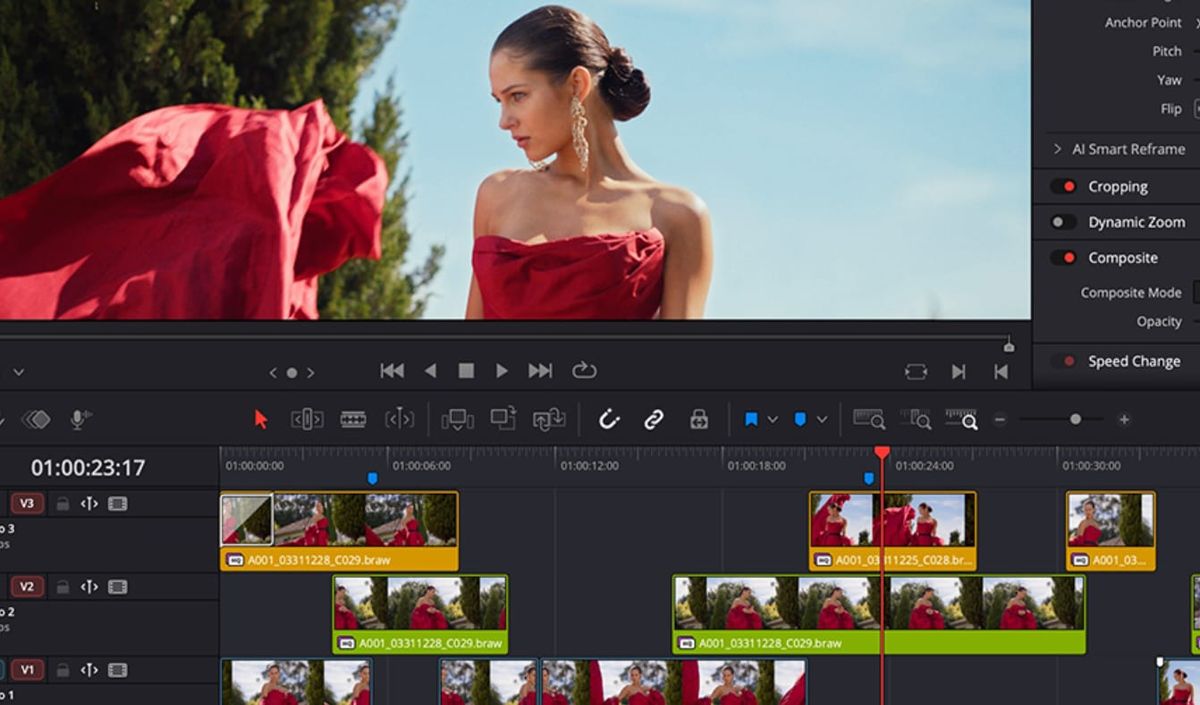
Blackmagic Design has released DaVinci Resolve 21.0.3, a free maintenance update that fixes a decoding issue affecting some Sony BURANO X-OCN clips — the headline fix for anyone finishing material from Sony's 8.6K CineAlta camera. The update also adds configurable keyframe ease actions, improves interlaced media handling, and expands the scripting API.
Download it from Blackmagic's support page. It's free for all DaVinci Resolve users.
The BURANO fix
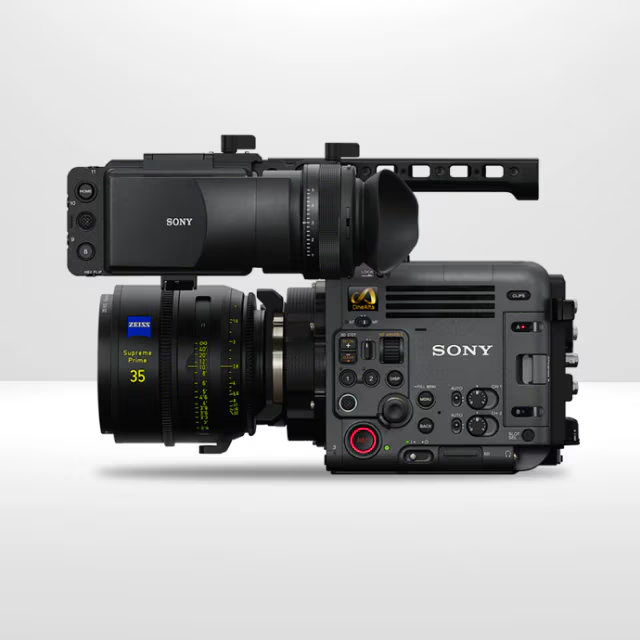
The most production-critical change in 21.0.3 is the correction of a decoding issue affecting some Sony BURANO X-OCN clips. X-OCN is Sony's 16-bit linear RAW format — the same codec now featured in the newly announced FX5 — and the BURANO is Sony's flagship 8.6K CineAlta cinema camera. A decoding issue in the finishing software for footage from that camera is exactly the kind of thing that can silently create problems downstream in a grading or delivery session. 21.0.3 addresses it. If you're cutting or grading BURANO material in Resolve, this update is worth installing before your next session.
Configurable keyframe ease actions
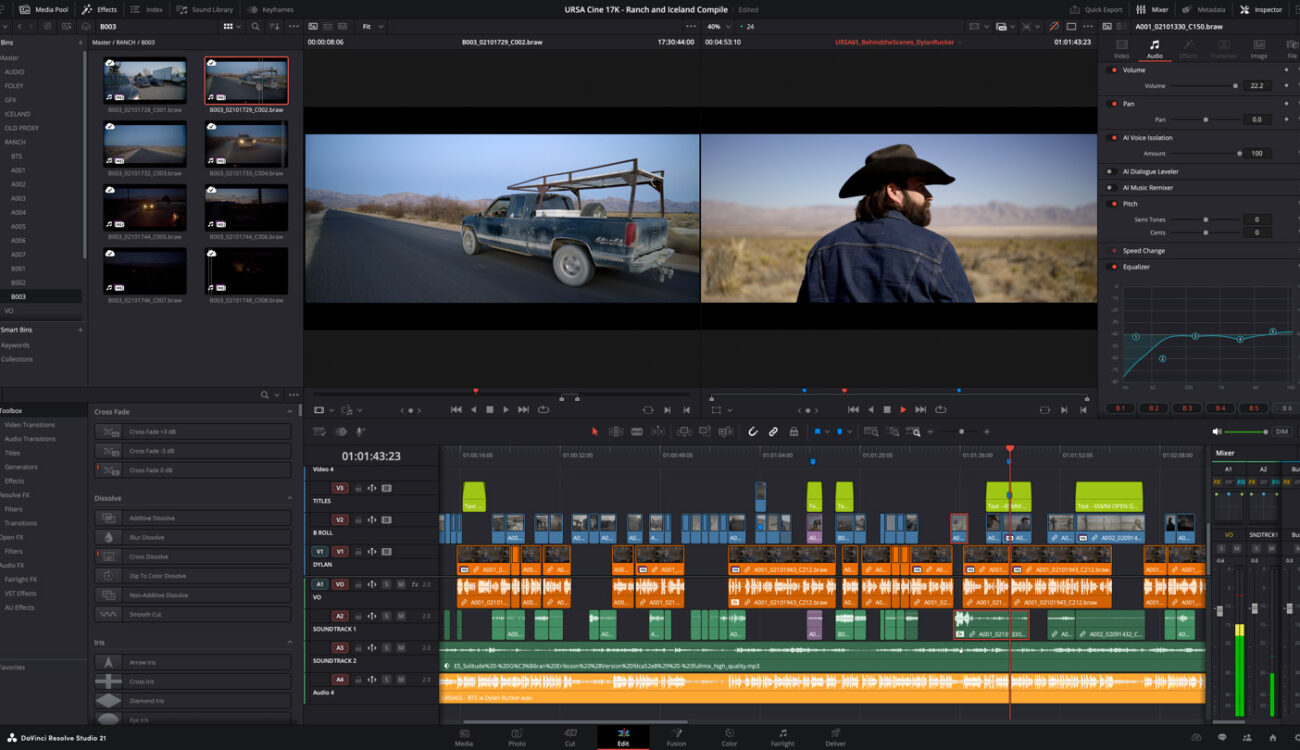
The other meaningful addition for working editors and motion graphics artists: configurable keyframe ease actions. You can now assign keyboard shortcuts to frequently used keyframe ease operations — ease-in, ease-out, and ease-in-out — which means applying eases across multiple titles, graphics, or parameters no longer requires opening additional controls for each one. For anyone doing repetitive animation work across a long project, that's a real time saver.
A new legacy speed mode retime curve option also arrives in 21.0.3, restoring the behavior of older Resolve speed ramps for editors whose muscle memory is built around the previous approach.
Interlaced workflow improvements
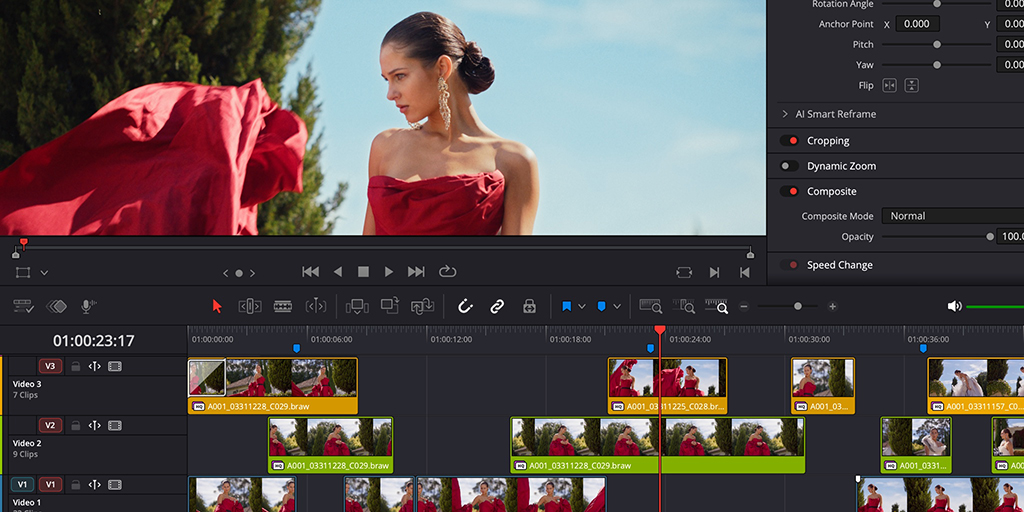
Interlaced media is less common in modern production but still essential for broadcast, archive, and legacy television work. 21.0.3 addresses several issues affecting interlaced workflows: generator and transition duration interpretation now applies the frame count set in preferences, transition lengths display correctly in frames in the inspector, and audio and video lengths are maintained when adding segments of interlaced clips to the timeline. A field dominance detection issue for some interlaced clips is also fixed.
Other fixes in this update:
- Fusion: fixed PSD imports with disabled layers and a bezier window move problem when adjusting vertex smoothness
- Magic Mask: addressed an issue with rendered Magic Mask for photos in album
- HDR: fixed a preview issue with HDR still exports on some browsers
- Replay: SDI output now always shows the selected camera
- Scripting API: added support to list project attributes in a project bin, user preferences presets, and UI layout and data burn-in presets; fixed wrong audio mapping scripting results in some scenarios
- DNG pre-tone curve is now enabled by default in new projects
- Intel QuickSync encode options restored for Studio users on select older Intel systems
- Updated DaVinci Resolve 21 reference manual included
Compatibility note
Project libraries remain compatible with DaVinci Resolve 20.3.2. Projects created or modified in 21.0.3 cannot be opened in earlier versions of Resolve 21 — worth knowing before updating in a shared team environment where not everyone is on the same version.



