Google Flow Adds Five Artist-Built Tools, Including One That Turns a Single Phone Take Into Multiple Camera Angles
Google Flow added five artist-built tools on Nov 12, including Pocket Studio, which generates multiple camera angles from a single phone take.


Google added five tools to Flow on Nov 12, each built by a working artist or filmmaker.
The set includes Pocket Studio, which Google says generates multiple camera angles from a single phone take. The others are Character Poster, Character Arc, Pixel Machine and Lucid Glass.
All five are available now in Flow, and users can build their own custom tools there.
Pocket Studio: Multiple Camera Angles From One Take
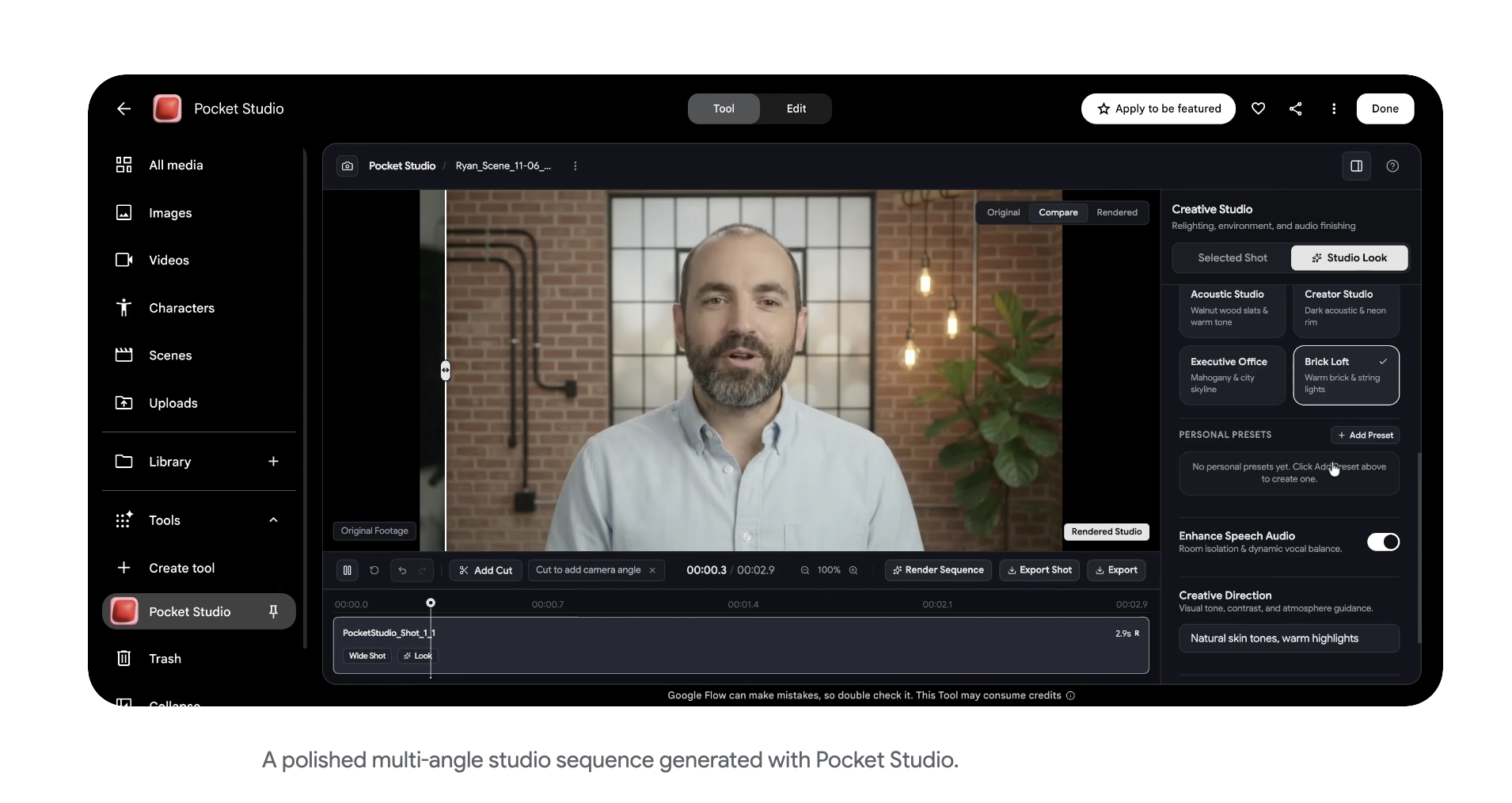
Pocket Studio was built by Ryan McCoy, a previsualization and VFX artist with more than 20 years of experience.
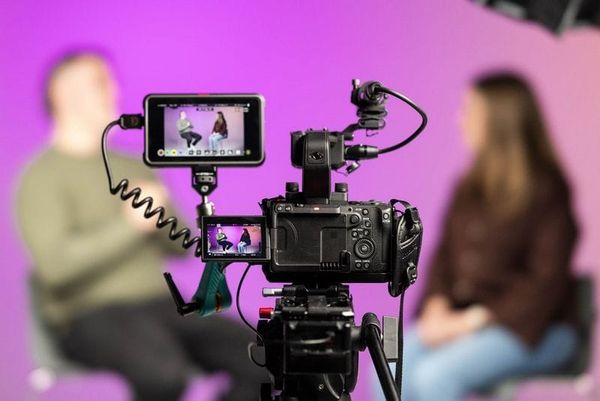
Google says it turns one phone take into multiple camera angles and raises the visual fidelity while keeping the actor’s original performance.
That performance claim is Google’s, and the announcement doesn’t show how consistent the results are across takes.
Character Arc: One Character at Different Ages
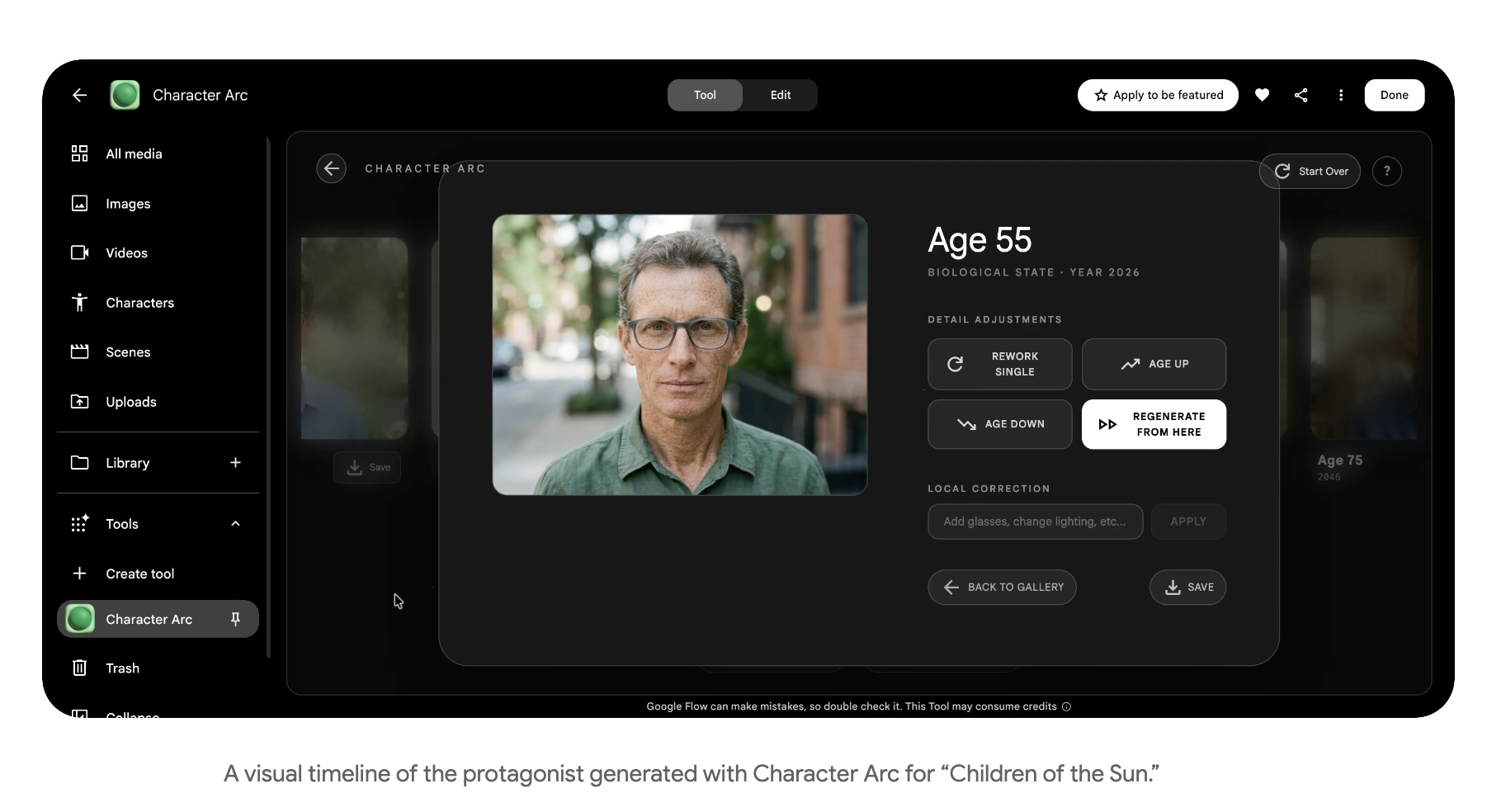
Character Arc was built by Anurag Tiwari. It shows the same character at different ages and life stages while keeping their core look.
Tiwari is using the tool on his documentary Children of the Sun, to trace the protagonist from childhood to adulthood.
Character Poster: Story Concepts to Polished Visuals
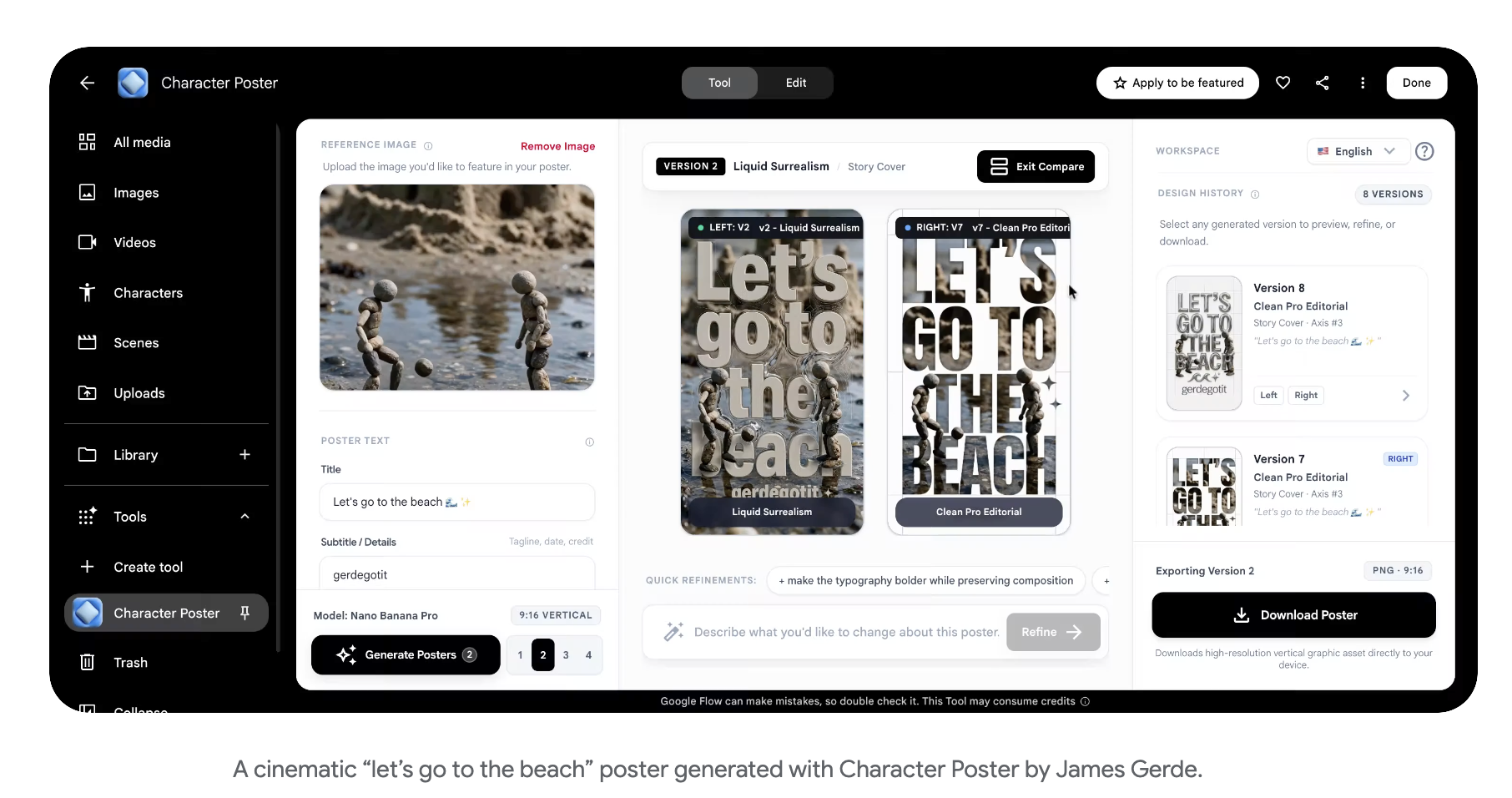
James Gerde built Character Poster. It turns simple story concepts into polished visuals and helps creators keep a consistent style across social content.
Pixel Machine: Retro and Glitch Styles
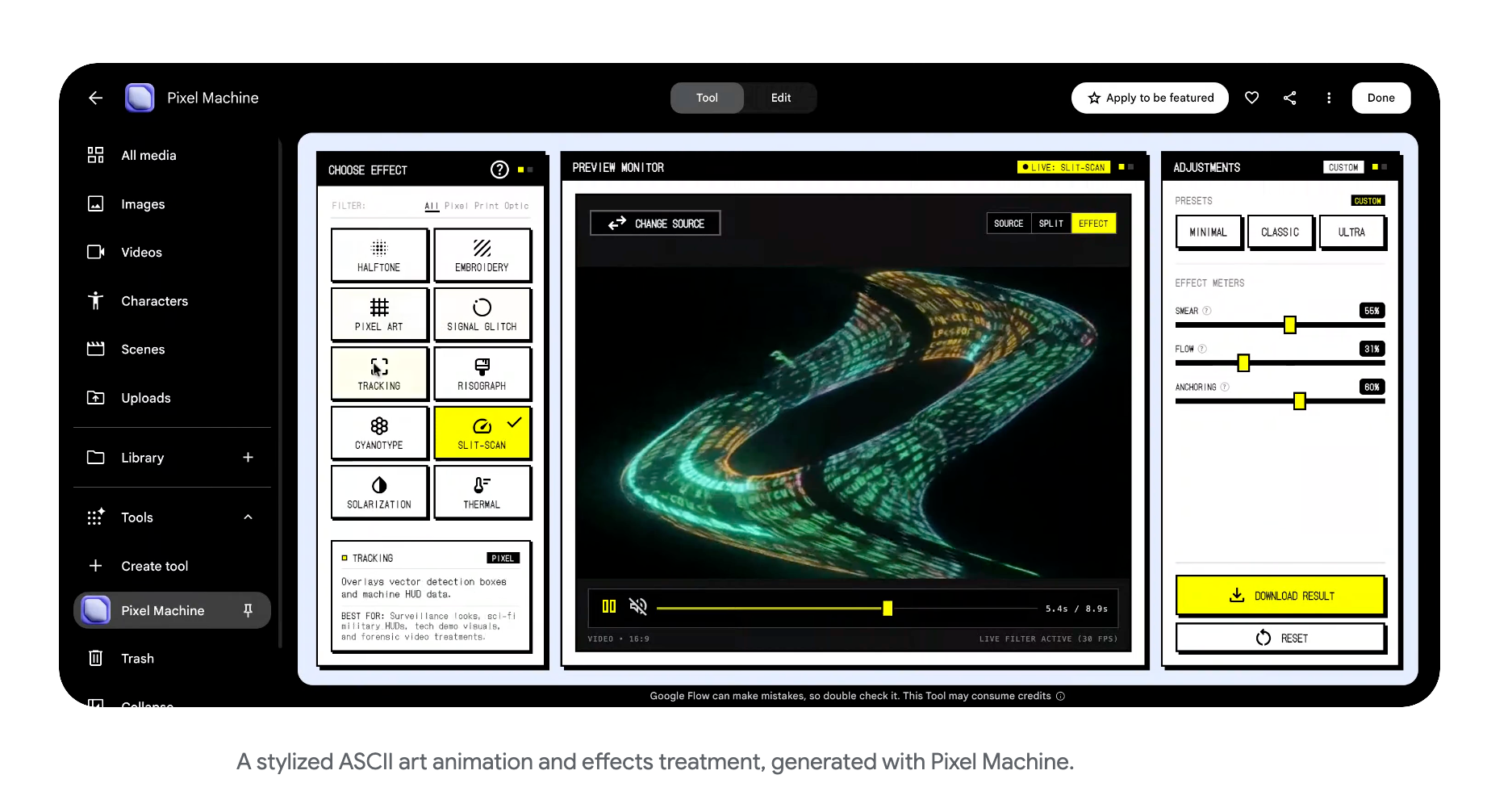
Pixel Machine, also from Tiwari, converts images into bitmap, ASCII, CRT, pixel art and glitch styles.
Google lists title treatments, transitions and music video visuals as uses.
Lucid Glass: Simulated Light Through Glass
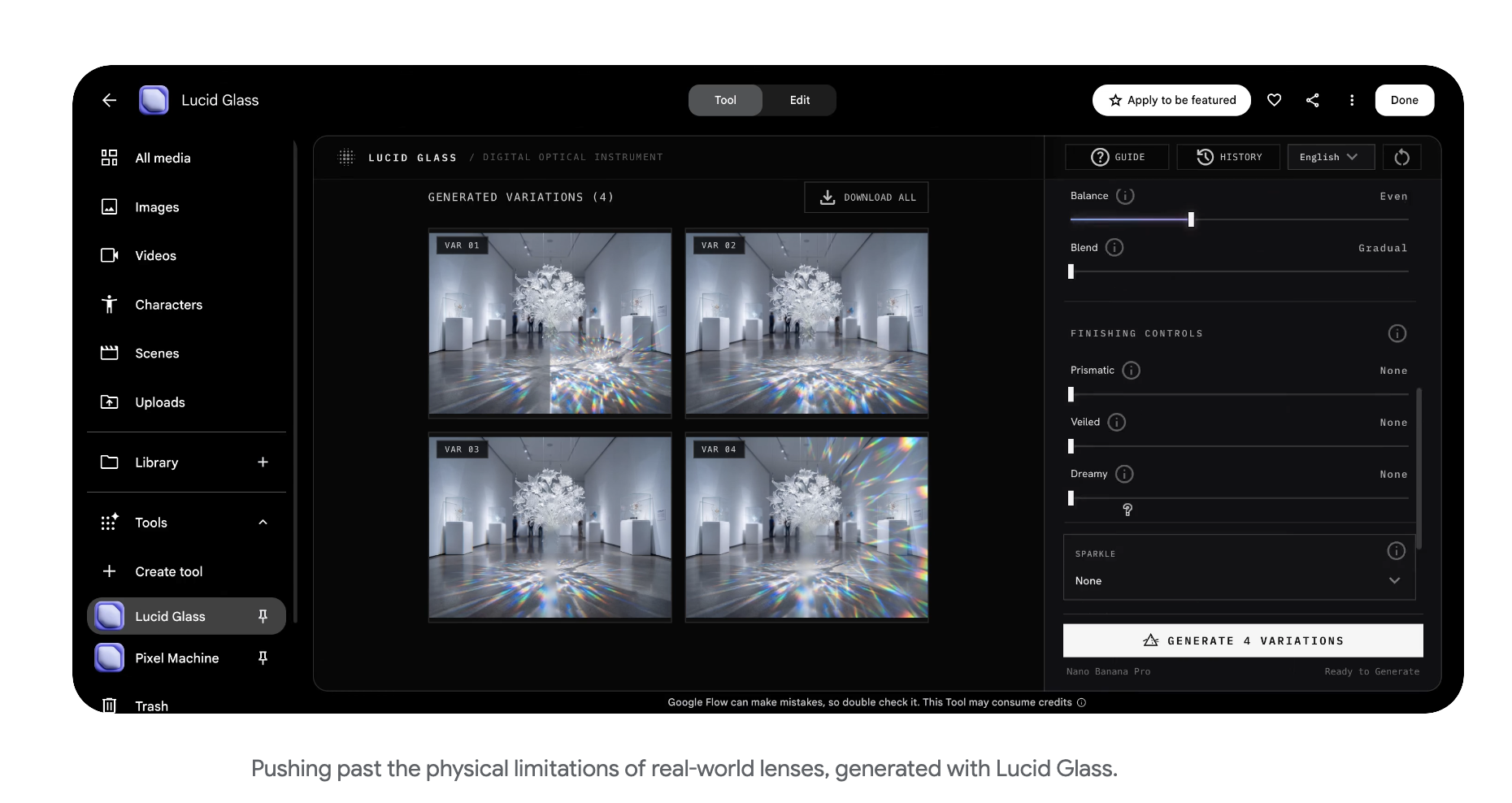
Ezra Paulekas built Lucid Glass, which simulates light passing through glass. It produces prisms, halos, refractions and optical blooms.
Availability and Credits
Google says the tools are available now in Flow. Each tool has a shared link, and users can build their own custom tools in the studio.
Google’s announcement doesn’t state pricing, credits, the underlying models or regional availability.
Creative AI News reports that opening and running a tool is free with a Google account, with 50 Flow credits a day, and that the tools work on the web and PC but not yet in the Flow phone app. It reports that building or remixing your own tool requires Google AI Plus, Pro or Ultra.
The same report estimates Pocket Studio at about 30 credits per angle at 720p, based on its assumption of how the tool runs. Google hasn’t published per-tool costs, so treat that as an estimate.
Exact pricing is available on Google’s website.
Competitive Context
Flow’s build-your-own-tool approach resembles other platforms turning prompts into custom creative apps. BRC covered Runway’s version in Runway App Studio.
On Google’s side, BRC covered Flow’s music side in Google Flow Music and Lyria 3.5 and its video model in Gemini Omni 1.2 Flash.
For camera control in AI video, BRC covered World Labs’ Atlas camera control model, a different approach to choosing angles.
The Signal in the Noise
Pocket Studio is the tool most relevant to filmmakers. It points at coverage and previs, but its quality isn’t tested in Google’s announcement.
The set is made by working artists, so each tool reflects one person’s workflow rather than a general-purpose feature. Character Arc started as a tool for a documentary, and Pocket Studio comes from a previs and VFX background.
Google hasn’t said which models run behind the tools or what each costs, so planning around them means checking your own credit usage.
If you could generate extra camera angles from one take, would you use them for coverage, previs or social cuts?