This Free NOIR Generator DCTL for DaVinci Resolve Just Got Its Biggest Update Yet
Sven Hegen's free NOIR Generator DCTL for DaVinci Resolve just got its biggest update — new diagnostic patterns, a major Ramp and Exposure Patches overhaul, and overlay support. Here's what changed.

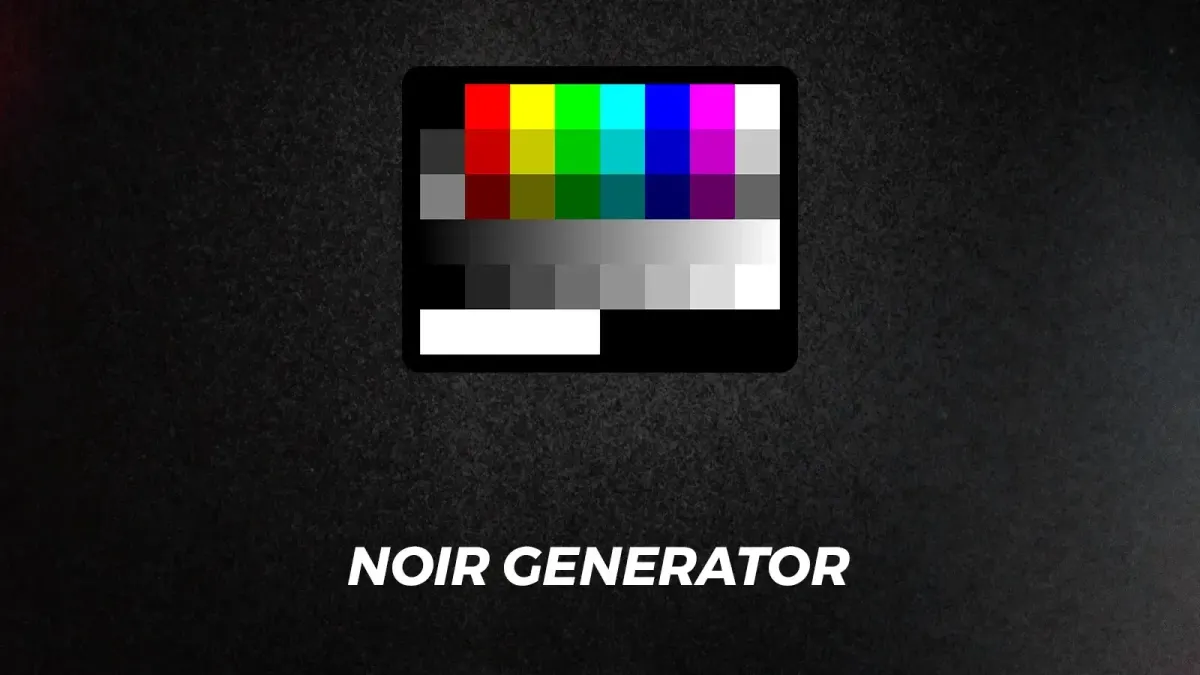
If you do any serious color grading in DaVinci Resolve, Sven Hegen's NOIR Generator DCTL is the kind of free tool you install once and never uninstall. It just received its most significant update to date, adding new diagnostic patterns and meaningfully overhauling the ones colorists already rely on.
What the NOIR Generator DCTL actually does
A DCTL (DaVinci Color Transform Language) is a programmable node you place in Resolve's node tree. The NOIR Generator uses this to create a collection of test patterns — ramps, patches, waveforms, color gradients — directly in your timeline, at any point in your color pipeline, without letterboxing or cropping regardless of your timeline resolution.
The distinction from Resolve's native generator tools is placement flexibility and specificity. You can drop these patterns anywhere in the node tree to check what your color management is actually doing to your image at that exact point — before a LUT, after a color space transform, mid-grade — rather than only at the output. It's a diagnostic layer you can slide in and out of your workflow.
What's new in this update
The biggest overhaul is to Ramp and Exposure Patches, which now displays multiple exposure references simultaneously — from black all the way to 10,000 nits — with values calculated directly from manufacturer white papers for DaVinci Intermediate, ARRI LogC, ACES CCT, and similar color spaces. As Hegen explains in the walkthrough: "You can easily pick the 18% mid-grade patch to create an anchor point for your custom curves so when you now add contrast around this anchor you will not move the exposure as a side product." That's the kind of precision anchor colorists building custom curves actually need.
New patterns added in this update:
- Color Exposure Patches — primary color patches for evaluating how a Display Rendering Transform handles saturated colors at different brightness levels, directly readable on a vectorscope
- Elizabeth — a composite pattern combining grayscale, skin-tone-adjacent color values, and primary color ramps, specifically designed for testing how a LUT or grade handles skin tones alongside reference patches
- Checkerboard — a spatial test pattern for analyzing how grain, blur, and other effects behave at a pixel level
Other existing patterns also got updates: Four-color Gradient and Vector Boundaries gain stepped ramp mode support; Hue Ramp gets a horizontal rotation slider and improved pre-post gamma behavior; Frequency Ramp now defaults to five rows; Hue Borders splits into three saturation levels. A "Show on Top" overlay feature now lets you superimpose patterns directly over actual footage rather than switching between the two.
The practical upside
For colorists working in managed color pipelines, this is a free alternative to paid diagnostic plugins or manually building power window-based gradient references. The pay-what-you-want model means Hegen's work is accessible to anyone at any budget level — worth supporting directly if you end up relying on it regularly.



