OpenAI Launches Dots, Always-On Agents That Can Turn Interview Transcripts Into Content
OpenAI's Dots are always-on ChatGPT agents that work in the background. One example turns interview transcripts into clips, notes, and social posts.

OpenAI launched Dots at its DevDay event on Tuesday, a new kind of ChatGPT agent built to keep working on your goals in the background, around the clock. One of OpenAI's own examples is a content creator's workflow. When an interview transcript arrives, the Dot picks clip moments, writes show notes, and drafts social posts for approval.
Dots are powered by GPT-6 Astra and are available now to ChatGPT Pro and Business Premium users in eligible markets. OpenAI's examples are mostly office and software work, so how well they handle production work is still untested.
What a Dot Is
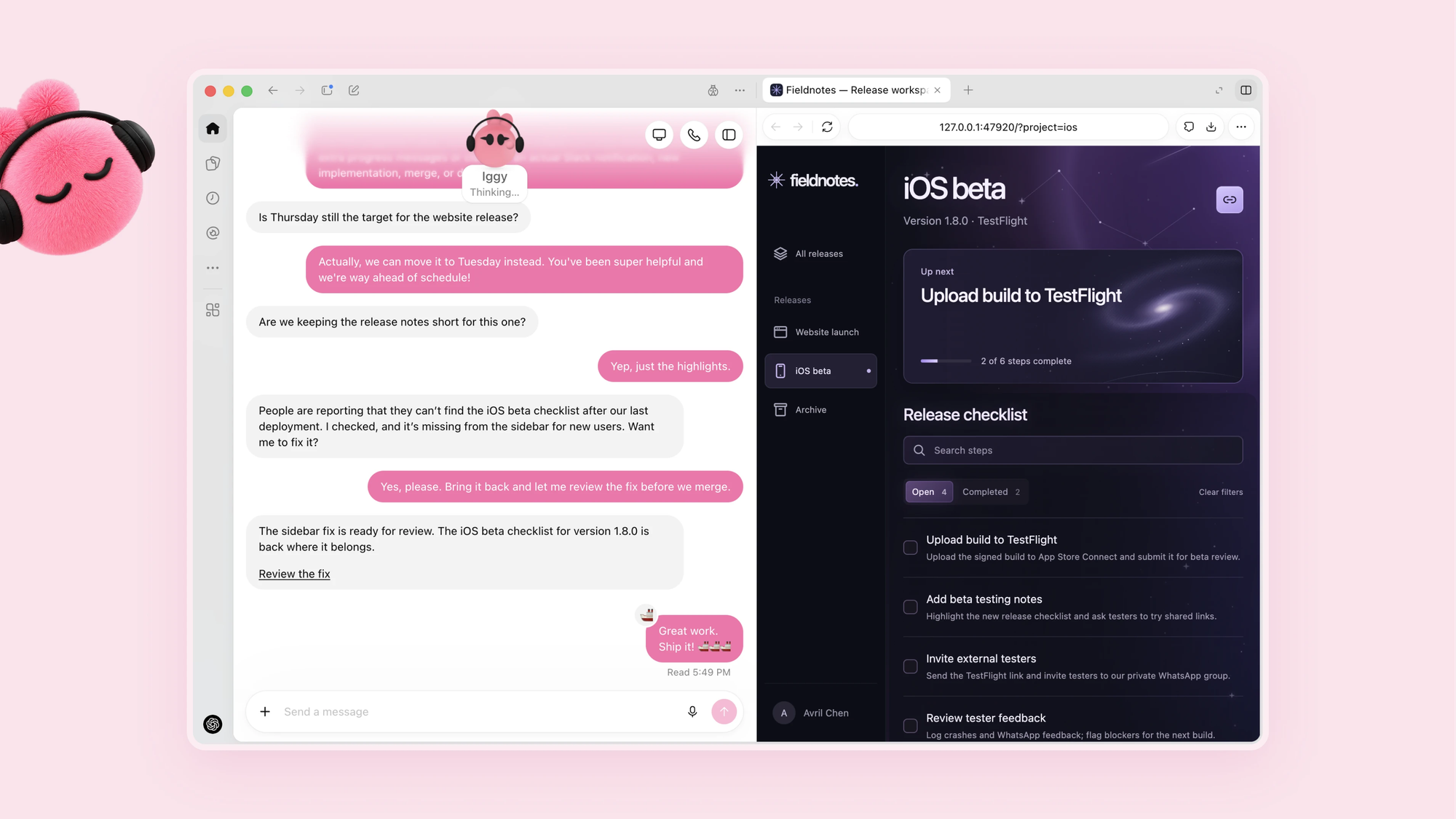
A Dot is an agent that runs on its own cloud computer with its own browser, instead of waiting for you to type a prompt. It can work on several projects at once, and you can open its computer at any time to inspect what it did.
Through OpenAI's plugin ecosystem, Dots can connect to more than 4,000 apps. You can reach yours through ChatGPT on desktop, web, and mobile, or through Slack and Teams, and you can call it by voice. Texting is listed as coming soon.
OpenAI says a Dot learns your preferences over time, and it can message you with progress updates, questions, or decisions that need you. You can also give it permission to connect to your laptop, though that's optional.
The Creator Example
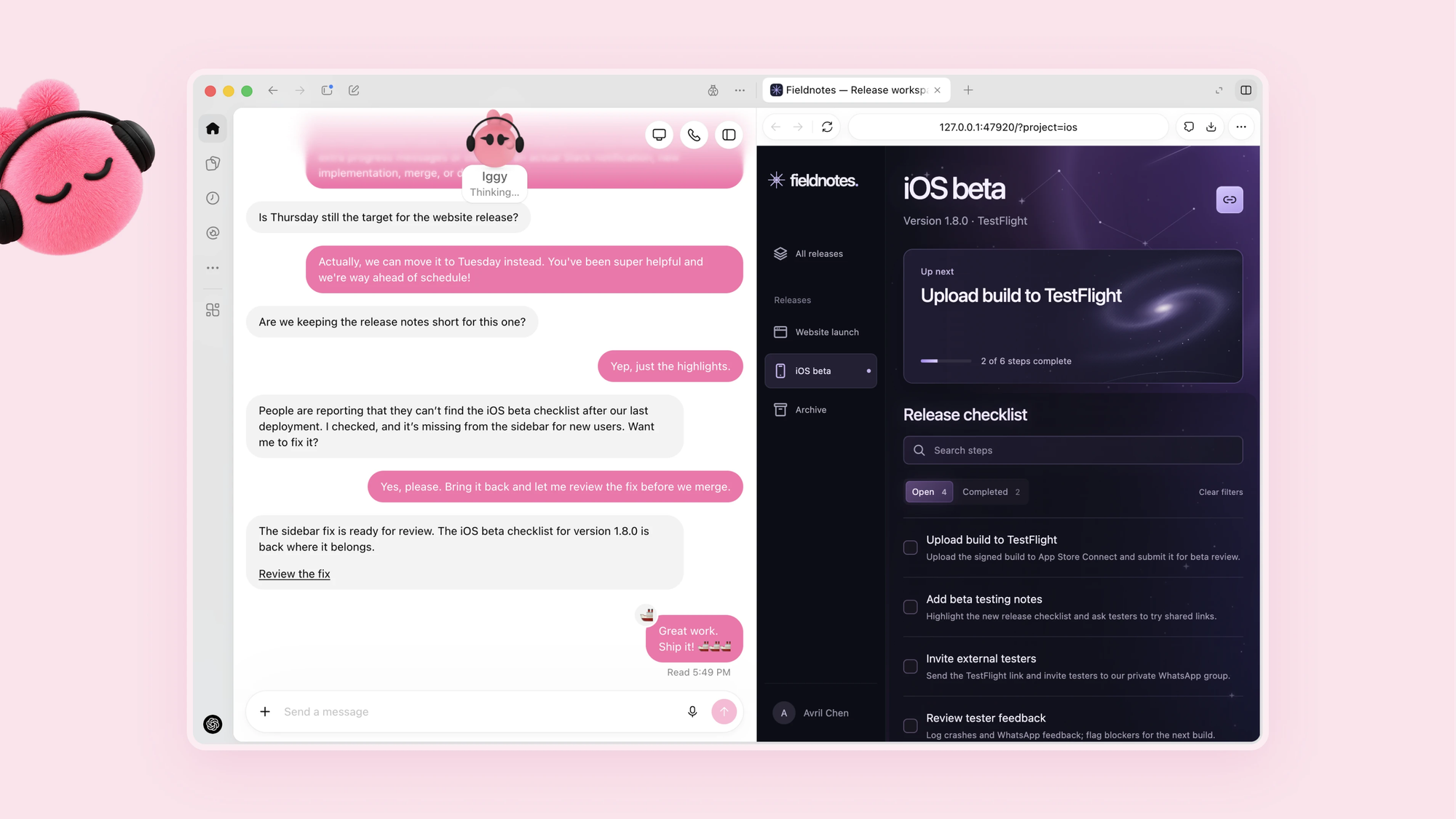
OpenAI's content creator scenario is the one closest to filmmaking. The Dot learns your voice and what matters to your audience. When a new interview transcript arrives, it finds moments for clips, prepares show notes, and drafts social posts for your approval.
It's also supposed to carry your edits across those materials and learn what resonates with viewers.
That covers the writing and planning around footage. OpenAI's announcement doesn't describe a Dot cutting, grading, or exporting video, and it doesn't name any filmmaking apps among the connections. Those tasks would depend on which plugins you connect.
Its other examples show the range, from investigating bugs reported in Slack to updating a sales proposal as customer requirements change. One early tester's Dot noticed he hadn't invoiced a publication, prepared the invoice, and sent it after he approved it.
How Much Control You Keep
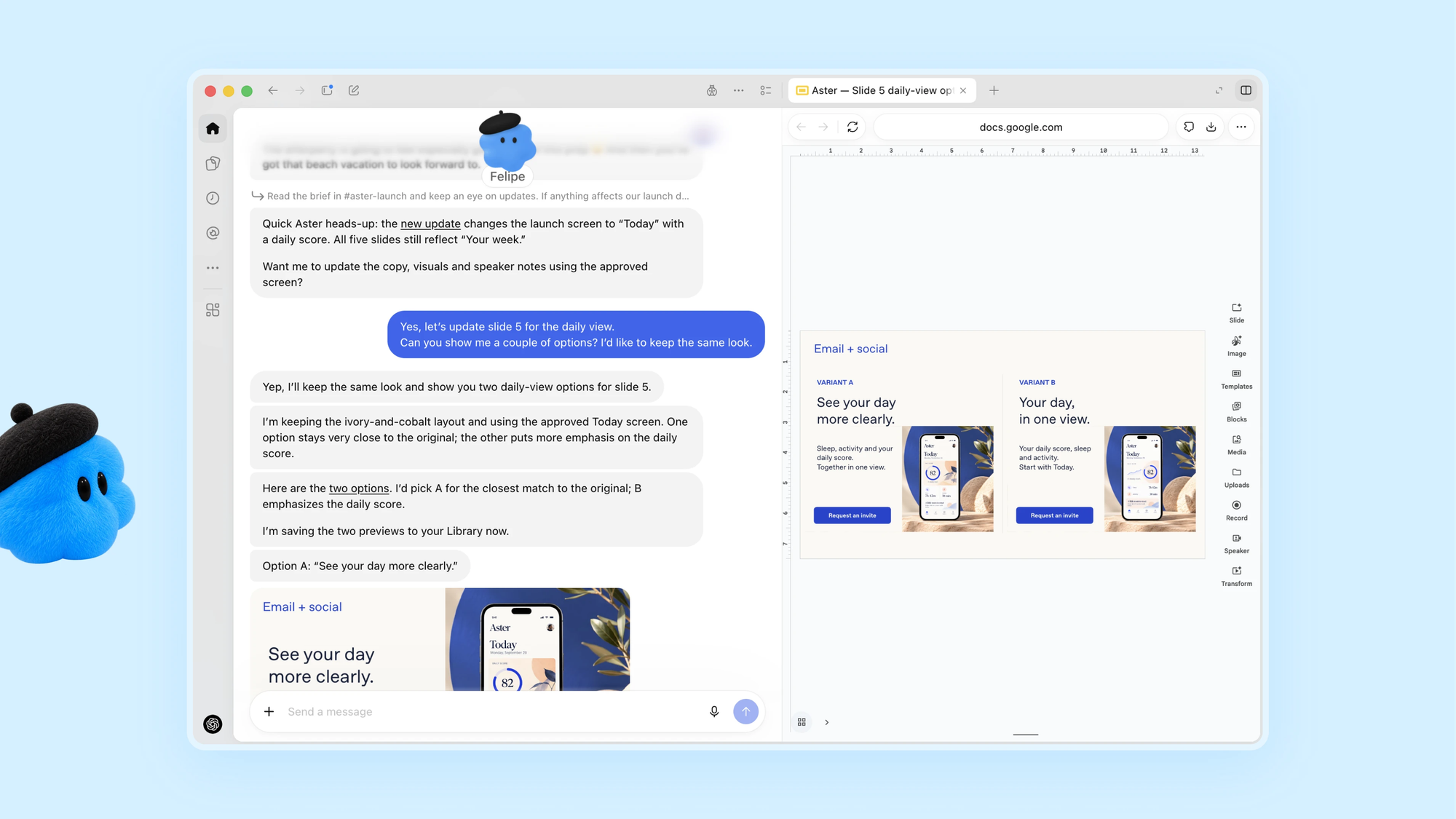
OpenAI puts a lot of emphasis on limits, which matters for anything with access to your accounts and files.
- Custom Rules let you allow specific actions, require approval for them, or block them
- Activity View shows what your Dot is doing, including background work
- Auto-review checks actions that could affect your accounts or share information before they go ahead
- Sensitive tasks, such as changing a password, always stay with you
- Proactive research, the background work a Dot does when you aren't asking for anything, uses read-only connections, so it can't send messages or change content in your apps
- Your computer stays separate from the Dot's unless you choose to connect it
OpenAI also says Dots can make mistakes, and its own advice is blunt: "always review consequential work."
Who Can Use It, and What It Costs
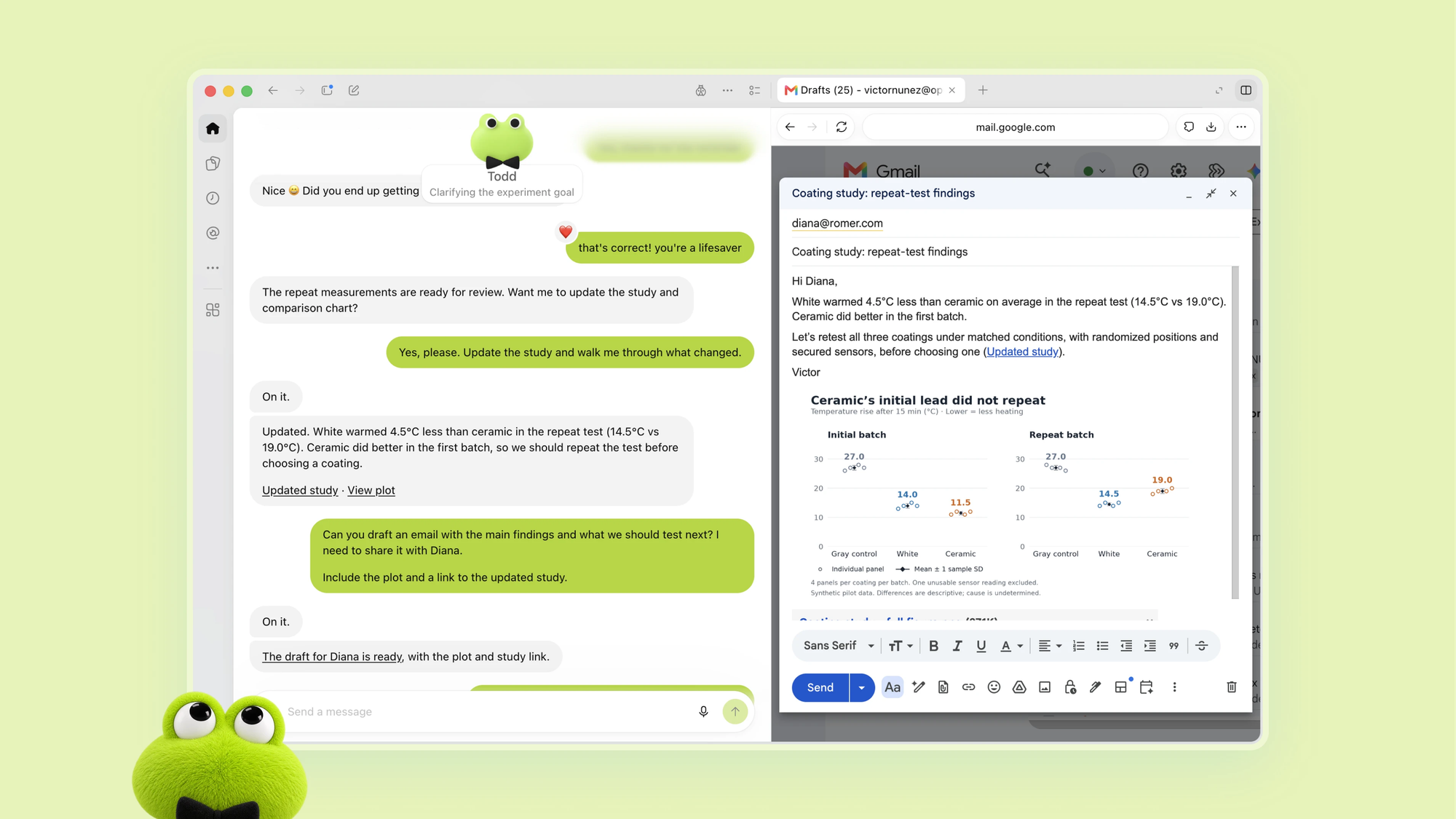
One Dot is included with Pro and Business Premium plans at no extra cost. Your plan also includes an allowance for deeper work, with extended limits for the first month.
Conversations with your Dot don't count toward ChatGPT usage limits. If you ask it to start tasks in Codex or ChatGPT Work, those tasks do count as usual.
Enterprise, Edu, and Healthcare users can try a beta when a workspace admin turns it on, and it's off by default. Setup starts in the ChatGPT desktop app or a desktop browser, and after that you can message your Dot from the mobile app.
Each user gets one Dot for now. OpenAI says you'll later be able to add more, and to increase each one's speed or monthly workload.
Specialist Dots for Companies
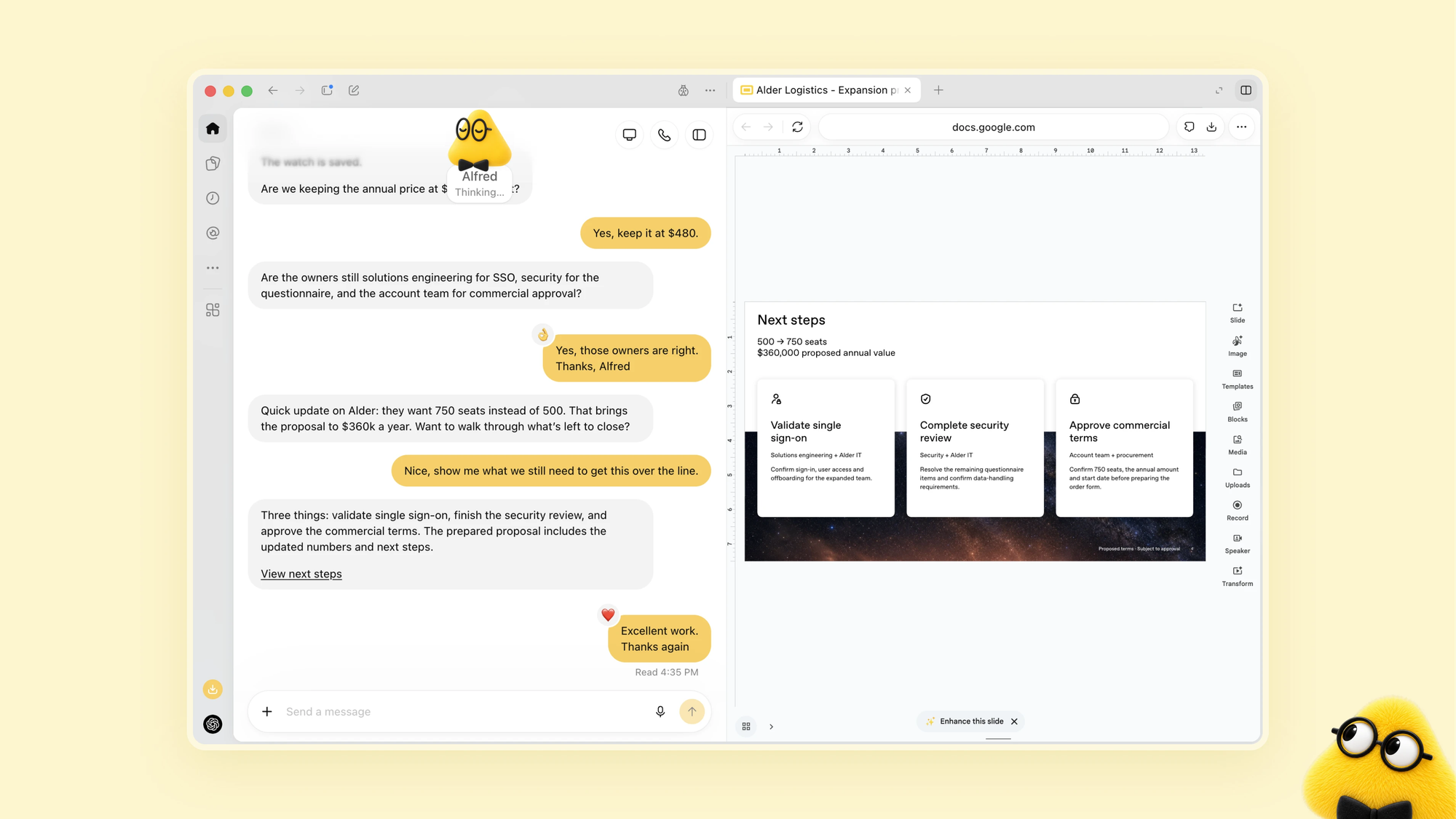
OpenAI is also piloting specialist Dots for organizations. Each has its own identity, credentials, and access to specific business systems, aimed at defined jobs like procurement, invoice processing, email marketing, support, and contracting.
OpenAI says it's working with Microsoft to bring these to Agent 365, so businesses can manage them through Microsoft's existing governance and security tools. OpenAI calls the launch a start, and says it envisions teams of Dots working together over time.
Competitive Context

Dots arrive as personal AI agents become a crowded category. TechCrunch notes the cartoon-style Dot characters echo Meta's recently released Muse agent, and coverage places the launch against SpaceXAI's Grok Bot as well.
The pitch across all of them is the same: an assistant that works while you're away, not just when you prompt it. For creators, that overlaps with tools already covered on BRC, like AI assistants that work inside DaVinci Resolve through MCP. A Dot is a general-purpose agent that lives in ChatGPT, not a filmmaking tool.
The Signal in the Noise
The most practical takeaway for filmmakers is the work around the footage: transcripts, show notes, clip selection, social drafts, invoices, and scheduling. That's a large share of a small production's time, and it's the part a general-purpose agent is most likely to handle well.
What's unproven is everything past that. Dots have only just launched, they're limited to paid tiers in eligible markets, and OpenAI hasn't shown one working with editing software or footage. The approval controls are a good sign, but they put the review burden on you.
If you try one, start with low-risk tasks, keep approvals on for anything that sends or publishes, and check the results yourself.
If an agent could take over one repetitive task in your workflow, which would you hand it first?
Specs & Pricing
- Product: Dots, always-on agents inside ChatGPT
- Model: GPT-6 Astra
- Availability: rolling out September 29, 2026, to Pro and Business Premium users in eligible markets; Enterprise, Edu, and Healthcare beta when an admin enables it
- Price: first Dot included with Pro and Business Premium; exact pricing and eligible markets are available on OpenAI's website
- Setup: ChatGPT desktop app or desktop browser; mobile messaging afterward
- Reach it through: ChatGPT (desktop, web, mobile), Slack, Teams, voice calls; texting coming soon
- Connections: 4,000+ apps through plugins
- Usage limits: Dot conversations don't count; tasks started in Codex or ChatGPT Work do
- Controls: Custom Rules, Activity View, auto-review, read-only proactive research
- Limits at launch: one Dot per user; more Dots and scaling options planned
Resources & Reads