What Is Native Audio in AI Video, and Why Does It Matter?
Native audio means an AI video model generates dialogue, sound effects, and ambience in the same pass as the picture. Here is how it works, which models offer it, and where the limits are.

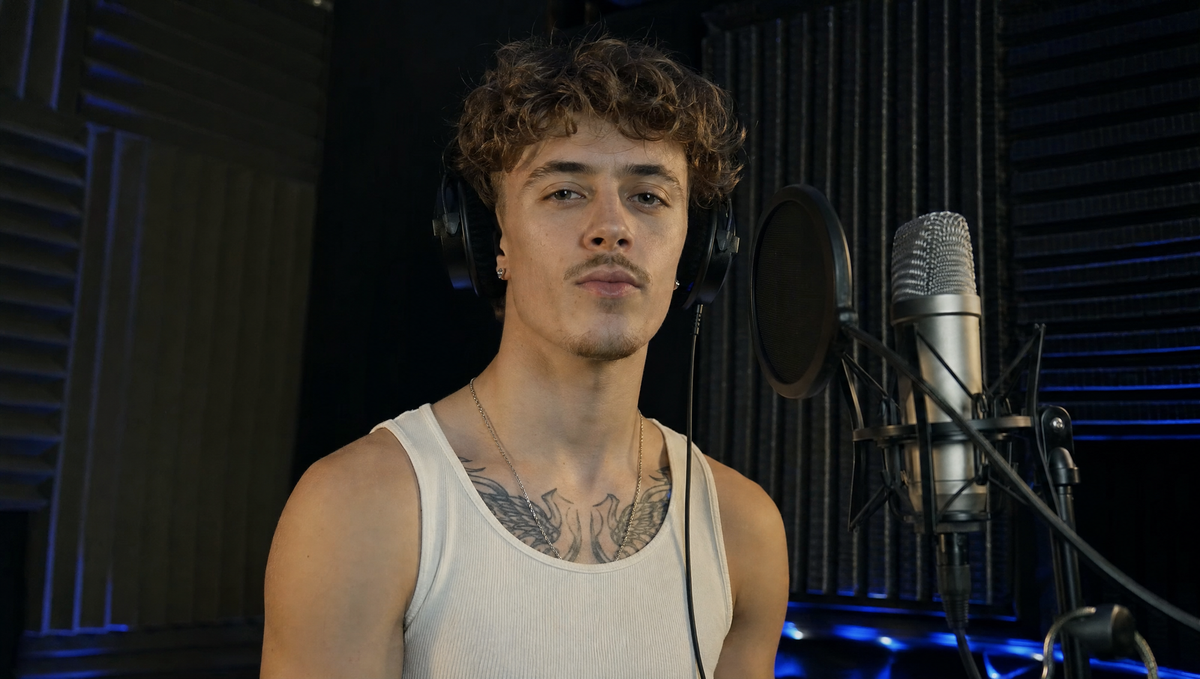
Native audio means an AI video model generates sound in the same pass as the picture. Dialogue, sound effects, and ambience arrive with the clip instead of being added afterward.
Google's Veo 3.1, Kling 3.0, ByteDance's Seedance 2.5, and Lightricks' open-weight LTX-2.3 all work this way. Each handles it a little differently.
How Native Audio Works
Before native audio, AI video clips came out silent. Filmmakers added voices, music, and effects from other tools, then matched the timing by hand.
Kling's Lip Sync tool adds new speech to an existing character video. Native Audio instead generates the scene, dialogue, facial performance, and supporting sound together.
ByteDance's Seedance 1.5 pro paper calls this joint audio-video generation. The model covers text-to-audio-video and image-guided audio-video work in one framework.
Lightricks describes LTX-2.3 the same way, as one model that generates synchronized video and audio.
Which Models Offer It
Google introduced native audio with Veo 3 in May 2025. Its Gemini API docs list audio as always on for Veo 3.1, Veo 3.1 Lite, and Veo 3. Google documents three audio cues: dialogue in quotes, sound effects, and ambient noise.
Kling 3.0 and 3.0 Omni create dialogue, lip movement, sound effects, and ambience together. Native Audio covers Chinese, English, Japanese, Korean, and Spanish. Adobe Firefly hosts Kling 3.0 Omni alongside other native-audio models.
Seedance 2.5 is ByteDance's audio-video joint generation model, built for 30-second storytelling. Hosts such as Renderforest report general availability since July 31, 2026. Replicate's listing notes that audio can be turned off for silent video.
LTX-2.3 is the open-weight option. Its model card says it is designed for practical, local execution.
Competitive Context
The models split on three points: clip length, language coverage, and control. Veo 3.1 clips run 4, 6, or 8 seconds. Kling 3.0 generates 3 to 15 seconds, and Seedance 2.5 reaches 30.
Veo's audio is always on, so a prompt that skips sound leaves the choice to the model. Seedance 2.5 lets you switch audio off. Kling lists five dialogue languages, and Morphic's guide reports 10-plus languages for Seedance 2.5.
Not every tool generates audio itself. Adobe Firefly's editor lets you layer voiceovers, music, and sound effects on top of any model's clip. That covers models that output silent video.
The Signal in the Noise
Native audio removes a step. Lip movement, effects, and room tone come tied to the picture, which helps previs, animatics, and short social clips. That saves a temp-sound pass on early cuts.
The limits are real. Google says consistent spoken audio, especially for short speech segments, is still in development. Clip caps of 8 to 30 seconds also limit how much dialogue fits in one generation.
Caps and coverage keep moving. Veo 3 launched with 8-second clips, Seedance 2.5 now reaches 30, and Kling 3.0 extended native audio to five languages.
Until speech holds up across longer scenes, a separate voice and sound pass remains the safer route for finished dialogue. Treat generated audio as a usable starting point. It does not replace a mix.
Would you trust generated audio in a final cut, or only as a temp track?
The Details
- Veo 3.1 (Google): audio always on, with dialogue, sound effect, and ambient cues. Clips run 4, 6, or 8 seconds.
- Kling 3.0 and 3.0 Omni: dialogue in five languages, with lip movement, effects, and ambience generated together. Clips run 3 to 15 seconds.
- Seedance 2.5 (ByteDance): up to 30 seconds in a single generation, with audio that can be switched off. Generally available since July 31, 2026.
- LTX-2.3 (Lightricks): open weights, with synchronized audio and video from a single model and local execution.