Suno Launches Visuals: 15-Second AI Video Clips and Lyric Videos Built Around Your Songs
Suno Visuals turns songs into clips of up to 15 seconds, lyric videos and images on H3 Move, a MiniMax H3-based model, with separate credits and Fast and Standard quality tiers.

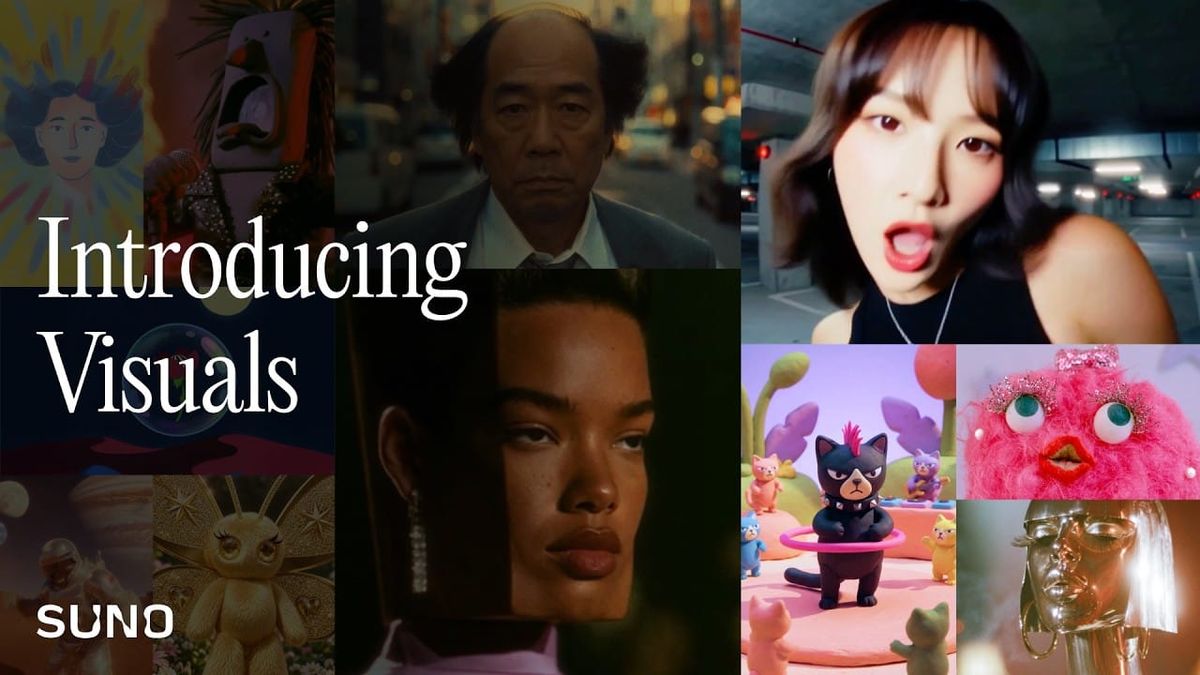
Suno launched Visuals on November 17, adding AI video and image generation to the platform best known for AI music. The tool turns songs into video clips of up to 15 seconds, lyric videos and images, all created inside Suno next to the tracks themselves.
Visuals runs on H3 Move, a model Suno says is based on MiniMax’s H3 and optimized for its own community. It uses its own credits, separate from the credits that generate songs.
What Suno Visuals Makes
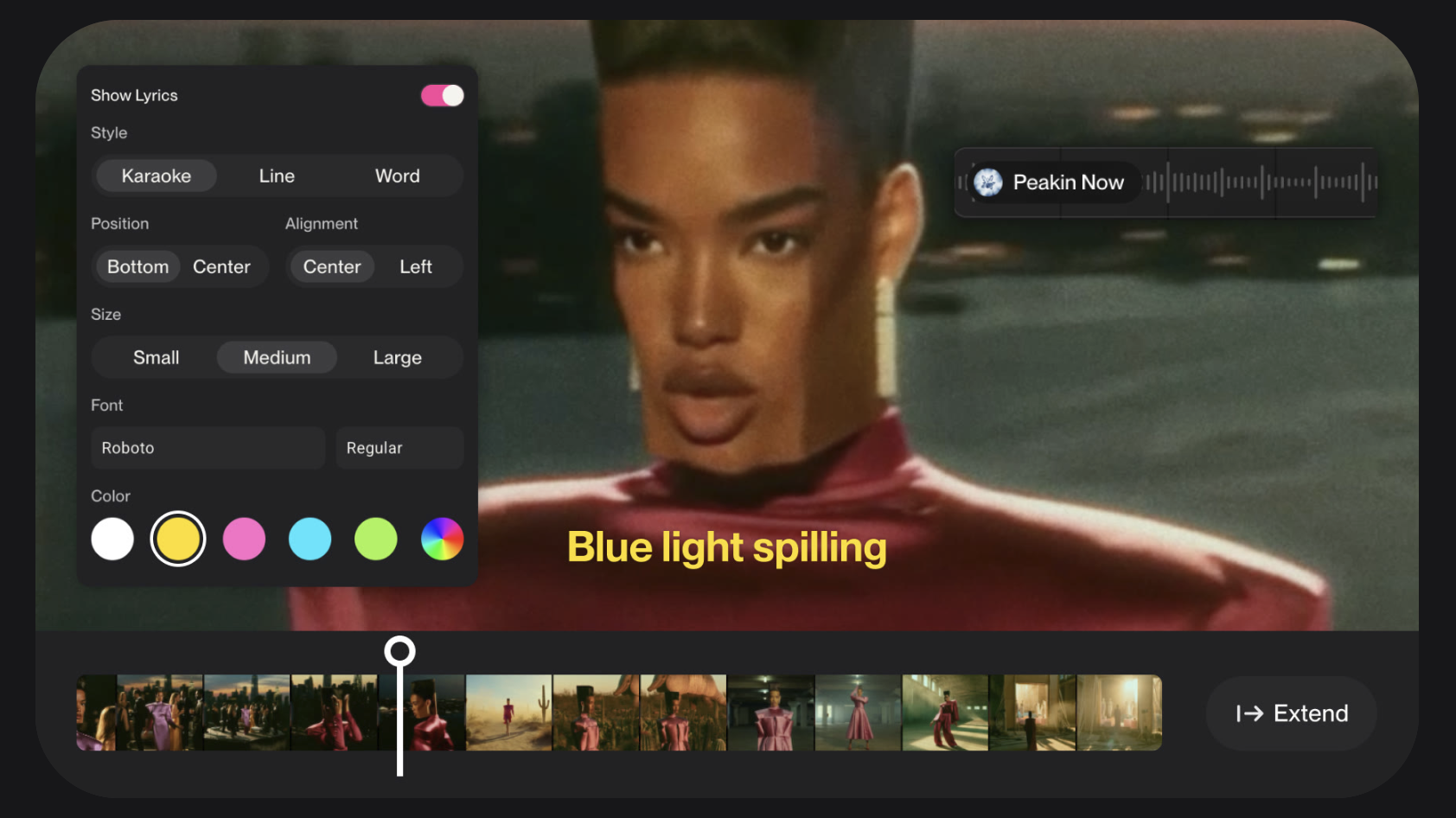
Users start from a song in their Suno library, then begin with either a photo reference or a visual idea written from scratch. The output can be a lip sync video, a lyric video or a clip meant to stay in sync with the track.
Clips run up to 15 seconds each, according to Suno’s announcement. They can be extended and edited with text prompts, so a longer piece gets built by chaining segments together.
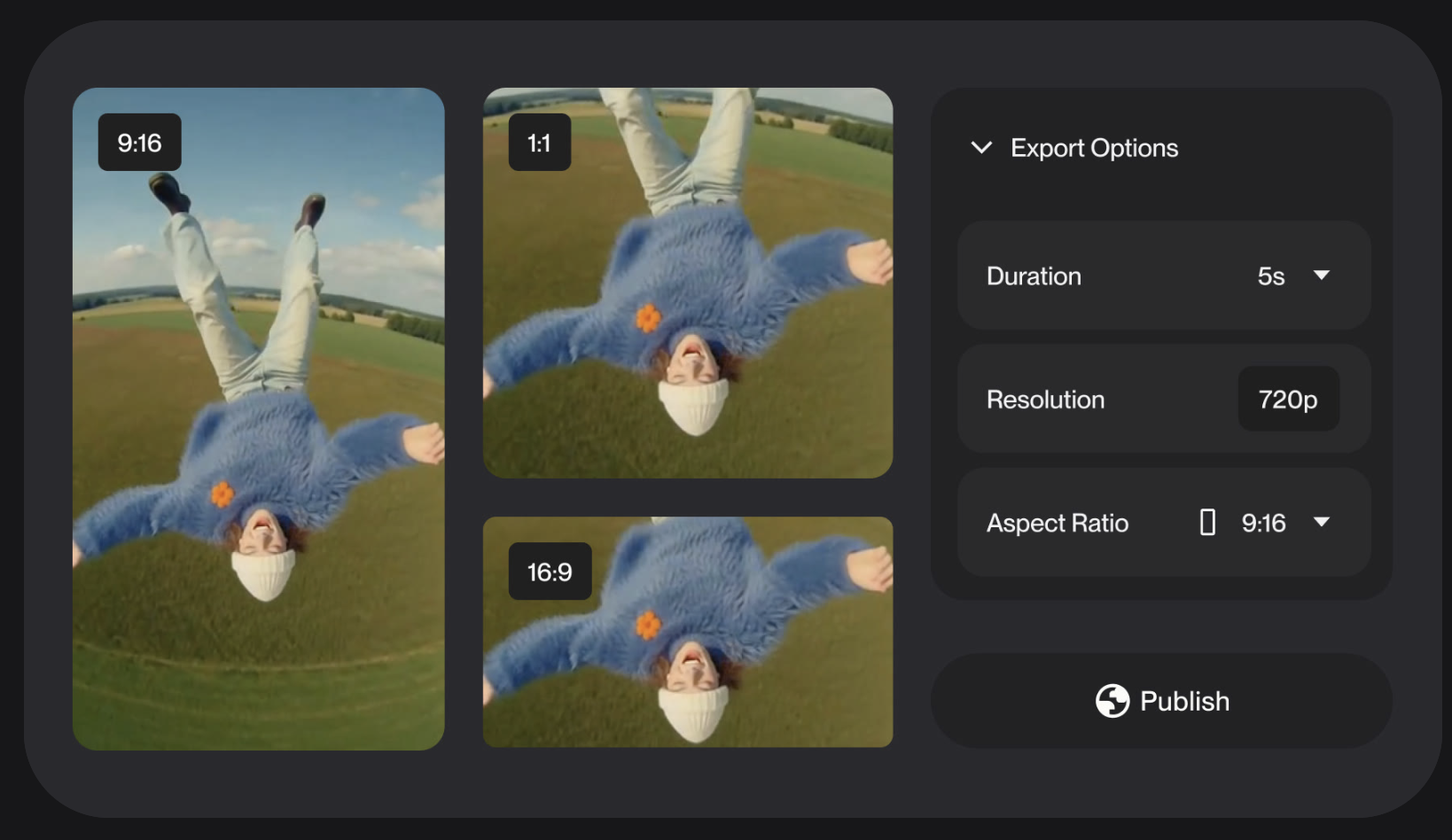
Lyric videos have adjustable fonts and colors. Clips can be extended on a timeline to keep a consistent look across segments, and exports are available in 9:16, 1:1 and 16:9.
H3 Move and the MiniMax Connection

Suno’s FAQ describes H3 Move as a version of MiniMax’s H3 that Suno optimized and gave additional protections and safeguards. The company says the model is self-hosted and that it does not share data with MiniMax.
Suno has not published what H3 Move was trained on. Its Visuals pages also don’t spell out rights for the video side.
Credits and Quality Tiers
Visual credits generate videos and images, while song credits generate songs. Both balances show on the account page.
Each generation has a Fast or Standard quality setting. Fast costs fewer credits and suits quick ideas, while Standard costs more and suits more complex ones. Cost also depends on clip duration.
Anyone can buy Visual credit packs, and purchased credits do not expire. For a limited time, Pro and Premier subscribers receive a limited number of Visual credits to try the tool.
Exact pricing is available on Suno’s website.
What Suno Blocks
New filters block prompts and uploads that try to depict specific artists, public figures or copyrighted characters. Suno wrote that prompts that work on other video platforms may fail on Suno by design.
Videos also carry hidden watermarks before they can be shared outside Suno.
Competitive Context
Visuals puts video generation inside a music platform rather than a general video tool. The 15-second cap matches the length of clips from the model it is built on, which is covered in what MiniMax H3 is and how it works.
Filmmakers who want performance-driven clips from other tools can start with how to lip sync AI video. On the audio side, Suno’s earlier moves on watermarking and download limits show the same pattern of guardrails arriving alongside new features.
For a comparison of the music tools themselves, see Suno vs ElevenMusic.
The Signal in the Noise
The practical use is short, music-driven visuals made without leaving the tool that made the song. Lyric videos, social cutdowns and concept clips for pitching a track are the clearest fits.
The 15-second limit means a full music video is a stack of segments, and keeping a look consistent across them is the part to test. Credit costs scale with length and quality, so a longer piece in Standard mode can use up a trial allotment quickly.
The filters limit what can be made. Anyone planning to use clips commercially should check Suno’s Terms of Service, since the Visuals pages don’t state a rule for it.
Reaction from filmmakers will likely split between those who see a fast temp-visual tool and those wary of another AI video product tied to a third-party base model. Suno’s self-hosting claim and the likeness filters address part of that concern, and the rest will show up in how the clips look.