This New Free Tool Lets ChatGPT and Claude Edit Video Directly
Tesseract is a free engine that lets ChatGPT and Claude edit video, animate graphics, and mix sound in an editable project, no Premiere required.

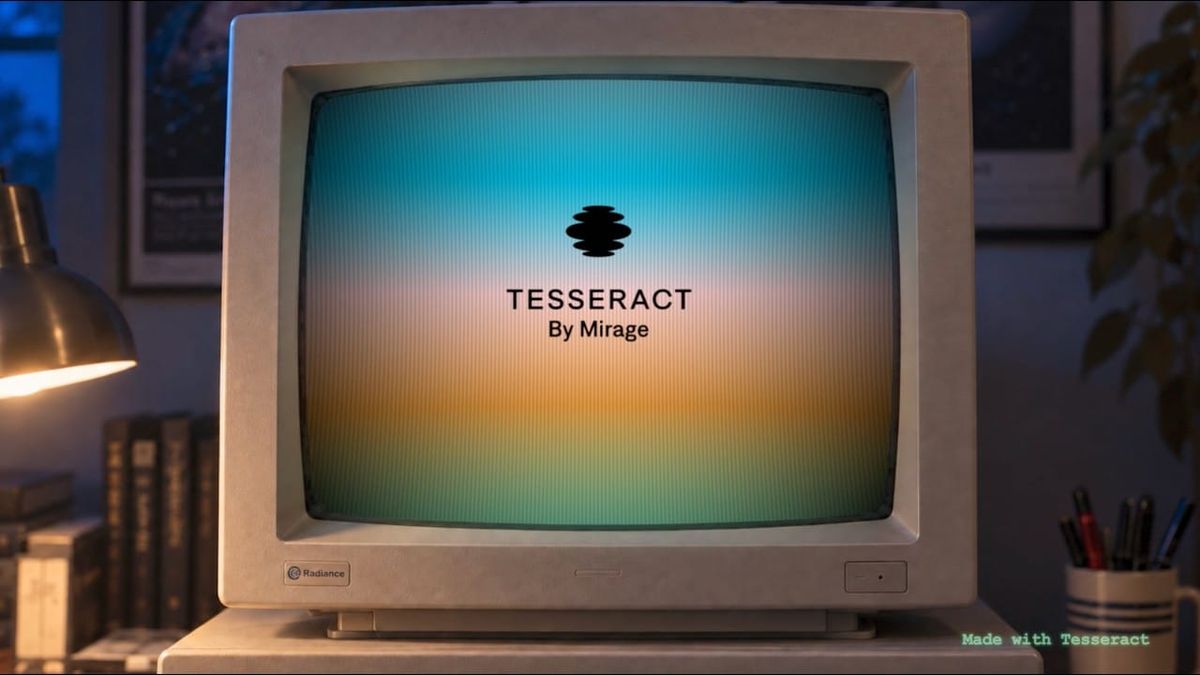
A free video engine called Tesseract lets AI agents like ChatGPT and Claude edit video themselves, cutting footage, animating graphics, and mixing sound inside a real, editable project. It runs locally on your own computer, and it doesn't require Premiere, After Effects, or any other editing software.
What Tesseract Actually Is
Tesseract comes from Mirage, the company behind the Captions app. It describes Tesseract as a creative suite built for AI agents rather than people.
Most attempts at AI video editing either generate footage from scratch or have the AI click through a traditional editor's interface. Tesseract takes a different approach: it gives the agent direct access to an editing engine built around real video concepts, including keyframes, adjustment layers, compositions, timing, and sound.
Mirage contrasts that with tools that represent a video as a webpage or code. Here, the agent works with actual editing building blocks, the same way an editor would.
How It Works
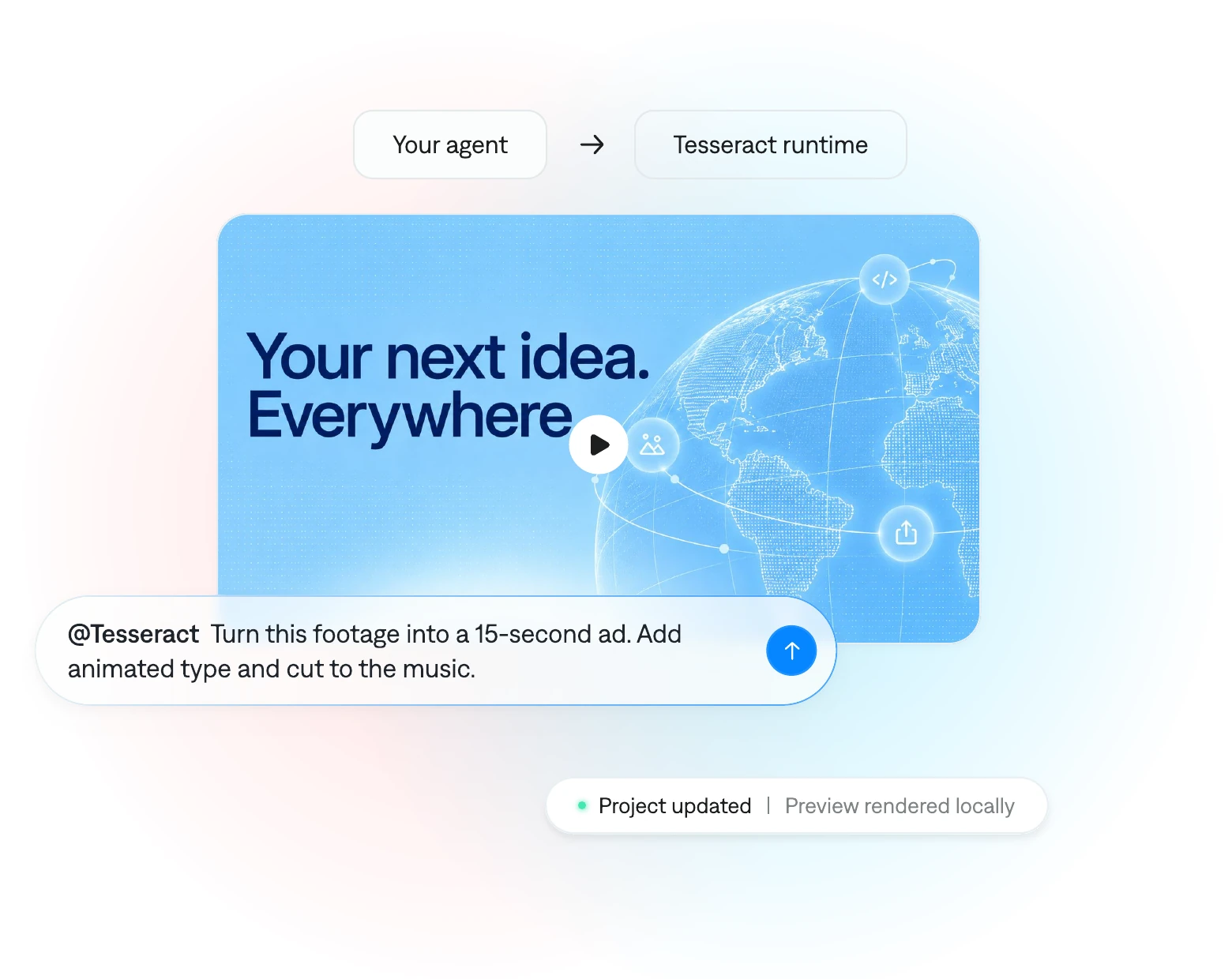
The workflow is straightforward:
- Install it through the ChatGPT plugin or Claude skills, and let the agent set up the free local engine
- Bring your footage and brief, including clips, screen recordings, brand assets, audio, and direction
- Review, refine, and render, previewing the edit as it develops and asking for changes before rendering locally
You direct everything in plain language. No coding or After Effects experience is required.
Why "Editable" Is the Key Word
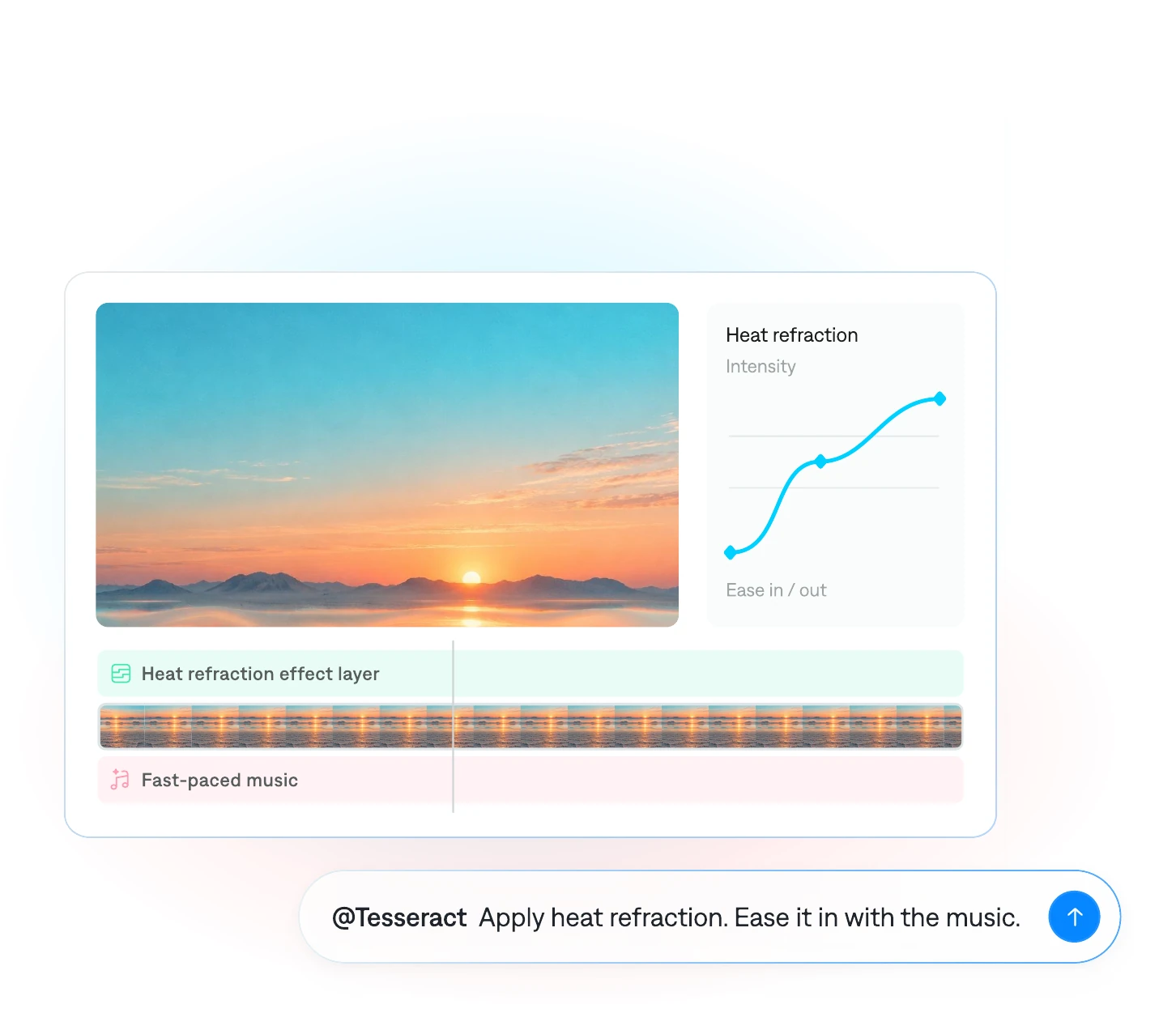
The most important detail is that Tesseract keeps the project editable. Your agent can change one title, adjust a single keyframe, move a clip, or rebalance the audio without rebuilding the whole video.
That's a meaningful difference from AI tools that regenerate a full output every time you ask for a change. It's closer to how real revisions work: you keep what's working and fix what isn't.
Build Your Own Editor
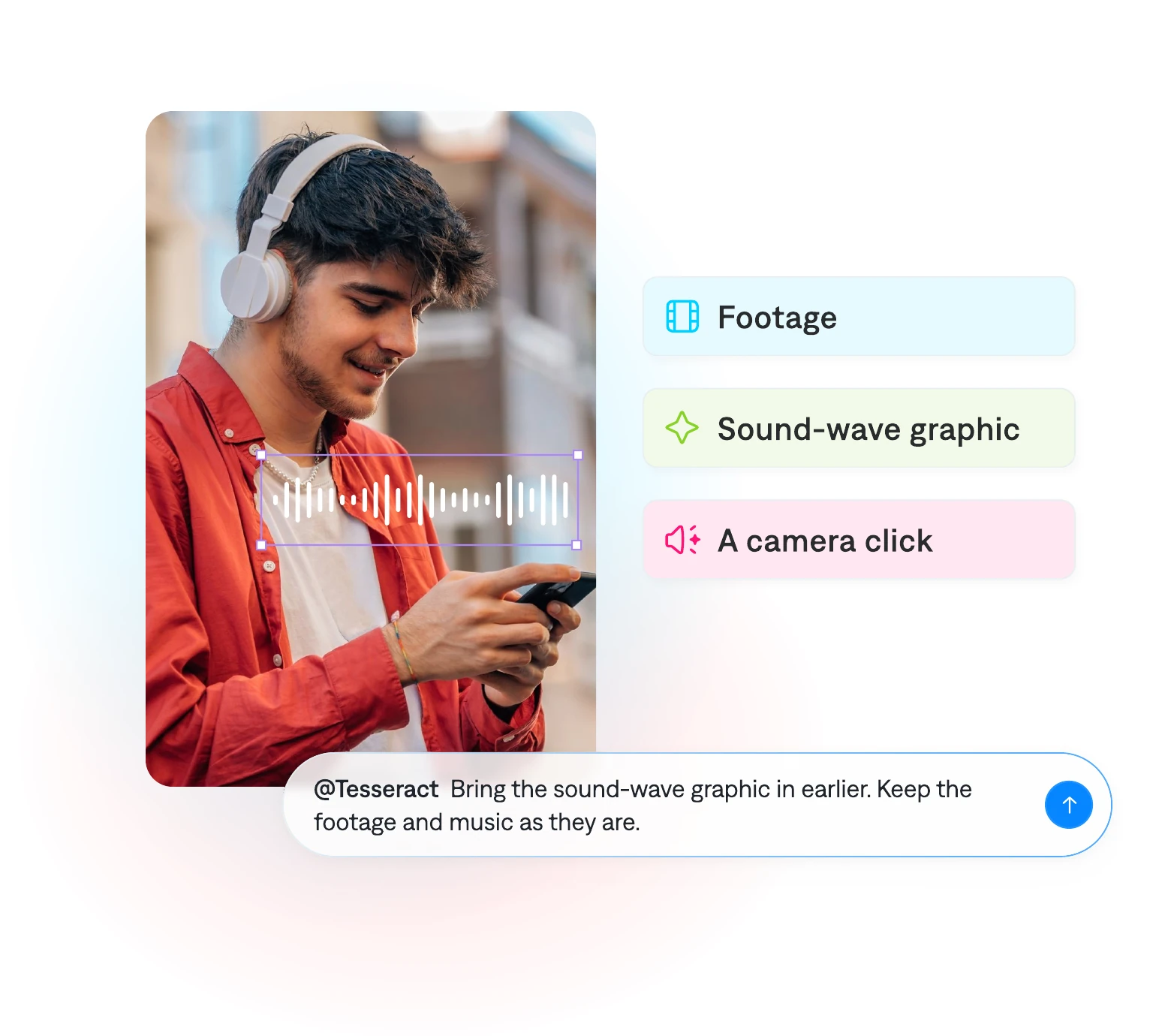
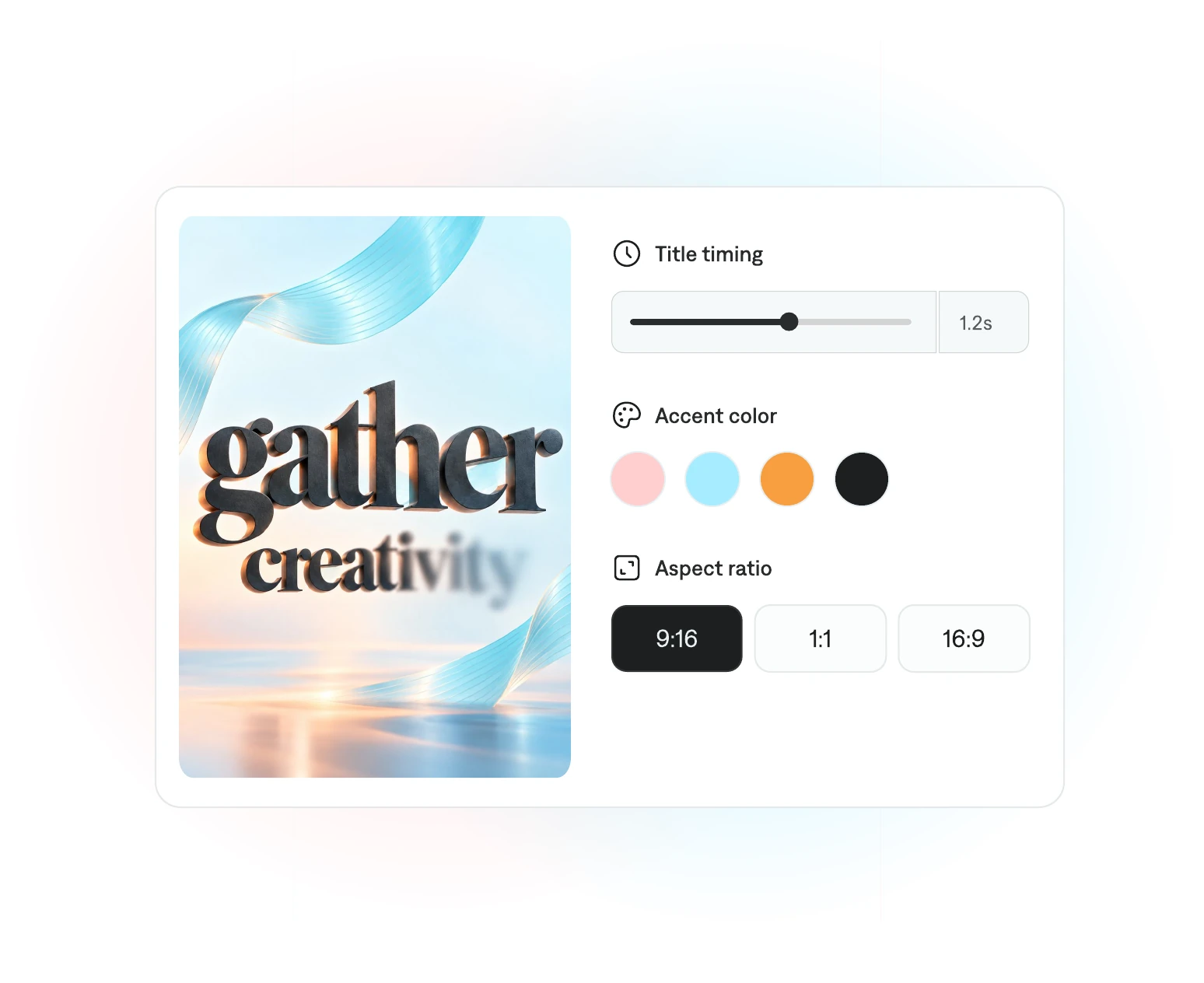
Mirage's latest pitch goes a step further. You can ask your agent to build custom editing controls for your project, such as multitrack timelines, keyframe editors, color wheels, audio mixers, or masking tools.
The idea is a hybrid workflow. You make an adjustment by hand with a control the agent built, then hand the project back to the agent to keep going, all on the same file.
What It Can and Can't Do
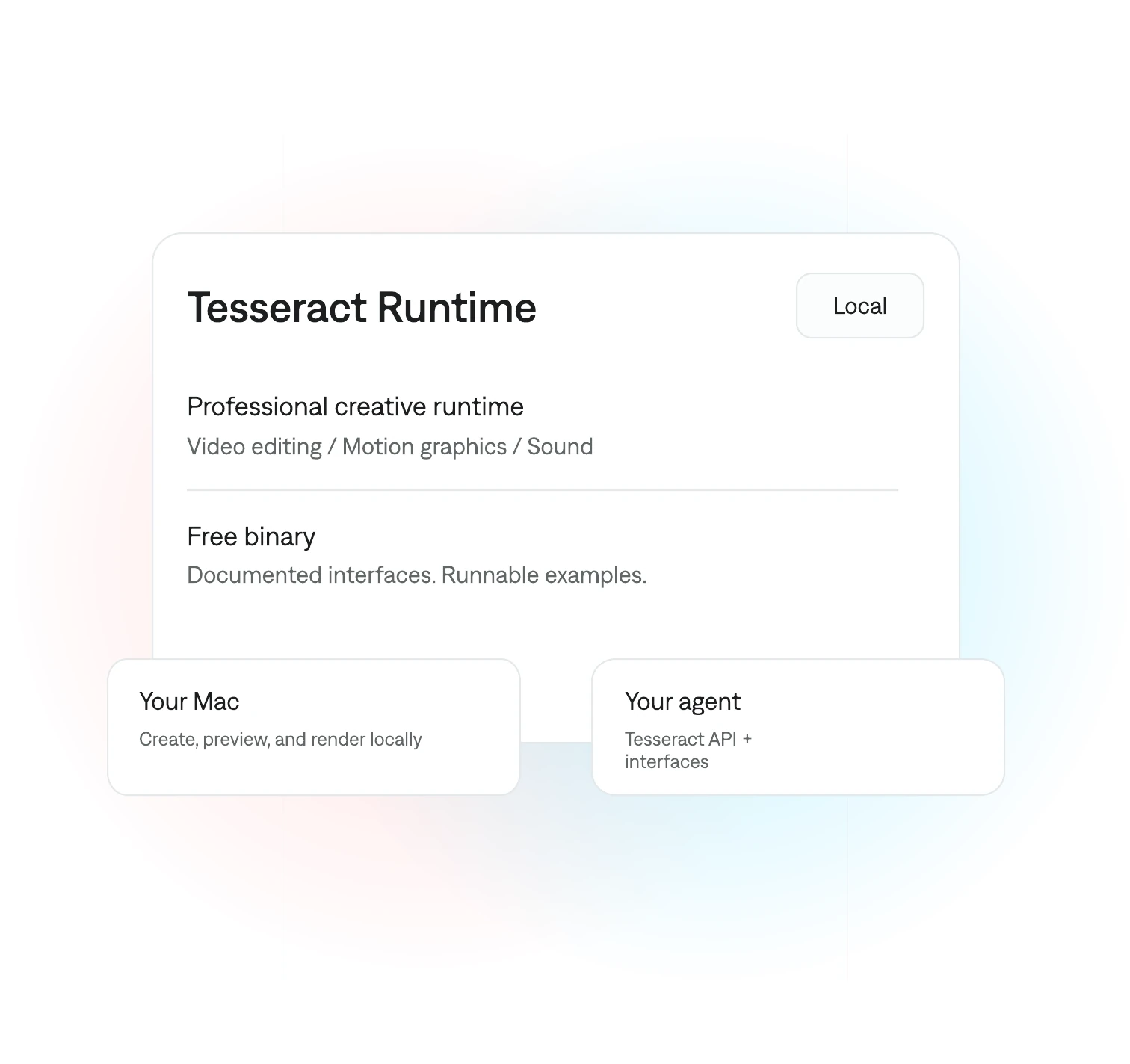
Tesseract handles video editing, motion graphics, compositing, and sound. It exports up to 4K at 60fps.
It does not generate footage or AI avatars. You bring your own media, whether that's recorded footage or clips from a separate AI video tool.
Mirage says the same engine already powers the Captions app, which it says has produced millions of videos.
What It Costs
The Tesseract engine itself is free, including local preview and rendering, on macOS, Windows, and Linux. No Adobe subscription is needed.
The catch is your AI agent. Any ChatGPT or Claude subscription or usage costs still apply, and those are separate from Tesseract.
Competitive Context
AI-assisted editing is moving fast, and it's splitting into two approaches.
One brings AI into existing editors. DaVinci Resolve Studio 21.1 added native support for AI assistants like Claude and ChatGPT Codex, and OpenAI's Brent Schooley has already used an AI agent to edit a real product launch video inside Resolve.
Tesseract takes the other path, skipping the traditional editor entirely and giving the agent its own engine. That's simpler and free, but it also means working outside the professional tools most editors already rely on.
The Signal in the Noise
For quick social ads, product videos, and motion graphics, an agent that can edit and revise a real project on its own is genuinely useful. The editable project model is the detail that makes it more than a novelty.
For longer or more demanding work, the bigger question is trust. Whether you'd rather keep AI inside a familiar editor like Resolve, or let it run its own engine, likely depends on how much control you want to keep in your own hands.
Would you let an AI agent handle the edit on its own engine, or do you want AI working inside the editor you already know?
Specs & Pricing
- Tool: Tesseract, by Mirage (maker of the Captions app)
- What it does: video editing, motion graphics, compositing, and sound for AI agents
- Compatible agents: ChatGPT, Claude, and other supported agents
- Platforms: macOS, Windows, Linux; also runs in supported hosted agents like ChatGPT Mobile
- Project model: fully editable, with layers, keyframes, compositions, and audio
- Custom controls: agents can build editors like timelines, color wheels, and audio mixers
- Export: up to 4K at 60fps, rendered locally
- Does not: generate footage or AI avatars
- Price: free engine; your AI agent's subscription or usage costs are separate
- Adobe required: no