This Editor Built a Free Claude Tool to Do His Rough Cuts for Him
A 20-year editing veteran built a free Claude-based tool called Perfect Cuts that does precise rough cuts on talking-head footage, with cleaner results than paid tools like Gling.

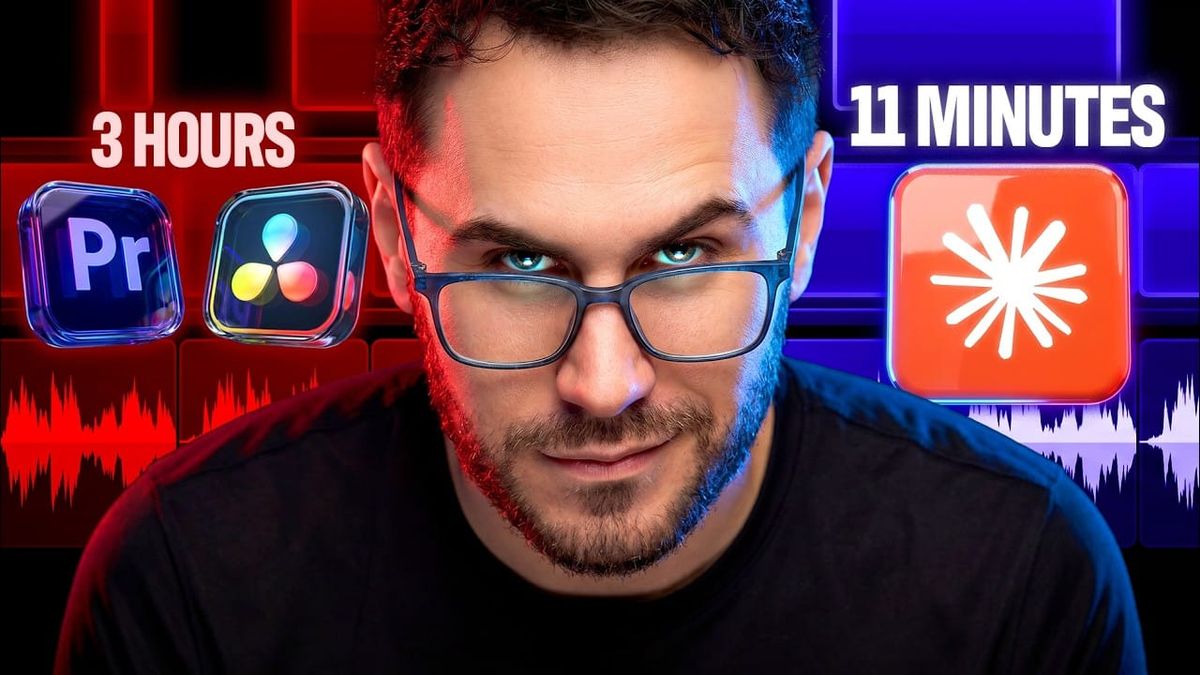
A 20-year editing veteran got tired of rough cuts and built his own AI tool to handle them. The result is free, open to anyone, and aimed directly at the limitations of paid tools like Gling.
Why He Built It Instead of Buying It
Vic, the creator behind Systems by Vic, has two decades of editing experience and a straightforward frustration: existing AI editing tools promise automated rough cuts but deliver inconsistent results. As he puts it in the video, every Claude skill he downloaded for automated editing "only gave me a very rough draft" — leaving wonky cuts, dead space, and enough cleanup work that the time savings evaporated.
So he built Perfect Cuts, a custom Claude-based tool designed specifically for talking-head long-form footage. The core difference from off-the-shelf solutions is precision: rather than making editorial guesses, the tool transcribes the footage, removes bad takes and gaps, and aligns every cut to audio waveform data using decibel thresholds. The result is a cleaner sequence than a generic AI tool produces, with less manual cleanup afterward.
What It Actually Outputs
The tool doesn't try to finish an edit. It handles the part of the process that's genuinely tedious — pulling the raw transcript, identifying what to cut, and making precise cuts aligned to actual audio data — and then hands off to the editor for everything creative.
Outputs include XML files for Premiere Pro and DaVinci Resolve, Remotion browser-based editor files, SRT caption files, EDL files for Avid and legacy workflows, and a CSV spreadsheet that logs every cut decision with reasoning. That last piece is worth noting: decision transparency via a spreadsheet means an editor can audit exactly what the tool did and why, rather than inheriting a sequence with no explanation for its choices.
What Perfect Cuts explicitly does not do: VFX, zooms, B-roll placement, or creative pacing decisions. Those still require a human. The tool is positioned as a rough-cut engine, not a replacement for editorial judgment.
The Constraints Worth Knowing
The tool has a clear dependency: high-quality audio in a quiet recording environment. That's not a minor caveat. For talking-head content recorded in a controlled studio setup, Perfect Cuts is likely to perform well. For run-and-gun footage, interviews in noisy environments, or anything with significant background noise, the dB-threshold-based cut alignment will struggle.
That's a meaningful limitation for filmmakers versus content creators. The tool is purpose-built for the kind of long-form talking-head footage that YouTubers and podcasters produce, not for documentary interviews or narrative dialogue scenes recorded on location.
Competitive Context
Gling is the most direct comparison Vic makes, and it's a fair target. Gling charges a subscription for automated rough cuts of talking-head footage and has built a solid user base among video creators. Vic's criticism — that it leaves "wonky" cuts and dead space — is a complaint that shows up consistently in community feedback about the tool.
Perfect Cuts positions itself as a more precise alternative, built by someone with enough editing experience to know what a good rough cut actually looks like. The free pricing removes the subscription comparison entirely, which is a significant differentiator even if the tool requires more technical setup than a consumer SaaS product.
The broader context is that this kind of DIY AI tooling is becoming more common as LLM APIs get cheaper and more accessible. Experienced practitioners in creative fields are building their own workflows rather than waiting for commercial products to catch up to their actual needs.
The Signal in the Noise
The most interesting thing about Perfect Cuts isn't the tool itself — it's the model. An experienced editor with a specific problem built a precise solution using Claude's API, shared it for free through a community, and produced something that outperforms paid alternatives in its specific use case. That's a pattern that's going to repeat across every creative discipline as LLM tooling gets more accessible.
For content creators specifically, the tool addresses one of the most genuinely tedious parts of a video workflow. A reliable rough cut from 60 minutes of talking-head footage down to a tighter sequence — without the cleanup work that current paid tools require — is real time saved. The audio quality requirement is the real filter: if your recording setup is clean, this is worth trying.
Specs & Pricing
Perfect Cuts is free, available through Vic's "AI Systems for Human Content" Skool community via his YouTube channel. Requires an Anthropic API key for Claude access; API usage costs apply based on footage length and transcription volume, though these are likely minimal for typical content creator workflows.
Resources & Reads
Vic's full video walks through the complete setup, workflow, and output formats in detail. The Skool community link is available in his channel description.



