Veo 3.1's Native Audio Explained: What It Does and Why It Changes the Workflow
Veo 3.1 is the first major AI video model to generate synchronized dialogue, ambient sound, and music in a single pass. Here's what it actually does — and the workflow time it genuinely saves.

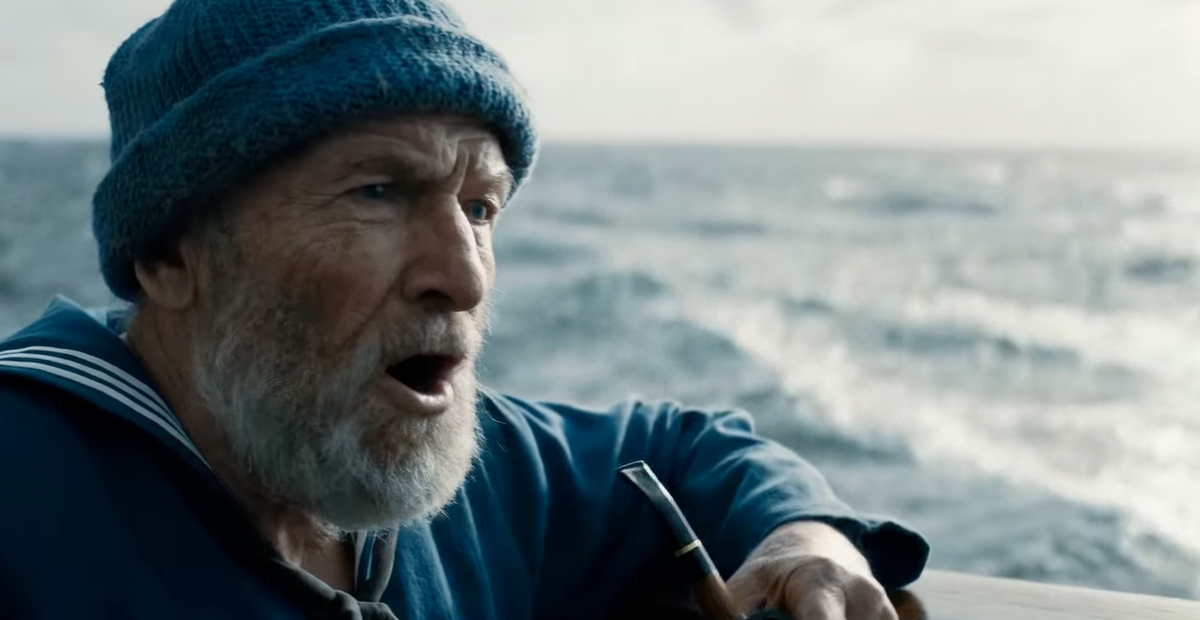
Every major AI video model before Veo 3.1 had the same fundamental gap: the video and the audio were separate problems. You'd generate a clip, then figure out music, ambient sound, or dialogue in a completely different tool, then sync the two together in an editor. Veo 3.1 is the first major model to close that gap — generating synchronized audio alongside video in a single pass.
That sounds like a feature. It's actually a workflow change.
What "native audio" actually means
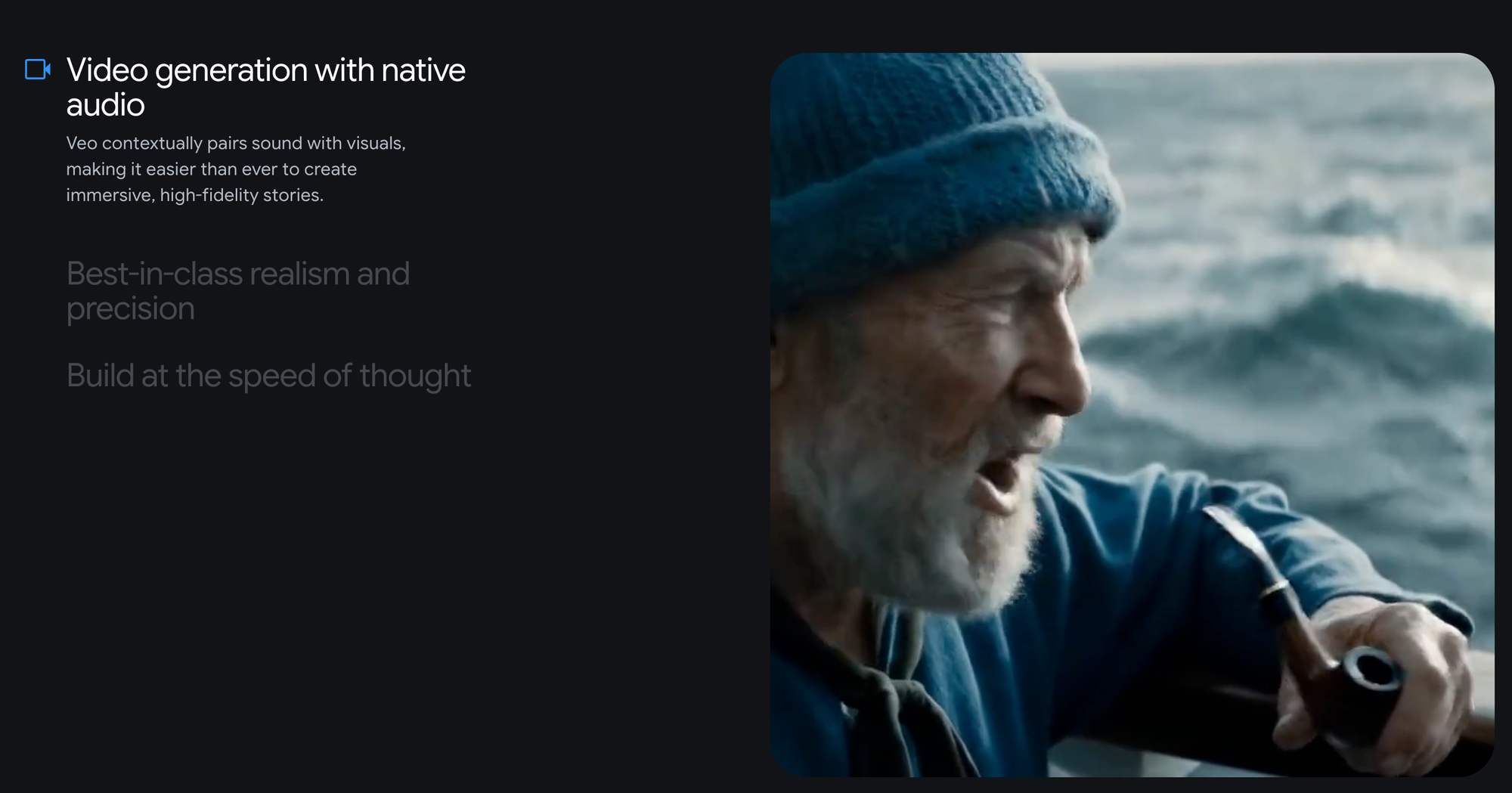
Native audio in Veo 3.1 isn't a simple sound effect layer dropped on top of a generated clip. The model generates three distinct audio elements simultaneously with the video:
Dialogue — if your prompt includes a character speaking, Veo 3.1 generates that character's speech with lip-sync matched to the video. The audio quality is described as 48kHz — broadcast standard — with natural speech pacing, intonation, and pauses that respond to scene context rather than sounding like a text-to-speech overlay.
Sound effects — environmental audio that matches the visual content. A scene with rain produces rain sound. A car moving generates engine and road noise. A crowd scene generates crowd ambience. The model infers what the scene sounds like from what it looks like, rather than requiring you to specify every audio element separately.
Music — when appropriate to the scene, Veo 3.1 generates background score that fits the visual mood and pacing. This isn't always present or always appropriate, but for scenes where underscore makes sense, the model includes it.
All three generate together with the video in one pass. The output is a clip with synchronized audio ready to use — not a video file waiting for audio work.
The workflow time it actually saves
Before native audio, a typical workflow for a short AI-generated clip with synchronized dialogue looked like this:
- Generate video in Runway, Kling, or Pika
- Generate dialogue audio separately in ElevenLabs, Replica, or similar
- Generate or source music and ambient sound separately
- Import all elements into an editor
- Sync audio to video manually
- Adjust levels, timing, and fit
That workflow adds 30–50 minutes to every clip that needs synchronized dialogue, according to multiple creator reports. For a project requiring ten clips, that's four to eight hours of audio assembly work on top of the video generation itself.
With Veo 3.1: generate the clip, review the output, use it or regenerate. The audio assembly step doesn't exist.
For creators producing video at any kind of volume — social content, brand videos, explainers — that compression is immediate and real.
What you can actually control
Audio generation in Veo 3.1 isn't fully controllable in the way that dedicated audio tools are. What you can direct through prompting:
- Dialogue content — describe what a character says and the model generates that speech
- Language and accent — Veo 3.1 handles English dialogue with the most consistency; other languages work with varying accuracy
- Tonal direction — "urgent," "calm," "excited" in the prompt influences speech delivery and background music mood
- Environmental audio — describing the scene accurately produces more accurate ambient sound
What you can't directly control: the exact voice tone, the specific musical arrangement, the precise mix levels between dialogue, effects, and music. Veo 3.1 makes creative decisions about these based on scene content. For productions where audio needs to match a specific brand voice or musical identity, a separate audio step is still required on top of Veo's native output.
When native audio matters most
Explainer and narrated content. Any video that relies on a narrator or presenter explaining something while the video plays. The audio-video sync problem is the hardest part of this content type, and Veo 3.1 makes it disappear.
Branded social content with dialogue. Short-form ads and social clips where a character speaks directly to camera. Generating these in a tool that requires separate dialogue production is a meaningful time cost at volume.
Rapid prototyping for client approval. Showing a client a clip with placeholder dialogue that syncs to the video — in one generation — is dramatically faster than building a scratch track in a separate tool.
Documentary-style and B-roll content with ambient audio. Environmental sound that matches the visual is often the detail that makes AI video feel convincing rather than silent and clinical. Veo 3.1 includes it without being asked.
When native audio isn't enough
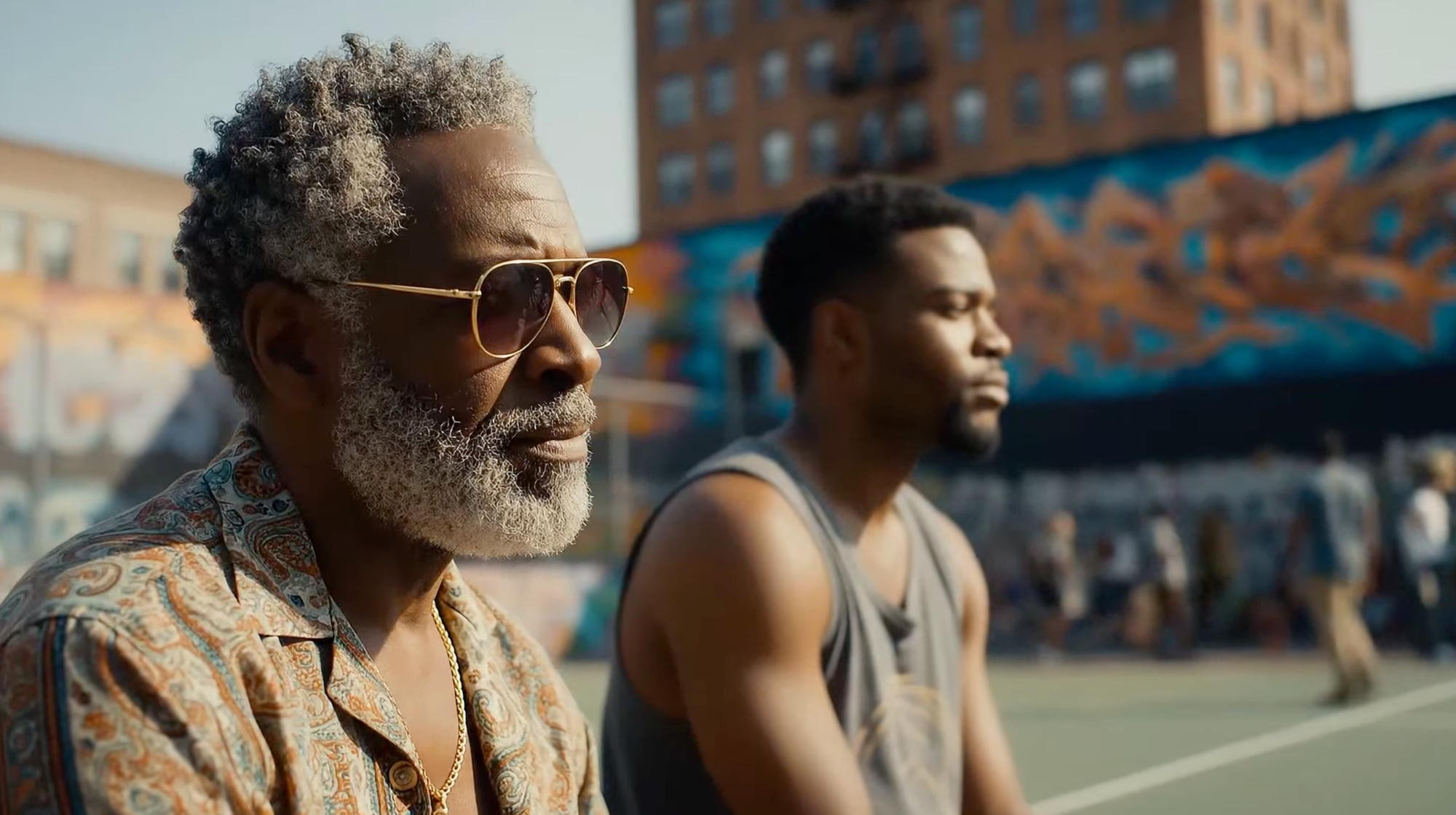
Native audio is a genuine first pass, not a finished deliverable in every context:
- Brand voice requirements — if your client has a specific approved voice actor, Veo's generated voice won't match it
- Music licensing — Veo 3.1's generated music is original but you should verify commercial use rights in your specific use case before publishing
- Complex multi-character dialogue — back-and-forth dialogue between two characters in the same scene is harder to execute accurately than a single narrator
- Precise audio mixing — the relative levels between dialogue, effects, and music in Veo 3.1's output are determined by the model. If you need specific mix decisions, you'll still need an audio post step
How it compares to the alternatives
Kling 3.0 generates native audio in five languages and handles multilingual dialogue with strong accent accuracy — a genuine advantage over Veo 3.1 for non-English content. But Kling's audio quality ceiling for English dialogue, and particularly lip-sync tightness, trails Veo 3.1 based on multiple independent comparisons.
Runway Gen-4.5 generates no native audio at all. Every Runway output is silent and requires a separate audio step regardless of what the scene contains. This is the clearest capability gap between Runway and the two models that do generate audio natively.
Pika 2.5 includes some audio generation but at a quality level that doesn't compete with Veo 3.1 for professional content.
The bigger picture
Native audio is the single feature that most clearly separates Veo 3.1 from the rest of the AI video market for practical production use. It's not that the video quality is categorically better — Kling and Runway match or exceed Veo in specific areas. It's that Veo 3.1 produces a complete deliverable — video and audio together — where every other major model produces half of one.
For creators who've been adding audio as a separate step on every AI video project, trying Veo 3.1 for a project that needs dialogue is worth doing before your next session of manual audio assembly.