The State of AI Video in 2026 — and the 10 Models Worth Knowing
A ranked guide to the ten best text-to-video AI models in 2026 — from free starting points to professional workflows. Veo 3.1, Kling 3.0, Runway Gen-4.5, and why Sora is already gone.

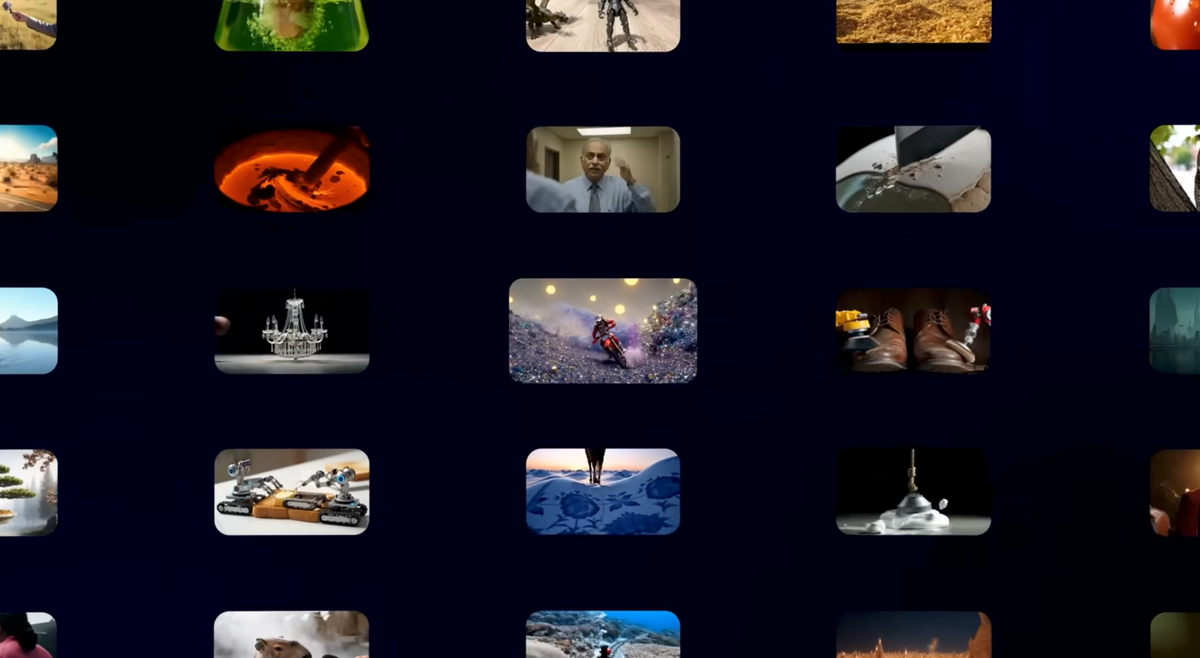
The text-to-video landscape in mid-2026 looks nothing like it did eighteen months ago. The model that started the conversation — OpenAI's Sora — is being switched off. The models now leading every major benchmark are built by Chinese companies. And the best overall option for most filmmakers is accessible through a subscription you might already have.
This list covers ten of the most relevant text-to-video models available right now, ranked by how useful they actually are for filmmakers, videographers, and content creators — not by benchmark scores alone. Tier labels are practical, not promotional. Pricing reflects what you'll actually pay to get meaningful output, not just what the free tier technically allows. One entry, Sora 2, appears only as historical context — it's being shut down and shouldn't be the basis for any new project.
This space moves fast. Models update, pricing changes, access expands. What follows is accurate as of early July 2026 — treat it as a current snapshot, not a permanent ranking.
#1 — Google Veo 3.1 | Best Overall
Veo 3.1 isn't the cheapest option on this list, and it's not the model with the highest benchmark score. What it is, consistently, is the best all-around tool for filmmakers who need output that holds up in professional contexts — and the only major model that generates synchronized audio in a single pass alongside the video itself.
That audio integration is the feature worth leading with because it's genuinely different from what every other model requires. Dialogue, ambient sound, footsteps, weather, background noise — all rendered with the clip rather than assembled separately in post. For anyone who's spent time manually syncing AI-generated video to separately generated audio, that workflow change is immediate and real.
Output quality holds across a wide range of use cases: cinematic brand content, atmospheric B-roll, environmental scenes, product sequences. The practical sweet spot is the 10–20 second range — the model can generate up to 60 seconds, but quality varies more at longer durations. Strong prompt adherence means you get what you described rather than an approximation of it.
Pros:
- Native synchronized audio — dialogue, ambient sound, and music generated in one pass, no separate audio workflow required
- Best-in-class 4K output with no upscaling artifacts
- Strong prompt adherence, especially for cinematic and environmental scenes
- Accessible via Runway Standard ($12–15/month) without needing the expensive Google AI Ultra plan
Cons:
- US-only officially; international users need third-party platforms like FAL.AI
- Mandatory SynthID watermark on every output — not removable
- Full-quality API at $0.75/second is expensive for high-volume work; most affordable access runs on the Fast (lower quality) tier
- Character identity consistency across multiple shots still lags behind Kling 3.0
Best for: Cinematic brand content, atmospheric scenes, anything where native audio matters
Pricing: Via Runway Standard ~$12–15/month; Google AI Pro $19.99/month (Fast tier); Google AI Ultra $249.99/month (full quality, bundled)
Resources:
#2 — Kling 3.0 | Best Value for Filmmakers
Kling 3.0, built by Chinese AI company Kuaishou, currently holds the #1 overall ELO score on major benchmarks at 1,243. It's not just cheap — it's credibly competitive with models that cost significantly more per clip. At roughly $0.84 for ten seconds of video with native audio, the per-clip math is meaningfully better than most Western alternatives, and the output justifies the price rather than just explaining it.
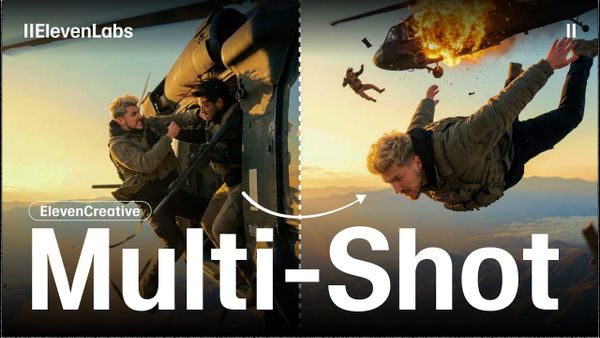
What Kling does particularly well is motion realism. Cloth, hair, liquid, and character movement look physically plausible in a way that earlier AI video models consistently failed at. Multi-shot storyboard mode — up to six coherent shots in a single generation — is the closest any model has come to actual directing capability, maintaining subject consistency across camera angles in a way that makes narrative work genuinely viable. Native 4K output at 60fps means the footage doesn't need upscaling before it's useful in a professional timeline.
The free tier is the most generous of any major model — 66 daily credits, no credit card required — which makes it the right place to start before committing to a paid plan. Watch the pricing: the Ultra tier jumped 41% in six months, and some users have reported billing issues after cancellation.
Pros:
- Most generous free tier of any major model — 66 credits daily, no credit card required
- Native 4K output at 60fps — best resolution ceiling in the category
- Multi-shot storyboard mode (up to 6 coherent shots in one generation) — closest thing to actual directing
- Best-in-class motion realism, especially cloth, hair, liquid, and character movement
- Multilingual native audio sync in five languages
- Cheapest credible per-clip cost at ~$0.84 for 10 seconds with audio
Cons:
- 10-second max clip length per generation (15 seconds for Omni version)
- Render times can run 3+ minutes on Pro mode — slow for rapid iteration
- Some verified user reports of billing issues after cancellation
- Ultra tier pricing jumped 41% in six months — worth monitoring
Best for: Indie filmmakers, high-volume social content, multi-shot narrative work, anyone on a budget
Pricing: Free tier available; Standard $6.99/month (660 credits); Pro $29.99/month; Premier $64.99/month
Resources:
#3 — Runway Gen-4.5 | Best for Professional Workflow
Runway Gen-4.5 isn't necessarily the best model for pure output quality anymore — Veo 3.1 and Kling 3.0 have closed or surpassed it on image fidelity in direct comparisons. What Runway does better than anyone else is workflow. Motion brush, director mode, frame interpolation, and a multi-model dashboard that now includes Veo 3.1, Kling 3.0 Pro, and Seedance 2.0 access in a single interface — no account juggling, no platform switching. For production teams who need creative control and consistent output across a project, that platform advantage is real.
Character consistency is where Gen-4.5 still leads the field outright. Maintaining a character's facial identity, body type, and clothing across multiple generations — across cuts, across scenes, across days of work — is something Runway has invested in deliberately, and the results show it. If your project involves recurring characters rather than isolated one-off clips, the consistency advantage is worth weighing seriously against the raw quality difference at the top of the list.
The limitations are worth being upfront about. Gen-4.5 caps at 16 seconds per clip — the shortest maximum of the top three models — which means longer scenes require stitching. It also doesn't generate native audio, so a separate audio step is required regardless. The credit math on the Standard plan is tight: $12/month gets you roughly 25 seconds of Gen-4.5 footage, which is about two to three clips.
Pros:
- Best character consistency of any model — face, body, clothing maintained across multiple generations
- Most advanced creative control surface: motion brush, director mode, frame interpolation
- Multi-model marketplace — Standard plan includes Veo 3.1, Kling 3.0 Pro, and Seedance 2.0 in one dashboard
- Best-in-class for production teams who need shots that match across a project
Cons:
- 16-second maximum clip length — shortest ceiling of the top three
- No native audio generation — separate audio step required
- Credits disappear fast: Standard plan ($12/month) yields roughly 25 seconds of Gen-4.5 — about 2–3 clips
- Steeper learning curve than consumer-focused tools
Best for: Professional editors, indie filmmakers, post-production teams who need creative control over raw quality
Pricing: Standard $12/month annual ($15 monthly); Pro $28/month annual; Max $76/month annual
Resources:
#4 — Seedance 2.0 | Best on the Benchmarks (Limited Access)
ByteDance's Seedance 2.0 currently tops the Artificial Analysis text-to-video leaderboard — which matters because Artificial Analysis uses blind evaluation rather than sponsored rankings. A score you can't buy is a meaningful signal in a field where marketing claims are everywhere. The output backs it up: Seedance 2.0 holds up against direct comparison with Veo 3.1 and Kling 3.0 on image quality, with particular strengths in motion coherence, multilingual lip-sync, and prompt adherence across complex inputs.
The lip-sync capability is worth calling out specifically. Phoneme-level accuracy across multiple languages — syncing mouth movement to speech with the precision of a native speaker — is something no other model on this list matches. For multilingual content or dialogue-heavy clips, that's a genuine differentiator.
The reason Seedance sits fourth rather than first is access. It's primarily available through ByteDance's Dreamina app — a consumer-facing product rather than a professional developer tool — with limited API availability through third-party aggregators like Higgsfield. Teams building production pipelines need more infrastructure than Dreamina currently provides. This is a model to watch closely as access expands, not a primary recommendation for workflows that need reliability and integration depth today.
Pros:
- Currently tops the Artificial Analysis text-to-video leaderboard
- Best multilingual lip-sync in the category — phoneme-level accuracy across multiple languages
- Multi-shot capability with up to 9 reference images, 3 videos, and 3 audio files as inputs
- 15-second native clip length
Cons:
- Primarily available through ByteDance's Dreamina app — not a widely accessible developer API
- Limited Western distribution; most accessible via third-party aggregators
- A leaderboard score you can't easily buy is a research result, not a product recommendation
Best for: Multilingual content, creators already in the ByteDance ecosystem, teams willing to watch this one closely
Pricing: Available via Dreamina app and select aggregators — check current platform pricing
Resources:
- Best AI Video Generators 2026 — AI/ML API Blog
- AI Video Generation 2026: Kling vs Seedance vs Veo — Lushbinary
#5 — Luma Ray 3 | Best for Cinematic Mood
Luma Ray 3 — the current version of what launched as Dream Machine — fills a niche that none of the models above it serve as well: spatial depth and environmental atmosphere. Where Veo and Kling excel at physical realism and subject consistency, Luma Ray 3 renders space convincingly. Rooms feel volumetric, lighting responds to the environment believably, and depth cues read naturally rather than looking like a flat image with motion applied. The result is footage that feels like it was shot somewhere, rather than generated to resemble somewhere.
That makes Ray 3 the right choice for a specific category of work: wide establishing shots, atmosphere-heavy sequences, image-to-video workflows where you're starting from a still image and want the resulting video to feel genuinely immersive. It's also the model most likely to produce footage that reads as intentionally cinematic rather than competently generated — a distinction that matters for narrative and branded content where feel matters as much as technical execution.
A pricing adjustment after Ray 3.14 made it more competitive at the entry level, with a free tier available and paid plans through luma.ai. Ray 3 isn't the right tool for character-driven multi-shot work or high-volume production — for those use cases, Kling or Runway are better fits. But for the atmospheric shot category, nothing else on this list consistently produces better results.
Pros:
- Strong 3D spatial sense and depth — rooms feel volumetric, lighting reacts to the environment
- Best atmospheric and environment-heavy shots in the category
- Fast generation for high-quality 4K previews
- Post-Ray 3.14 cost cut made pricing more competitive
Cons:
- Less emphasis on emotional close-ups and character realism than Veo or Kling
- Not the strongest for multi-shot narrative work
- Less suited for fast-motion or action scenes
Best for: Wide establishing shots, atmospheric cinematic mood, environment-heavy scenes
Pricing: Free tier available; paid plans via luma.ai — check current pricing
Resources:
#6 — Pika 2.5 | Best for Creative Social Clips
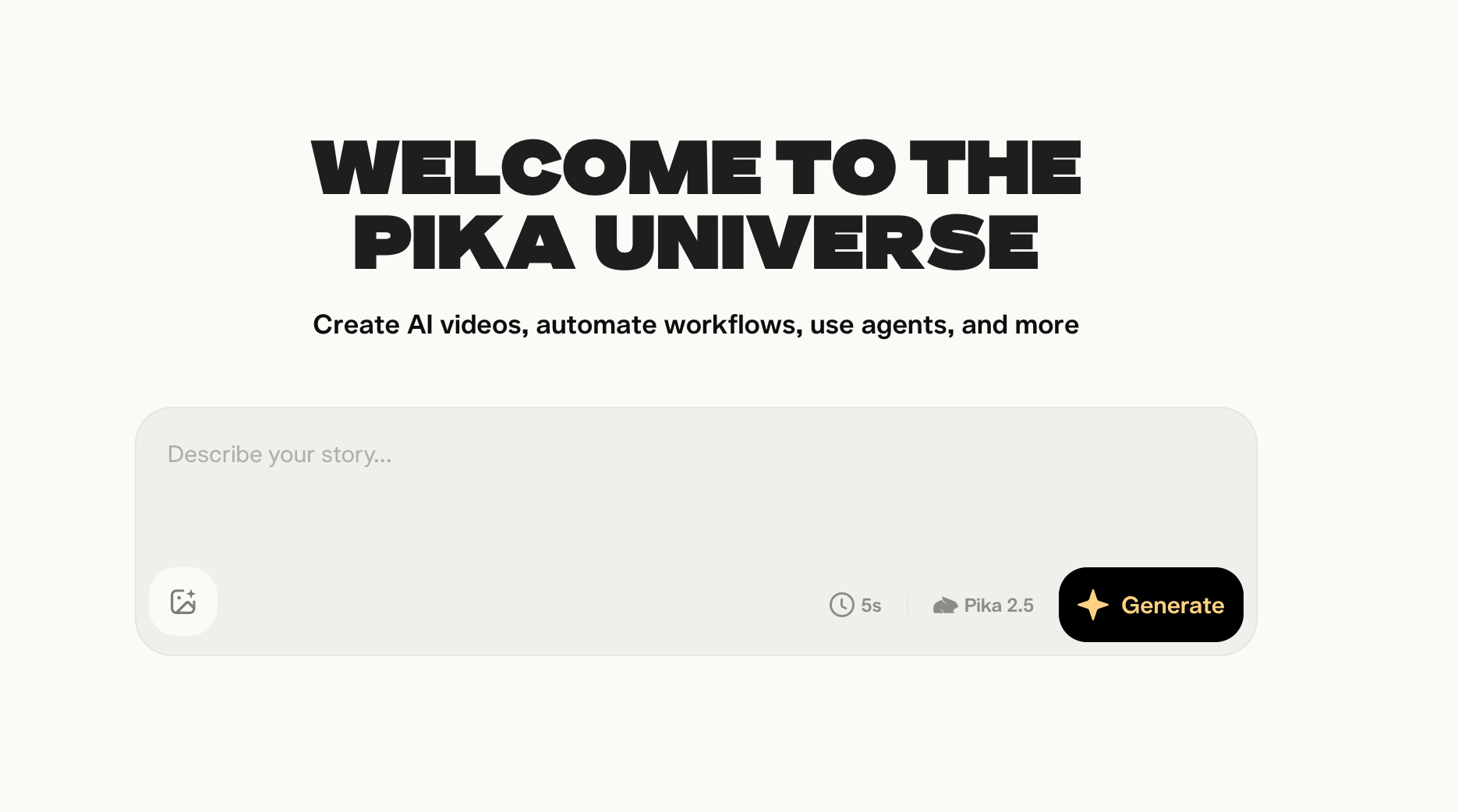
Pika 2.5 isn't trying to compete with Veo or Kling on cinematic realism, and it doesn't pretend to. It's built for a different use case entirely: fast, stylized, social-first content where iteration speed and creative effects matter more than photographic fidelity. If you're producing for Reels, TikTok, or Shorts and need something that moves at the pace of a content calendar, Pika is worth knowing.
The feature set reflects that focus. Pikaswaps lets you swap objects or elements within a clip without regenerating the whole scene. Pikaframes generates smooth transitions between two reference images. PikaStream enables real-time generation, which is genuinely unlike anything the cinematic-quality models offer — you're watching the video build rather than waiting for a render. These aren't features that show up on benchmark comparisons, but they're the ones that matter for a creator building social content at volume.
The tradeoff is straightforward: raw generation quality trails Seedance, Kling, and Veo on most objective comparisons. Clips look good in a social feed context and less convincing in a professional production context. That's not a failure — it's a design choice that reflects who Pika is actually building for.
Pros:
- Fastest iteration of the major tools — built for speed over cinematic realism
- Pikaswaps, Pikaframes, and PikaStream give social creators effects not available elsewhere
- Accessible free tier, low barrier to entry
- Good for stylized content where feed-native rhythm matters more than strict realism
Cons:
- Raw generation quality trails Seedance, Kling, and Veo on most benchmarks
- Not the right tool for cinematic or narrative work
- Limited clip duration per generation
Best for: Social media creators, short-form stylized content, rapid concept testing
Pricing: Free tier available; paid from ~$8/month
Resources:
#7 — MiniMax Hailuo 2.3 | Best Free Starting Point
⚠️ Commercial use flag: Reuters reported in May 2026 that MiniMax lost a bid to dismiss a copyright lawsuit connected to Hailuo. If you're creating content for commercial use, review MiniMax's current rights and usage terms before publishing anything made with this tool. The lawsuit is ongoing — the situation may have changed since the time of this writing.
With that caveat clearly stated: for pure experimentation and learning how AI video generation works before spending money, Hailuo 2.3 is the best free starting point available. No credit card required, fast generation times that often come in under 30 seconds, and 1080p/24fps output across four pricing tiers that scale up as your needs do.
The output quality is honest at this price point. Hailuo generates footage that reads as AI-generated in contexts where Veo and Kling don't — the gap between the top of the market and the free tier is real. But for drafting ideas, testing prompts, getting a feel for what text-to-video actually produces before committing to a paid subscription, Hailuo is the right place to start. Just don't build a commercial workflow on it until the copyright situation resolves.
Pros:
- Most accessible free tier for experimentation — no credit card required
- Fast generation speed, often under 30 seconds
- 1080p/24fps output, four pricing tiers for scaling up
- Good for drafting and iteration before committing to a paid model
Cons:
- Copyright lawsuit pending — commercial use carries real risk until resolved
- Quality trails the top three models on benchmark comparisons
- Less cinematic output than Veo or Kling
Best for: Beginners, anyone who wants to test AI video generation before spending money
Pricing: Free tier available; four paid tiers — check current pricing at minimaxi.ai
Resources:
#8 — PixVerse V6 | Best for Stylized/Anime Content
PixVerse V6 isn't a general-purpose tool and doesn't try to be. It's a specialist: non-photorealistic styles, anime, illustration, cartoon, and stylized motion. For that specific category, it does things that photorealism-focused models genuinely can't replicate — bold color palettes, exaggerated proportions, stylized physics, and the kind of character movement that reads as intentionally animated rather than failed photorealism.
The distinction matters because anime and stylized video content is a real, growing production category — music videos, branded content for certain audiences, social content targeting communities that actively prefer illustrated aesthetics over realism. PixVerse is the only model on this list with native multi-shot generation, native audio, and reference-to-video built specifically for that audience rather than as a secondary feature of a photorealism-first tool.
Outside that niche, it's not the right call. For anything where photorealism, cinematic depth, or benchmark quality matters, the models above it on this list are better options. Know what you're making before choosing your tool.
Pros:
- Specialist in non-photorealistic styles — anime, cartoon, illustration
- Handles bold color palettes, exaggerated proportions, and stylized motion that photorealism-focused models can't replicate
- Multi-shot generation with native audio and reference-to-video
- Strong free tier
Cons:
- Not competitive with top models for photorealistic or cinematic content
- Niche use case — not a general-purpose tool
Best for: Anime, stylized content, illustration-based video, artistic and non-photorealistic work
Pricing: Free tier available; paid plans at pixverse.ai
Resources:
#9 — Wan 2.7 | Best Open-Source Option
Wan 2.7 is the only model on this list with an Apache 2.0 license — meaning full commercial use rights, no per-clip fees, no platform terms to navigate, and complete access to the weights and training code on GitHub and Hugging Face. For developers, technical creators, and teams building custom pipelines, that's a fundamentally different value proposition from every other model here.
The practical ceiling is real but manageable: you need 16GB+ of VRAM to run it meaningfully, which means a capable GPU is a prerequisite. Setup requires technical comfort — this is not a tool for non-developers. And the output trails closed models on pure visual polish; Wan 2.7 won't match Veo or Kling on image fidelity in a direct comparison.
What it offers instead is total control. Custom pipelines, unlimited generation at zero per-clip cost once you're set up, no dependency on a platform that can change its pricing or terms of service mid-project, and the ability to fine-tune on your own data if your workflow calls for it. For the right team with the right technical foundation, those advantages outweigh the polish gap entirely.
Pros:
- Apache 2.0 license — cleanest commercial-use story of any model on this list
- Full weights and training code on GitHub and Hugging Face — total control
- Self-hosted on 16GB+ VRAM hardware means unlimited generation at zero per-clip cost
- Strong for cinematic multi-shot narrative work and image-to-video
Cons:
- Requires technical setup — not for non-developers
- Trails closed models on pure visual polish
- Hardware requirements are real: 16GB+ VRAM recommended
Best for: Developers, technical creators, anyone who needs custom pipelines or open-source flexibility
Pricing: Free / self-hosted; Apache 2.0 license
Resources:
#10 — Sora 2 | Legacy Benchmark Only — Not Recommended for New Projects
⚠️ Important: Sora's web and app experiences were discontinued April 26, 2026. The API is shutting down September 24, 2026. Do not start new projects on Sora. If you're currently using the API, you need a migration plan before September 24.
Sora belongs on this list for one reason: it set the standard that every other model is still chasing. When OpenAI released the first Sora demos in early 2024, the physics simulation, emotional close-ups, and cinematic quality of the output were genuinely ahead of anything else available — and they accelerated the entire industry's investment in text-to-video by demonstrating what was possible. Kling, Veo, Runway, and every other model on this list owes part of its current capability to the race Sora started.
The product itself, however, never found a commercial footing. Estimated compute costs ran at approximately $15 million per day against just $2.1 million in total lifetime revenue — a gap that no pricing strategy was going to close. The technology lives on through integrations with InVideo AI and Synthesia, but Sora as a standalone product is over.
Migrate to Veo 3.1 for the closest match to Sora's cinematic quality output. Kling 3.0 is the right call if cost and volume are the priority.
Pros:
- Set the cinematic quality benchmark the industry still references
- Physics simulation and emotional close-ups still cited favorably by some reviewers
- Technology lives on via InVideo AI and Synthesia integrations
Cons:
- Product discontinued — web/app gone April 26, 2026, API shutting down September 24, 2026
- Was never commercially viable: estimated $15M/day compute costs vs. $2.1M lifetime revenue
- Anyone on the API needs a migration plan now
Best for: Nothing new — migrate to Veo 3.1 or Kling 3.0
Pricing: API technically still active until September 24, 2026 — not worth new investment
Resources:
Competitive Context
The text-to-video market in mid-2026 is more fragmented than the "which model is best" framing suggests. No single model wins everything. Veo 3.1 leads on audio integration and overall cinematic quality. Kling 3.0 leads on benchmark scores, value, and motion realism. Runway Gen-4.5 leads on character consistency and production workflow. Seedance 2.0 leads on leaderboard performance but trails on accessibility. Luma Ray 3 leads on atmospheric depth and spatial rendering.
The practical implication: the right question for a working filmmaker isn't "which model should I use?" It's "which model is right for this specific shot?" A production workflow in 2026 increasingly looks like using two or three models — Runway for consistency-dependent character shots, Veo for audio-integrated scenes, Kling for high-volume B-roll — rather than committing everything to a single platform.
The tools that have struggled — Sora most visibly — are the ones that tried to be everything and couldn't sustain the compute costs to get there. The ones gaining ground are specialists that do specific things exceptionally well at viable price points.
The Signal in the Noise
The headline story in AI video in 2026 is geopolitical as much as technical, and it's worth naming directly: the top of the text-to-video leaderboard is now dominated by Chinese models. ByteDance (Seedance), Kuaishou (Kling), and MiniMax (Hailuo) aren't winning on hype — they're winning on benchmark scores, pricing, feature sets, and update cadence. Meanwhile, the most famous Western product in the category just got shut down after burning through capital at a rate that was never going to work.
That shift raises the same questions we covered in our piece on DJI's Pocket 4P and HappyHorse 1.1 from Alibaba: Chinese AI products are technically competitive and in some cases leading the market. The data privacy and regulatory considerations that come with that are real and worth knowing before building a commercial workflow on them. We've flagged the specific, documented concern around MiniMax/Hailuo. For Kling, the relevant context is that Kuaishou is a Chinese company operating under Chinese data law — the same framing we applied to HappyHorse applies here.
The other real Signal: this list will look different in six months. The gap between #1 and #5 is narrower than it's ever been, the update cadence across all major models has accelerated, and the open-source tier (Wan 2.7) is closing the quality gap with closed models faster than anyone predicted. If you're building a workflow around any of these tools, build for adaptability rather than permanence.
Key Specs / Pricing
- Google Veo 3.1 — Best Overall | Runway Standard ~$12–15/month; Google AI Pro $19.99/month; Google AI Ultra $249.99/month
- Kling 3.0 — Best Value for Filmmakers | Free tier (66 daily credits); Standard $6.99/month; Pro $29.99/month; Premier $64.99/month
- Runway Gen-4.5 — Best for Professional Workflow | Standard $12/month annual; Pro $28/month annual; Max $76/month annual
- Seedance 2.0 — Best on the Benchmarks | Via Dreamina app and select aggregators — check current platform pricing
- Luma Ray 3 — Best for Cinematic Mood | Free tier available; paid plans via luma.ai
- Pika 2.5 — Best for Creative Social Clips | Free tier; paid from ~$8/month
- MiniMax Hailuo 2.3 — Best Free Starting Point ⚠️ Copyright flag | Free tier; four paid tiers at minimaxi.ai
- PixVerse V6 — Best for Stylized/Anime Content | Free tier; paid plans at pixverse.ai
- Wan 2.7 — Best Open-Source Option | Free / self-hosted; Apache 2.0 license
- Sora 2 — Legacy Only ⚠️ Shutting down Sept 24, 2026 | Not recommended for new projects