How to Build 3D Cinematic Parallax Animation, Entirely Inside DaVinci Resolve's Fusion Page
A full 3D cinematic parallax animation, built entirely inside DaVinci Resolve's Fusion page, no After Effects required. Here's the node workflow behind it.


Motion designer Zane Hoyer built a full 3D cinematic parallax animation, camera movement, layered depth, film grain, dust overlays, and all, without leaving DaVinci Resolve once. No round-tripping to After Effects, no separate compositing software. The entire sequence lives inside Resolve's Fusion page, node-based compositing built directly into the same application most editors already use for the cut and the grade.
The Core Technique: Faking Depth With Flat Images
The foundation of the whole effect is simpler than it looks on screen. Hoyer arranges flat 2D images across a real 3D space inside Fusion, placing each element, background, midground, foreground, on its own separate plane at different depths. When a virtual camera then moves through that space, the planes shift relative to each other at different rates, closer elements moving faster across the frame than distant ones, producing genuine parallax depth from source material that was never actually 3D to begin with.
That's the same principle behind classic 2.5D animation techniques used in motion graphics and even some visual effects work, achieved here entirely through Fusion's native node tools rather than a dedicated 3D application.
The Actual Node Workflow
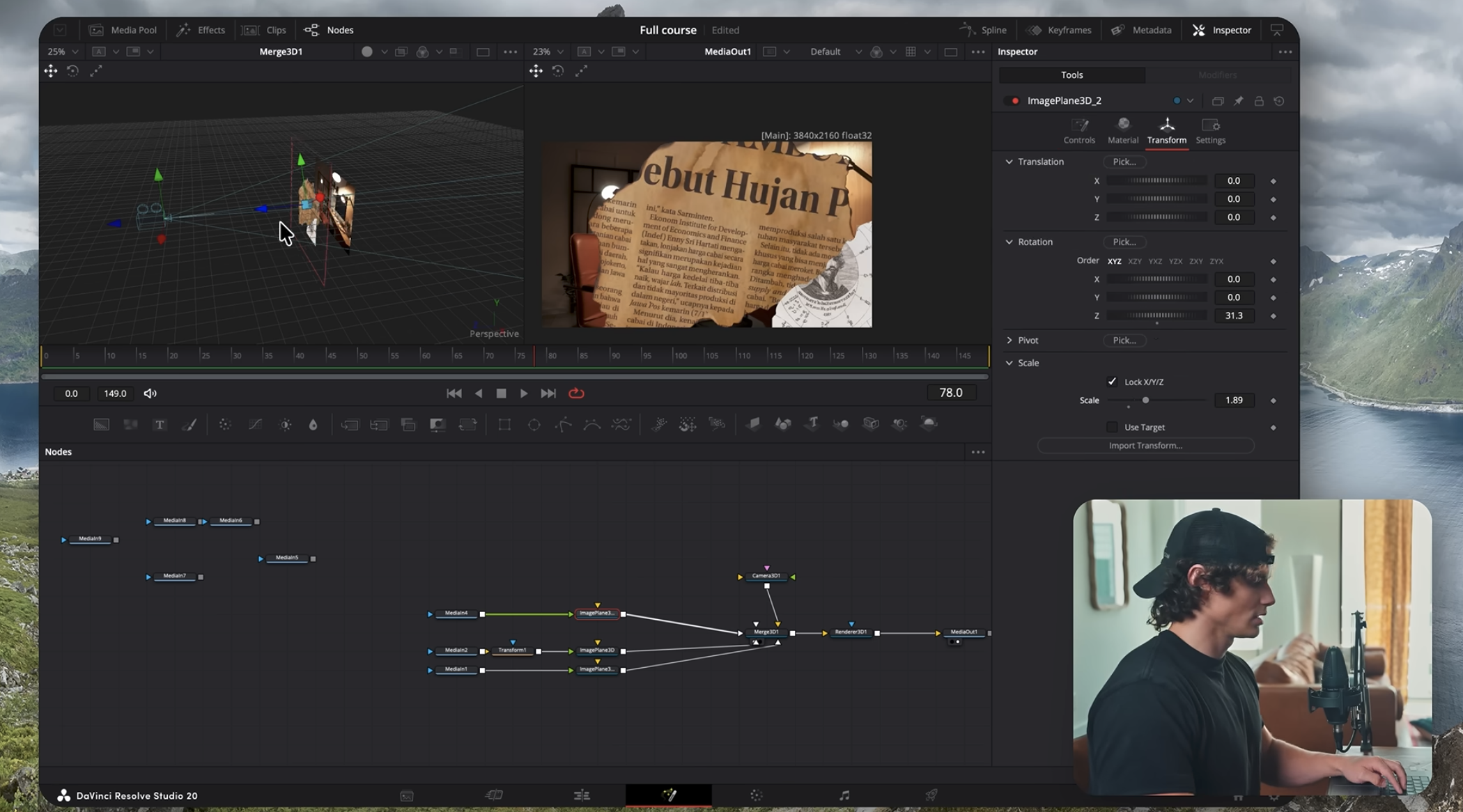
Hoyer's breakdown covers the specific building blocks: render nodes and merge nodes to combine layered elements, camera placement and movement within the 3D space, drop shadows to sell the sense of separation between planes, wind node modifiers for subtle, organic movement in elements like foliage or fabric, and spline smoothing for natural camera motion rather than mechanical, linear movement.
Once the 3D composite is built, the sequence moves into Resolve's Color page for finishing: a vignette, zoom blur for emphasis, custom film grain, and animated dust particle and ink splatter overlays layered on top to give the final result a tactile, less digitally clean finish, adjustments made with the same tool most editors already use for color grading, rather than exporting to a separate application for a final pass.
Where AI Tools Fit Into the Workflow
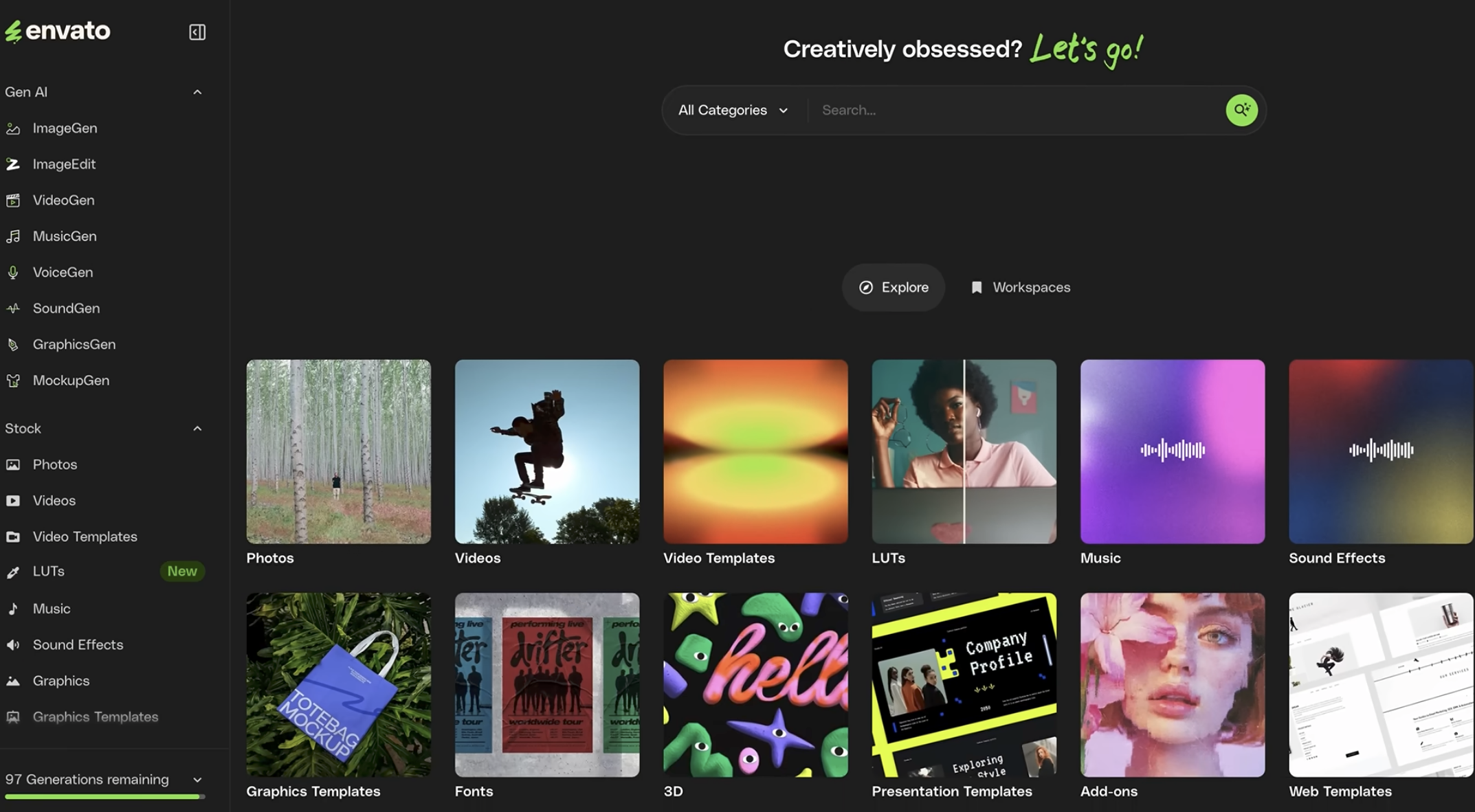
Hoyer also uses AI-powered generation tools, specifically referencing Envato's integrated AI toolkit (image, video, and sound generation), to speed up building pre-production assets for client work. That's a genuinely practical, unglamorous use of AI generation tools worth noting: not generating final footage, but rapidly producing placeholder or reference assets during the concepting phase of a project, before committing to a final look.
Why This Matters Beyond One Tutorial
This connects directly to a broader question BRC covered recently: whether DaVinci Resolve's Fusion page is a genuine After Effects alternative. Creator Ethan Robbins made that case from a cost and workflow-independence angle, four years without touching Adobe products. Hoyer's tutorial is a concrete, technical proof point in the same direction, a full cinematic 3D parallax sequence, complete with grading and finishing, built entirely within one application's native toolset.
That's not evidence Fusion universally replaces After Effects for every motion graphics use case, the plugin ecosystem gap Robbins acknowledged still applies here too. But it is a real demonstration that Fusion's capability ceiling for this specific kind of work, layered depth, camera-driven parallax, node-based compositing, is higher than a lot of editors assume if they've only used Resolve for color and cutting.
Competitive Context
Motion graphics and compositing work has traditionally defaulted to After Effects, with round-tripping between editing and compositing software treated as a normal part of the pipeline. Tutorials like this one are part of a broader, ongoing shift toward all-in-one workflows inside Resolve specifically, driven partly by cost (no separate Creative Cloud subscription required) and partly by Blackmagic's continued investment in Fusion's capabilities release over release.
Have you tried building a full 3D composite inside Fusion instead of After Effects? Curious how it held up against your usual workflow, drop it in the comments.