The Free Lighting Diagram Tool That Also Builds Your Gear List and Power Breakdown Automatically
Blush is a free browser-based lighting diagram tool built by a working DP — and it automatically builds your gear list and power breakdown as you diagram. No sign-in, no subscription, no server.

Blush is a free, browser-based lighting diagram tool built by Daniyal Shah — a working cinematographer who previously worked as a front-end developer, and who spent the past year building the quickest way to create and share lighting diagrams on his days off.
No sign-in. No ads. No sponsors. No subscription. It runs entirely in your browser, works on desktop and iPad, and can be saved locally and run offline. The whole thing is front-end only — no server, no cloud, nothing leaving your machine.
It just hit the front page of r/cinematography with 422 upvotes and 48 comments. The reaction is essentially unanimous: why didn't this exist before?
What Blush actually does
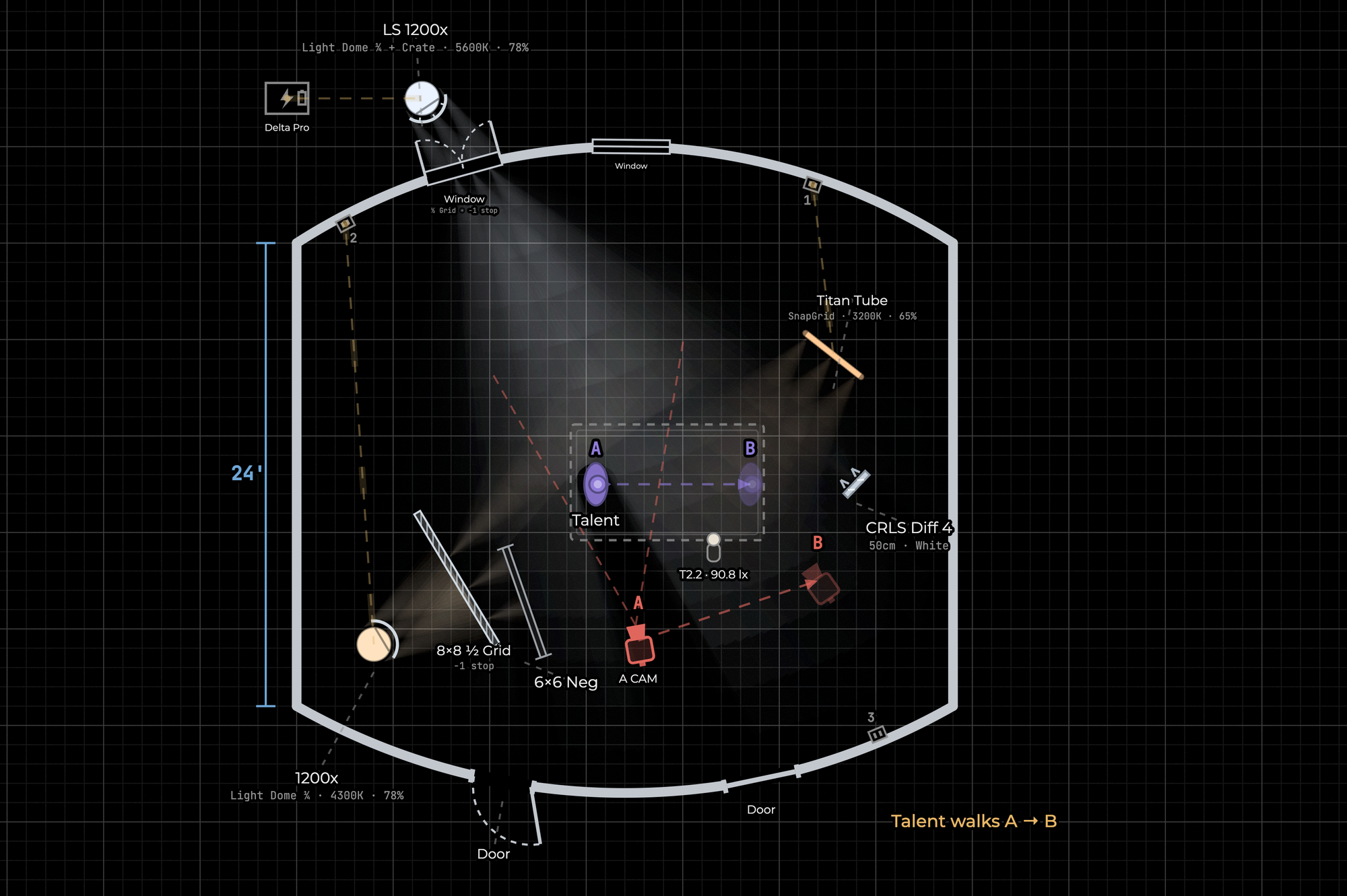
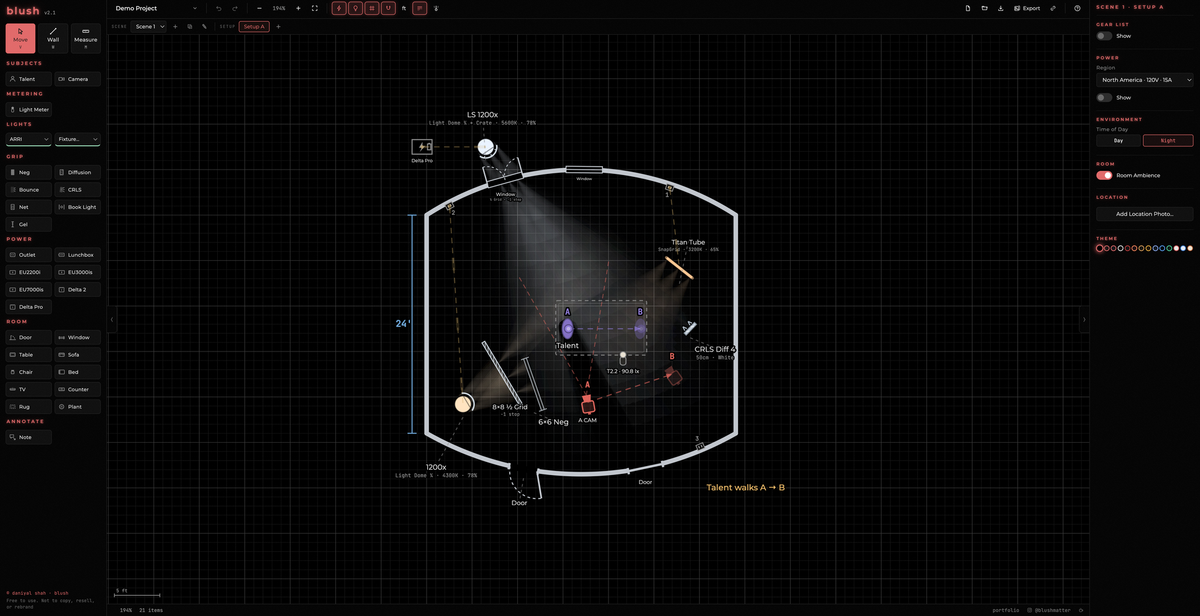
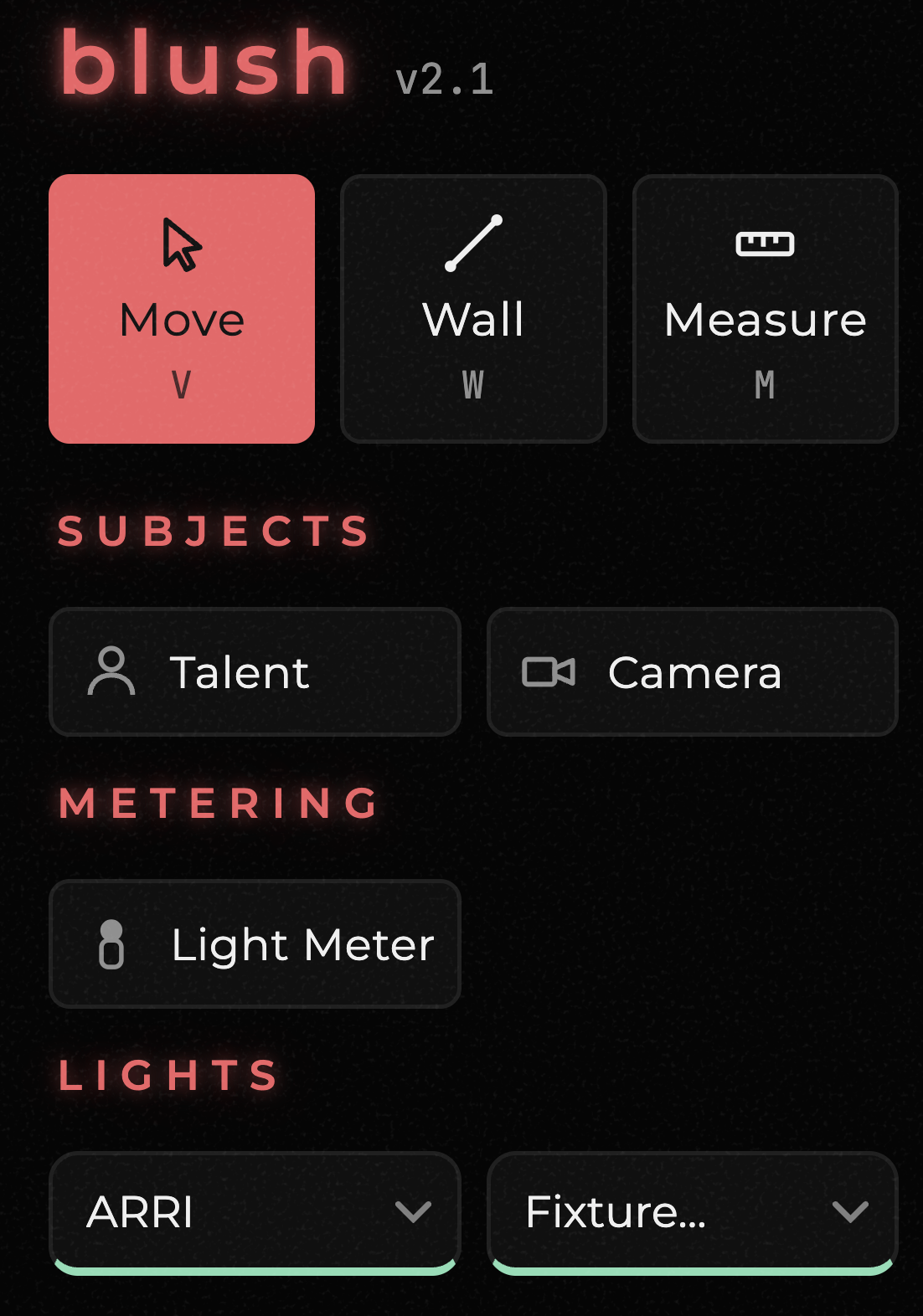
The interface is a 2D canvas with a top-down room view. You trace your walls, then drag in the elements you're working with: lights (with manufacturer-specific fixture options from ARRI, Aputure, and others), grip equipment (neg, diffusion, bounce, CRLS, net, book light, gel), subjects (talent, camera), metering tools, power sources (outlets, lunchbox, generator options including EU2200i, EU3000is, EU7000is, Delta 2, Delta Pro), and room elements (doors, windows, furniture).
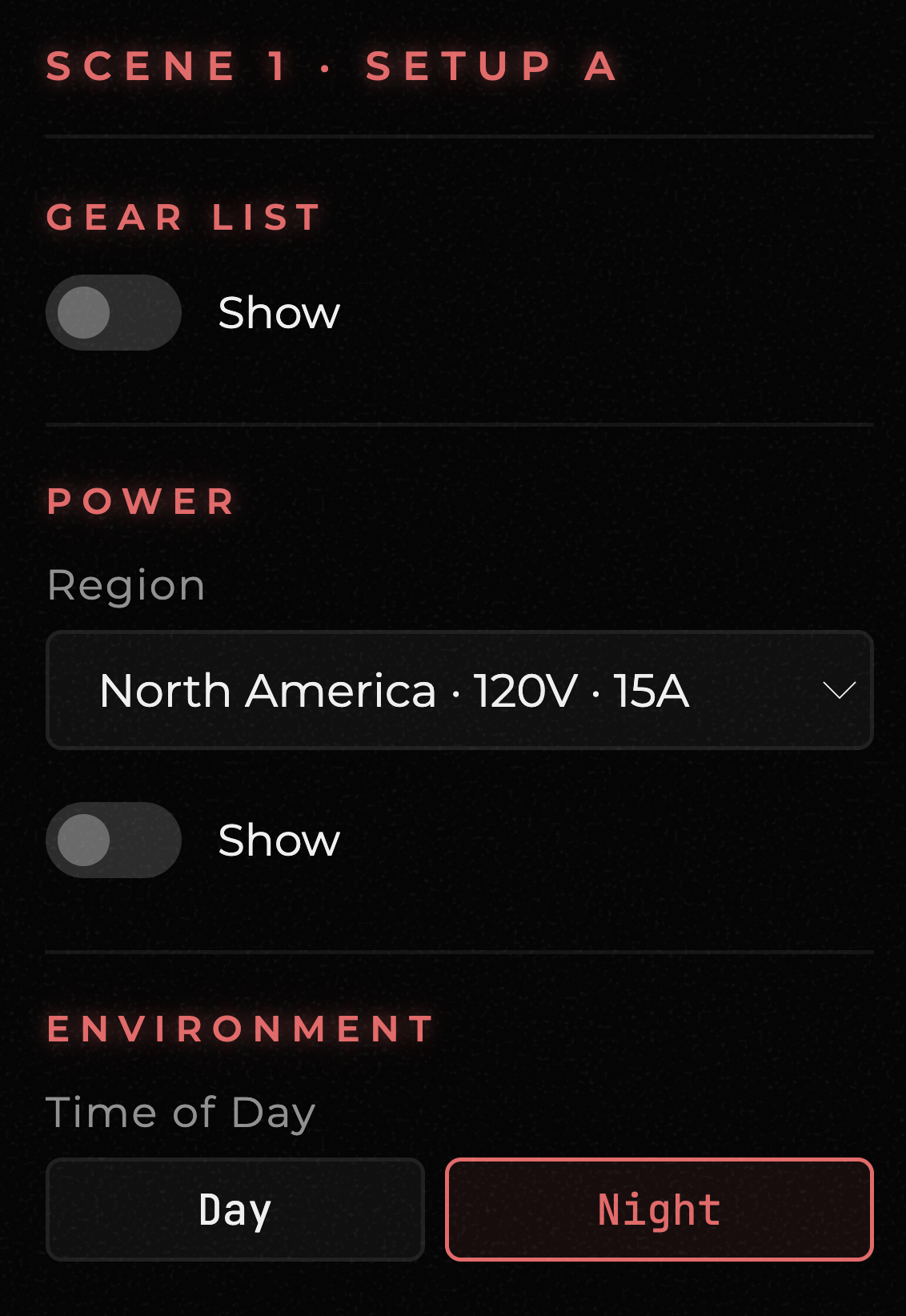
The detail that makes it genuinely useful rather than just a drawing tool: as you add lights and power sources to the diagram, Blush builds the gear list and power breakdown automatically in a sidebar. The electric department can see exactly how many stingers you're running and whether a given setup is about to trip a breaker — without doing the math separately. That's the feature that turns a lighting diagram from a communication tool into a prep tool.
The diagram is designed to answer the questions you encounter in prep — what will the ratio be, what changes if you direct a light into a mirror instead of a white bounce, what's on the diagram that isn't on the truck yet.
Collaboration built in
Projects save as JSON files to your device. When you share via URL, the entire project embeds into the link — nobody can see your work unless you share that specific URL with them. Your gaffer can open it, make changes, and send it back. Exports to PNG or PDF, with an option to include the gear and power list alongside the diagram layout.
Why it's free and will stay free
Shah is direct about this in his Reddit post: "This app will always be free as I hate subscriptions, and it's not for sale. It's for the next generation, the new talent in film trying to get better. The people who can't justify a $100/year subscription."
There's a tip jar via Buy Me a Coffee if you want to support the project. Otherwise it's just free, in the same spirit as every other indie-built filmmaker tool that's appeared in the space recently.
The competitive context
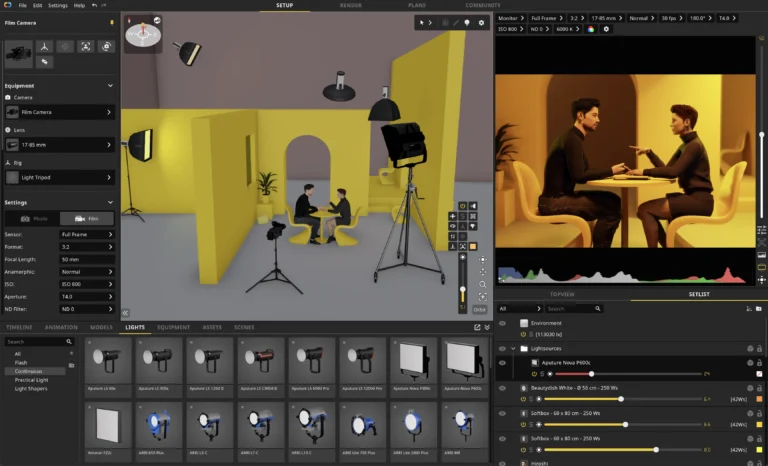
The paid alternatives in this category range from set.a.light 3D (a full 3D lighting simulator with a lifetime license fee, genuinely more powerful for complex shoots) to Sylights (community-focused, photography-first) to various static drawing tools. None of them are free, and none of them combine the diagram, gear list, and power breakdown in a single view the way Blush does.
For productions that don't need a full 3D previs and just need to communicate a lighting setup quickly and accurately to a crew — which is most productions most of the time — Blush is currently the best free option available. It's not trying to be set.a.light 3D. It's trying to be the quickest way to build and share a lighting diagram, and it succeeds at that.