Do You Actually Need a Mac Studio to Edit Video, or Will a MacBook Pro Do?
Mac Studio or MacBook Pro for video editing? Here's how to decide based on your actual workflow, not just the spec sheet, using Apple's current 2026 lineup.

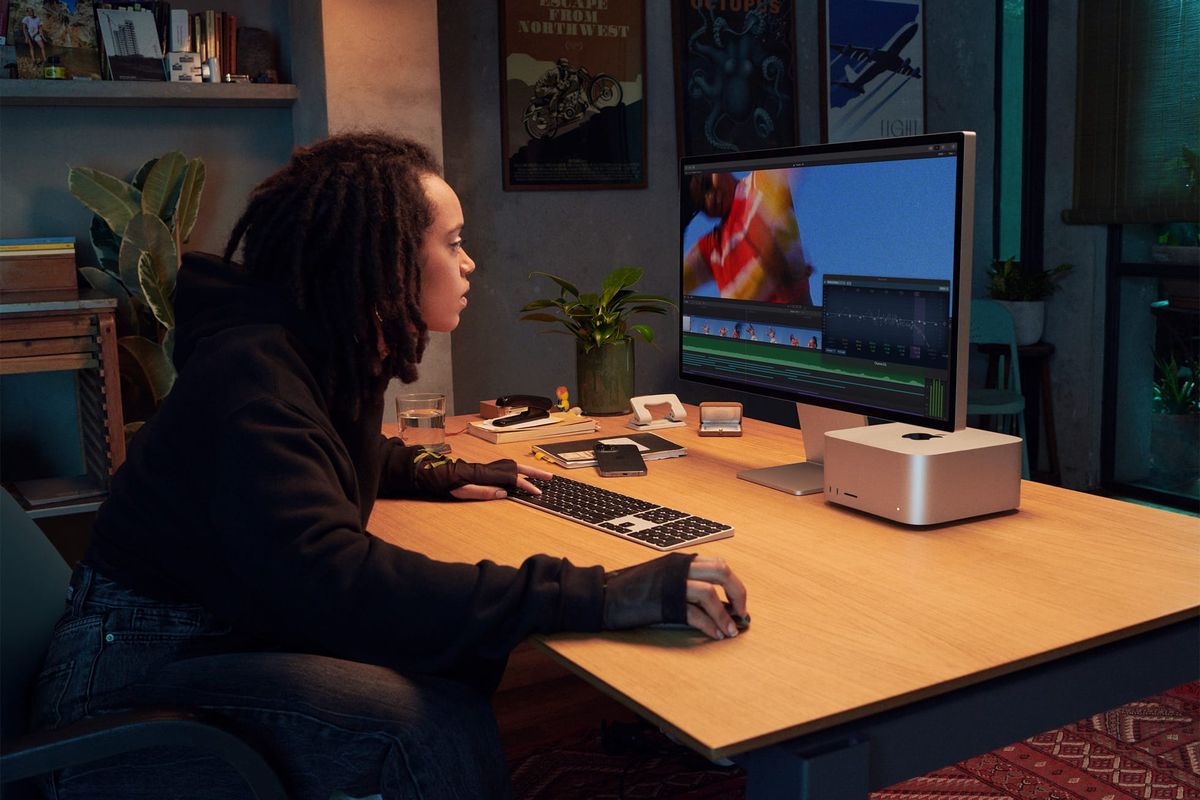
Every video editor eventually asks the same question when it's time to buy a new machine: do you actually need a Mac Studio, or is a MacBook Pro enough?
The honest answer depends less on your budget and more on what your actual workflow looks like day to day. Here's how to figure out which one you need, using Apple's current lineup as of mid-2026.
Where the Two Machines Actually Stand Right Now
The current MacBook Pro lineup runs M5 across three tiers. The base M5 model starts at $1,599, the M5 Pro starts at $2,199 for the 14-inch (or $2,699 for 16-inch), and the M5 Max starts at $3,599 for the 14-inch (or $3,899 for 16-inch).
The Mac Studio currently starts at $1,999 for the M4 Max configuration and $3,999 for the M3 Ultra configuration. Apple's next Mac Studio refresh, expected to bring M5 Max and M5 Ultra chips, has reportedly been delayed to around October 2026 due to the ongoing memory chip shortage — so anyone buying a Mac Studio today is still buying the current M4 Max / M3 Ultra generation.
The Real Question: Sustained Load, Not Peak Power
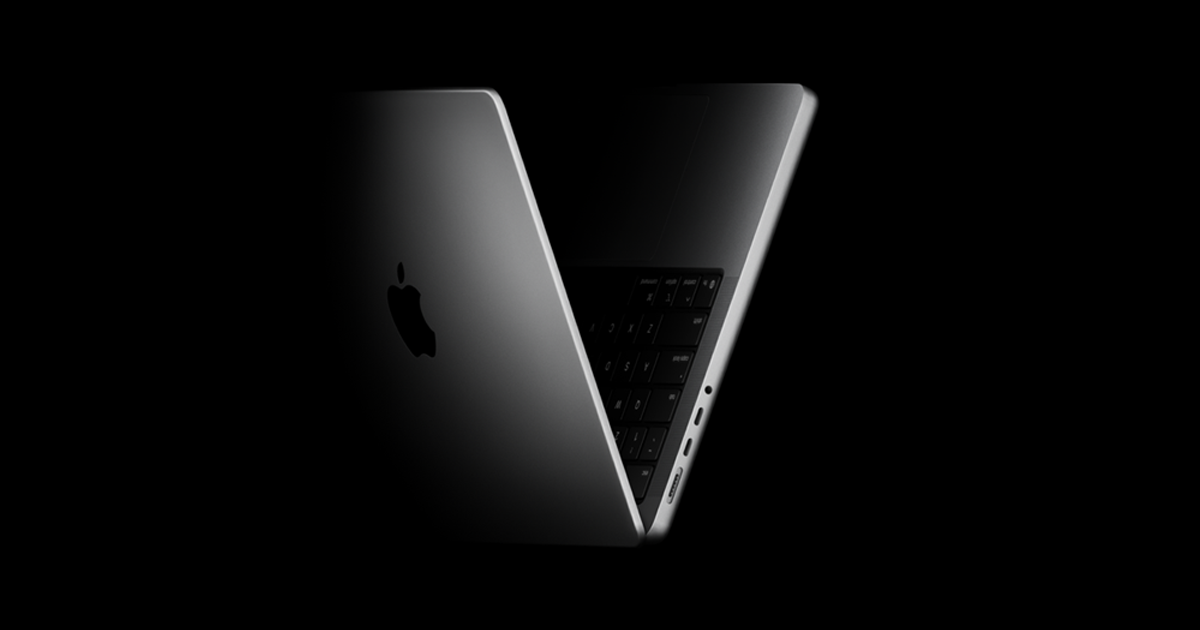
The spec sheets make this look like a straightforward power comparison, but that's the wrong lens. A MacBook Pro's M5 Max chip and a Mac Studio's M4 Max chip perform similarly in short bursts. The difference shows up in sustained, heavy workloads — long color grading sessions, multi-stream 6K or 8K timelines, or extended Fusion and VFX renders.
Laptops throttle under sustained thermal load in a way desktops don't. A Mac Studio's cooling system is built to run flat-out for hours without dropping clock speed, which matters if you're grading a feature-length project or exporting multiple long-form deliverables back to back. A MacBook Pro can absolutely handle that work, but under enough sustained pressure, it will run warmer and eventually throttle, while a Mac Studio holds steady.
For most working editors, most of the time, that distinction doesn't matter. Short-form content, single-stream 4K editing, and typical color work rarely push a modern MacBook Pro into sustained thermal throttling. It's really the freelancer cutting long documentaries, colorists grading feature-length projects, or anyone doing heavy 3D/VFX work who feels the difference.
When a MacBook Pro Is Genuinely Enough
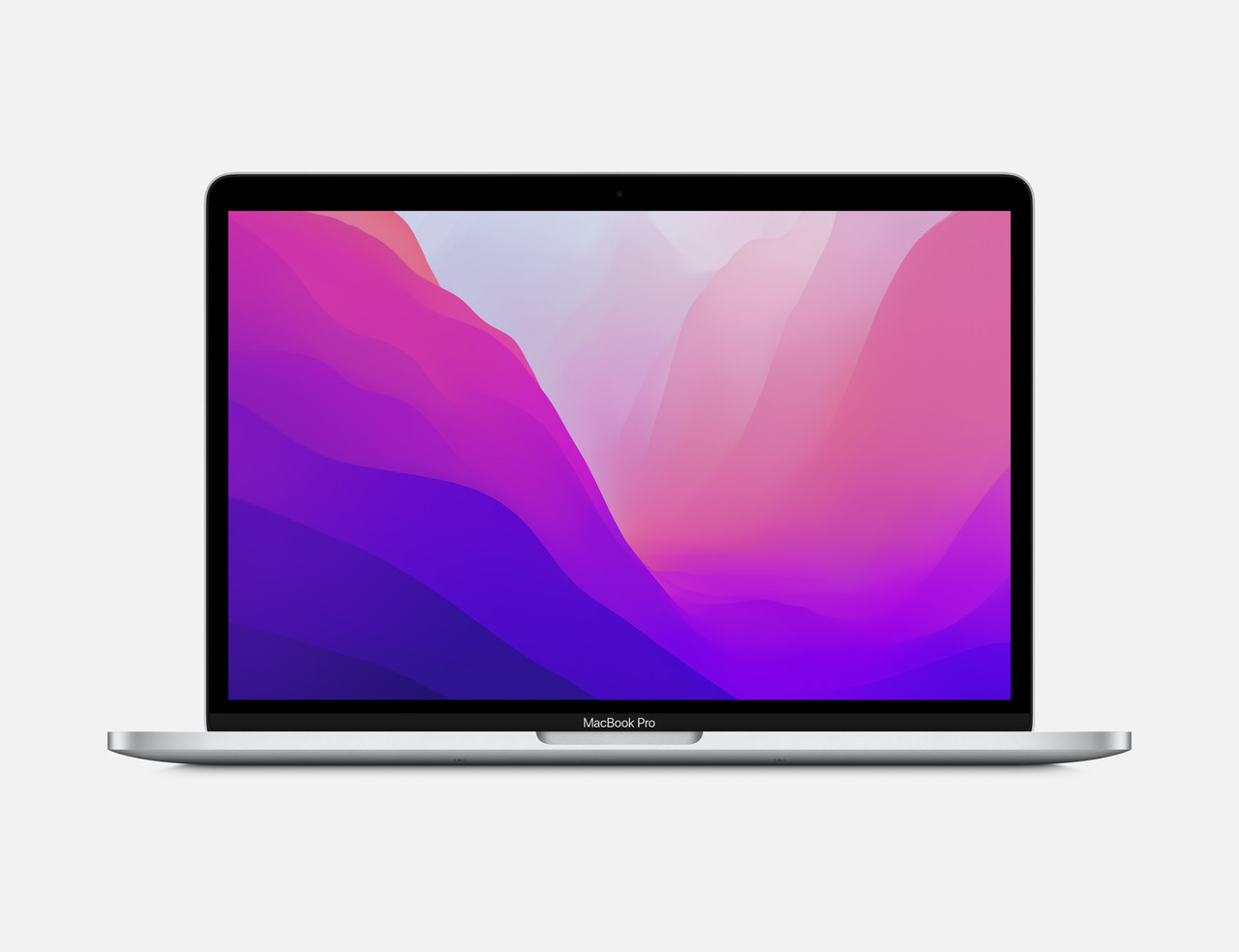
If you need to shoot, edit, and deliver from different locations — a wedding videographer, a run-and-gun documentary shooter, anyone client-facing who edits on set — portability isn't a nice-to-have, it's the job. A MacBook Pro M5 Pro or M5 Max handles 4K and most 6K workflows in DaVinci Resolve or Premiere without issue, and you're not tethered to a desk.
It's also the more sensible buy for anyone editing social content, YouTube videos, or short-form work where timelines rarely exceed a few minutes and effects stacks stay reasonably light.
When a Mac Studio Is Worth It
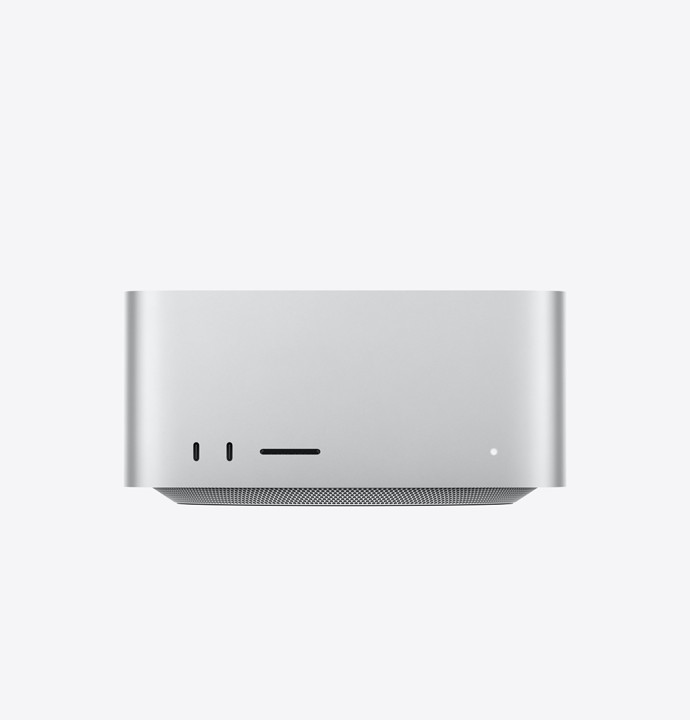
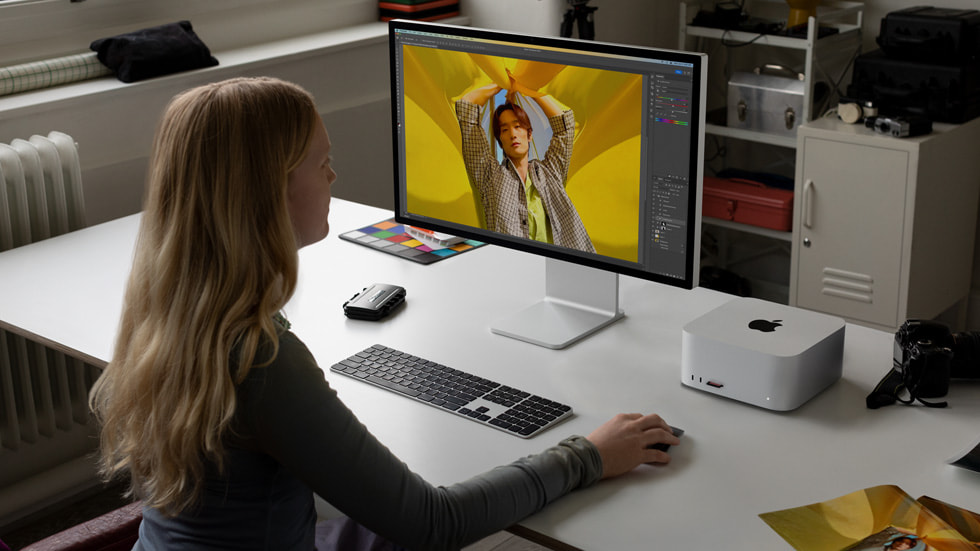
If you have a dedicated edit bay and don't need to move the machine, a Mac Studio at a comparable price point gives you more sustained performance per dollar than a MacBook Pro configured to similar specs. The M3 Ultra configuration in particular is built for exactly the kind of workload that punishes laptops: massive multicam timelines, heavy noise reduction, and color grading with multiple nodes stacked on 6K or 8K source footage.
It's also the better call if AI-assisted tools are becoming part of your pipeline. Local AI upscaling, noise reduction, and increasingly AI-driven color and VFX tools benefit from the Mac Studio's higher unified memory ceilings, which matter more for that kind of workload than raw CPU speed alone.
Competitive Context
Windows-based alternatives with discrete GPUs (RTX 4090/5090-class desktops) still outperform Apple Silicon on raw GPU compute for certain VFX and 3D-heavy pipelines, though Apple's unified memory architecture continues to hold an edge for editors working in DaVinci Resolve specifically, given Blackmagic's deep optimization for Apple Silicon.
The Signal in the Noise
Buy based on what you actually do most weeks, not what you might do on your hardest project of the year. If 90% of your work is 4K social content or single-camera interviews, a MacBook Pro is the right call, and you'll likely never notice the difference a Mac Studio would have made. If you're regularly pushing multicam 6K+ timelines or grading long-form work for hours at a stretch, the Mac Studio's sustained performance will show up in your workday, not just on a benchmark chart.
One more thing worth factoring in: the next Mac Studio generation (M5 Max/M5 Ultra) is expected around October 2026. If you're not in urgent need, waiting a few months avoids buying into the outgoing chip generation at full price.
Specs & Pricing
- MacBook Pro (M5, 14-inch): from $1,599
- MacBook Pro (M5 Pro): from $2,199 (14-inch) / $2,699 (16-inch)
- MacBook Pro (M5 Max): from $3,599 (14-inch) / $3,899 (16-inch)
- Mac Studio (M4 Max): from $1,999
- Mac Studio (M3 Ultra): from $3,999
- Next-gen Mac Studio (M5 Max/M5 Ultra): expected around October 2026, pricing not yet announced