This Free After Effects Panel Handles the Tedious Stuff, From Renaming Layers to Exporting GIFs
Motion Dock is a free After Effects panel with 28 tools for renaming layers, anchor points, bounce and overshoot without expressions, text splits, and one-click GIF or MP4 exports.

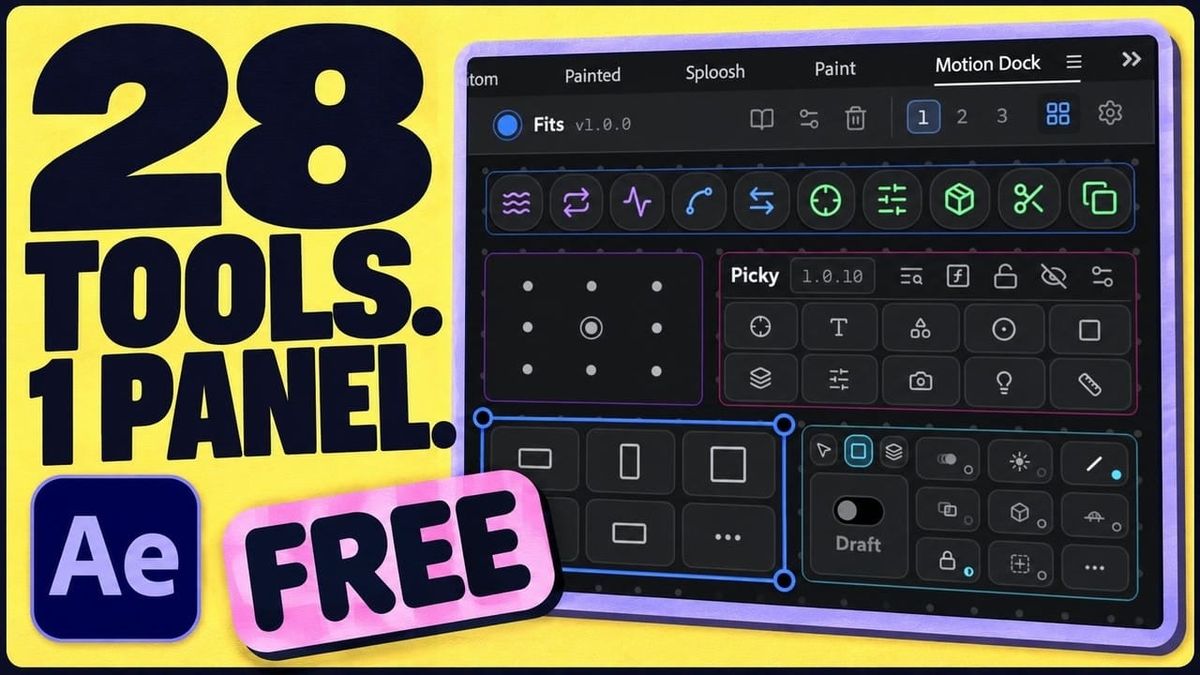
Motion Fun has released Motion Dock, a free After Effects toolkit that puts 28 workflow tools into one customizable panel. It covers many of the small, repetitive jobs that slow down motion design, like moving anchor points, renaming layers, and adding easing.
It’s free, with no trial, no watermark, and no locked features.
What’s in Motion Dock
Motion Dock combines Motion Fun’s existing After Effects tools, including Petals, AEbar, Picky, Anchored, Noted, Slingshot, Painted, and Sploosh, with 20 new tools Motion Fun calls “Essentials.”
Together, they cover batch renaming, nulls and parenting, keyframe tools, anchor points, comp resizing, and rendering. Other tools split text into words or letters, create animated counters, group layers, and export a GIF or MP4 in one click.
Easing Without Expressions
Several of the tools add overshoot, bounce, and wiggle effects without writing expressions. That’s useful for designers who want those effects quickly without digging into code or copying expressions between projects.
A Panel You Can Customize
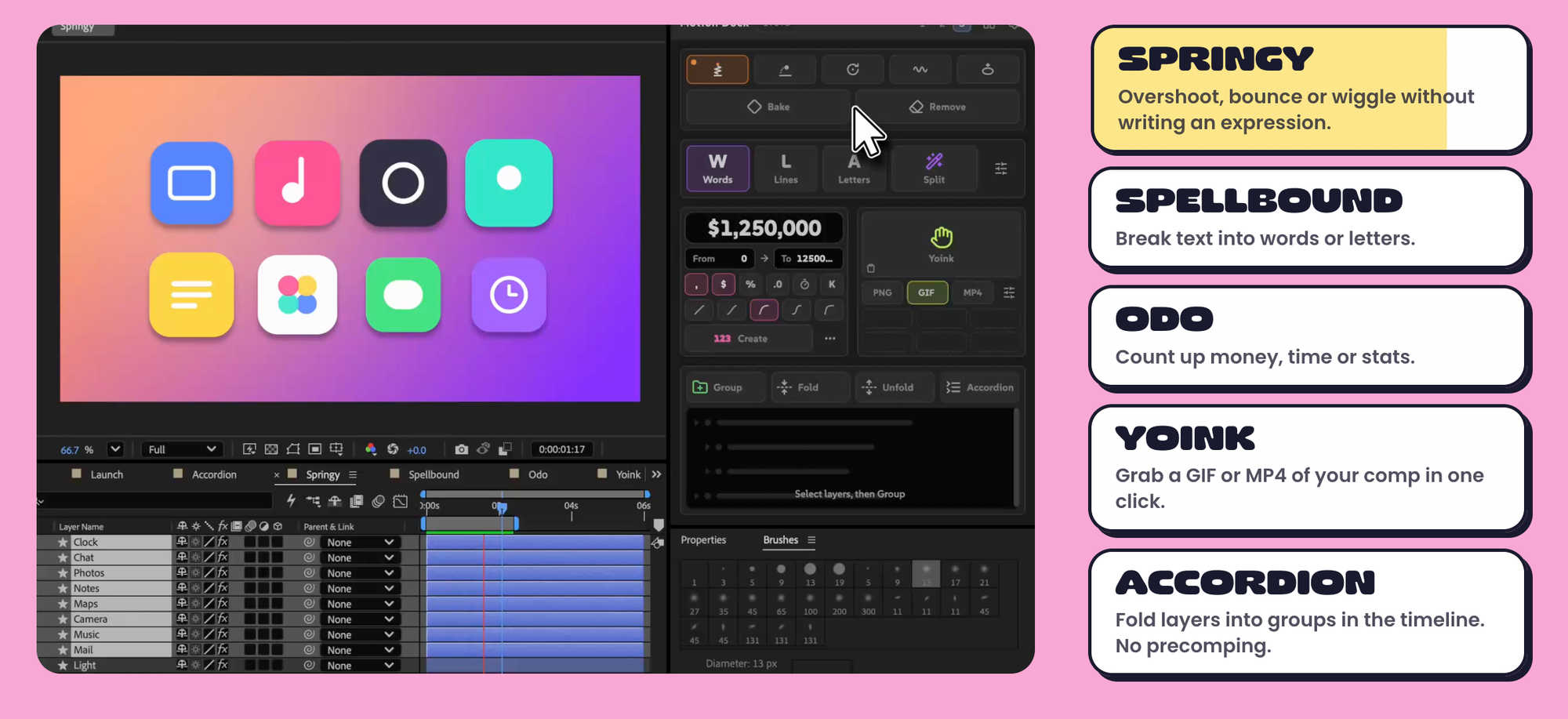
Tools are added to the dock by dragging and dropping, so you can build a panel with only the tools you use. You can run up to five panels at once and save layouts, and some tools can appear in more than one panel.
Compatibility and Install
Motion Dock works with After Effects 2022 and newer. A couple of the new Essentials require After Effects 24.3 or later.
It installs as a ZXP extension using a free ZXP/UXP installer. After restarting After Effects, it’s available under Window > Extensions > Motion Dock.
Competitive Context
After Effects has a long history of paid workflow toolkits and script bundles, sold through marketplaces like aescripts + aeplugins. Many cover similar ground, including easing presets, anchor point tools, and layer management, with prices that vary by tool.
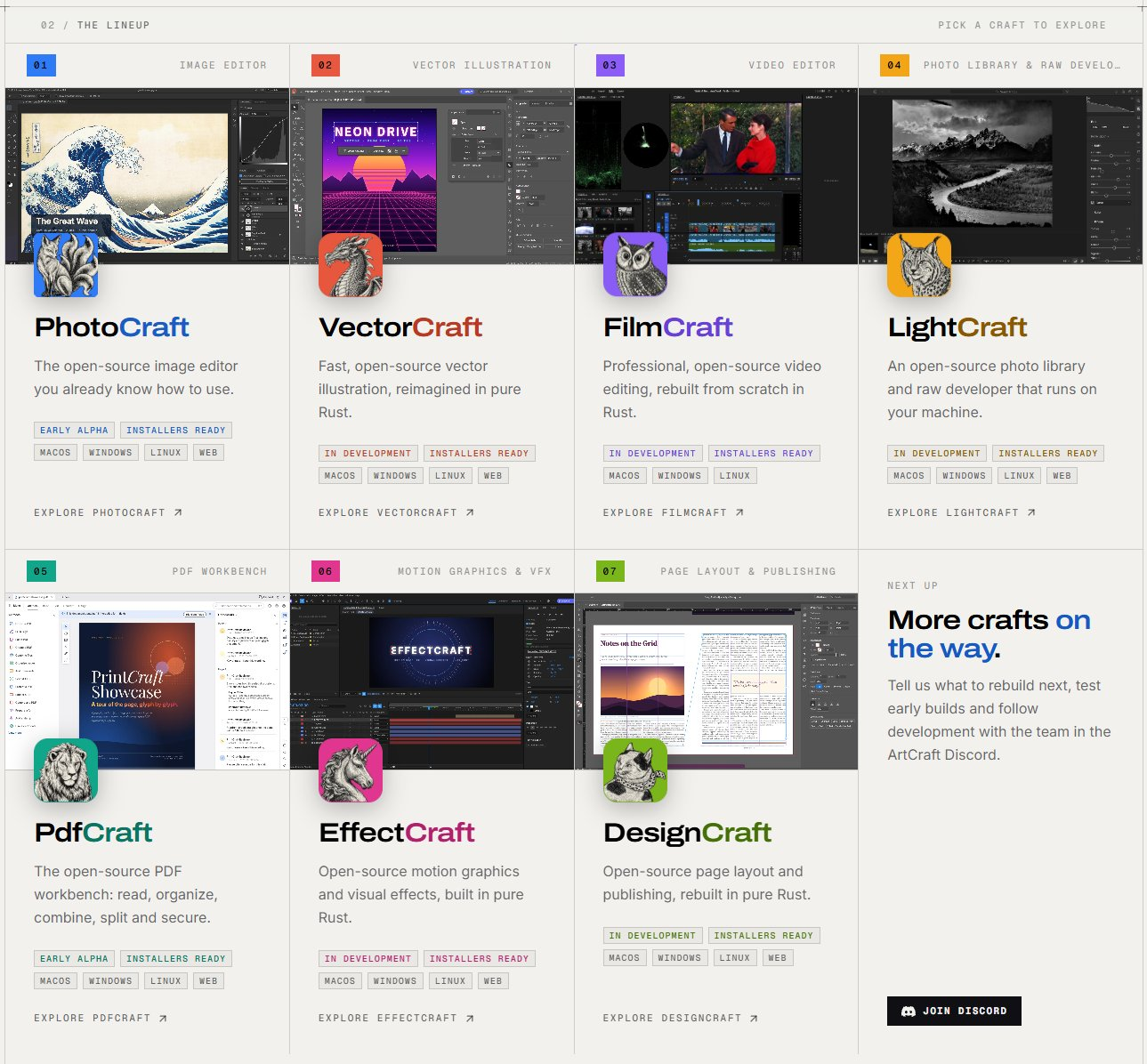
Motion Dock stands out by being free and by bundling many common tasks into a single panel. For a look at free alternatives to After Effects itself, including the AI-built EffectCraft, see Someone Rebuilt Premiere, Photoshop, and Lightroom in Rust With AI.
The Signal in the Noise
For motion designers and editors who dip into After Effects, Motion Dock is an easy add. The tools target small tasks that add up over a project, and the price makes it low risk to try.
Experienced users with an established toolkit may already have paid tools that do some of this. Even then, one-click GIF and MP4 exports and expression-free bounce could earn it a place in the panel lineup.
The Details
- Product: Motion Dock by Motion Fun
- Price: Free (no trial, watermark, or locked features)
- Tools: 28, including 20 new Essentials
- Compatibility: After Effects 2022 and newer (some tools require 24.3+)
- Panels: Up to five, with saved layouts
- Install: ZXP via a free ZXP/UXP installer
What’s the one After Effects task you’d automate if you could? Share it in the comments.