Palmier Pro Wants to Be the Video Editor Built Around AI, Not Bolted Onto It
Palmier Pro launched this week as a Mac-native video editor with AI generation built directly into the timeline, plus an MCP integration that lets agents like Claude edit projects directly.

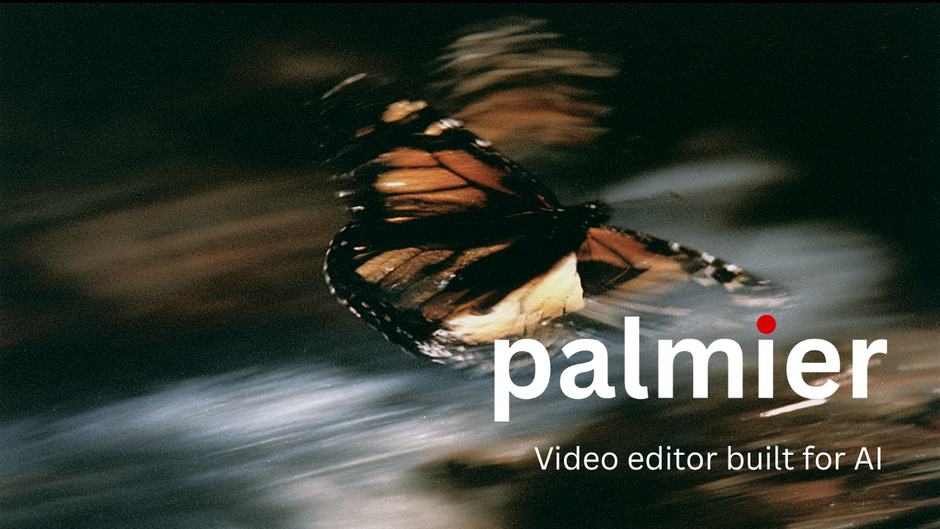
A new Mac-native video editor launched this week with a pitch that's hard to miss: an NLE where AI generation lives directly inside the timeline, rather than something you do somewhere else first and import later.
Palmier Pro, backed by Y Combinator, went live June 17 with an announcement video that doubled as a demo. The pitch is generating, editing, and exporting production-ready AI video without ever leaving the timeline.
What it actually does
The core idea is collapsing two separate workflows into one. Rather than generating clips on the web, downloading them, and importing into an editor, Palmier Pro lets you generate AI images, video, and audio directly inside the timeline. It's built as a full multi-track editor too, with video, audio, image, and text tracks, along with standard trim, split, speed, opacity, and transform tools, letting your own footage and AI-generated clips sit side by side in the same project.
Generation runs through a handful of existing models rather than Palmier's own. The editor integrates with Kling V3 from Kling AI, Seedance 2.0 from ByteDance, Veo 3.1 from Google, and Grok Imagine from xAI, among others.
The other half of the pitch is agentic editing. The product is open-source, and it exposes an MCP server, so tools like Claude Desktop, Cursor, and Codex can read a project's timeline and make edits directly, once a person enables MCP in settings and connects from their agent. That's a meaningfully different model from typing a prompt into a chat window and hoping the output matches what you pictured. It's closer to handing an assistant the actual project file and asking it to make a specific change.
How it's priced
today we're launching @Palmier_io, a video editor Claude can edit.
— Marcos Rico Peng (@Marcos12345rico) June 17, 2026
use AI to edit, organize, and generate footage directly in the timeline.
finally, a video editor built for AI.
open-source. mac native. available now. pic.twitter.com/LjYNpH4Rot
The base editor itself is free, and credits are what pay for AI generation work: video, image, audio, upscaling, and the Palmier chat assistant. Paid plans are currently running launch pricing, Pro at $29 a month (down from $49) and Max at $69 a month (down from $99).
Competitive Context
making it open-source means:
— Marcos Rico Peng (@Marcos12345rico) June 17, 2026
- Premiere grade editor for free
- semantic search across your media and language transcription completely free and on device
- use your own anthropic api key or connect via mcp
star us on GitHub!
Palmier draws its own line clearly against the two categories it sits between. Against traditional NLEs like Premiere Pro and DaVinci Resolve, the company's pitch is that AI generation and AI agents live natively in the timeline rather than as a plugin or separate step. Against generation platforms like Higgsfield, Runway, and Artlist, the distinction is that those tools are where you generate, while Palmier is where you generate, iterate, trim, and finish a cut all in one project instead of rebuilding the edit somewhere else.
That second comparison is the more interesting one for BRC's audience. A lot of the AI video conversation right now centers on which model produces the best individual clip. Palmier is making a different bet, that the bigger friction point isn't generation quality, it's the gap between generating something and actually finishing a project with it.
The Signal in the Noise
The MCP integration is the part worth paying closest attention to. Letting an external AI agent read and edit a real editing timeline, not just generate isolated clips, is a step beyond what most AI video tools currently offer, and it fits a broader pattern of editing software opening itself up to agentic control rather than staying a closed, manual interface.
Whether that's genuinely useful in practice depends on how reliably an agent can make sensible edits inside someone else's creative project without producing a mess that takes longer to fix than to do manually. That's the kind of claim that needs real hands-on testing across a few different edit types, rather than a launch demo, before it's clear how much of the manual craft this actually replaces versus assists.
For solo creators specifically, the free base editor with credit-based generation is a low-risk way to try the workflow without committing to a subscription first.
Specs & Pricing
The Palmier Pro editor itself is free to download and use, currently macOS only and requiring macOS 26 (Tahoe) or later. AI generation runs on credits included with paid plans: Pro at $29/month and Max at $69/month, both reflecting limited-time launch discounts off regular pricing of $49 and $99 respectively. Exports support MP4 in H.264, H.265, and ProRes, plus NLE XML for round-tripping into Premiere Pro or DaVinci Resolve.
Resources & Reads
Palmier's own launch video and documentation cover the full feature set, including how the MCP integration works for connecting external AI agents to a live project.
You can find more at the company's website here.