What Is Video-to-Video AI, and How Is It Different From Text-to-Video?
Video-to-video AI transforms footage you already have instead of generating from scratch. Here's how it differs from text-to-video, and how it's used.

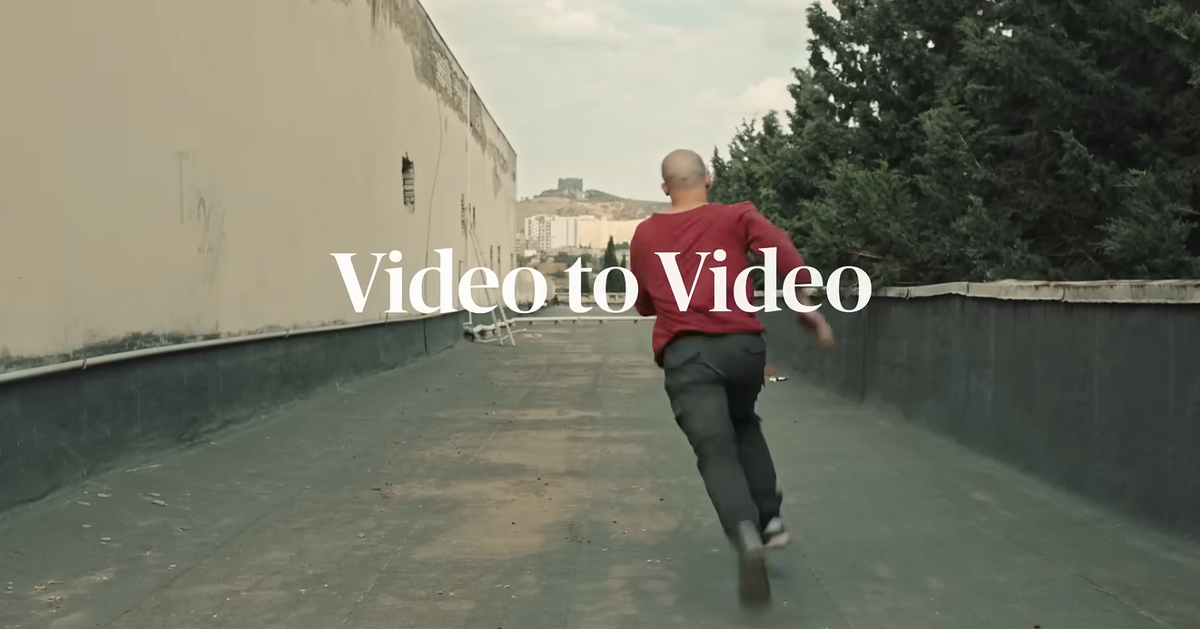
Most people's first experience with AI video is text-to-video: type a description, get a clip. But a growing share of the most useful AI video tools work differently.
They start with footage that already exists and change it.
That's video-to-video AI. Here's what it is, how it differs from text-to-video, and the main ways filmmakers are already using it.
What Is Video-to-Video AI?
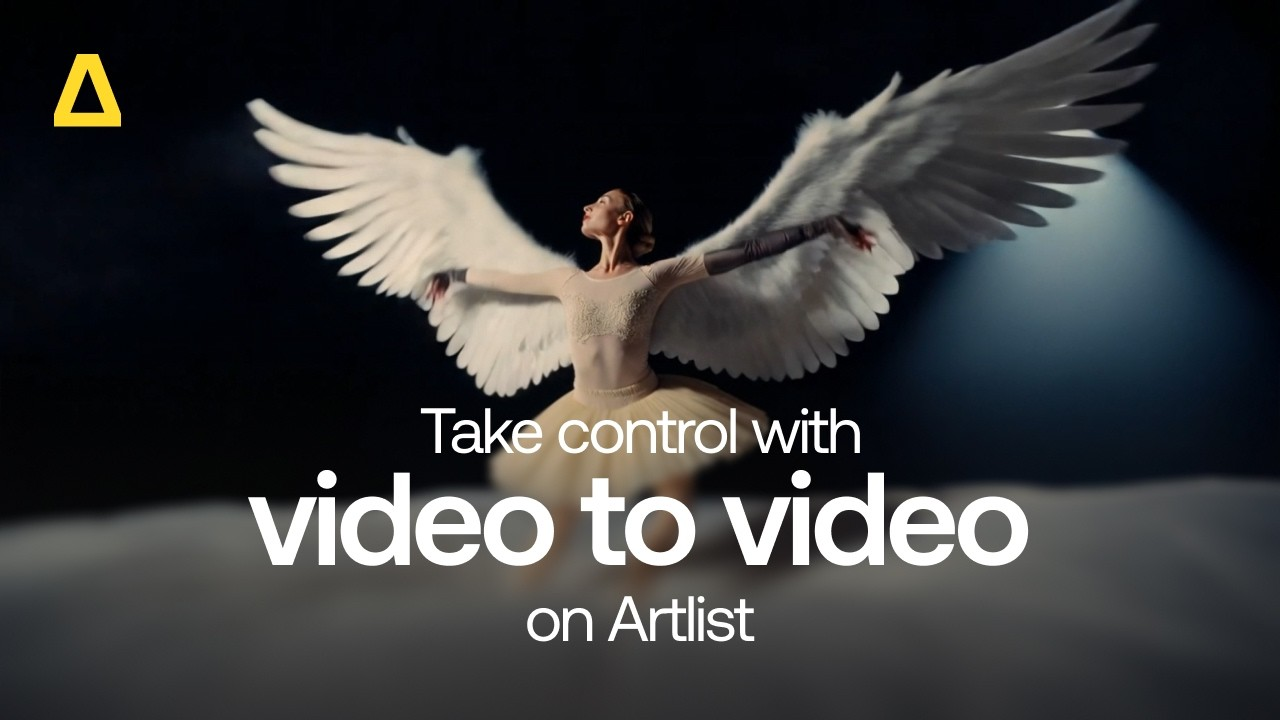
Video-to-video AI takes an existing clip as its starting point and transforms it based on your instructions. The source footage defines things like motion, timing, camera movement, and composition, and the AI changes what you ask it to change.
Depending on the tool, that could mean swapping an object, changing a background, restyling a whole scene, translating dialogue, or turning a rough 3D previs into photoreal footage.
How It Differs From Text-to-Video
The difference comes down to what's in control.
With text-to-video, the AI invents everything: the framing, the movement, the timing, and the performance. You describe what you want, and the model makes its best guess.
With video-to-video, you've already made the most important decisions. The camera move, the blocking, the actor's performance, and the edit timing come from your source footage. The AI works within those decisions instead of replacing them.
That's why video-to-video tends to fit more naturally into real production. It treats AI as a way to modify and extend what you shot or planned, not as a replacement for directing.
The Main Types of Video-to-Video AI
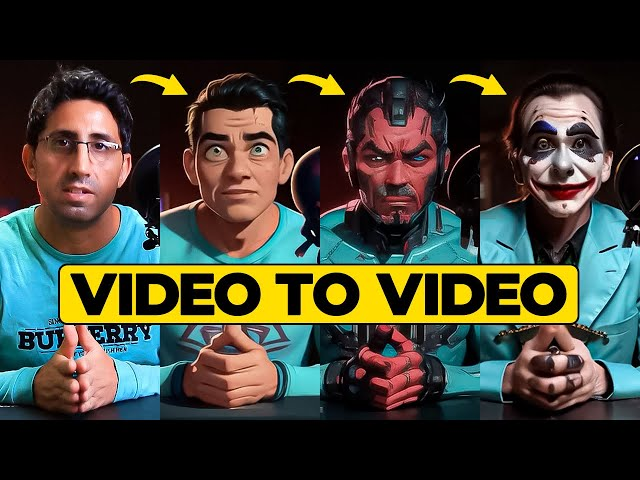
Video-to-video isn't one tool. It covers several different jobs.
Targeted edits. Change one specific element and leave the rest untouched: remove an object, change a color, replace a sign, or add weather effects. Black Forest Labs' FLUX Video Edit is built around this, and it can even change or translate spoken dialogue with matching lip sync.
Object and character swaps. Replace a specific item or person while preserving the original shot. Higgsfield's Genjutsu offers an Object Swap mode for exactly this.
Motion transfer and restyling. Keep the motion, camera work, and timing of a clip, but rebuild the look, cast, or setting. Genjutsu's Motion Transfer mode and Runway's Aleph both work in this territory.
Previs to final. Turn rough 3D previs into photoreal video that follows your camera moves and shot timing. fal's H3 Max 3D to Video takes Blender renders as its source.
Real-time transformation. Change a live video stream as it plays. Vidu S2-Editing can swap outfits, characters, or backgrounds on an incoming stream while preserving the original motion.
Where Filmmakers Are Using It
The most practical uses tend to fall into a few categories:
- Fixing shots without reshoots: removing an unwanted object, changing a background, or cleaning up a distracting detail
- Localization: translating dialogue with lip sync for international versions
- Pitching and previs: turning gray-box 3D blocking into something that looks close to a finished shot
- Creative restyling: transforming a live-action clip into a different look or setting for music videos, ads, and experimental work
- Getting more from one take: reusing a well-shot performance or camera move across multiple variations
These tools are increasingly showing up inside editing software too. Runway's plugin, for example, lets editors re-render timeline clips with Aleph directly inside their editor.
The Current Limitations
Video-to-video AI is powerful, but it has real constraints right now:
- Short clip limits. Many tools cap source footage at around 15 to 30 seconds.
- Resolution caps. Some tools downscale output, for example to 720p.
- Drift and unintended changes. Even precise editing tools can alter parts of a shot you didn't ask to change, which is why precision is a major selling point.
- Imperfect control. Tools that follow source motion often don't guarantee exact geometry or camera paths.
- Rights and consent. Swapping or recasting a real person raises consent issues, and most platforms' terms address this directly.
Competitive Context
Nearly every major AI video company now offers some form of video-to-video, because it answers a question text-to-video struggles with: how do you get AI to respect the decisions a filmmaker has already made?
The tools differ mainly in what they preserve and what they change. Some focus on surgical edits, others on full transformation, and others on specific workflows like previs or live streams. Price, clip length, and output resolution vary widely between them.
The Signal in the Noise
Text-to-video gets most of the attention, but video-to-video is where AI fits most naturally into real filmmaking. It keeps the filmmaker in charge of the performance, the camera, and the timing, and uses AI to change what's needed around them.
For many working filmmakers, that's a much easier tool to trust than one that invents a shot from scratch.
Which would you actually use first: AI that fixes and modifies your footage, or AI that generates new shots from a prompt?
The Details
- Video-to-video AI: transforms existing footage based on instructions, rather than generating from text alone
- Key difference from text-to-video: source footage defines motion, timing, camera, and performance
- Main types: targeted edits, object and character swaps, motion transfer and restyling, previs to final, real-time transformation
- Example tools: FLUX Video Edit, Higgsfield Genjutsu, Runway Aleph, H3 Max 3D to Video, Vidu S2-Editing
- Common uses: shot fixes, localization, previs, restyling, reusing strong takes
- Current limits: short clip lengths, resolution caps, unintended changes, imperfect camera control, consent considerations
Resources & Reads
- BRC: FLUX 3 Can Now Edit an Existing Video, Not Just Generate a New One
- BRC: A Beginner's Guide to Higgsfield Genjutsu
- BRC: H3 Max Can Now Turn Your Blender Previs Into Photoreal Video
- BRC: Vidu S2 Lets You Talk to, Direct, and Edit AI Video in Real Time
- BRC: Runway Brings Its AI Models Directly Into the DaVinci Resolve Timeline