Ideogram’s New Vector Model Could Speed Up Title Cards, Lower Thirds, and Motion Graphics
Ideogram’s first vector model turns text prompts and images into editable SVG graphics with typography and gradients, a potential shortcut for titles, lower thirds, and motion graphics.

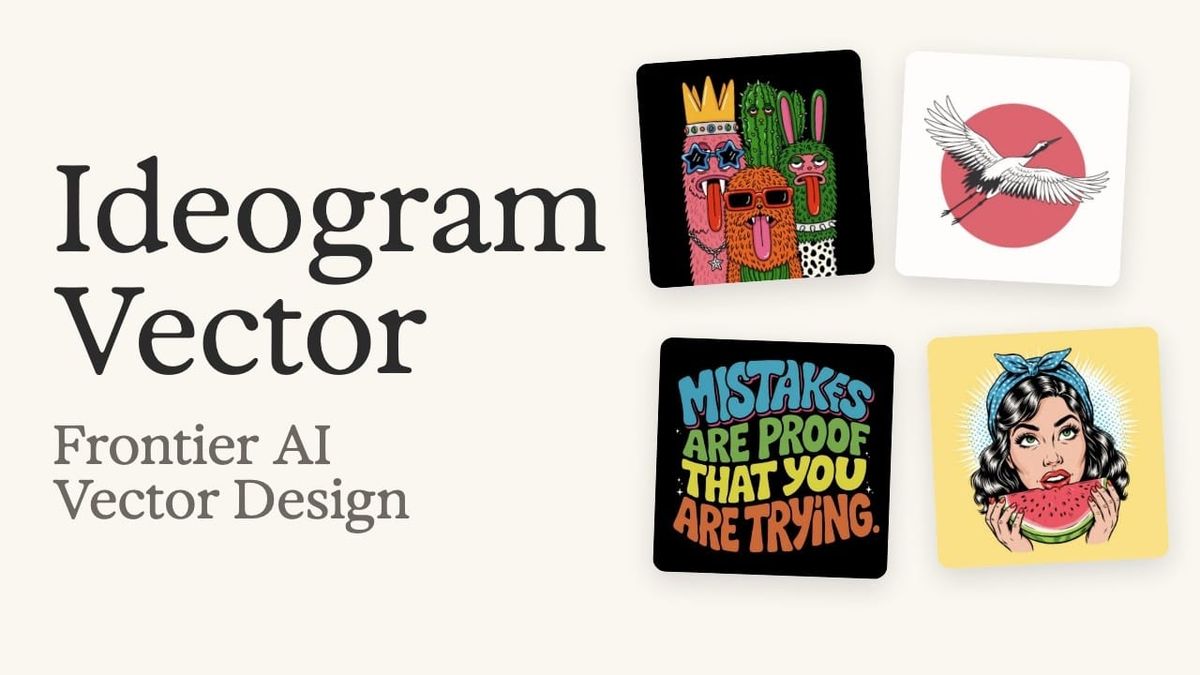
Ideogram has released its first vector model, which generates editable SVG graphics from text prompts. It can also convert existing images into vectors, and it supports typography and gradients.
Most AI image generators produce flat raster images, which lose quality when scaled and can’t be edited shape by shape. Vector output changes that, and for editors and motion designers, it opens up a faster way to create titles, logos, and graphic elements.
What Ideogram’s Vector Model Does
According to Ideogram, the model produces scalable SVG files directly from text prompts. Because they’re vectors, the graphics can be resized without losing sharpness, and individual shapes, colors, and text can be edited afterward.
The model also converts existing images into vectors. That could be useful for turning a rough sketch, a reference image, or an AI-generated raster graphic into something editable.
Ideogram says the model supports typography and gradients, two areas where vector conversion tools have often struggled.
Why It Matters for Motion Graphics
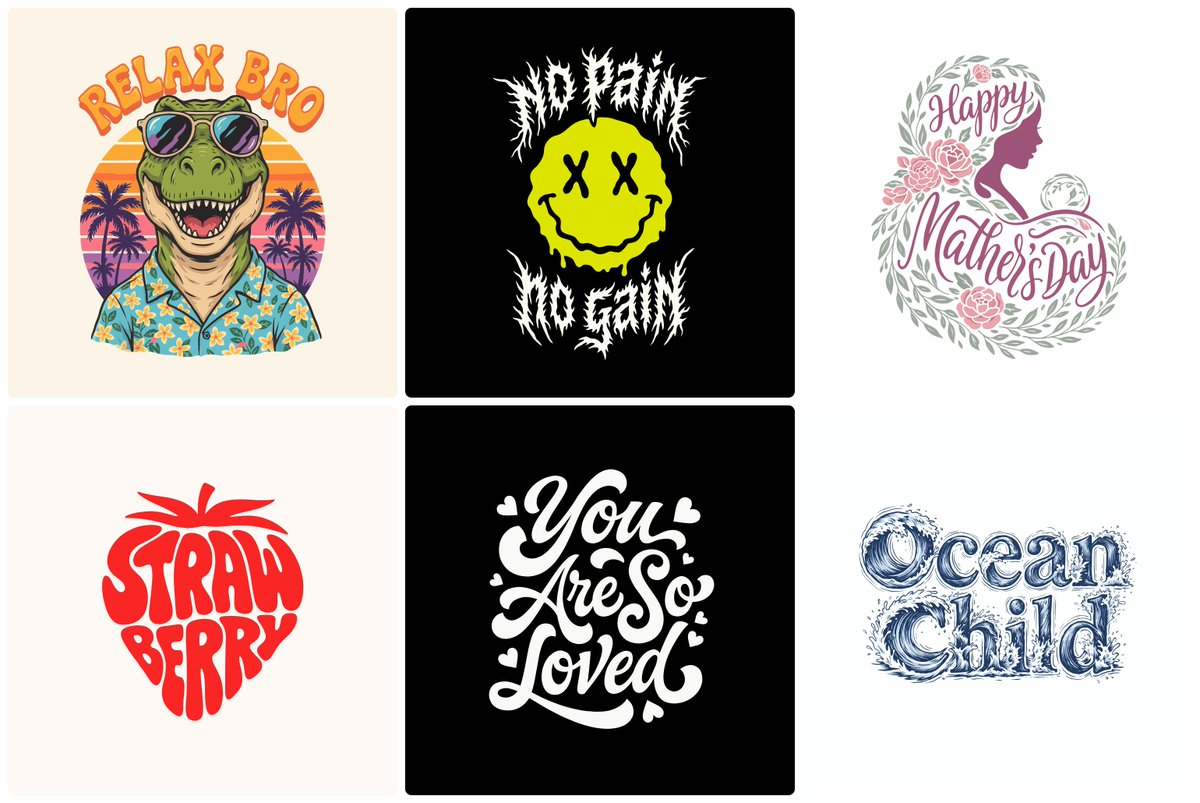
Title cards, lower thirds, logos, and on-screen graphics are often built from vector artwork. Designers typically create them in a vector program, then bring them into a motion graphics or editing app to animate.
Generating editable vectors from a prompt could speed up the early stages of that process, especially for quick concepts, social videos, and projects without a dedicated designer. Text is especially important here, and Ideogram has long been known for rendering legible typography in its images.
The results will still need a designer’s eye. AI-generated vectors can include extra points, messy shapes, or layouts that need cleanup before they’re ready for animation.
Where It Fits in a Workflow
A practical approach is to generate concepts in Ideogram, refine the SVG in a vector editor, then animate it in your motion graphics tool of choice. For tools that speed up the animation side in After Effects, see This Free After Effects Panel Handles the Tedious Stuff.
For creators building graphics with AI agents, code-based tools are another route, covered in What Is HTML-to-Video?.
Competitive Context
Ideogram joins a growing group of AI tools offering vector output. Adobe Firefly offers text-to-vector generation, including through partner models, and design platforms like Canva are adding their own image generation.
Ideogram’s advantage has long been text rendering, which matters for titles and graphics more than almost any other use case.
The Signal in the Noise
For editors and motion designers, editable vector output is more useful than another raster image generator. It produces assets that fit into existing title and graphics workflows rather than flat images that have to be traced or rebuilt.
Expect to clean up and refine what it produces. As a fast starting point for titles, logos, and lower thirds, it’s worth testing.
Would you use AI-generated vectors for titles and graphics in your edits? Share your take in the comments.
The Details
- Product: Ideogram vector model (first vector release)
- Output: Editable, scalable SVG files
- Inputs: Text prompts, or existing images for conversion
- Supports: Typography and gradients
- Pricing and availability: Exact details available on Ideogram’s website



