Is Apple’s New Touchscreen OLED MacBook Pro the Best Laptop for Color Grading Yet?
Apple’s new MacBook Pro adds a 2,000-nit tandem OLED display, Touch, reference modes and genlock, starting at $2,899. Here’s what it means for editors and colorists.

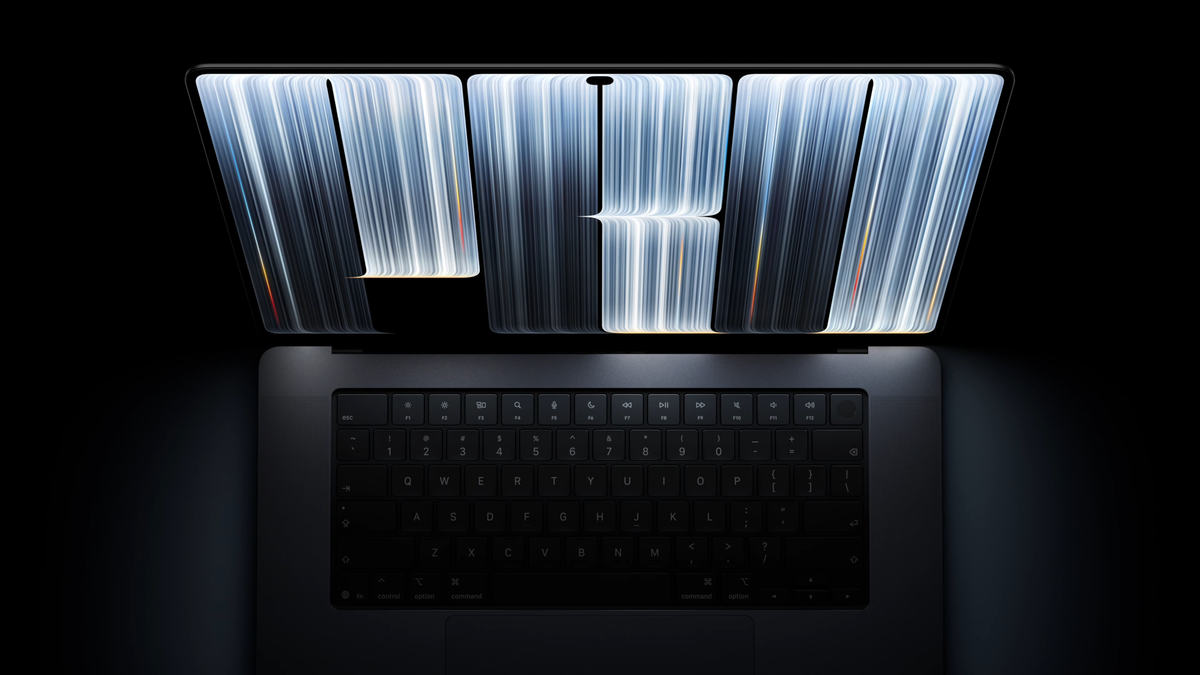
Apple has announced a new MacBook Pro with a tandem OLED display it calls PROLED XDR, along with Touch, making it the first Mac with a touchscreen. The 14.2-inch and 16.3-inch models run on M5 Pro and M5 Max chips and start at $2,899.
For filmmakers, the display is the headline. Apple is pitching it as a reference-grade screen, with up to 2,000 nits of brightness, reference modes, a built-in calibrator and genlock support for virtual production. Pre-orders are open now, and the laptops ship November 6.
The PROLED XDR Display
The new panel uses tandem OLED, the same stacked-OLED approach Apple uses in the iPad Pro. Apple rates it at up to 2,000 nits peak brightness for both HDR and SDR, with a 10,000,000:1 contrast ratio and ProMotion refresh rates from 10Hz to 120Hz.
It covers the P3 and Adobe RGB color spaces and over 80% of Rec. 2020. Apple’s chief hardware officer, Johny Srouji, called it “the world’s best laptop display.”
A nano-texture glass option is available for reducing glare in bright rooms. That’s a meaningful choice for grading, where reflections can throw off judgment of contrast and black levels.
Reference Modes, Calibration and Genlock
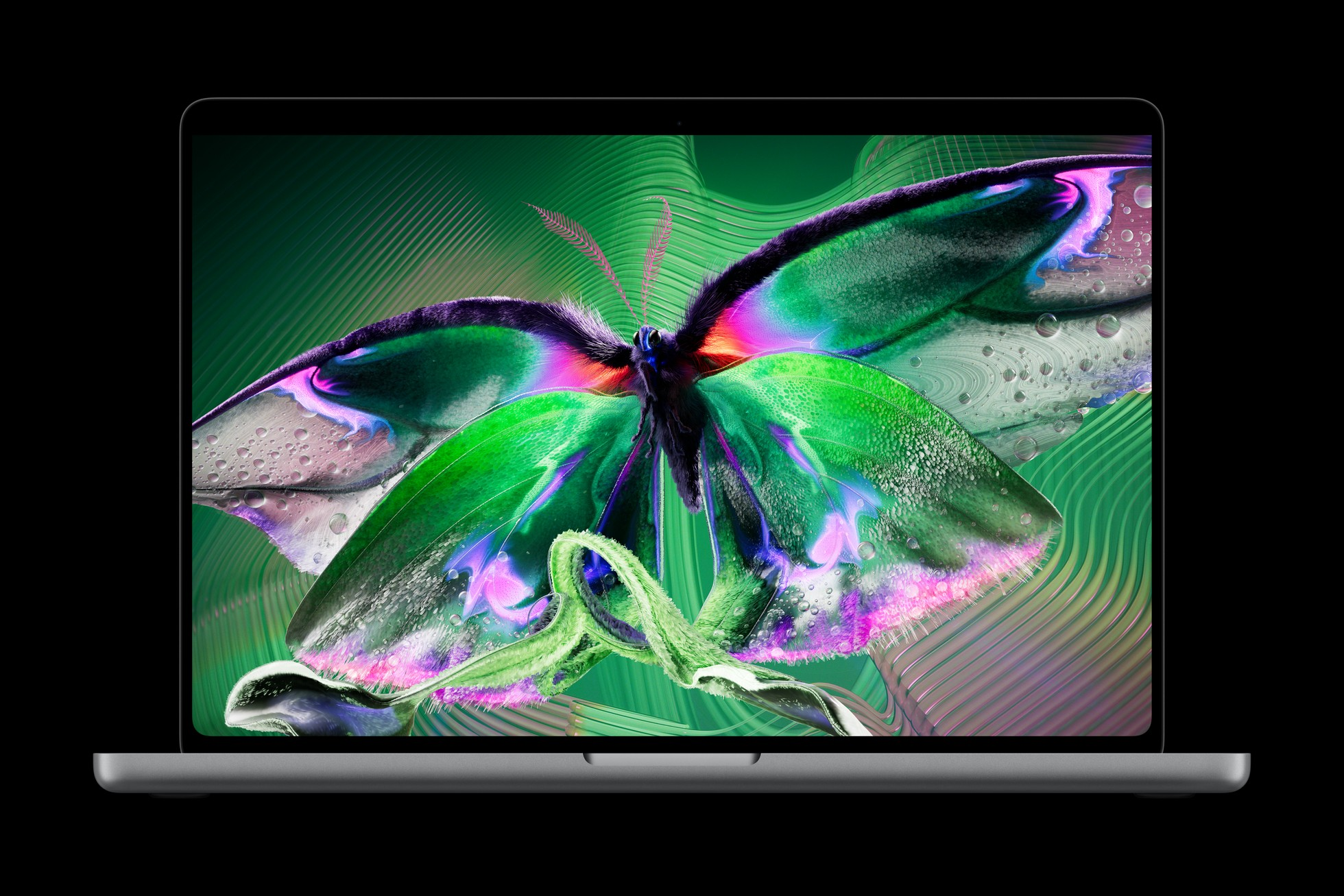
Apple says the display includes industry-standard reference modes for cinema, photography, print and design, plus the Apple Pro Display Calibrator for keeping the panel accurate over time. It also introduces a new color matching standard, Apple Color Matching Function 2026.
The more unusual addition is genlock support for virtual production. Genlock lets the display sync with LED volumes and cameras, which matters when a laptop is part of a virtual production setup rather than just an editing machine.
Touch Comes to the Mac

This MacBook Pro is the first Mac to support Touch. Apple describes finger gestures like swiping to scroll, pinching to zoom, dragging and dropping, and tapping or flicking windows to fill or tile the screen, all working alongside the keyboard and trackpad.
In Final Cut Pro, Apple says editors can use Touch to mark ranges, drop clips into place and pinch to zoom in on a cut. DaVinci Resolve and Adobe Lightroom also support Touch, and Apple says more third-party Touch support is coming later this year. A redesigned hinge is built to keep the screen steady when touched.
Performance and Ports

The M5 Pro and M5 Max models support up to 128GB of unified memory and up to 16TB of storage. Apple says the M5 Pro can edit multiple streams of 8K ProRes, with the M5 Max aimed at heavier 8K post-production.
Ports include three Thunderbolt 5 ports, HDMI, an SDXC card slot, MagSafe and a headphone jack. The M5 Pro drives up to three external displays and the M5 Max up to four. Apple rates battery life at up to 24 hours.
Both models are slightly thinner, and the 16-inch is 0.7 pounds lighter than the previous model, at 4 pounds.
Competitive Context
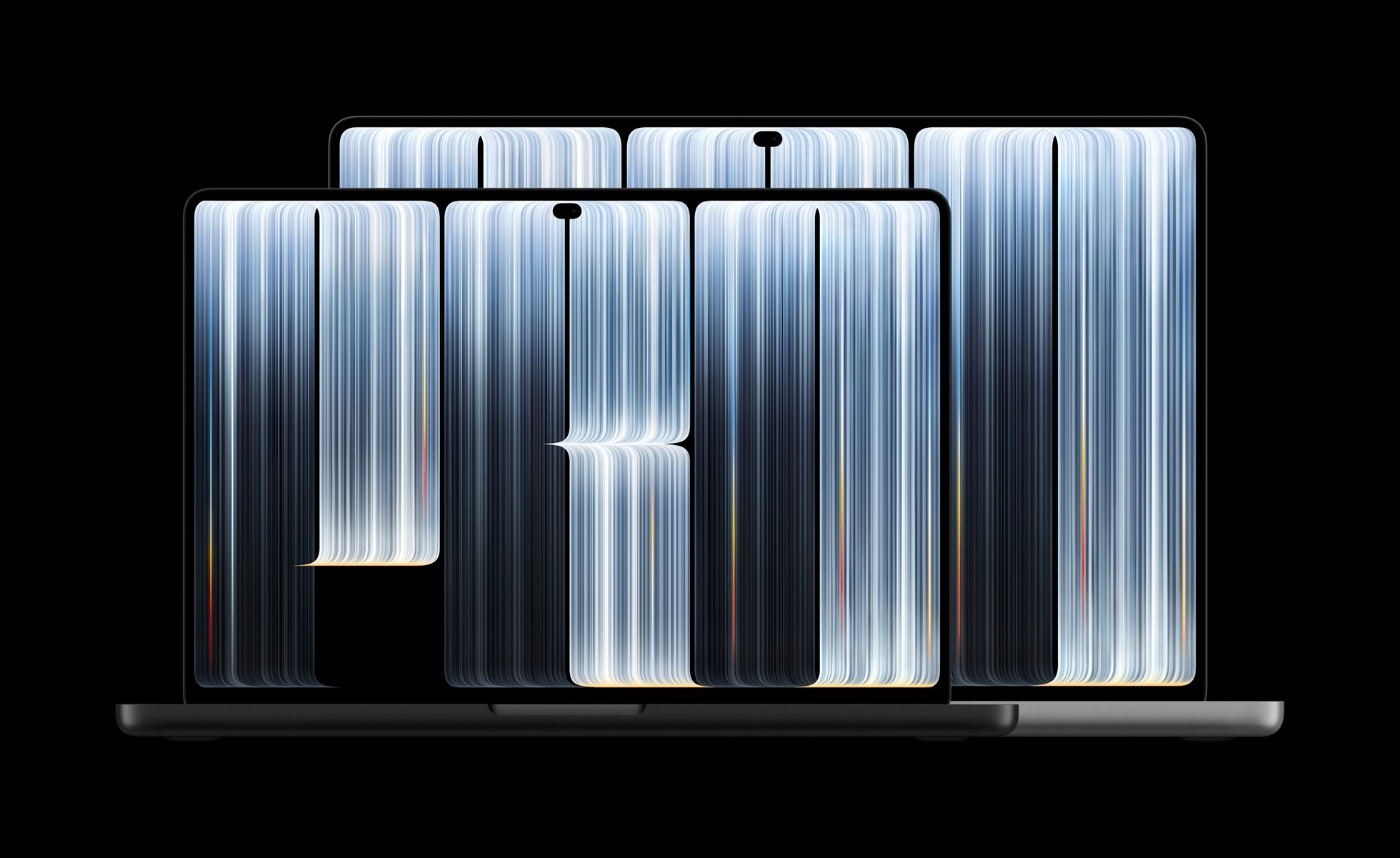
Apple also announced a separate 14-inch MacBook Pro with the new M6 chip on October 27, starting at $1,999. That model keeps the Liquid Retina XDR display, rated at up to 1,600 nits HDR and a 1,000,000:1 contrast ratio, with Thunderbolt 4 and no touchscreen.
So the PROLED model is a premium tier, not a straight replacement. For colorists, the $900 gap buys the OLED panel, Touch, genlock, Thunderbolt 5 and the Pro and Max chips.
OLED laptops are common on the Windows side. Apple’s pitch is the combination of a reference-mode OLED panel with built-in calibration, genlock and macOS creative apps in one machine.
The Signal in the Noise
So, is it the best laptop for color grading yet? On paper, it’s the strongest grading display Apple has put in a laptop. The OLED contrast, 2,000-nit brightness and built-in calibration close much of the gap between a laptop screen and a desktop reference monitor.
It still isn’t a replacement for a calibrated external reference monitor fed by a dedicated video I/O device in a professional grading suite. Where it should shine is on-set review, remote client sessions, HDR checks on the road and solo projects where a second monitor isn’t practical.
Touch is the bigger unknown. Pinch-to-zoom on a timeline and marking ranges by hand could speed up rough cuts, but whether editors adopt it over keyboard shortcuts will take real-world use to tell.
Would you grade on a laptop display, or will you always want an external reference monitor? Share your setup in the comments.
Specs & Pricing
- 14-inch, M5 Pro: $2,899
- 16-inch, M5 Pro: $3,399
- 14-inch, M5 Max: $4,499
- 16-inch, M5 Max: $4,799
- Display: 14.2-inch or 16.3-inch PROLED XDR (tandem OLED), up to 2,000 nits HDR and SDR, 10,000,000:1 contrast, 10–120Hz ProMotion, nano-texture option
- Color: P3, Adobe RGB, over 80% Rec. 2020; reference modes and Pro Display Calibrator
- Video: Genlock support for virtual production
- Memory and storage: Up to 128GB unified memory, up to 16TB
- Ports: Three Thunderbolt 5, HDMI, SDXC, MagSafe, headphone jack
- Battery: Up to 24 hours
- Weight: 3 lb (14-inch), 4 lb (16-inch)
- Availability: Pre-order now; ships November 6