Mirage’s Tesseract Can Now Turn Any Video Into a Template for Your AI Agent
Mirage’s Tesseract now lets Claude and ChatGPT use any video as a reference for a new, editable project, with Premiere and After Effects export. Here’s how it works and the catch.

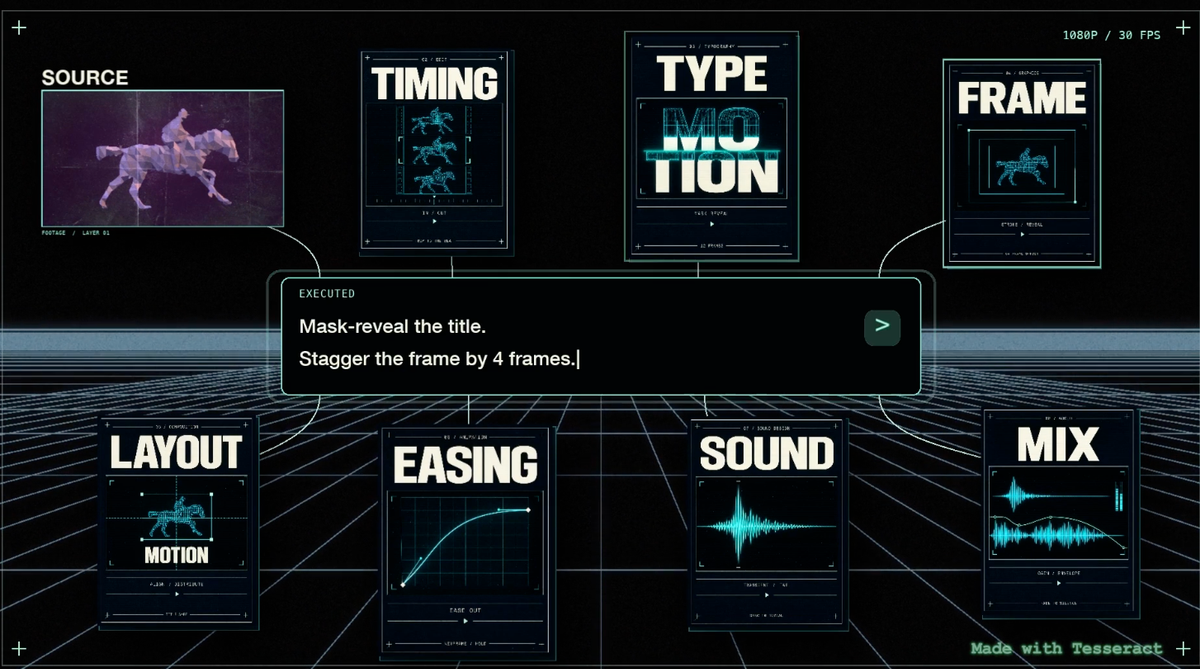
Mirage has added a new reference feature to Tesseract, its free video engine for AI agents. Claude and ChatGPT can now use any video as a starting point for a new, editable project. You paste a link or upload a video, then tell your agent what you’d do differently.
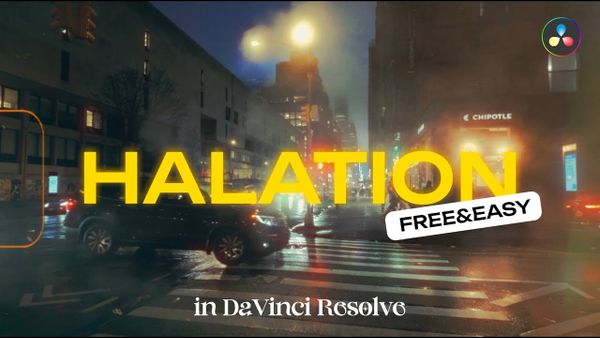
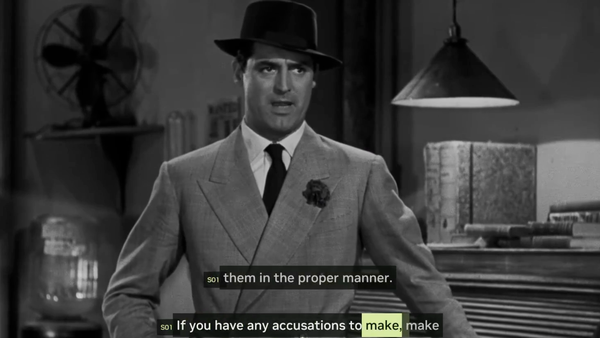
“Every video is now open-source,” Mirage wrote in its announcement. The company demonstrated the feature by remixing a few classic videos, and said the resulting projects can be refined with an agent or taken into After Effects or Premiere Pro.
What’s New
Every video is now open-source.
— Mirage (@trymirage) October 28, 2026
With Tesseract, Claude and ChatGPT can use any video as a reference to create a new, editable project around your idea. Paste a link or upload a video, then tell your agent what you’d do differently.
Keep refining with your agent, or take your… pic.twitter.com/bl7DUxvcQ5
Tesseract launched as an editing engine built for AI agents rather than people, covered in This New Free Tool Lets ChatGPT and Claude Edit Video Directly. Until now, the workflow centered on bringing your own footage, assets and a written brief.
The reference feature changes the starting point. Instead of describing a style in words, you can point your agent at an existing video and ask for a version built around your idea, with your own changes.
The output is still a Tesseract project, not a flat render, so titles, keyframes, layers and timing stay editable. Mirage hasn’t yet published documentation that explains how the agent breaks down a reference video, and its Tesseract page doesn’t describe the feature yet.
The Premiere and After Effects Connection
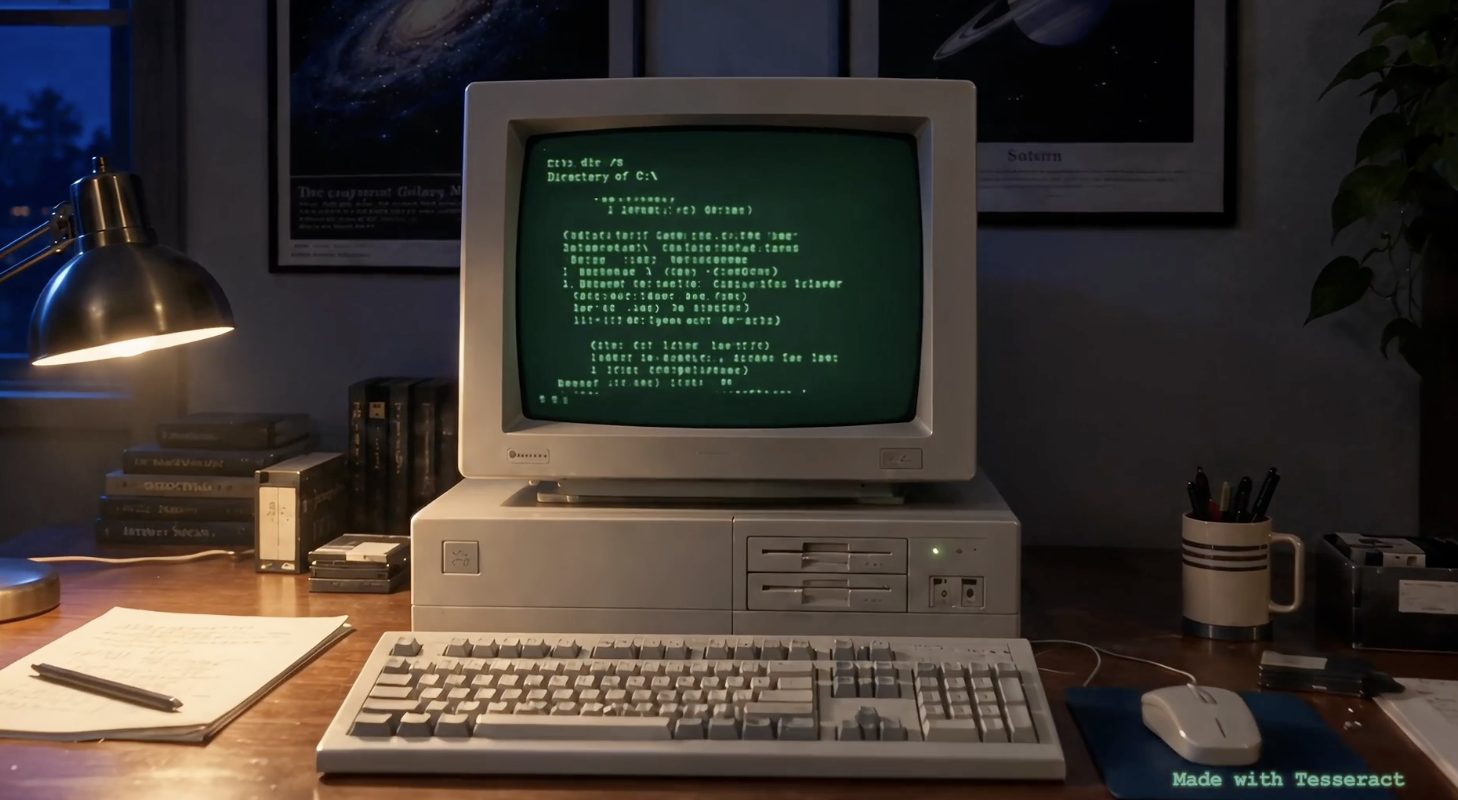
Mirage has also added open-source converters that move projects between Tesseract and Adobe’s formats. Tesseract can now import and export Premiere Pro (.prproj) and After Effects (.aep) projects, and the converter code is available under the MIT license.
Mirage is clear about the limits. Premiere Pro support is labeled partial, and After Effects export is experimental. Effects, fonts, text layout and keyframe interpolation can all differ after conversion, and media isn’t embedded, so you still supply your own footage, images, audio and fonts.
Where This Is Useful
For motion graphics, ads and social content, starting from a reference is how many editors already work. A client sends a video they like, and the job is to make something with a similar feel using their own brand and footage.
An agent that can turn that reference into an editable project, then hand it off to Premiere or After Effects, could cut a lot of setup time from that kind of work. For a broader look at agents working inside Adobe’s tools, see How to Connect Claude to Premiere Pro.
The Rights Question
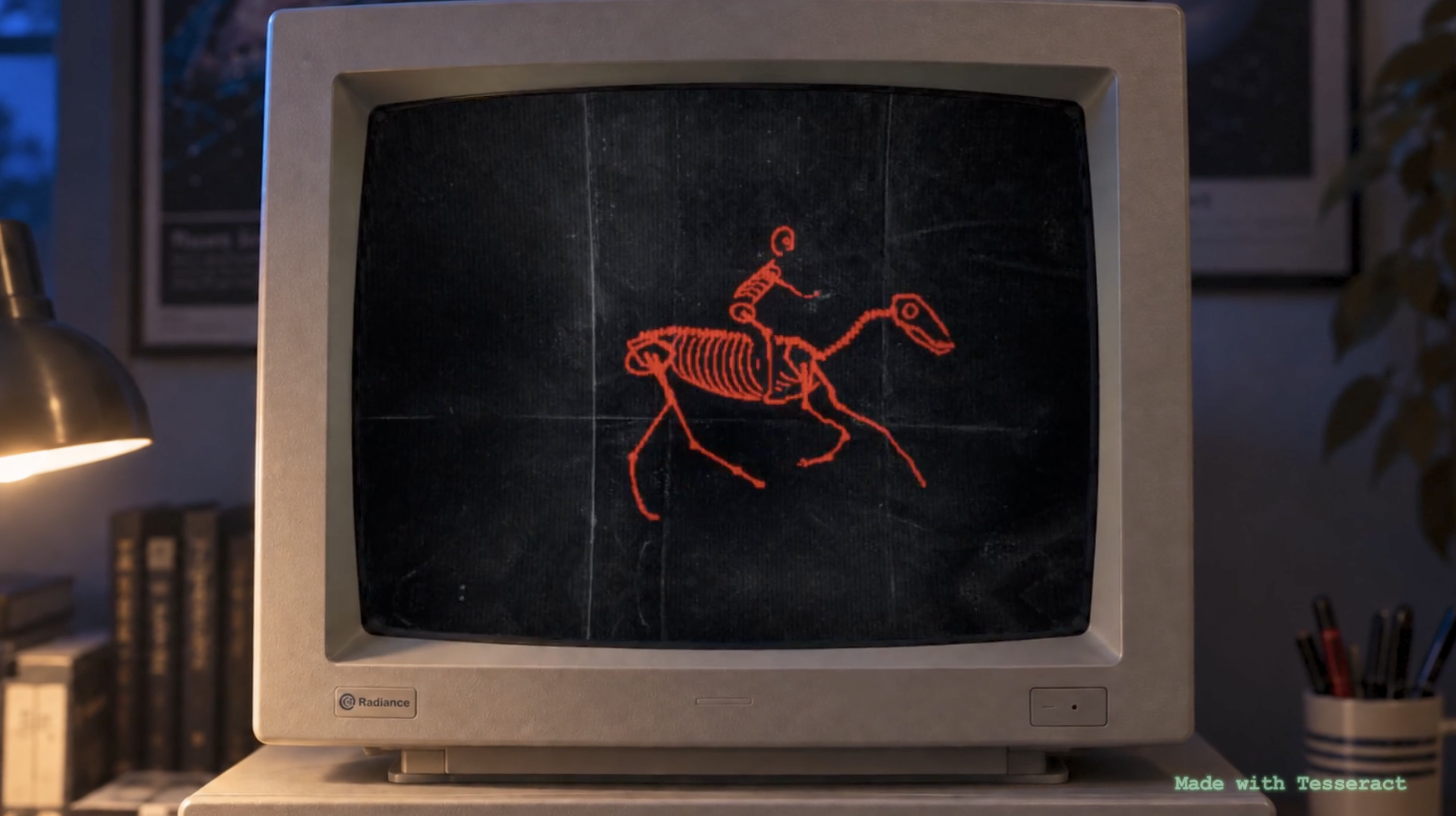
Mirage’s “open-source” framing is the part that deserves pushback. A video being viewable online doesn’t make it free to copy, and closely recreating someone’s edit, motion design or graphics can raise copyright and trade dress issues, especially for commercial work.
Using a reference for pacing, structure or general style is standard practice. Rebuilding a specific ad or title sequence beat for beat is a different thing, and an AI agent doing it faster doesn’t change who owns the original. The same caution applies here as with sourcing archival media, covered in Before You Let Claude Pull Music From the Internet Archive, Read This.
There’s also a creative cost. The more often agents remix the same viral formats, the more content starts to look alike. That’s a concern for the motion designers and editors whose original work becomes the template.
Competitive Context
AI-assisted editing is splitting into tools that bring agents into existing editors and tools that give agents their own engine. DaVinci Resolve Studio added native support for AI assistants earlier this year, and Adobe has been building agent features into Premiere and After Effects.
Tesseract’s Adobe converters are a bridge between the two approaches. You can let an agent build in Tesseract, then finish in the editor you already use.
The Signal in the Noise
The reference feature is a practical idea with a provocative pitch. Turning a reference into an editable starting point is genuinely useful for motion graphics and ad work, and Adobe export makes it easier to fit into a real pipeline.
Treat “every video is now open-source” as marketing, not a license. Use references for direction, bring your own assets and keep the final result your own.
Would you use a reference video as a starting point for your AI agent, or does that feel too close to copying? Share where you draw the line in the comments.
Specs & Pricing
- Tool: Tesseract, by Mirage (maker of the Captions app)
- New feature: Use a video link or upload as a reference for a new, editable project
- Compatible agents: Claude, ChatGPT and other supported agents
- Adobe support: Import and export .prproj (partial) and .aep (experimental)
- Converter license: MIT, open source
- Does not: Generate footage
- Price: Free engine; AI agent subscription or usage costs are separate