Palmier Adds Headless Mode and Multi-Agent Editing to Its Free AI Video Editor
Palmier’s free Mac video editor now runs headless in the background and lets several AI agents cut different versions at once, with XML export to Premiere, Resolve and Final Cut.

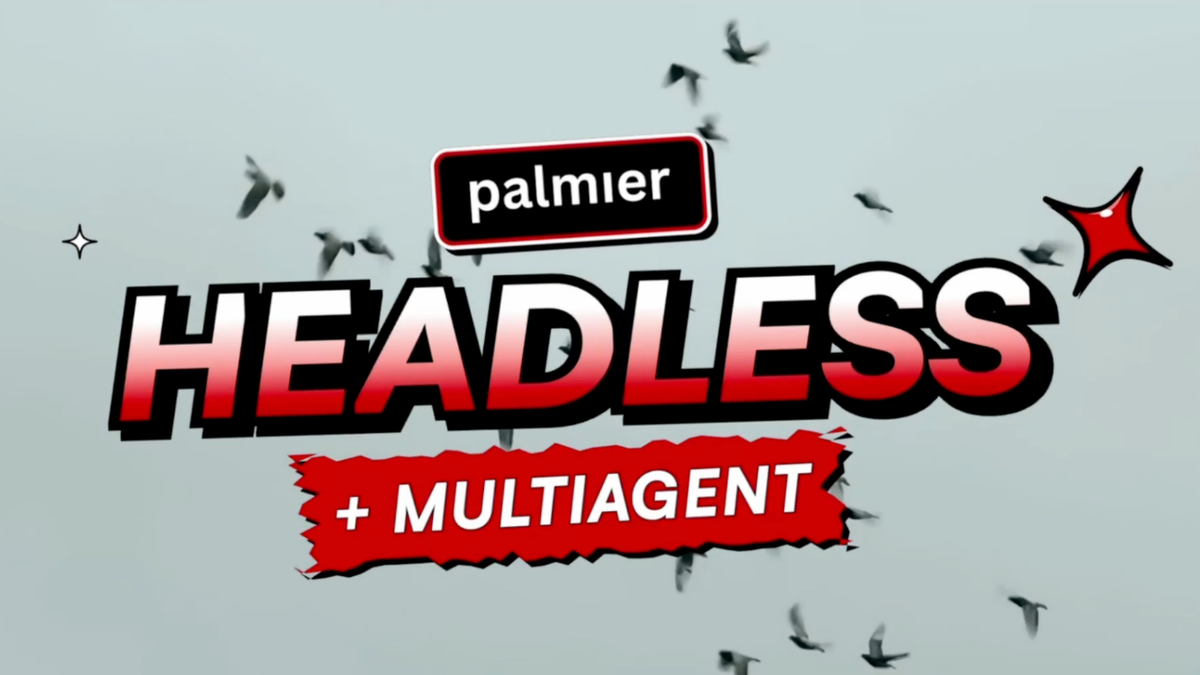
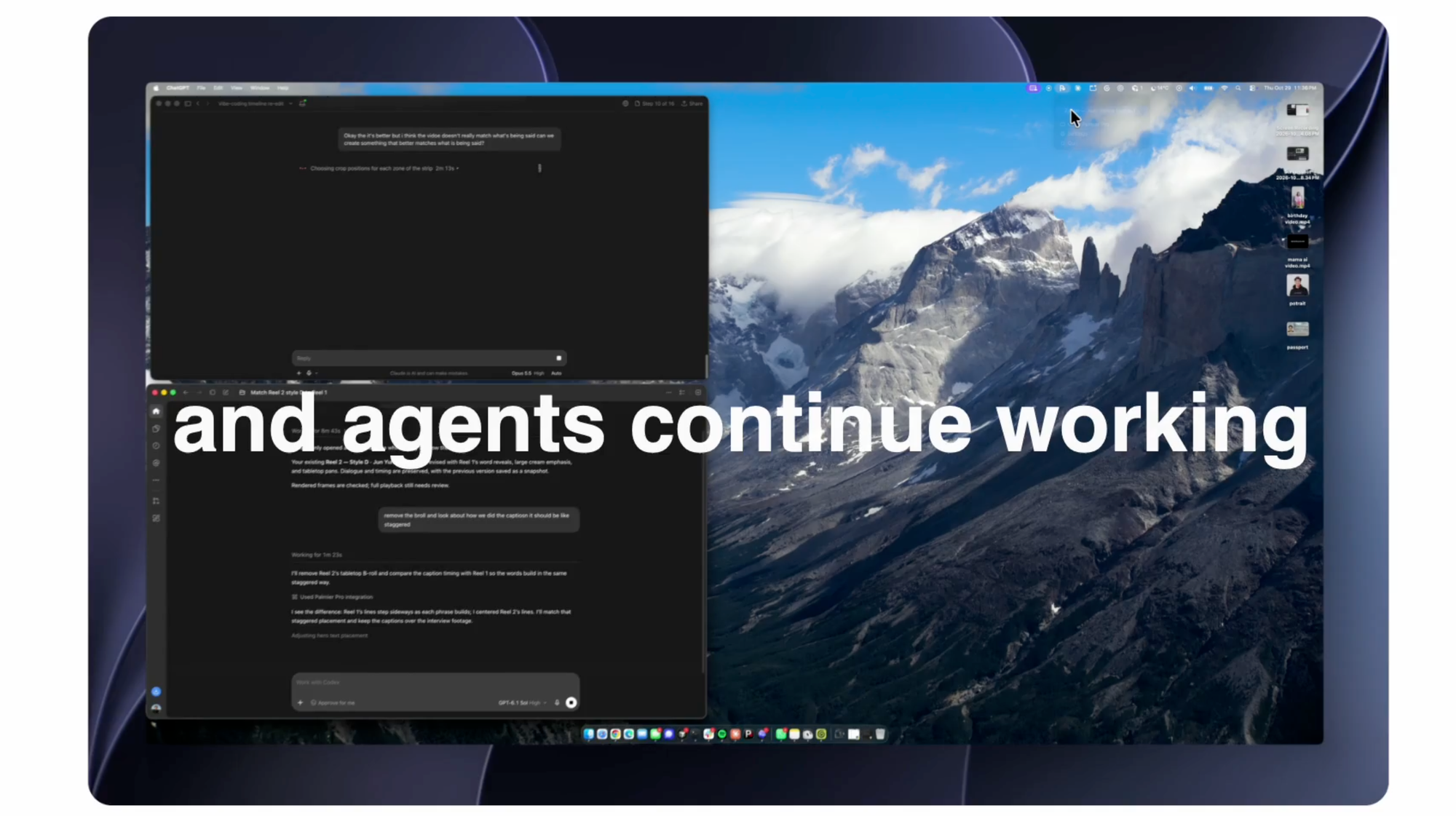
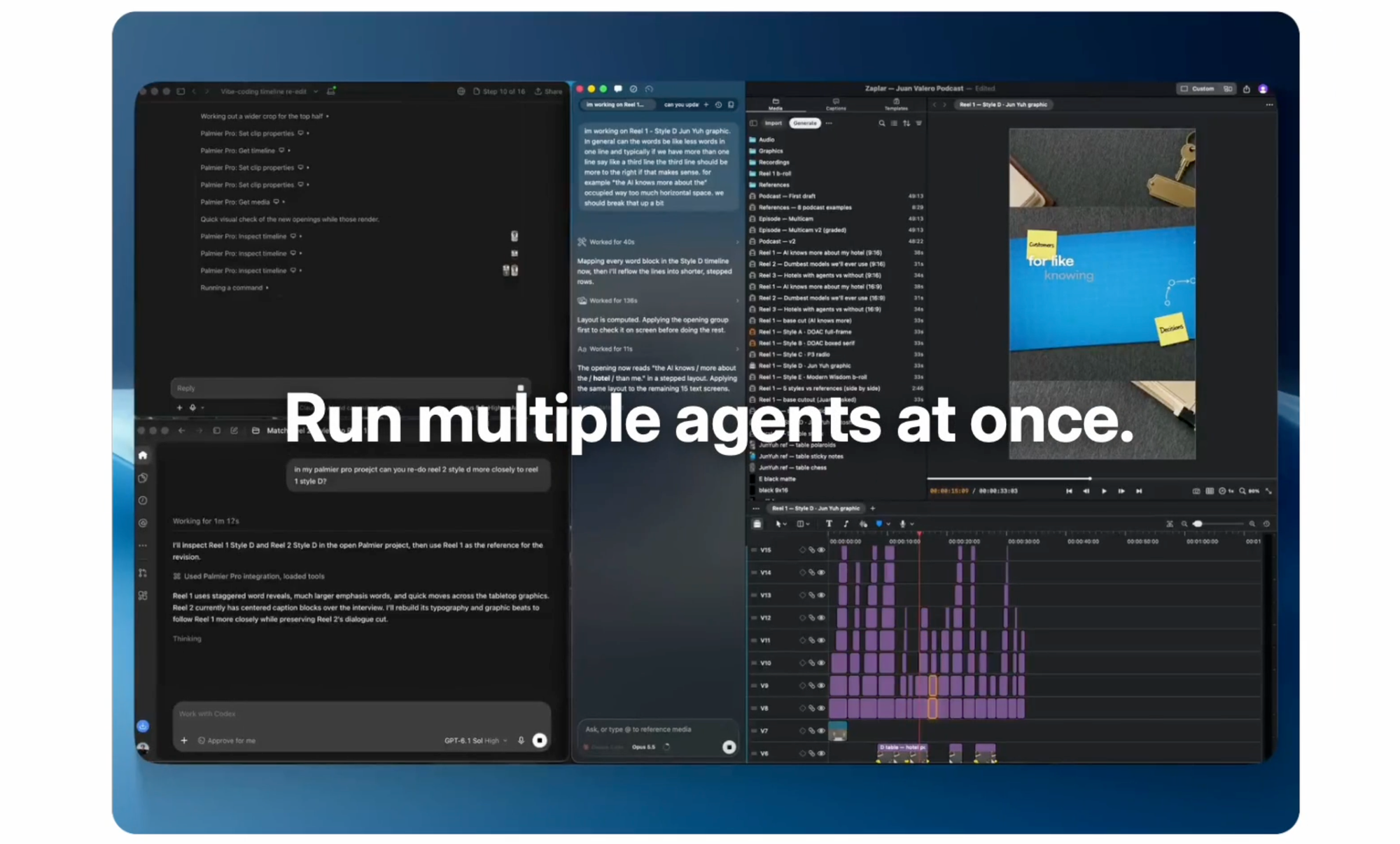
Palmier has added two features to Palmier Pro, its free Mac video editor built for AI agents. Headless mode lets the full editor run in the background without an app window, and multi-agent mode lets several AI agents work at the same time, each cutting a different version across separate timelines and projects.
You can jump into any of those timelines and edit alongside the agents. Palmier says both features are available for free starting today.
What’s New
Introducing Palmier Headless + Multi-agent
— Palmier (@Palmier_io) November 4, 2026
A full video editor that now runs in the background, no window required.
Spin up your team of agents to cut different versions, across timelines and projects, at the same time.
Jump into any timeline and edit alongside them.… pic.twitter.com/0qsVW7pDZn
Headless mode separates the editor from its interface. The editing engine keeps running in the background, so an AI agent can trim, reorder and assemble a cut without the app open on screen.
Multi-agent mode builds on that. Instead of one agent working through one edit, you can spin up several and assign each to its own version, such as different lengths, aspect ratios or hooks for the same campaign, and they work in parallel.
Because the agents are working in real Palmier timelines, you can open any of them at any point and take over or adjust the edit by hand.
How Palmier Works
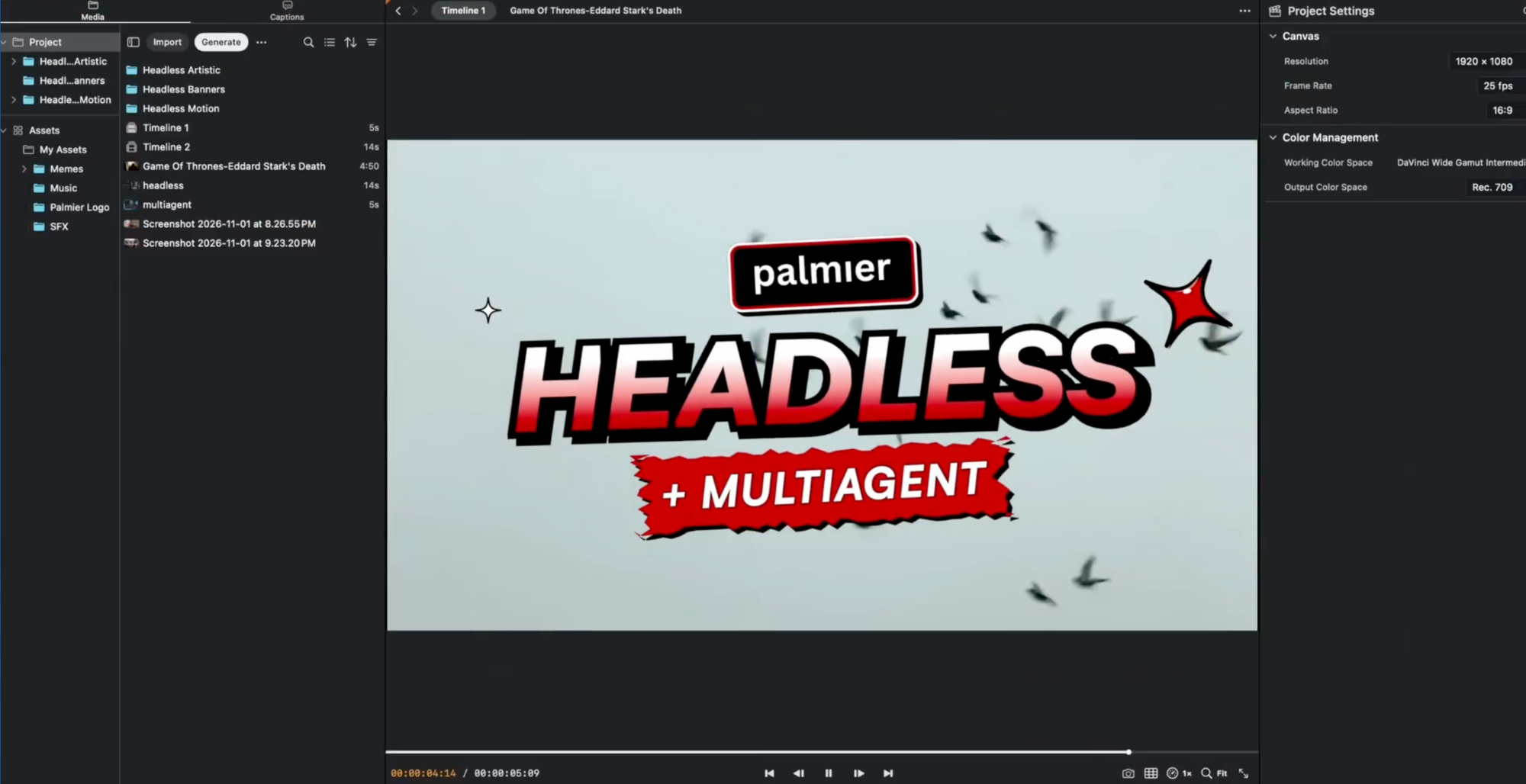
Palmier Pro, from Y Combinator-backed Palmier, launched earlier this year as a video editor designed to be operated by AI, covered in Palmier Pro Launches as an AI Video Editor Built for Agents. Agents like Claude, Codex and Cursor connect through a local MCP server, so they can inspect a project and edit the timeline directly, and Palmier also has its own built-in chat.
It combines editing with AI generation. Generation models including Seedance, Kling, FLUX, Runway and ElevenLabs can create images, video and audio inside the project, and each generated clip keeps its prompt, model and references for later iteration.
Manual tools include trimming, text, keyframes and color grading. Finished projects can be rendered as H.264, H.265 or ProRes, or exported as XML for Premiere Pro, DaVinci Resolve and Final Cut Pro.
Where It’s Useful
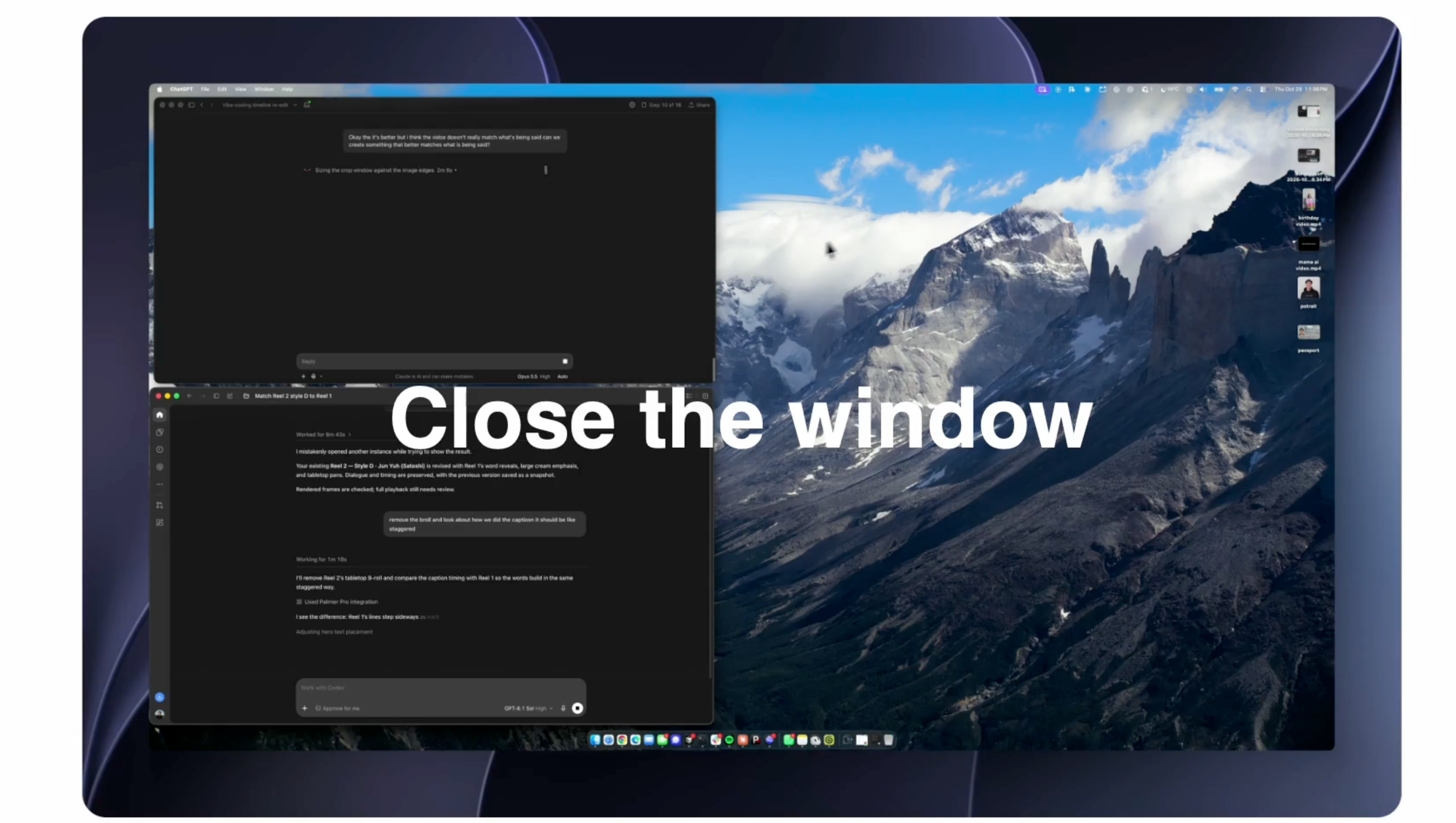
The clearest use is versioning. Marketing and social teams often need many cuts of the same material, from 15-second ads to vertical social edits to longer versions, and multi-agent mode is built to produce those drafts in parallel.
XML export means those drafts don’t have to stay in Palmier. An editor can review the agent-built versions, pick the strongest and finish them in the NLE they already use.
The Concerns
Versioning and cutdowns are traditionally work for assistant editors and junior editors, and tools like this are aimed squarely at it. Parallel agent editing could save teams time, but it also raises fair questions about where entry-level editing work goes.
Quality is the other open question. Palmier hasn’t detailed how many agents can run at once or how well they handle longer, more complex edits, and agent-built cuts still need review by someone who knows what the edit should feel like.
Competitive Context
Palmier is one of several tools building agent-driven editing. DaVinci Resolve Studio added native AI assistant control through MCP, covered in DaVinci Resolve 21.1: Claude and ChatGPT MCP Integration, and Mirage’s Tesseract gives agents their own editing engine with Premiere and After Effects conversion.
For motion graphics, tools like Raylight and Magnific Move turn agent output into editable layers, covered in What Is Code-Based AI Video? A Guide to the Tools That Build Editable Videos. Palmier’s multi-agent approach is focused on full edits and running many of them at once.
The Signal in the Noise
Running multiple agents in the background is a meaningful step for teams producing high volumes of versions and cutdowns. Combined with a free editor and XML export to standard NLEs, it’s easy for Mac users to test.
The practical limits are that it’s Mac-only and requires the newest macOS, and that AI generation inside Palmier runs on paid credits. Treat agent-built cuts as drafts that an editor still shapes and approves.
Would you hand off cutdowns and versions to a team of AI agents? Share where you’d draw the line in the comments.
Specs & Pricing
- Price: Editor, MCP connection, headless and multi-agent modes free; AI generation, upscaling and cloud transcription use paid credits; exact credit pricing available on Palmier’s website
- Platform: macOS 26 (Tahoe) or later
- AI agents: Claude, Codex, Cursor via local MCP server; built-in Palmier chat
- Render formats: H.264, H.265, ProRes
- NLE export: XML for Premiere Pro, DaVinci Resolve, Final Cut Pro