What Is Code-Based AI Video? A Guide to the Tools That Build Editable Videos
Code-based AI video tools build editable projects instead of flat video files, so you can change text, timing and color without starting over. Here’s how they work and which tools to try.

Most AI video tools give you a finished video file. If the text is wrong, the timing is off or the client wants a different color, you generate it again and hope the next one is closer.
A growing group of tools takes a different approach. Instead of outputting pixels, they build the video as code or as an editable project, with layers, keyframes and text you can change after the fact. Here’s what code-based AI video is, when it makes sense and which tools to look at.
What Code-Based AI Video Means
Code-based AI video tools describe a video as instructions rather than frames. The output might be an HTML page with animation code, a React project, a shader or an editing project with layers and keyframes.
When you ask for a change, the tool edits that description instead of regenerating the whole clip. The video is rendered from the code, so it can be updated, reused and output at any resolution.
You don’t necessarily have to write code yourself. Many of these tools let you describe what you want in plain language, while an AI agent writes and edits the code behind the scenes.
Why It’s Different From Video Generators
Video models like Seedance 2.5 and Kling 4.0 generate footage. They’re built for realistic scenes, people, camera moves and anything that should look like it was filmed, covered in Text-to-Video vs. Image-to-Video: Which Should You Use?.
Code-based tools are built for graphics. They’re strongest at things that need precision and easy revisions:
- Editable text: Titles, captions and on-screen copy stay as real text, so typos are a quick fix.
- Precise timing: Animation timing is set by keyframes and numbers, not left to chance.
- Any resolution: Code renders sharp at any size, from a phone to a 4K screen.
- Small files: An animation in code can weigh a few kilobytes instead of megabytes.
- Reusability: One project can become a template for many versions, such as different products, languages or data.
When to Use It
Code-based AI video is a good fit for motion graphics, kinetic typography, title cards, lower thirds, product animations, data visualizations, explainer graphics, UI animations and social templates that need many variations.
It’s a poor fit for live-action-style footage, people, natural environments or cinematic shots. Those still belong to video generation models or a camera. Many projects combine both: generate a shot with a video model, then add code-based graphics on top.
The Tools
Remotion is an open-source framework for making videos with React and web technologies, with about 69,000 stars on GitHub. It now supports AI agents through Agent Skills, plugins and WebMCP. Its Studio lets you edit keyframes visually and save the changes back to code. Remotion is free for individuals and companies of up to three people, with paid plans for larger teams starting at $25 per seat per month.
Mirage’s Tesseract is a free editing engine built for AI agents like Claude and ChatGPT. It builds editable projects with layers, keyframes, compositions and audio. It can now use reference videos and convert projects to Premiere Pro and After Effects files, with partial Premiere support and experimental After Effects export. Covered in Mirage’s Tesseract Can Now Turn Any Video Into a Template for Your AI Agent.
fal’s Motion to Code turns a prompt, image or video into a GSAP animation page or a looping GLSL shader. It costs $0.30 per second from a prompt or image, or $0.20 per second from your own video. Covered in fal’s Motion to Code Turns a Prompt or Video Into Editable Animation Code.
Magnific Move builds motion graphics from plain-language prompts and keeps every layer editable. It can also add animated graphics on top of existing footage. Covered in Magnific Move Lets You Add Motion Graphics to Video by Describing Them.
General-purpose AI models like Claude and ChatGPT can also write animation code directly, as HTML, CSS, JavaScript or Python, from a text description. It takes more trial and error than a dedicated tool, but it’s a quick way to experiment at no extra cost.
A Simple Starter Workflow
- Start with a clear brief. Describe the animation, text, colors, timing and length. Specific direction, like bold typography or a two-second hold, produces better results than vague requests.
- Let the agent build a first version. Use a dedicated tool like Magnific Move or Motion to Code, or ask an AI model to write the animation code.
- Revise by describing changes. Change one element at a time, such as text, color or timing, instead of starting over.
- Fine-tune by hand if needed. Tools like Remotion Studio and Tesseract let you adjust keyframes and layers directly.
- Export or hand off. Render the video, or move the project into Premiere Pro or After Effects to finish it with the rest of your edit.
The Limits
Results depend heavily on the prompt. Early hands-on tests of tools like Magnific Move show that generic requests produce generic animations, and that design direction still matters.
Some tools also take setup. Remotion is aimed at developers, and running agent-based tools like Tesseract involves installing and connecting software. Generated code can be messy, which matters if a designer needs to maintain it.
Conversions between formats are also imperfect. Effects, fonts and timing can shift when projects move into Premiere Pro or After Effects.
Competitive Context
Code-based tools sit between AI video generators and traditional motion design software. After Effects remains the professional standard for motion graphics, and template platforms like Canva cover quick social graphics.
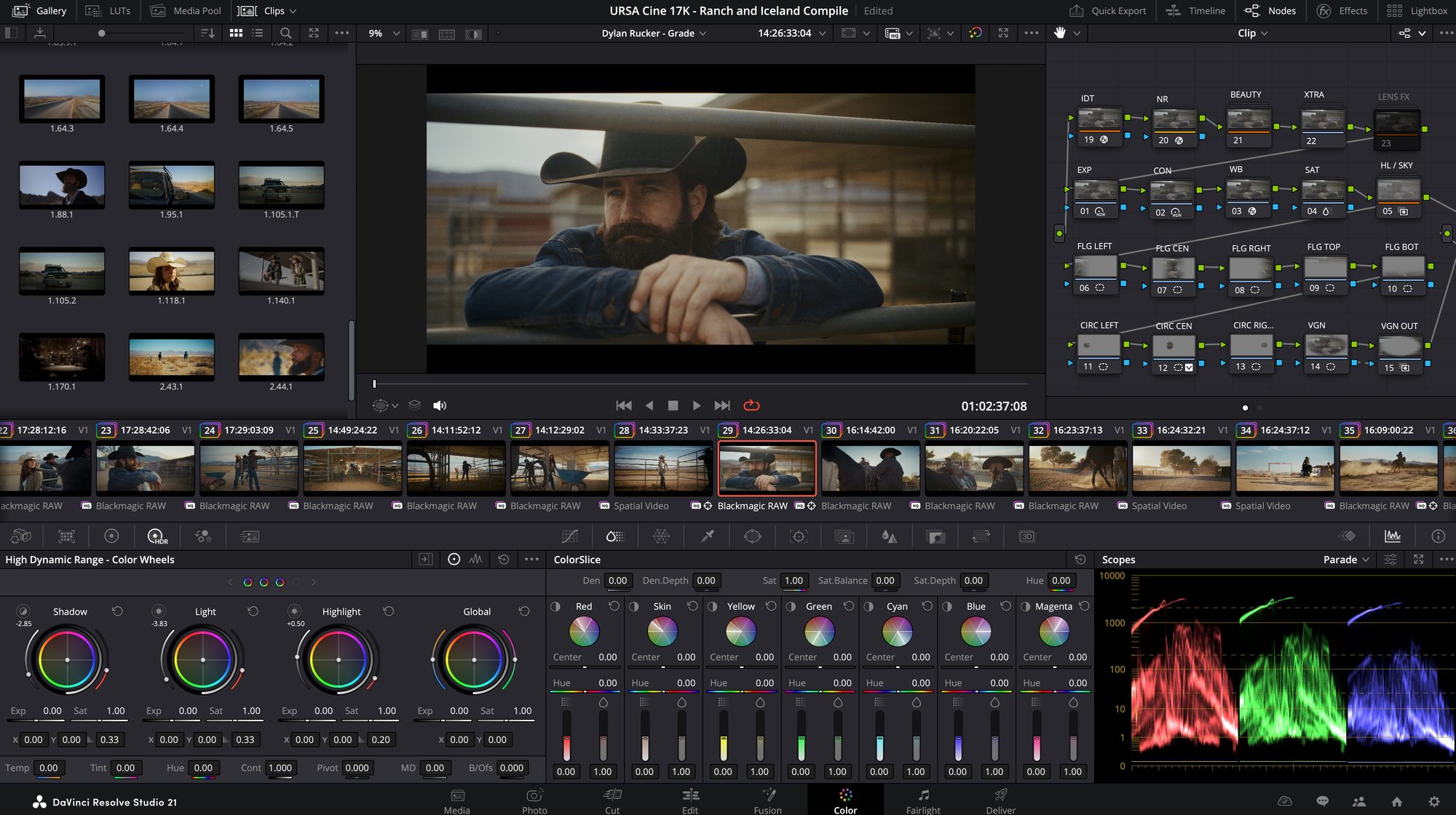
The code-based approach is gaining momentum because AI agents are good at writing and editing code. Editors are also connecting agents to traditional software, like DaVinci Resolve Studio’s AI assistant integration, covered in DaVinci Resolve 21.1: Claude and ChatGPT MCP Integration.
The Signal in the Noise
If your work involves titles, graphics, product animations or templated social content, code-based AI video is worth learning now. Editable output solves the biggest problem with AI-generated graphics, which is starting over for every small change.
It won’t replace video generation models for footage, or motion designers for work that needs taste and judgment. Use it as a fast way to draft and revise graphics, then refine them in the tools you already know.
Have you tried building graphics or animations with an AI agent yet? Share what worked and what didn’t in the comments.
The Details
- What it is: AI tools that build videos as code or editable projects instead of flat video files
- Best for: Motion graphics, titles, kinetic type, product and UI animations, data videos, templates
- Not for: Realistic footage, people and cinematic shots
- Remotion: Open source; free for individuals and teams of up to three; paid plans from $25 per seat per month
- Mirage Tesseract: Free engine; AI agent costs separate; Premiere and After Effects conversion
- fal Motion to Code: $0.20–$0.30 per second; outputs GSAP or GLSL code
- Magnific Move: Prompt-based motion graphics with editable layers; pricing not yet published
- General AI models: Claude and ChatGPT can write animation code directly