How to Maintain Character Consistency in Runway Across Multiple Shots
Runway Gen-4.5 has the best character consistency of any major AI video platform — but only when you use the reference image system correctly. Here's the exact technique for maintaining a consistent character across multiple shots.

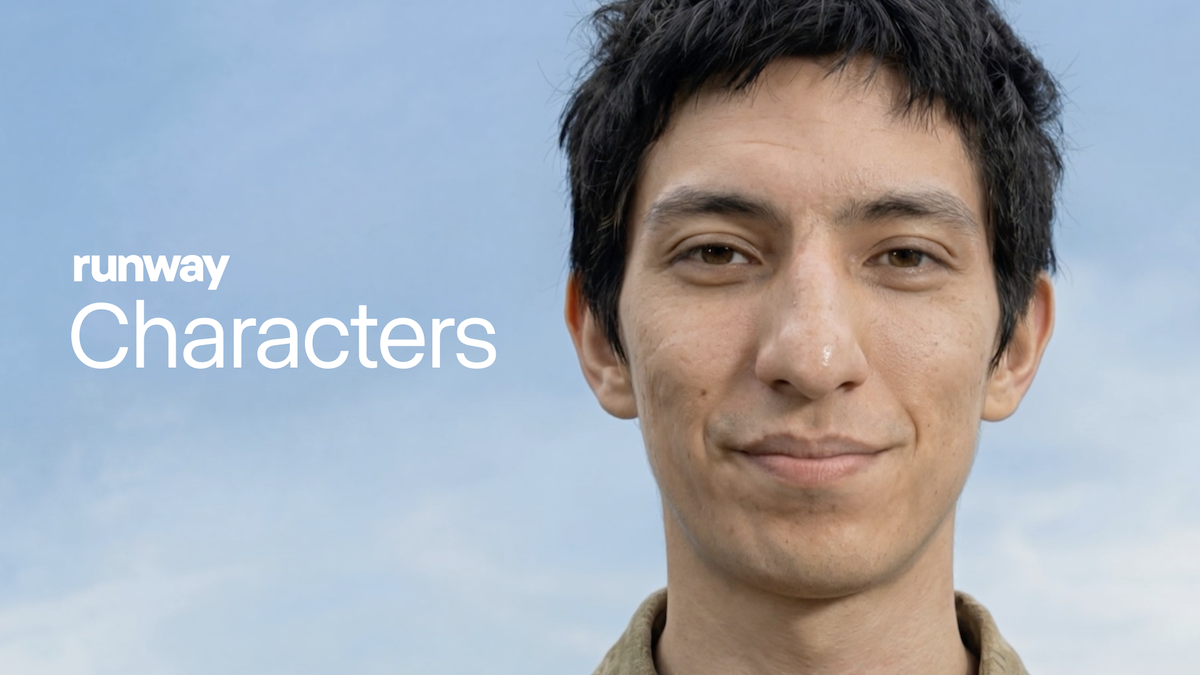
Character consistency is the hardest problem in AI video production. Generate the same person in two different shots and they'll look like cousins at best, strangers at worst — different facial structure, different hair, different proportions. Runway Gen-4.5 has invested more in solving this problem than any other major platform, and the results are meaningfully better than competitors when you use the system correctly.
Here's exactly how to do it.
Why character consistency breaks in the first place
AI video models generate each clip independently. Without explicit anchoring information, the model has no memory of what a character looked like in the previous generation — it's making a new creative decision every time. The result is visual drift: the same character described in the same words produces a slightly different face in each clip, accumulating into noticeable inconsistency across a sequence.
The solution is reference anchoring — giving the model a fixed visual reference it must match rather than interpret freshly each time.
The core technique: reference images
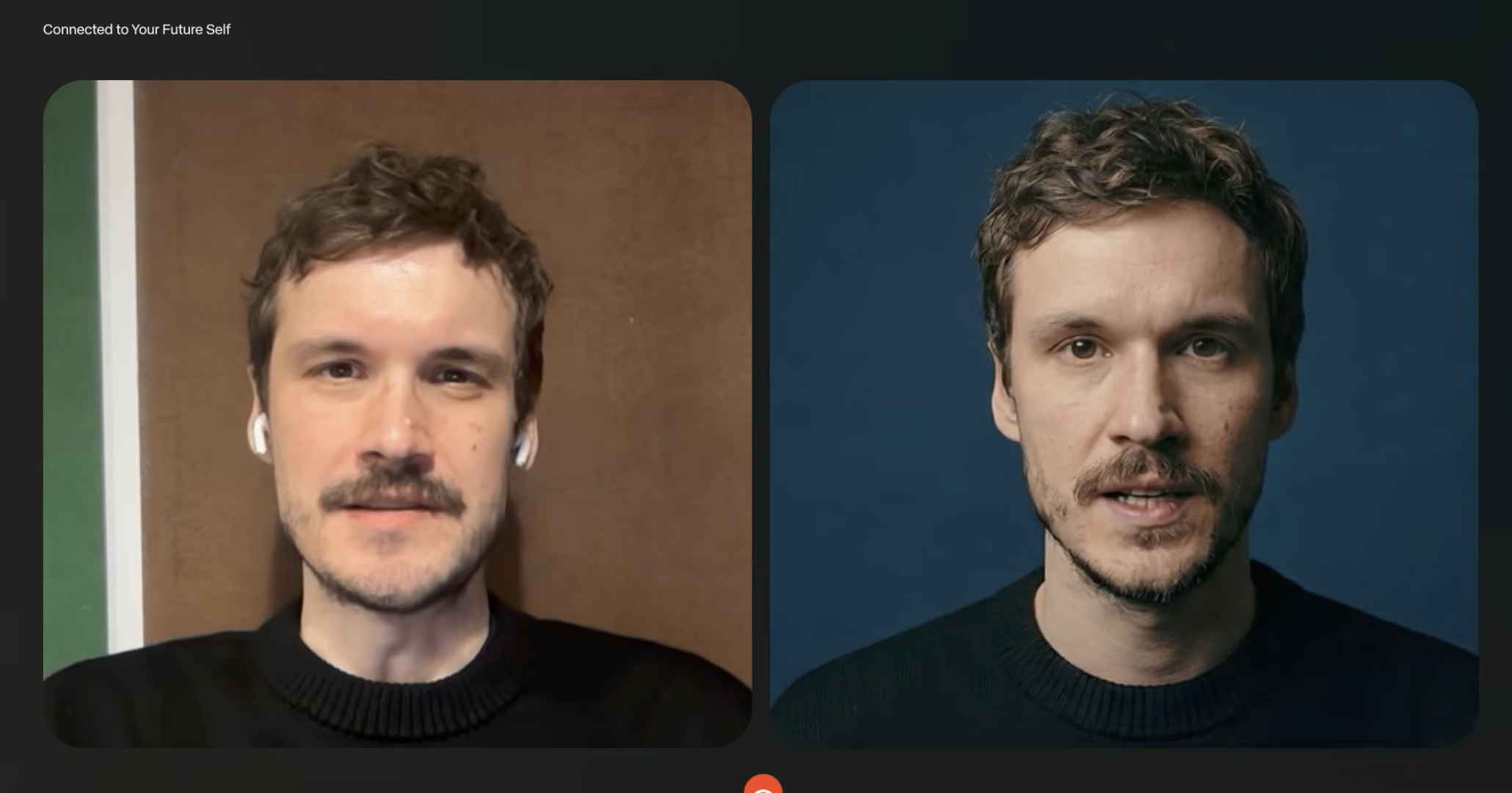
Runway's primary character consistency system works through reference images in image-to-video mode. The workflow:
- Start with a strong reference image of your character — a still photo, an AI-generated portrait, or a frame from a previous clip that represents exactly how the character should look
- Upload it as the input image for your generation
- In your prompt, describe the action and environment for this specific shot — not the character's appearance, since the reference image handles that
- Include a brief character anchor phrase in the prompt: "same person as reference image, [action/environment]"
- Generate — Runway uses the reference image as the visual anchor for facial features, body type, and clothing
The reference image becomes the character's visual passport across your sequence. Every generation that uses it as input produces a more consistent version of that character than text description alone ever achieves.
Building a multi-shot sequence step by step
For a sequence requiring five shots of the same character:
Shot 1: Generate your establishing shot using the reference image as input. Review it — if this shot's version of the character looks right, save the output frame you like most.
Shot 2 onward: Use the best frame from the previous shot as the reference image for the next generation, rather than your original reference. This "chaining" technique compounds consistency — each shot is anchored to the previous one rather than just the original portrait, which tightens the visual drift across longer sequences.
Shot variation: Change the camera angle, lighting, and action in your prompt while keeping the reference constant. Wide shot → medium → close-up across the same reference maintains the character while letting the coverage breathe.
What to do when a generation drifts
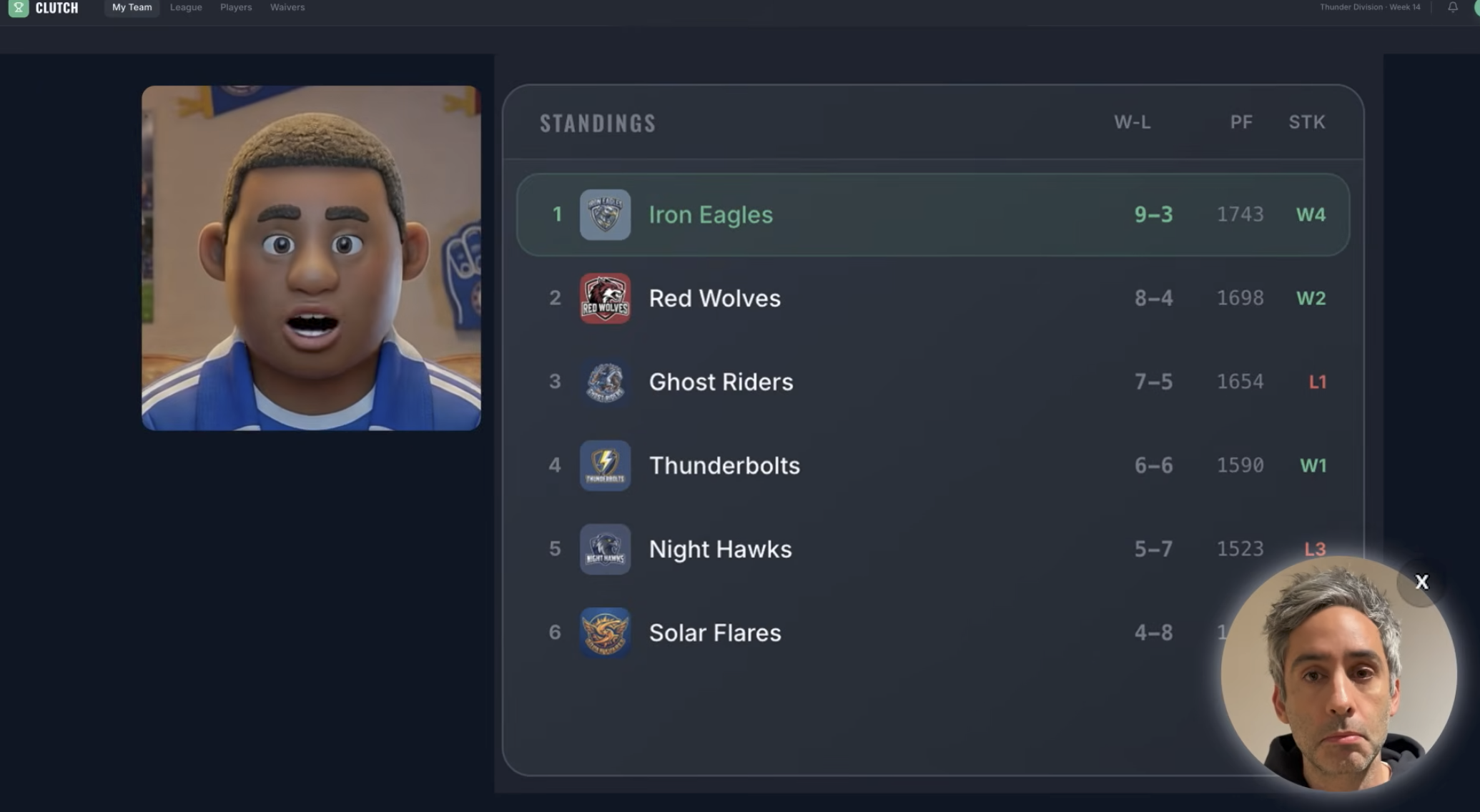
Even with reference images, some generations will drift slightly — different nose, slightly off hair color. When this happens:
- Regenerate rather than accepting the drift. Consistency problems compound — a slightly-off shot used as a reference for the next shot produces a more-off result, and so on.
- Try adjusting the prompt to be more explicit about the specific feature that drifted: "same olive skin tone, same dark curly hair, same angular jawline as reference image"
- If a specific facial feature keeps shifting, describe it in the negative: "not blonde, not round-faced"
- For clothing consistency: include the outfit in the prompt explicitly on every shot ("wearing the same grey blazer and white shirt as reference") even though the reference image shows it
Using Runway's World Consistency / Character Reference system
On Pro and Max plans, Runway offers a more explicit character reference system — sometimes called World Consistency — that lets you upload up to three reference images of the same character from different angles. The model uses all three to build a more complete character profile than a single image provides, which improves consistency across angle changes specifically.
If you're building a project with a character who appears in multiple lighting conditions and camera positions, three reference images (front, three-quarter, side) gives the model more to anchor to than a single portrait.
Keeping consistency across sessions
Runway doesn't have persistent character memory between sessions — close the browser and your character reference is gone. Before ending a work session on a multi-shot project:
- Save your best character frame as a standalone image file
- Note the exact prompt language that produced the most consistent results
- Keep a folder of reference frames organized by character and shot number
Starting a new session with the same reference image and the same prompt structure gets you back to a consistent baseline faster than starting from scratch.
Where this still falls short
Being honest about the limits: Runway's character consistency is the best available among major AI video platforms, but it's not absolute. Extreme angle changes (from a front-facing close-up to a profile shot) produce more drift than moderate angle variations. Very long sequences — twelve or more shots — accumulate drift even with careful reference chaining. And if your character needs to interact physically with another character in the same frame, consistency for both simultaneously is significantly harder than for one character in isolation.
For the most demanding character consistency requirements — recurring characters across dozens of shots in a commercial campaign, for example — combining Runway's reference system with consistent lighting conditions, similar camera distances across shots, and careful frame selection at each stage produces the best results.