Final Cut Pro vs. DaVinci Resolve in 2026: Which Editor Should You Use?
Final Cut Pro or DaVinci Resolve? Here’s how they compare in 2026 on pricing, editing style, color grading, motion graphics, AI tools and platform support, and who each is best for.


For Mac editors, the choice usually comes down to Final Cut Pro or DaVinci Resolve. Both are fast, professional editors, and both changed in meaningful ways this year, from Apple’s new subscription bundle and built-in MotionVFX tools to Resolve’s AI assistant integration.
The right pick depends less on which is “better” and more on how you work: what you’re willing to pay, whether you need to work across platforms, and how much color, effects and audio work you do yourself.
Pricing: Three Ways to Pay
DaVinci Resolve’s free version is a full professional editor with no watermark, including editing, color, Fusion visual effects and Fairlight audio. DaVinci Resolve Studio, which adds advanced noise reduction, more effects and features like AI assistant control, is a one-time $295 purchase, currently on sale for $236 through November 20.
Final Cut Pro is available as a one-time purchase for $299.99 on the Mac App Store. Motion and Compressor cost $49.99 each.
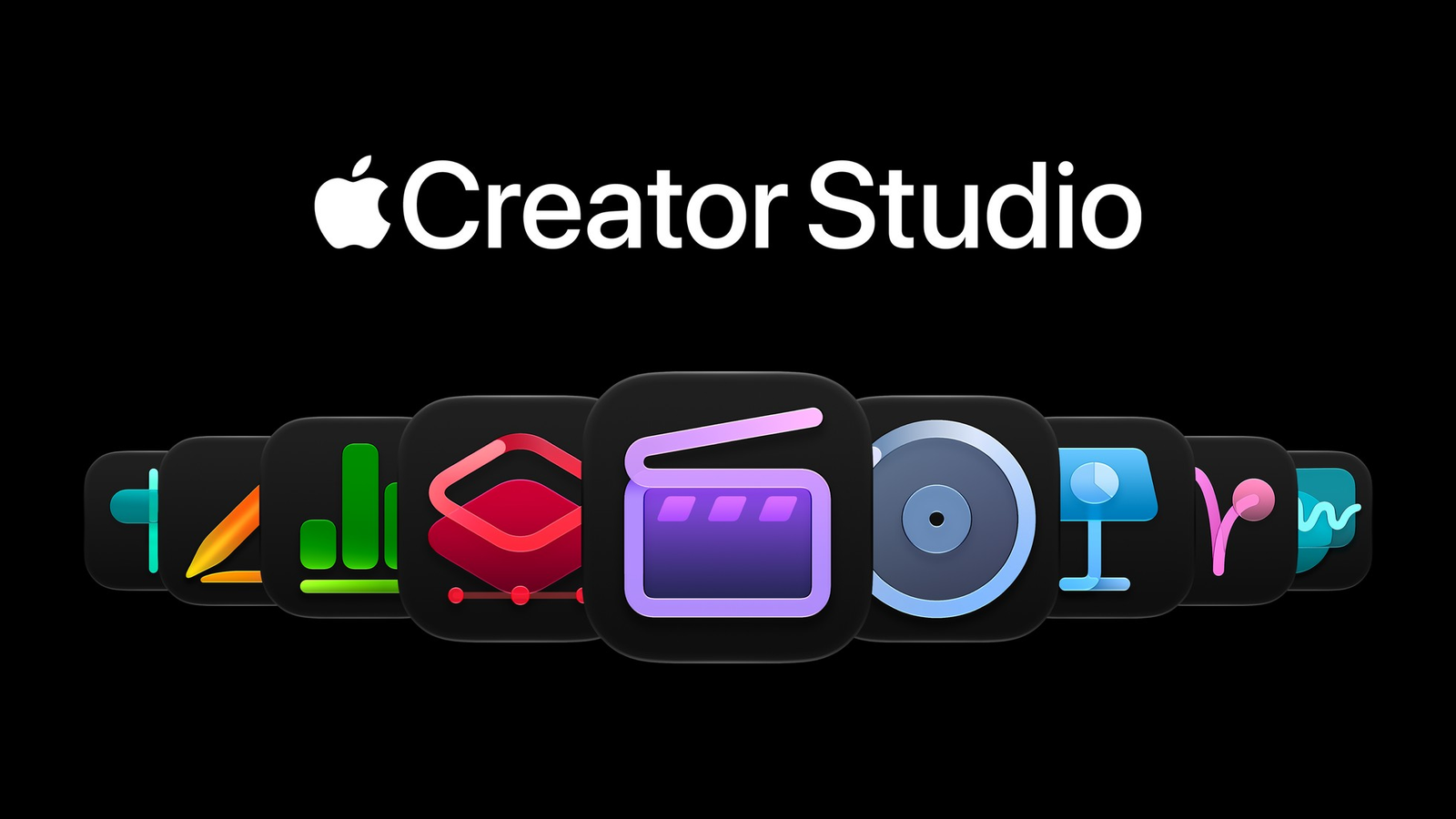
Apple also sells Final Cut Pro through Apple Creator Studio, a $12.99-a-month or $129-a-year subscription that bundles Final Cut Pro, Logic Pro, Pixelmator Pro, Motion, Compressor and more across Mac and iPad. Apple’s newest Final Cut Pro features, including built-in MotionVFX content, are framed as Creator Studio benefits.
Editing Style
Final Cut Pro is built around its magnetic timeline, where clips snap together and connect to a primary storyline instead of sitting on traditional tracks. Many editors find it faster for cutting, especially for documentary, interview and social content. Others find it restrictive compared with track-based editors.
Apple’s November update loosens that model, letting editors disconnect clips from the primary storyline and place them anywhere, covered in Everything New in Final Cut Pro: MotionVFX, Stock Video, AI Images and Timeline Upgrades.
Resolve uses a traditional track-based timeline, which will feel familiar to anyone coming from Premiere Pro or Avid. It also offers a separate Cut page designed for fast turnarounds.
Color Grading
This is Resolve’s biggest advantage. Resolve started as a professional color grading system, and its node-based Color page, scopes and HDR tools are used on feature films and high-end series.
Final Cut Pro’s color tools handle most content-creator work, including color wheels, curves and LUTs. Its November update adds MotionVFX color grading tools. For dedicated grading work, though, Resolve remains the stronger choice.
Motion Graphics, Effects and Audio
Final Cut Pro relies on Motion, Apple’s companion app, for custom titles and effects, plus a large third-party template and plug-in market. With the November update, MotionVFX’s library of templates, titles, transitions and tracking tools is built in for Creator Studio subscribers.
Resolve keeps everything in one app. Fusion handles node-based compositing and motion graphics, and Fairlight is a full audio post-production environment. That makes Resolve more self-contained, though Fusion has a steeper learning curve than Motion or MotionVFX templates.
AI Features
Both editors added significant AI tools this year. Resolve 21 introduced IntelliSearch and AI tools for faces and speech, and Resolve Studio 21.1 added a native MCP server that lets Claude and ChatGPT carry out editing tasks, covered in DaVinci Resolve 21.1: Claude and ChatGPT MCP Integration.
Final Cut Pro’s AI additions are more focused on assets and assistance, including AI image generation inside a project, transcription in 23 new languages and Pixelmator Pro’s Generate Fill through round-tripping.
Platforms and Performance
Final Cut Pro runs only on Mac and iPad, and it’s tightly optimized for Apple silicon, which is one reason it feels fast on modest Macs. It also supports Touch editing on Apple’s new touchscreen MacBook Pro, covered in Is Apple’s New Touchscreen OLED MacBook Pro the Best Laptop for Color Grading Yet?.
Resolve runs on Mac, Windows and Linux, plus iPad, which matters if you collaborate with editors on other platforms or might switch computers later. Resolve also supports Touch on the new MacBook Pro, according to Apple.
Competitive Context
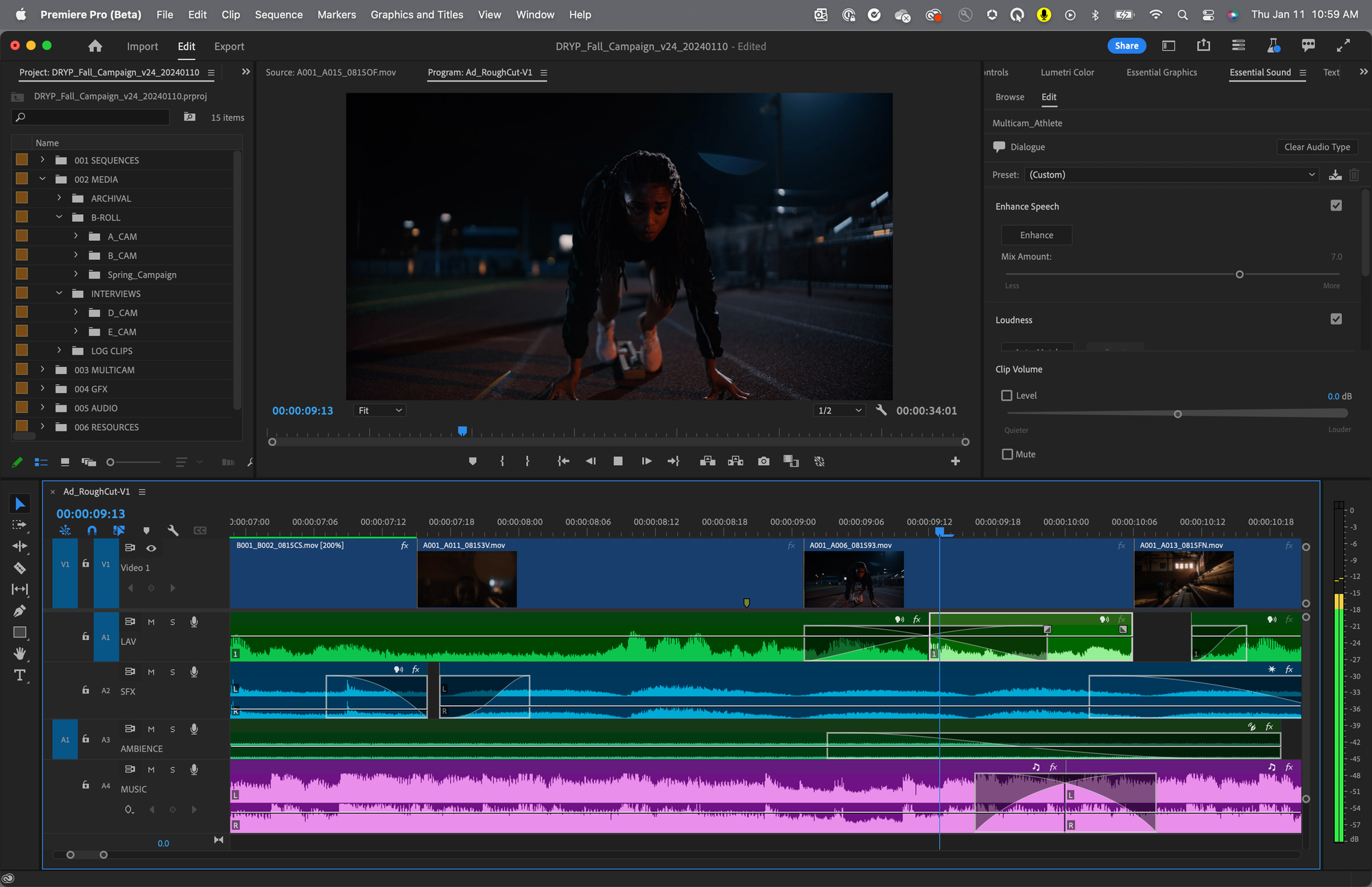
Premiere Pro remains the third major option, especially for teams in Adobe’s ecosystem, covered in DaVinci Resolve vs. Premiere Pro: Which Should You Learn in 2026?. It requires a subscription, with no free tier.
Between Final Cut Pro and Resolve, Apple is competing on speed, polish and bundled content, while Blackmagic competes on price, depth and cross-platform flexibility.
The Signal in the Noise
Choose Final Cut Pro if you work only on a Mac, value speed and a streamlined interface, and do most of your work as a solo editor or content creator. The one-time $299.99 purchase is still a strong value, and Creator Studio makes sense if you also want Logic Pro, Pixelmator Pro and the new MotionVFX content.
Choose DaVinci Resolve if color grading matters to you, you want effects and audio in one app, you collaborate across Mac and Windows, or you want to start for free. Resolve Studio’s one-time price is easy to justify for serious work.
Many editors use both: Final Cut Pro for fast cutting and Resolve for finishing and color.
Which editor are you cutting in right now, and what would make you switch? Share your setup in the comments.
Specs & Pricing
| Final Cut Pro | DaVinci Resolve | |
|---|---|---|
| Free version | No (free trial) | Yes, full-featured |
| One-time price | $299.99 | Studio: $295 ($236 sale through Nov. 20) |
| Subscription | Apple Creator Studio: $12.99/mo or $129/yr | None |
| Platforms | Mac, iPad | Mac, Windows, Linux, iPad |
| Timeline | Magnetic timeline | Track-based, plus Cut page |
| Color | Color wheels, curves, LUTs; MotionVFX grading tools | Node-based Color page, HDR tools |
| Effects | Motion ($49.99), MotionVFX (Creator Studio) | Fusion built in |
| Audio | Built-in tools; Logic Pro separate | Fairlight built in |
| AI highlights | Image generation, transcription, Pixelmator round-tripping | IntelliSearch, face and speech tools, MCP AI assistant control (Studio) |
Resources & Reads
- Apple Creator Studio Adds Powerful New AI Features and Even More Creative Tools — Apple Newsroom
- Apple Boosts Final Cut Pro, but Is It Enough to Compete With DaVinci Resolve? — Y.M.Cinema
- DaVinci Resolve vs. Premiere Pro: Which Should You Learn in 2026?
- DaVinci Resolve 21.1: Claude and ChatGPT MCP Integration