Can AI Video Feel Directed? Inside Higgsfield Cinema Studio 4.0’s Genres, Lenses and “Emotion Wheel”
Higgsfield’s Cinema Studio 4.0 lets you pick a genre, decade, camera, lens and emotion before generating. Here’s how it works, what it costs and where the limits are.

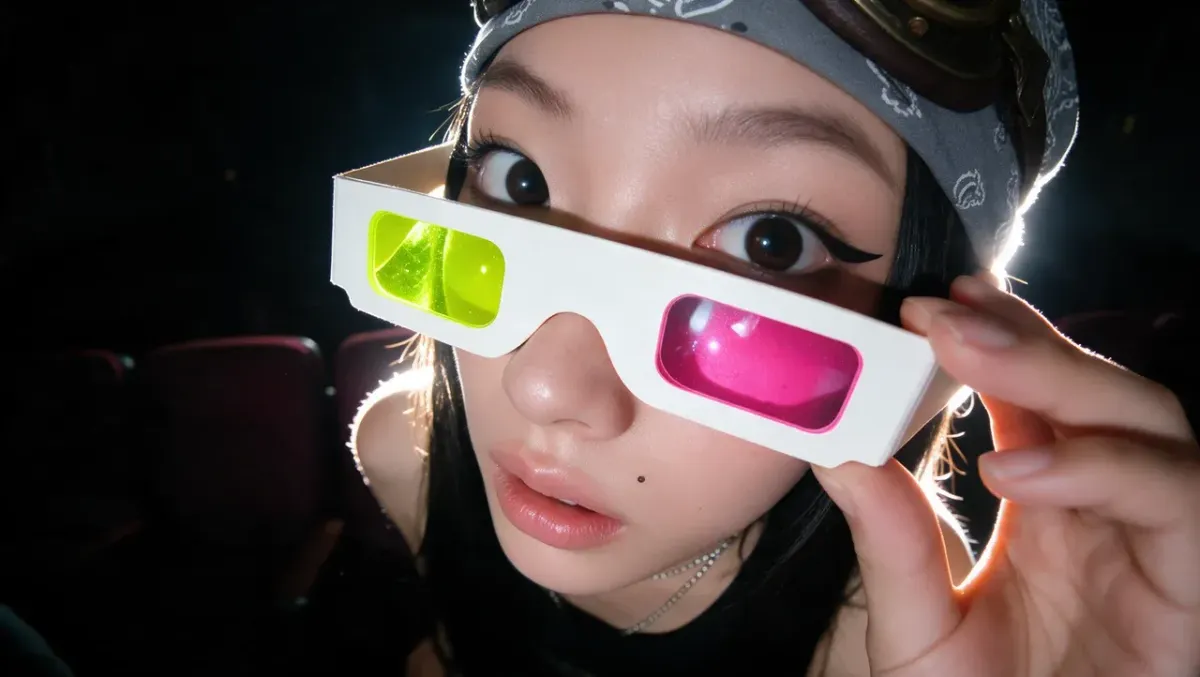
Most AI video tools work the same way: type a prompt, get a clip, hope it’s close. Higgsfield’s Cinema Studio 4.0 is built around a different idea, where you make choices a director would make, like genre, decade, camera, lens, color and performance, before anything is generated.
The tool has been available since August, and Higgsfield is now pushing it harder, with a new press release this week. Here’s what Cinema Studio 4.0 does, how its controls work, what it costs and where the limits are.
What Cinema Studio 4.0 Is
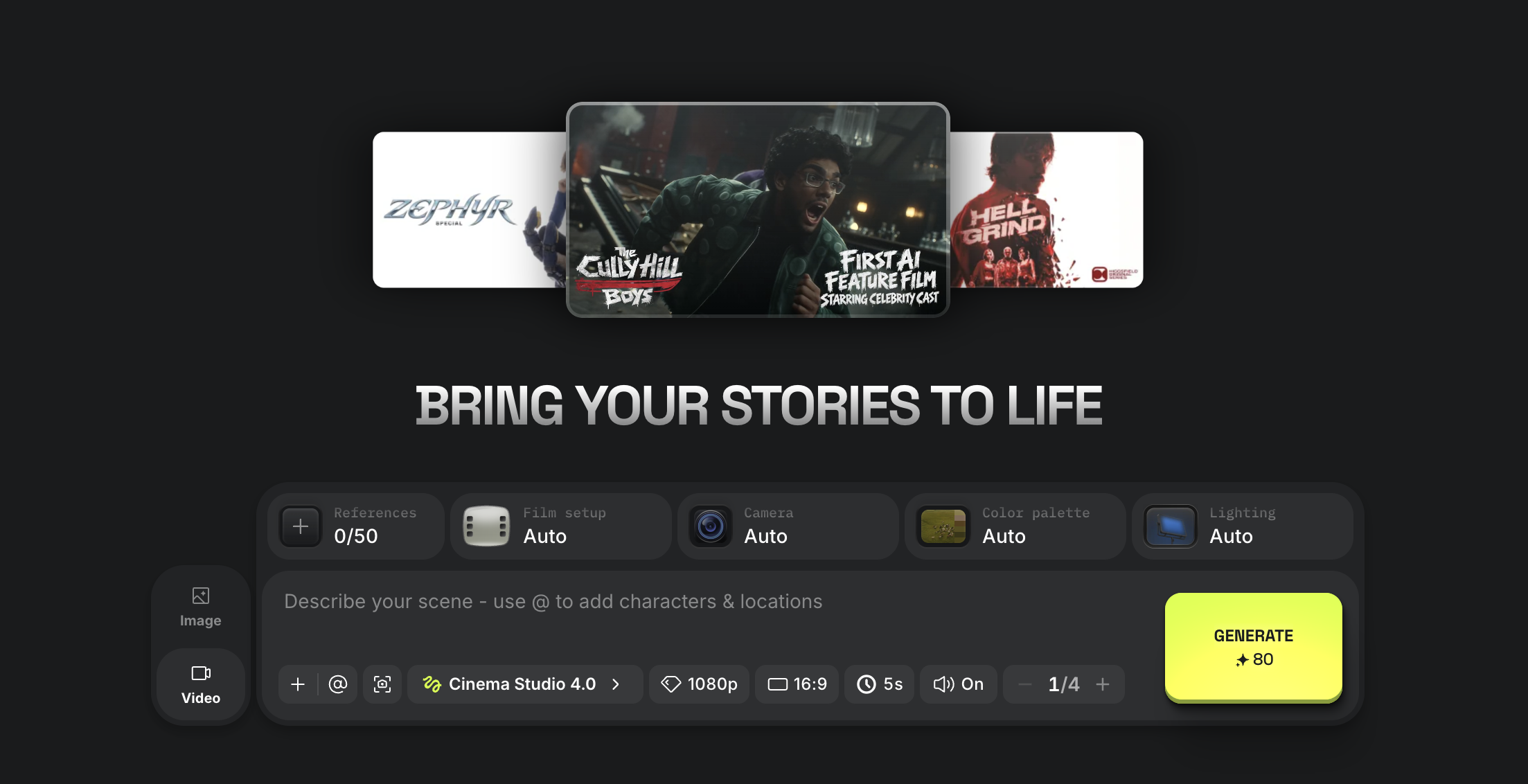
Cinema Studio is Higgsfield’s scene-building environment, separate from its standard text-to-video and image-to-video tools. Version 4.0 generates multi-shot scenes up to 30 seconds long, double the 15 seconds in version 3.5.
It also accepts up to 50 references per generation, up from nine. References can include uploaded images and video, AI characters from Higgsfield’s Soul Cast library and elements from earlier Cinema Studio projects. The goal is to keep a character, product or look consistent across a sequence.
The Director’s Panel: Genre, Decade and Tempo
The core of 4.0 is what Higgsfield calls the Director’s Panel. You choose from seven genres and set the scene in any decade from the 1960s to the 2020s.
According to Higgsfield, the decade setting adjusts grain, color and lens character to match the era. A tempo control adjusts how fast and how often the scene cuts, which affects pacing more than any single prompt can.
Cameras, Lenses, Moves and Color
Cinema Studio 4.0 offers four camera types, including digital, DV camcorder, 35mm and 8mm film looks. A rebuilt lens system runs from sharp, modern glass to vintage character.
There are more than 30 camera movement presets, including POV, robot arm and helicopter shots. Color grading presets have grown from eight to more than 50, alongside lighting controls.
The Emotion Wheel
The most unusual control is the Emotion Wheel, which steers a character’s facial expression and body language. Higgsfield lists eight or more emotions, including joy, anger, fear and trust.
It’s an attempt to fix one of AI video’s most common complaints: performances that look blank or randomly animated. Whether it produces convincing acting rather than exaggerated expressions is something to test on your own shots.
Editing After Generation
Cinema Studio 4.0 also lets you change a scene after it’s generated. Forward and Backward Extend continue a clip or create what leads into it, and Edit Video changes existing footage from a prompt.
Higgsfield’s latest press release also describes native audio generation for speech, sound effects and music, plus uploaded reference videos of up to 30 seconds.
How to Get Started
Open Cinema Studio from Higgsfield’s generate page and start a new project. Version 4.0 is now the default whenever Cinema Studio is opened.
Start by loading references for your characters and key visuals, then set genre, decade and camera in the Director’s Panel. For multi-shot prompting and character consistency in general, see How to Write Multi-Shot Prompts for AI Video and How to Keep Characters Consistent in AI Video.
Competitive Context
Most competitors offer some of these controls piecemeal. Seedance 2.5 and Kling 4.0 both support 30-second generations, and Seedance 2.5 also supports up to 50 references, so length and reference count alone aren’t unique to Higgsfield.
What sets Cinema Studio apart is how it packages those controls into a filmmaker’s vocabulary, with genre, era, lens and performance in one place. Higgsfield also runs many third-party models across its platform, and Cinema Studio’s credit costs vary by the model used.
The Signal in the Noise
Cinema Studio 4.0 is a real step toward AI video that responds to directing choices rather than prompt luck. For previs, pitch reels and short-form experiments, controls like decade, lens and tempo are more useful than another round of prompt tweaking.
There are fair reasons for caution. Credit costs add up quickly at 1080p, and Higgsfield has faced criticism over its terms of service, covered in The Higgsfield ToS Controversy, Explained.
Higgsfield says it screens generations for real faces and protected IP. Even so, a tool built around “casting” AI actors raises real questions for the performers and crews whose work it imitates.
Have you tried Cinema Studio’s Director’s Panel or Emotion Wheel? Share whether the results felt directed in the comments.
Specs & Pricing
- Scene length: Up to 30 seconds, multi-shot
- References: Up to 50 per generation
- Camera types: 4 (including digital, DV, 35mm and 8mm looks)
- Camera moves: 30+ presets
- Color presets: 50+
- Decade settings: 1960s to 2020s
- Example cost, 10 seconds at 720p, 16:9 with audio: 70 credits
- Example cost, 30 seconds at 1080p: 480 credits (360 with a limited-time discount)
- Plans: Exact pricing available on Higgsfield’s website